How to Set Up a Livestream in Glory League
Learn how to create and schedule a livestream in Glory League, including selecting the court, setting the livestream date and time, and applying an Ad Group if required.
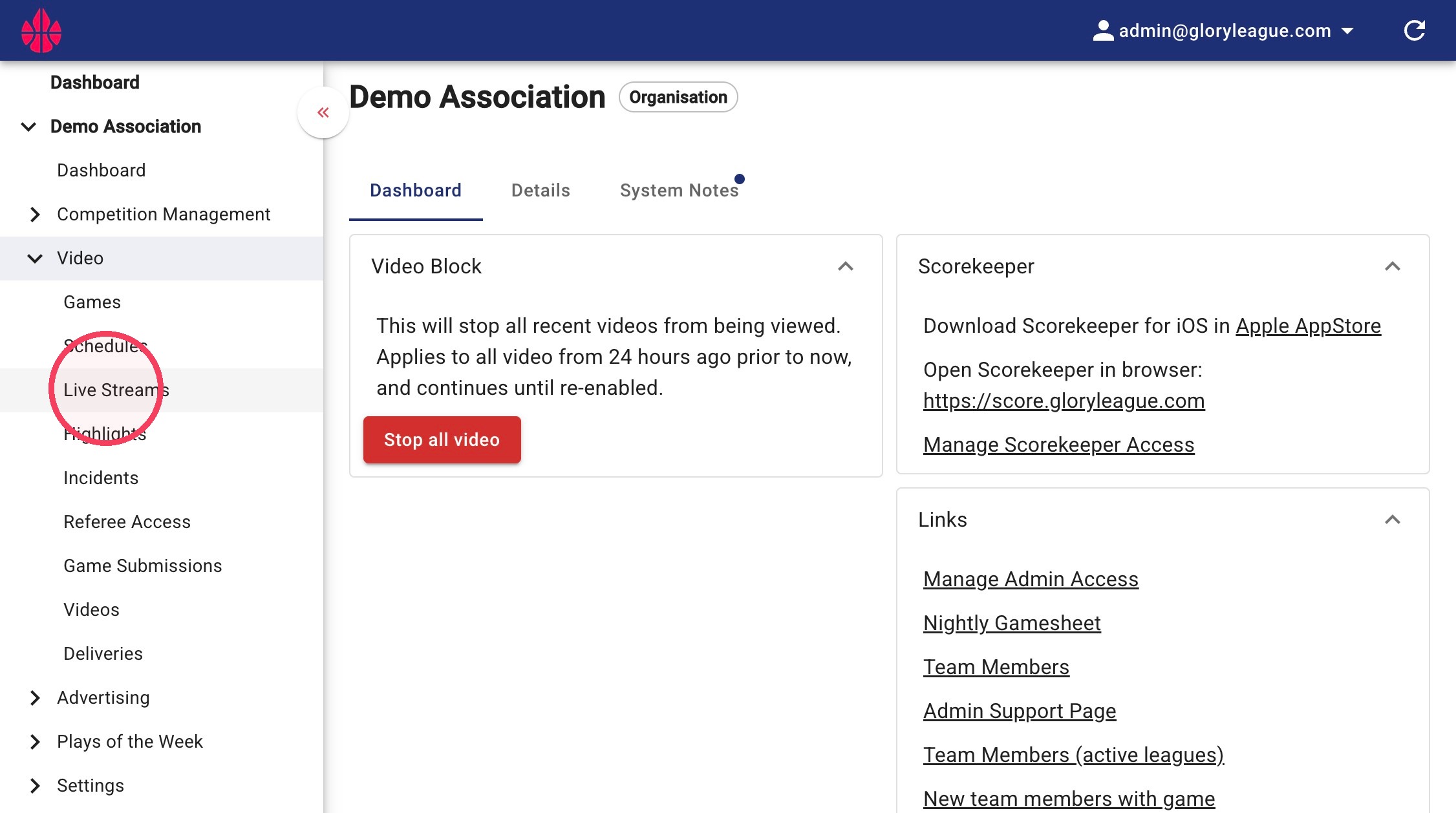
1. Click into the Live Streams page under the Video dropdown.
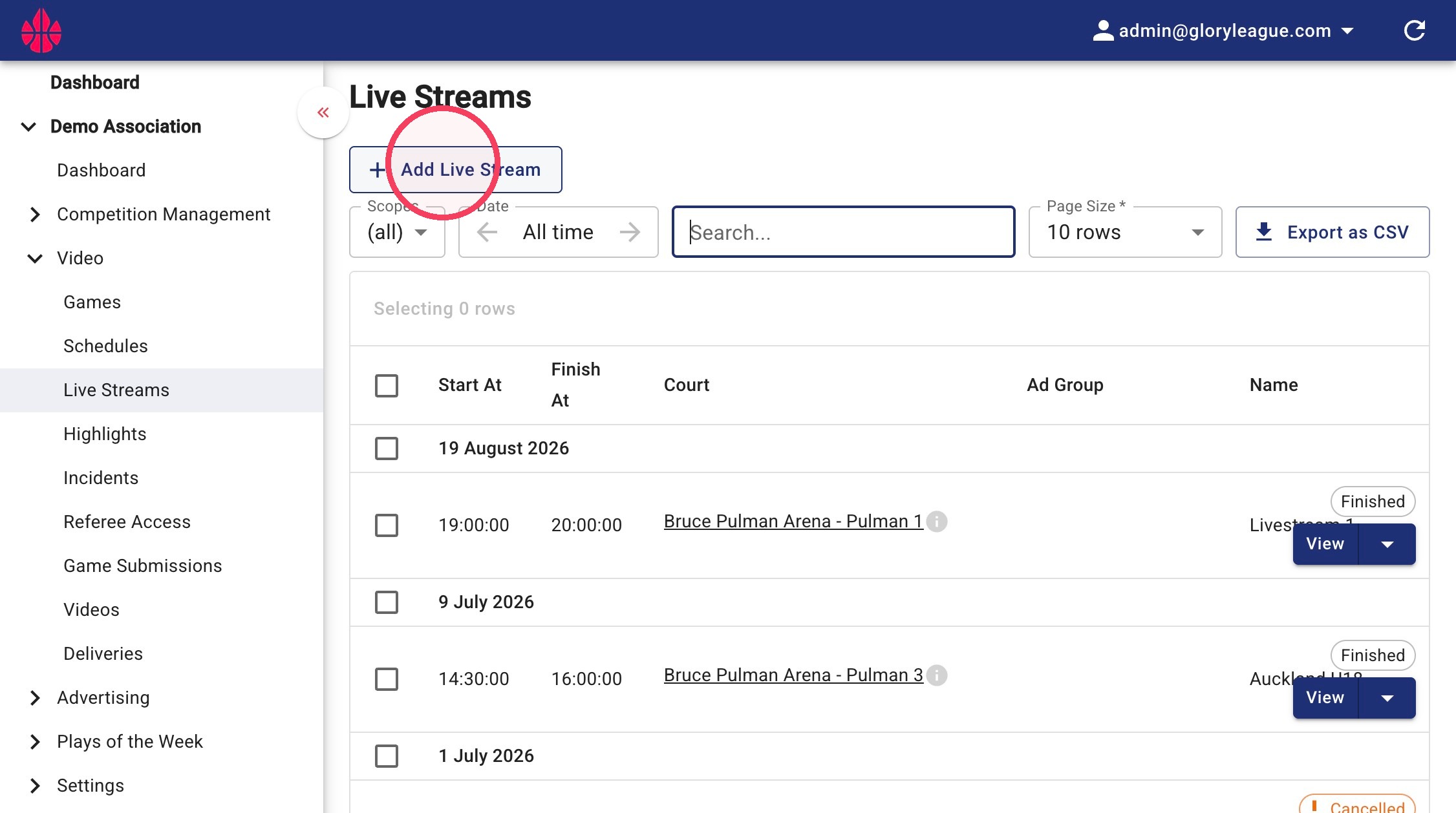
2. Click the Add Live Stream button.
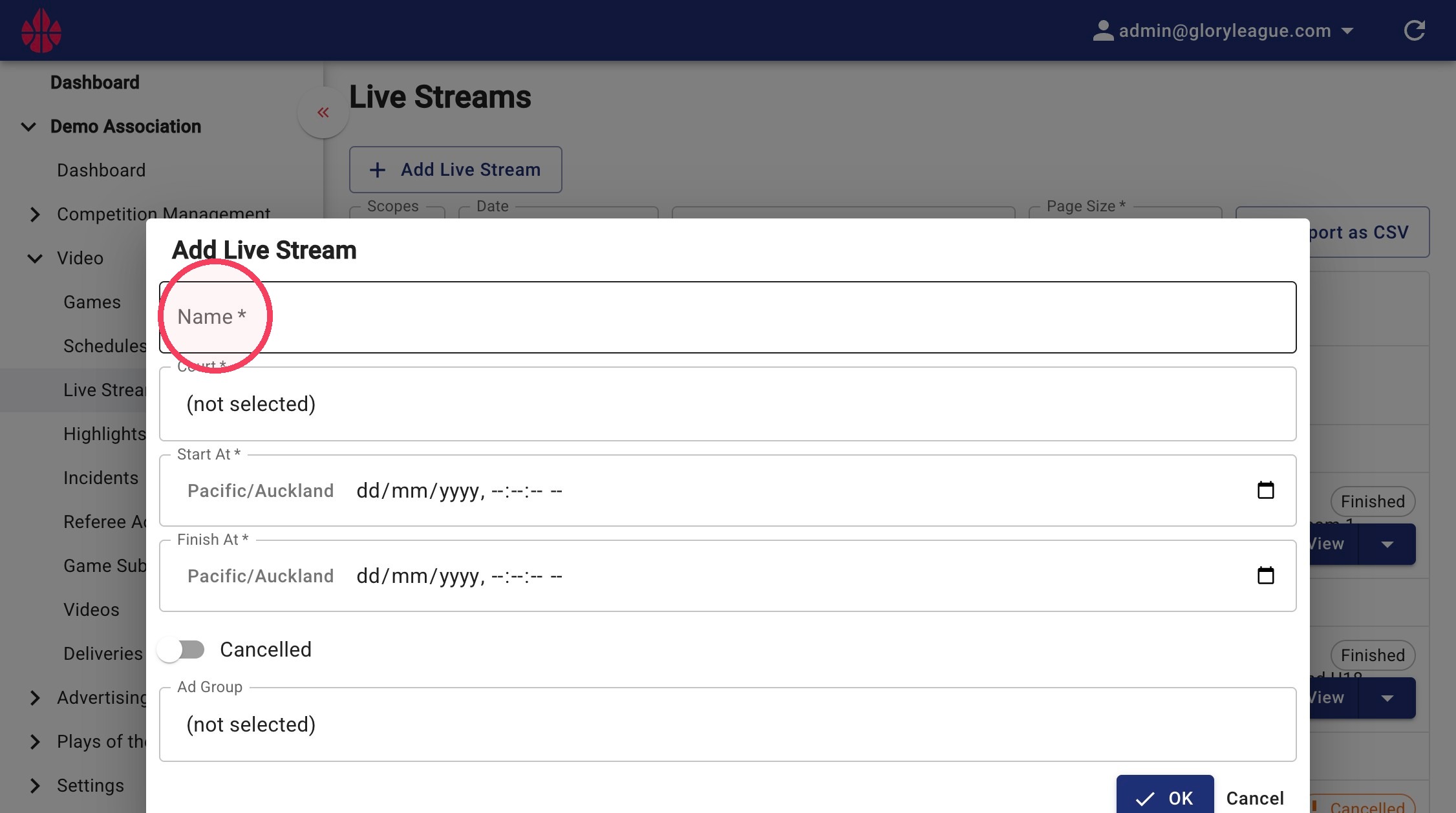
3. Name your livestream.
4. Click the Court field to select a court.
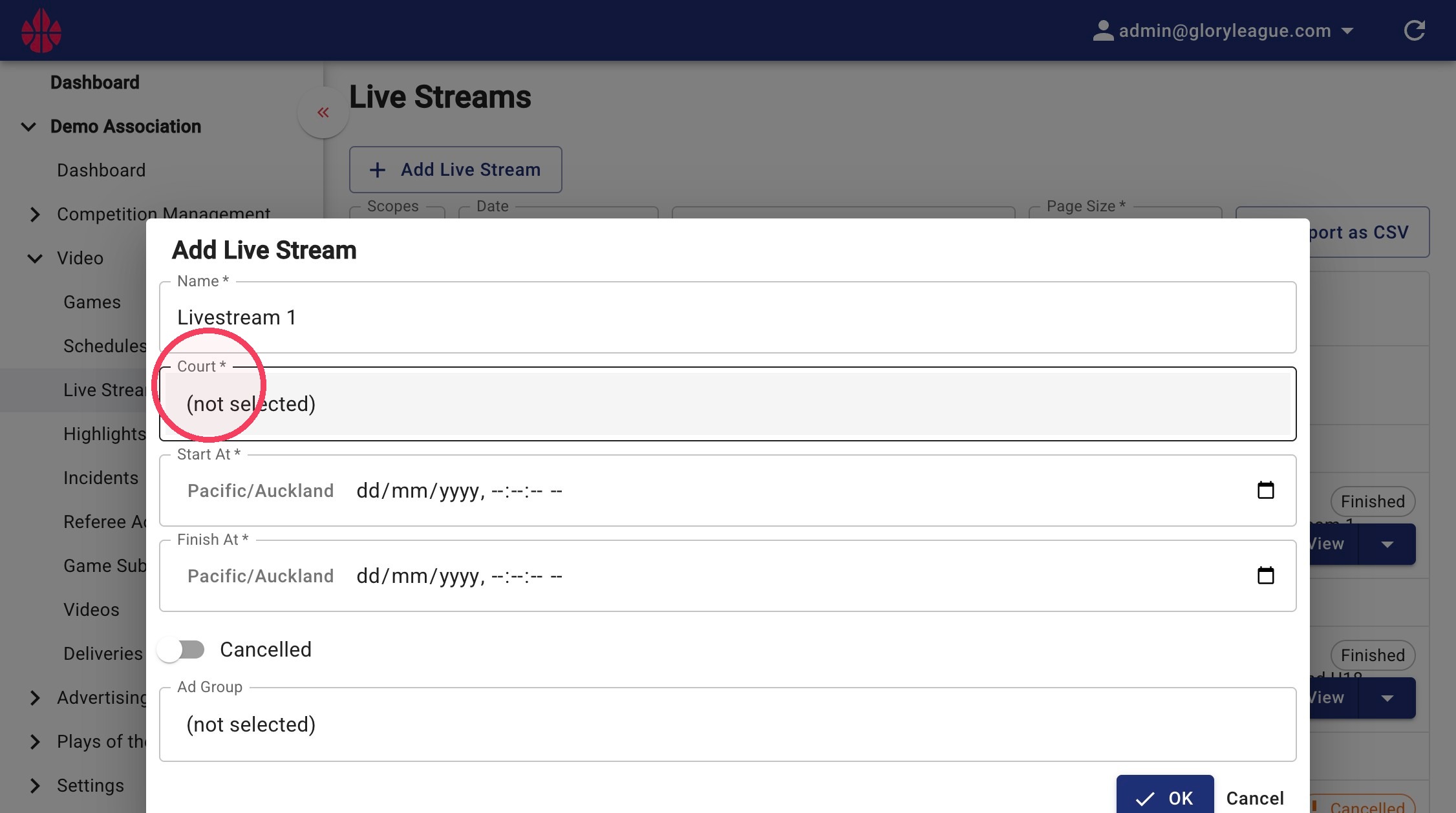
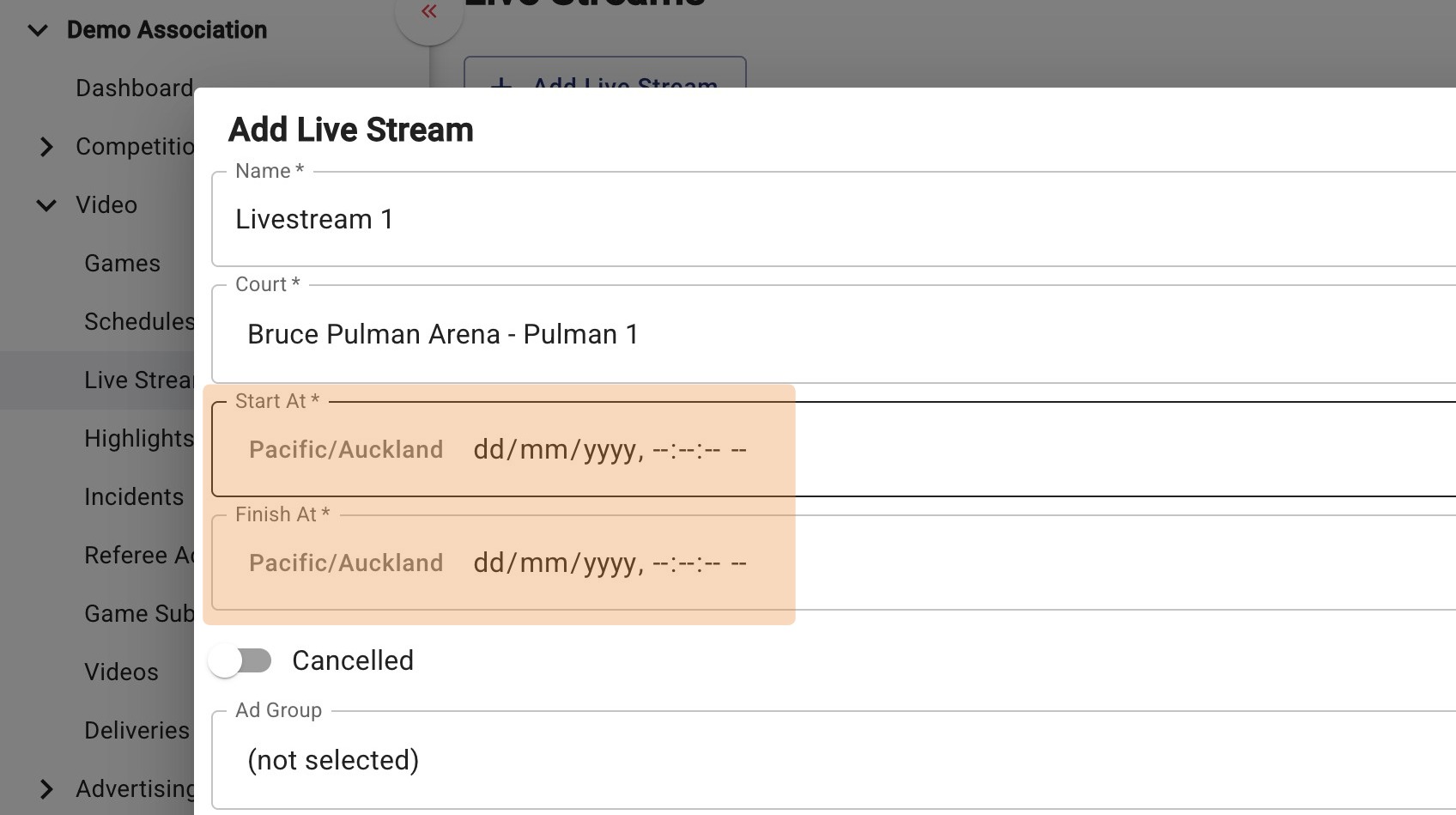
5. Enter the date, start time and finish time of your livestream.
6. If applicable, click into the Ad Group field to select an Ad Group.
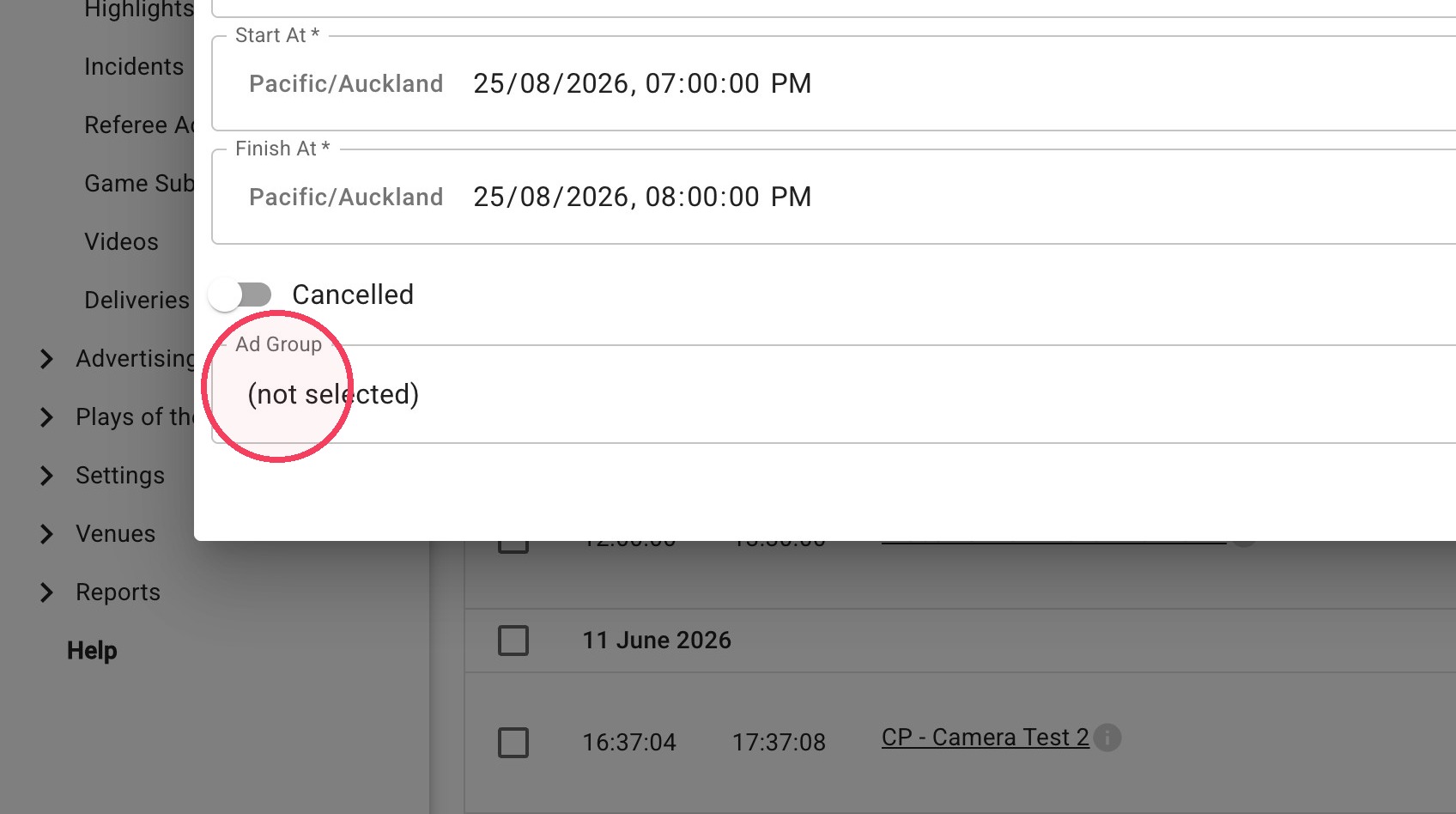
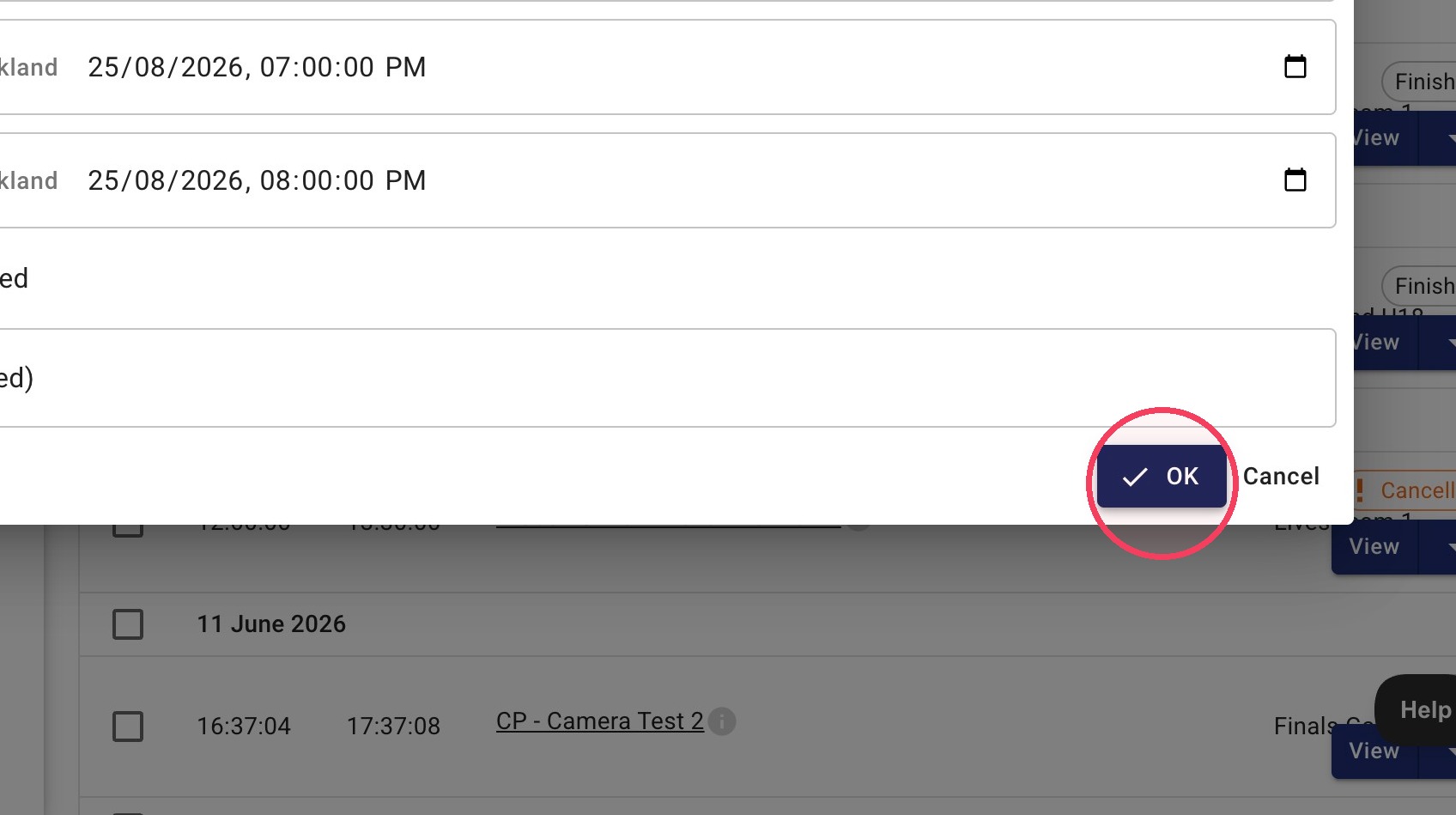
7. Click OK once all details are filled in.