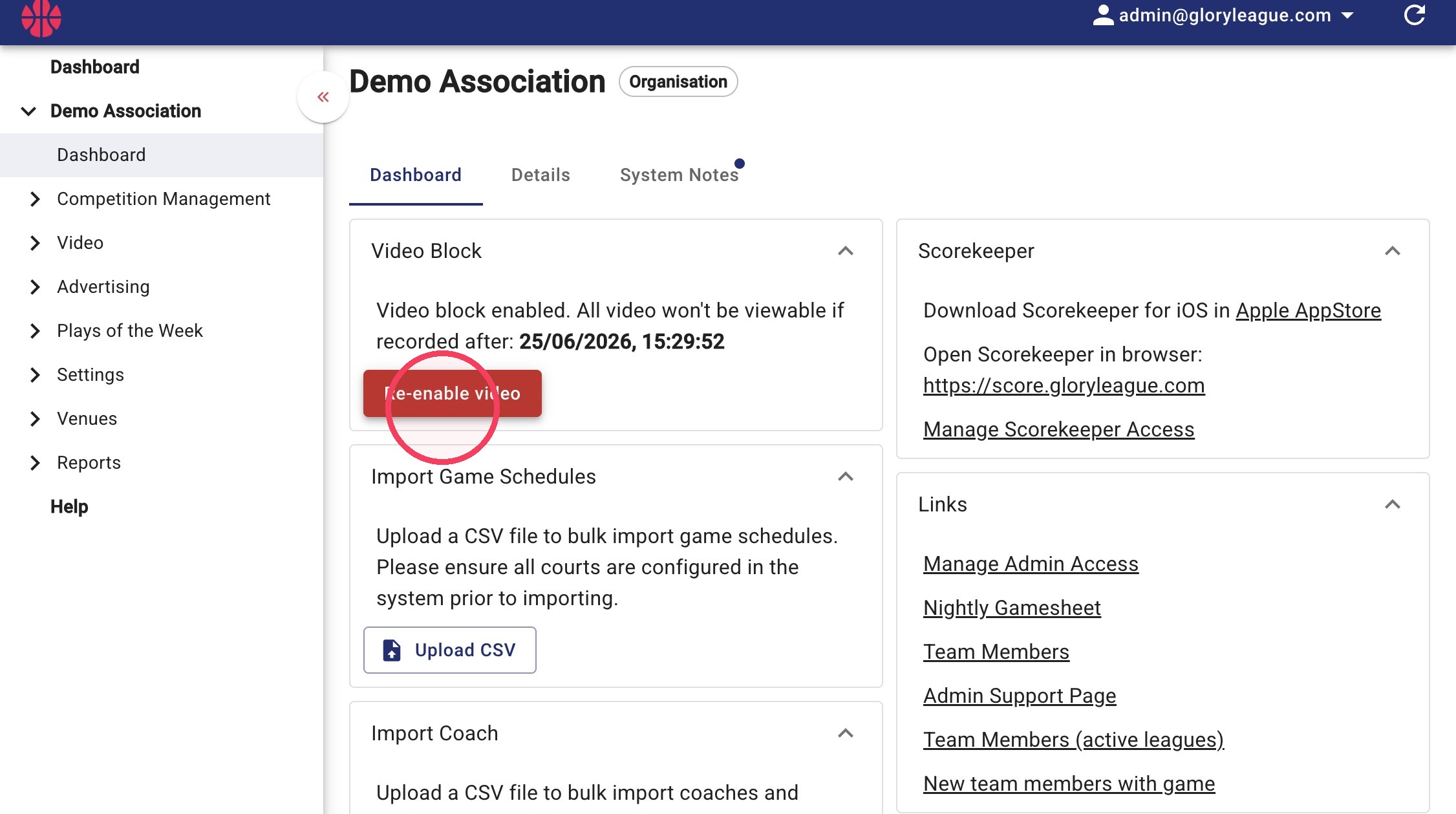
Block All Videos
The "Video Block" button allows you to stop recent videos from being viewed at a large scale. Videos will be blocked until the button is clicked again.
This button is best used to ensure games don't get viewed when dealing with incidents.
1. Navigate to the Dashboard page.
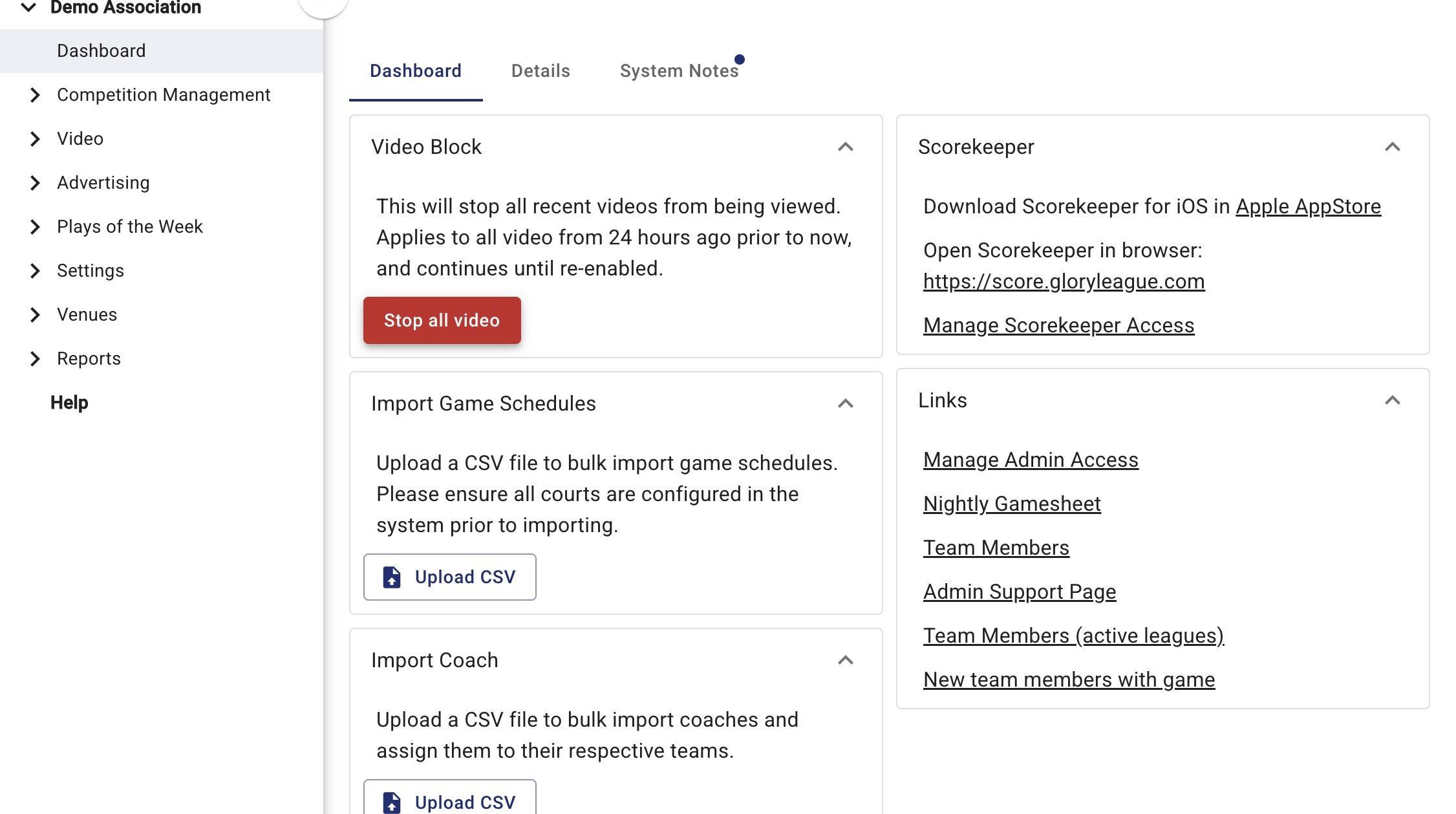
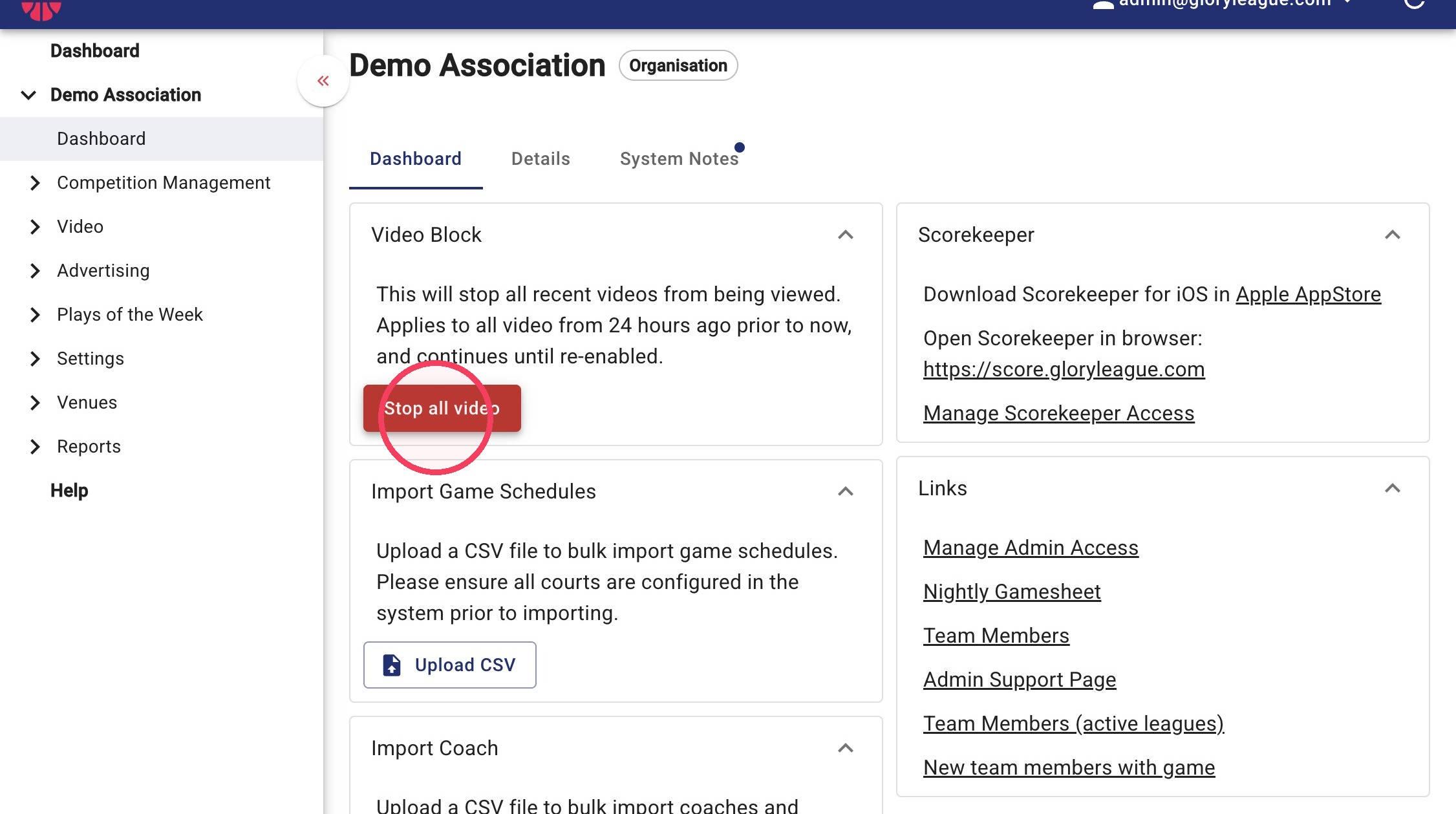
2. Click Stop all video under the Video Block dropdown.
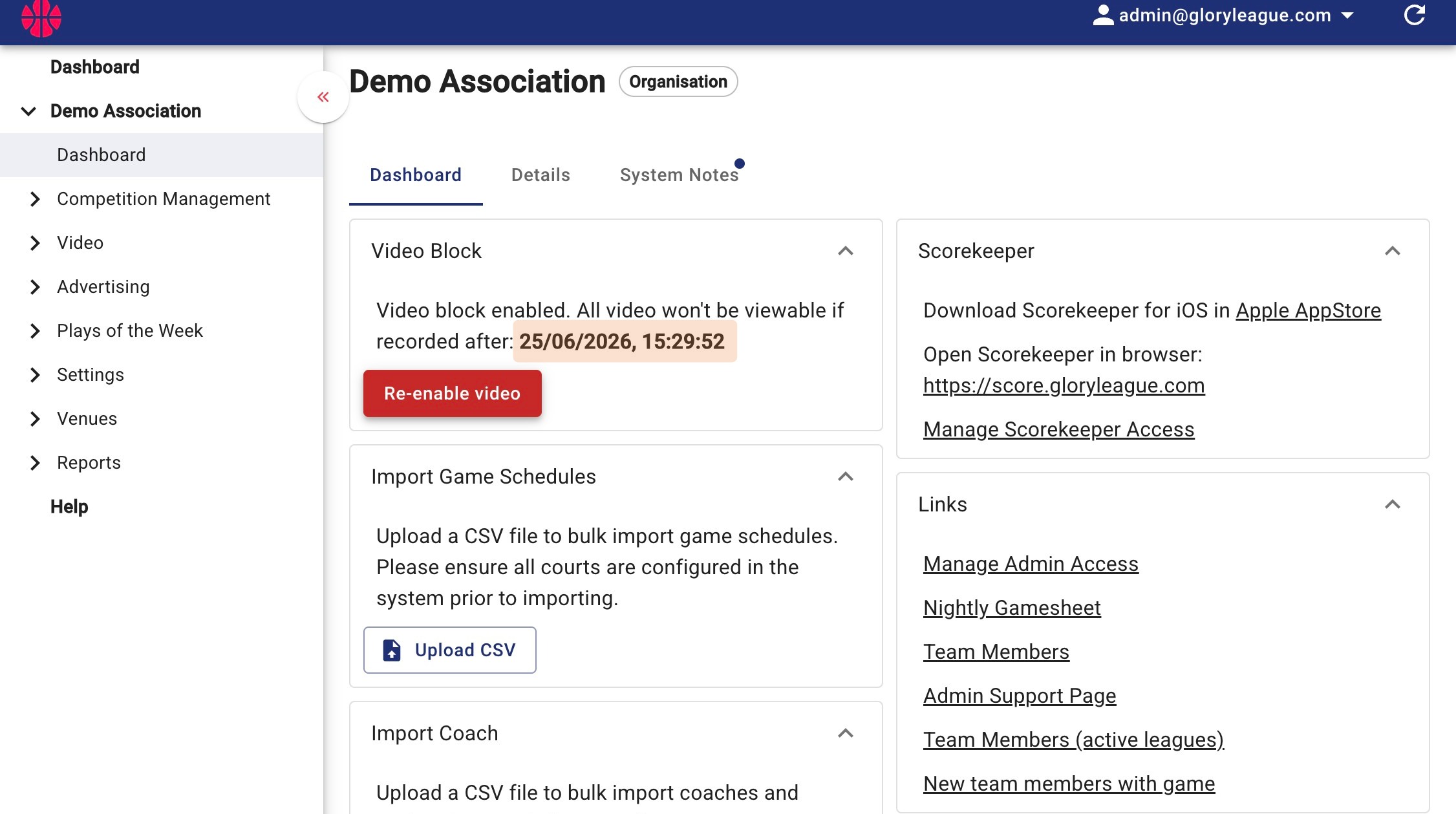
3. Note the shaded section below showing the date and time from which videos are not viewable.
4. Click Re-enable video once you have created any incidents or disabled any games that you need to.
Please note that all other games that were blocked will be released to users when the Re-enable video button is clicked.