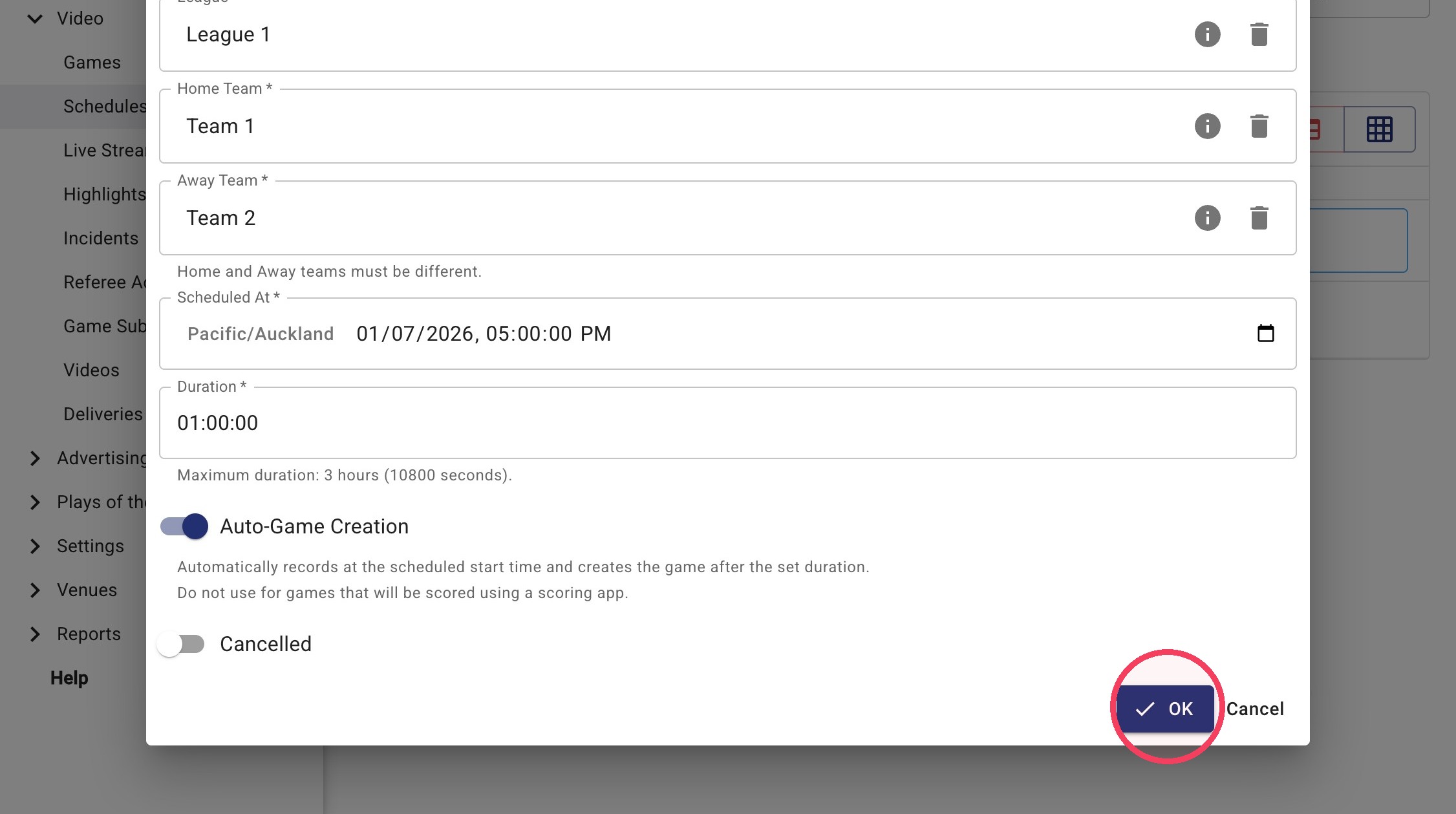
Add a Scheduled Game
This guide provides instructions on how to add a scheduled game in the admin portal. This is to be used for games that have not been scheduled through a competition management platform such as Gameday, PlayHQ, Basketball Connect, Let Me Play etc.
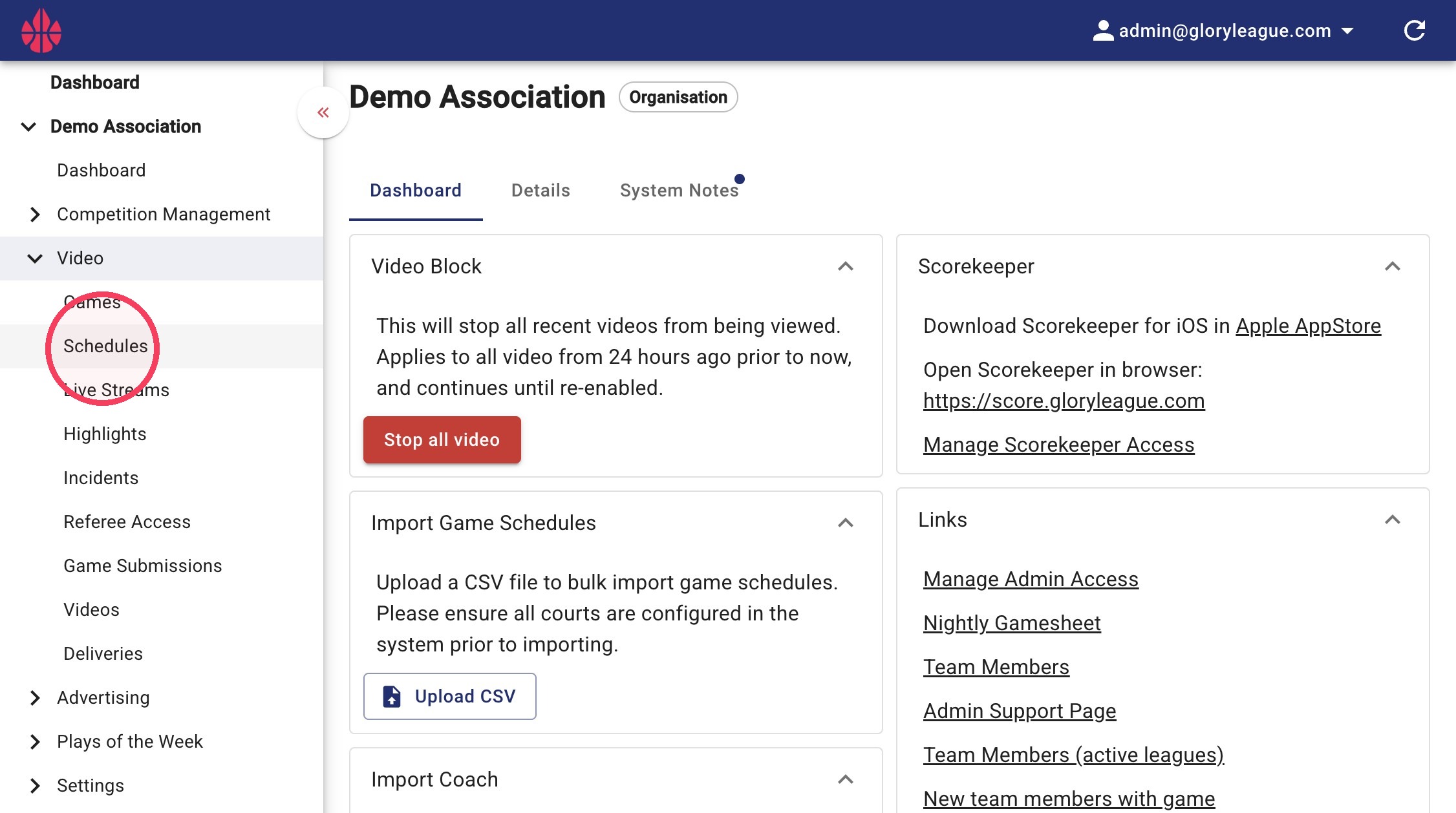
1. Click into the Schedules page under the Video dropdown.
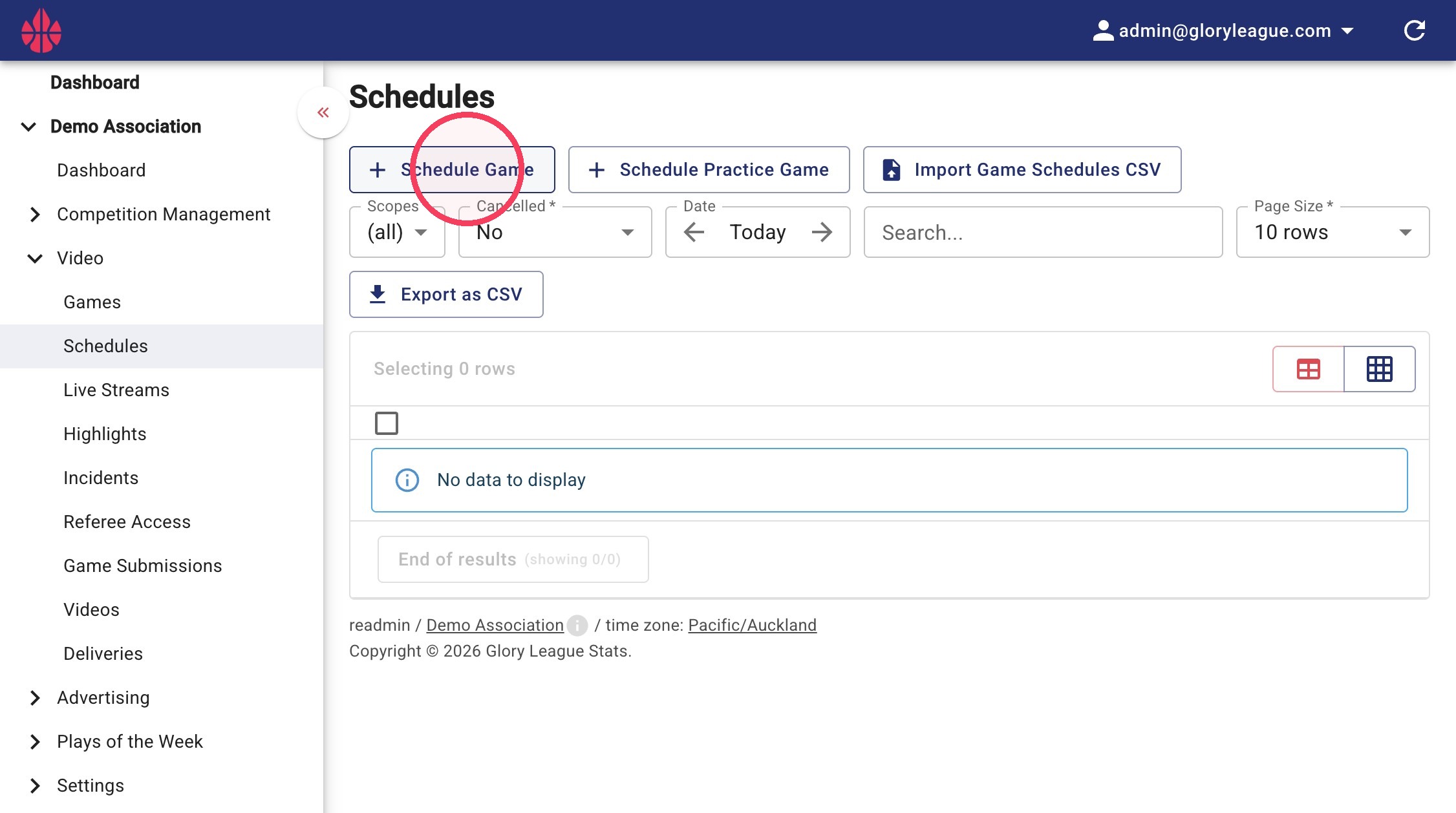
2. Click Schedule Game.
3. Click into the Court field to select the relevant court.
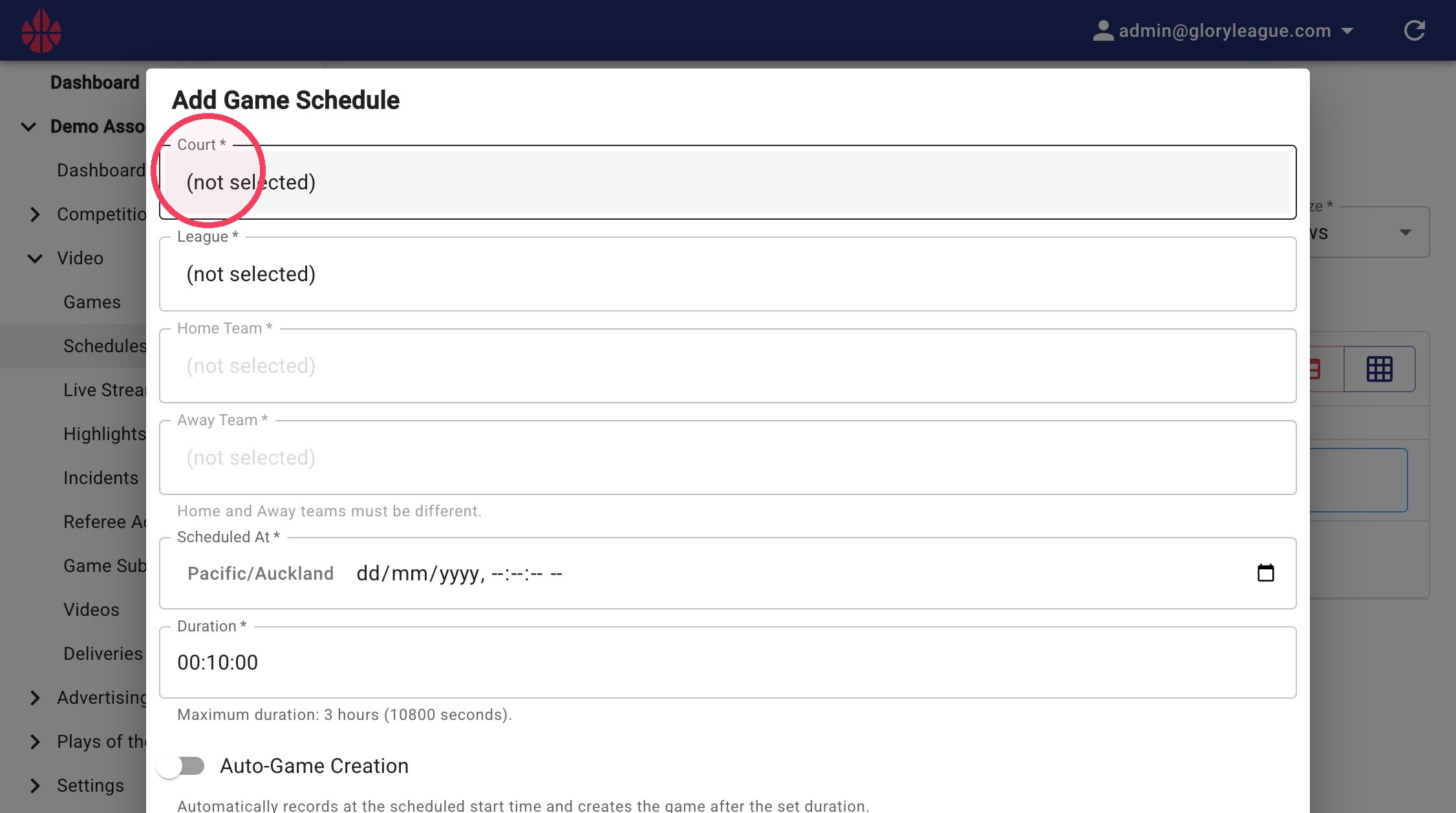
4. Click into the League field to select the relevant league.
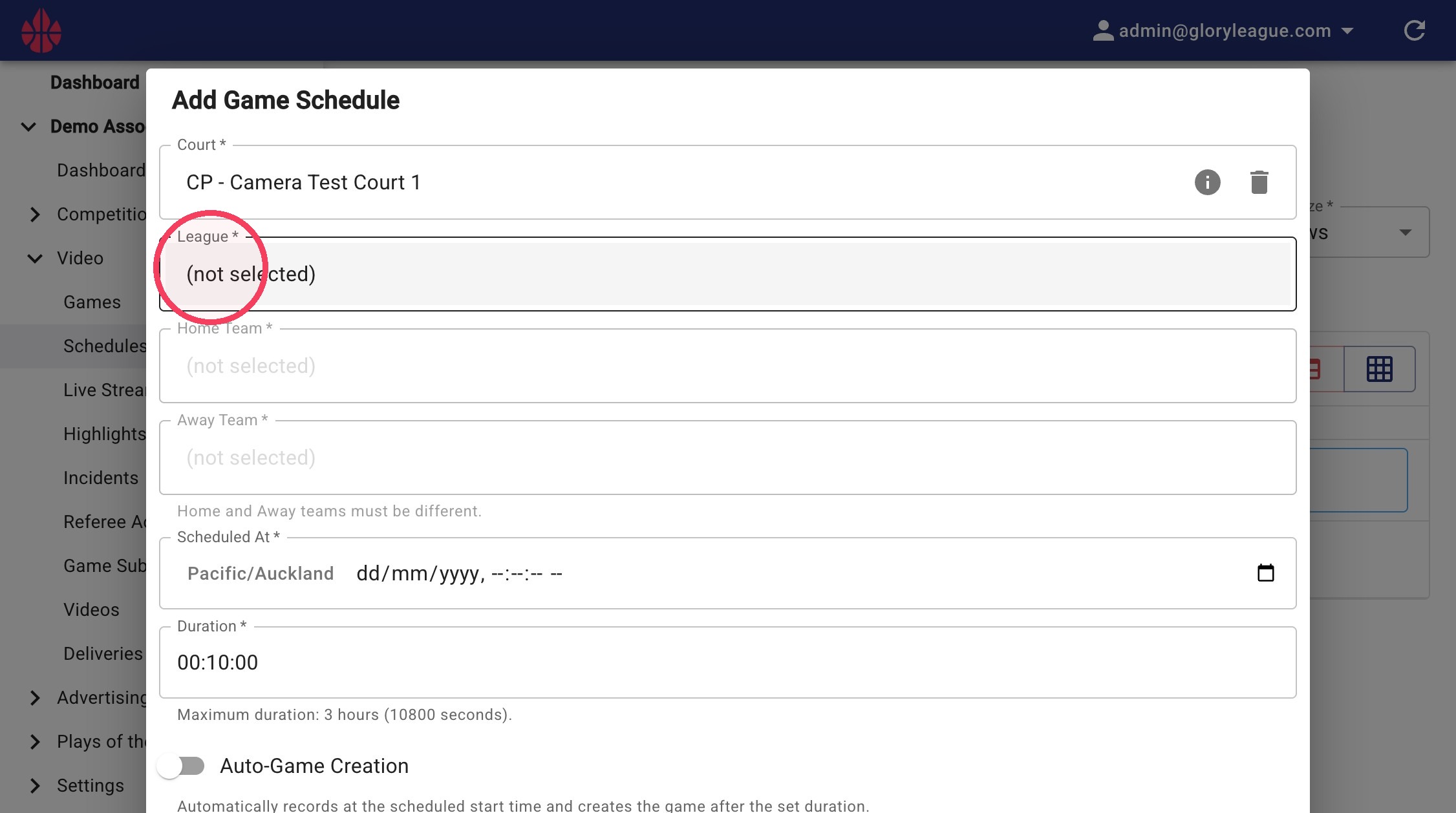
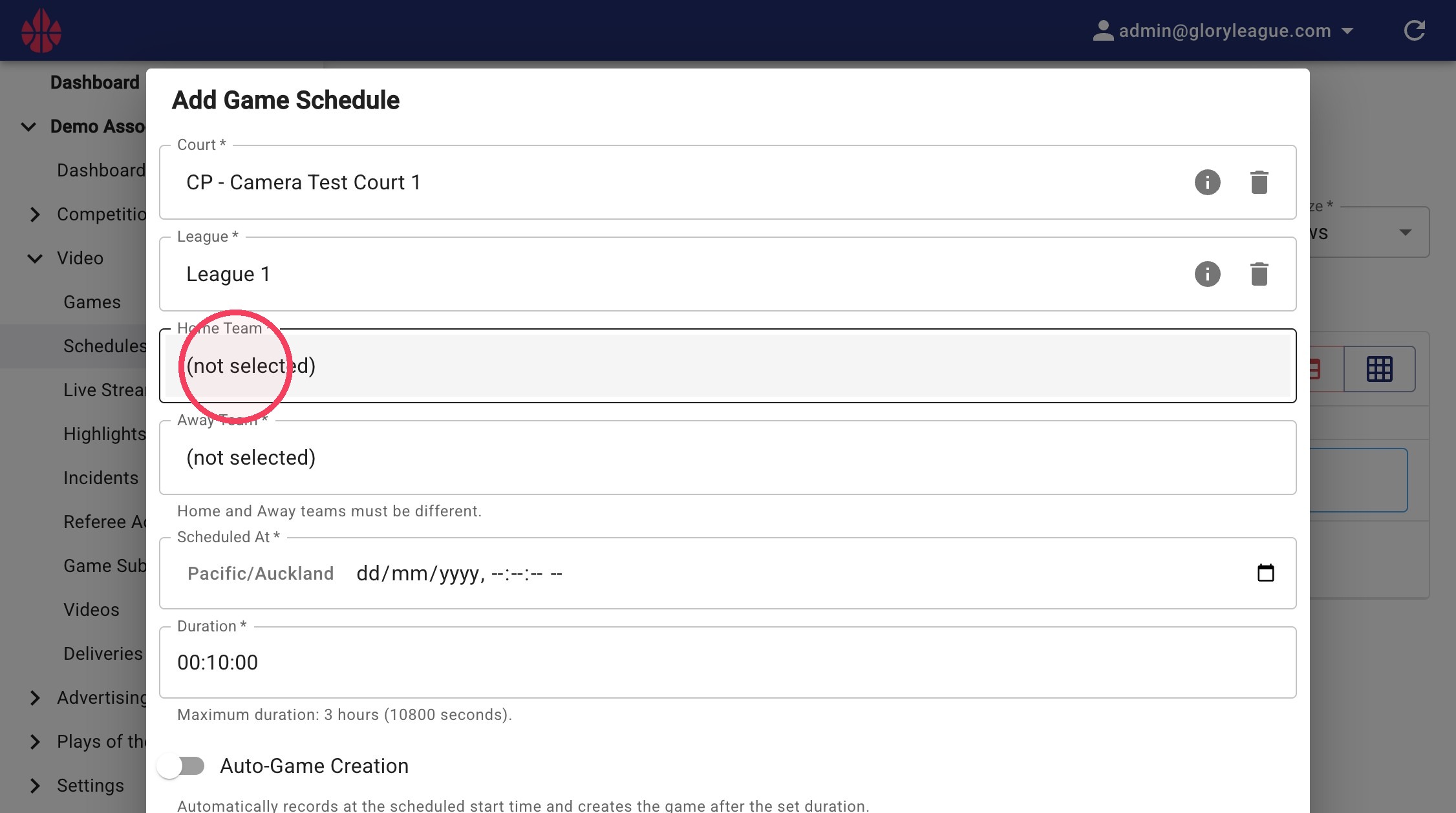
5. Click into the Home Team and Away Team fields to select the relevant teams.
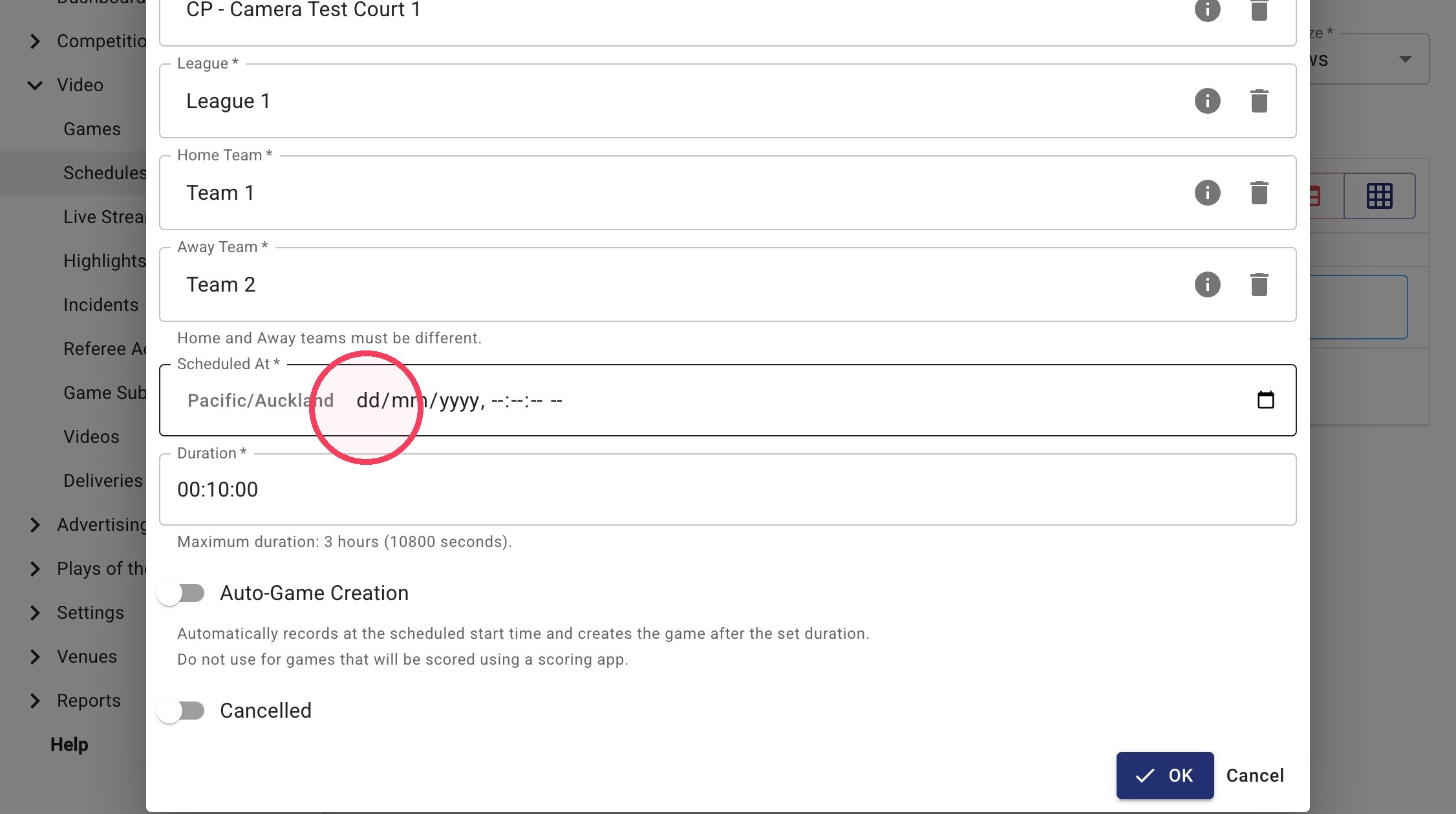
6. Click into the Scheduled At field to set your game's start time.
7. Click into the Duration field to set your game's duration.
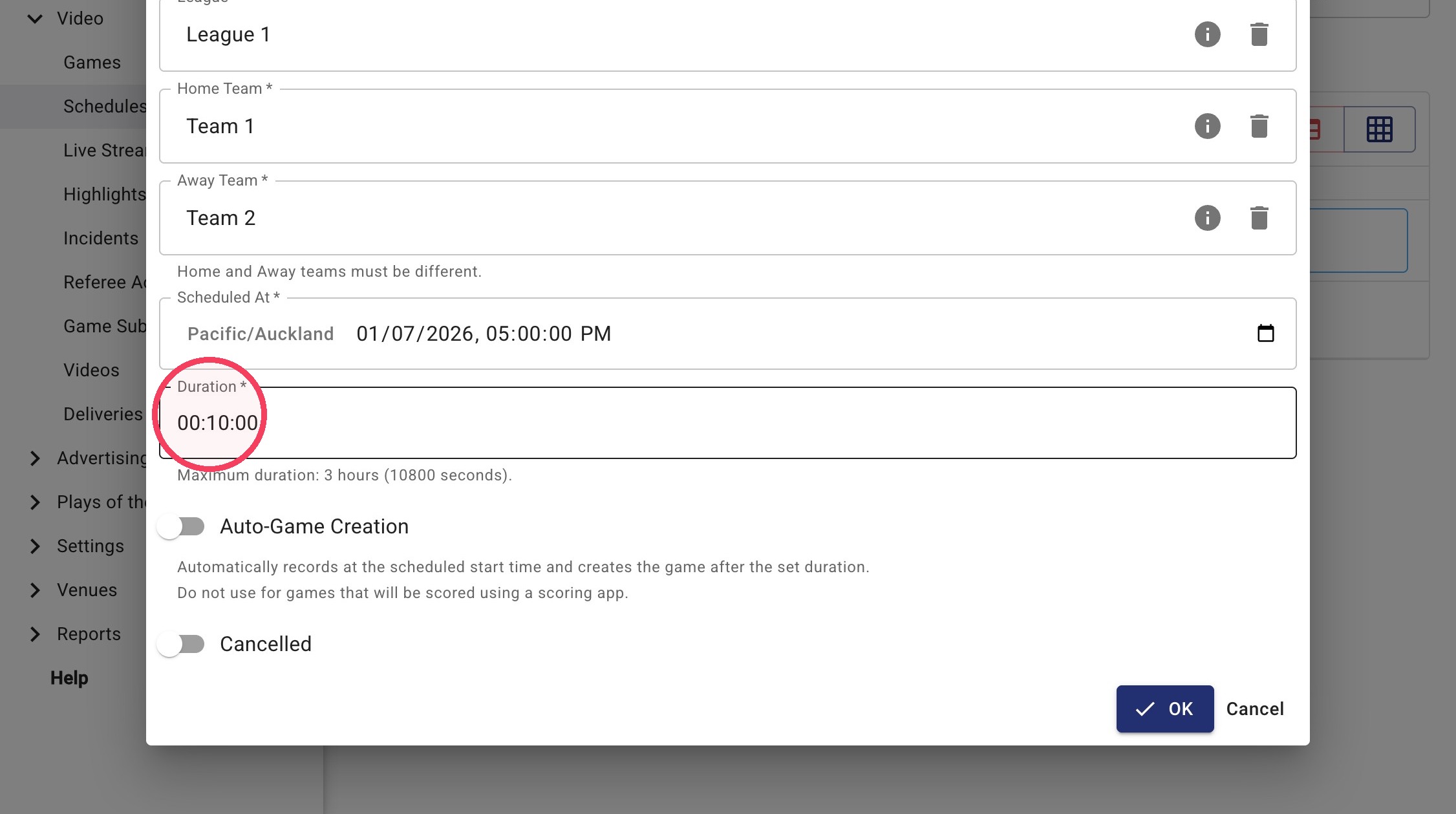
8. If your game won't be scored using the scorekeeper app, enable the Auto-Game Creation toggle.
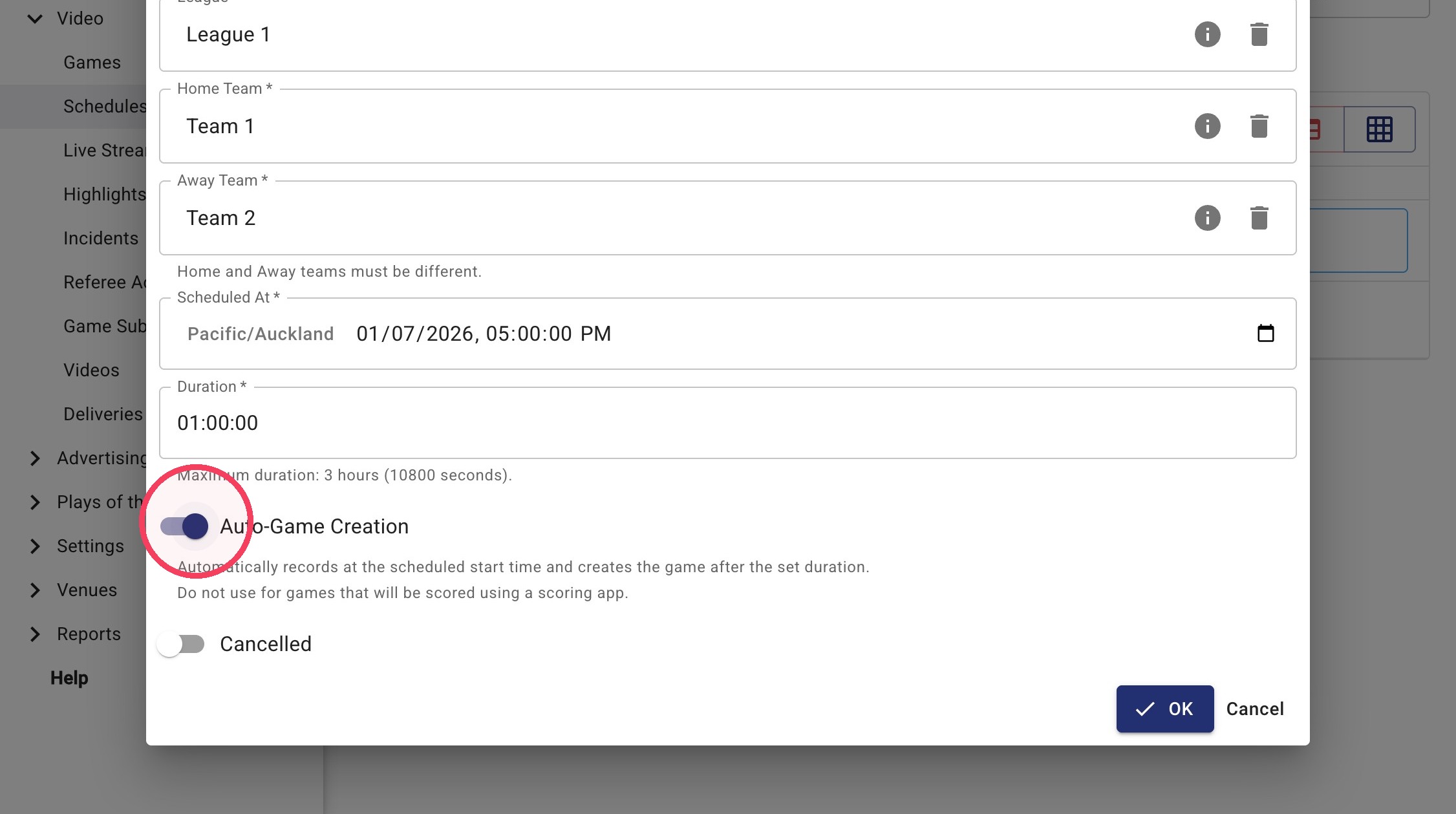
9. Click OK to create your game schedule.