How to Import Referees via a CSV file
This guide explains how to bulk import referee information into Glory League using a CSV file.
Prepare your CSV file
- Before uploading your Referee data:
- Download and complete the Referee CSV template.
- Ensure the CSV headers and data match the required template.
- Check that all required fields are completed before uploading.
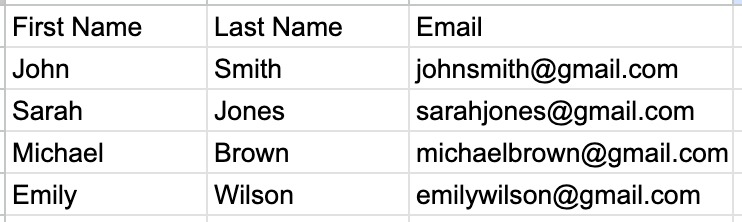
Referee Data Import
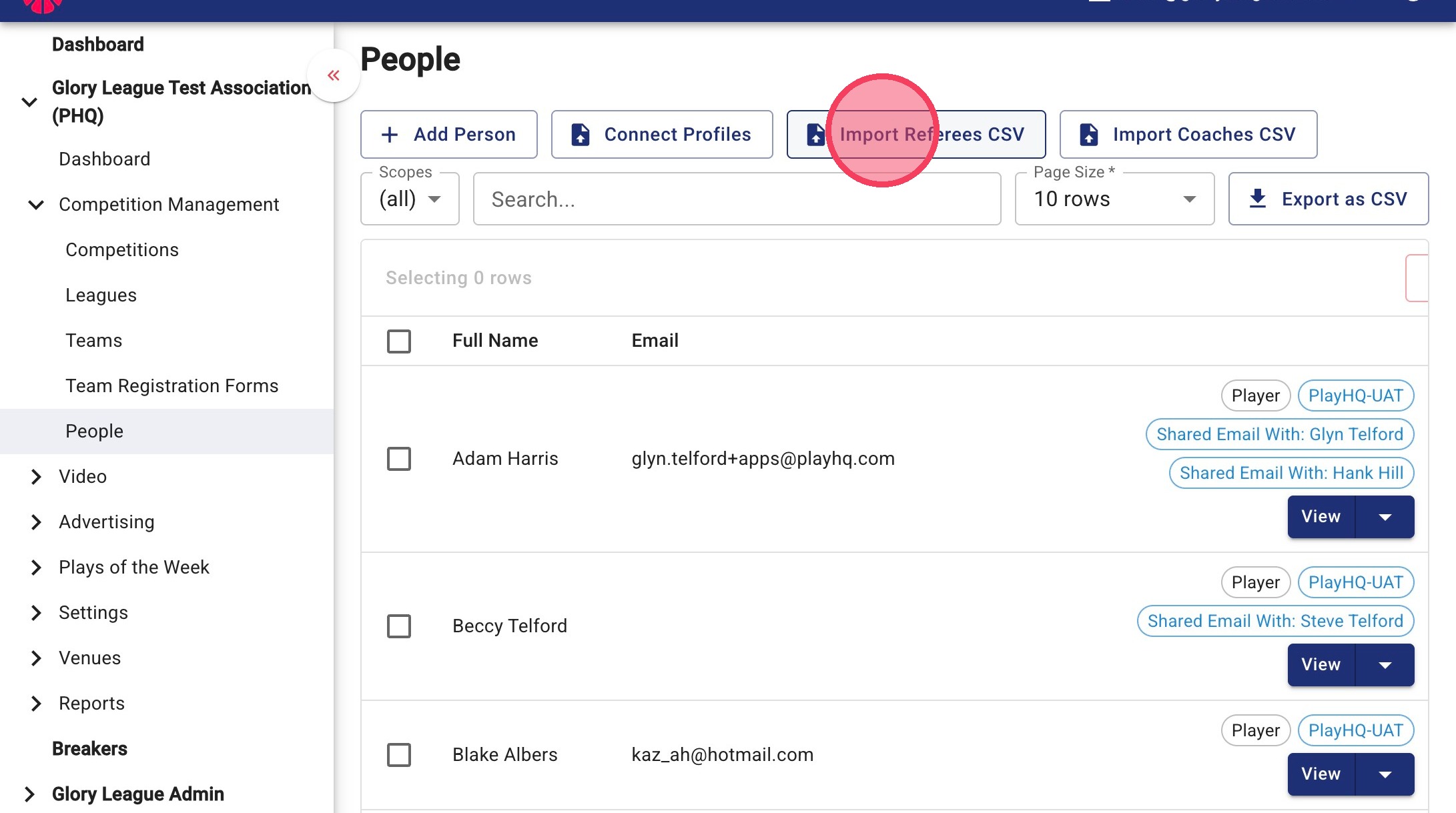
2. Go to People under Competition Management, then click Import Referees CSV.
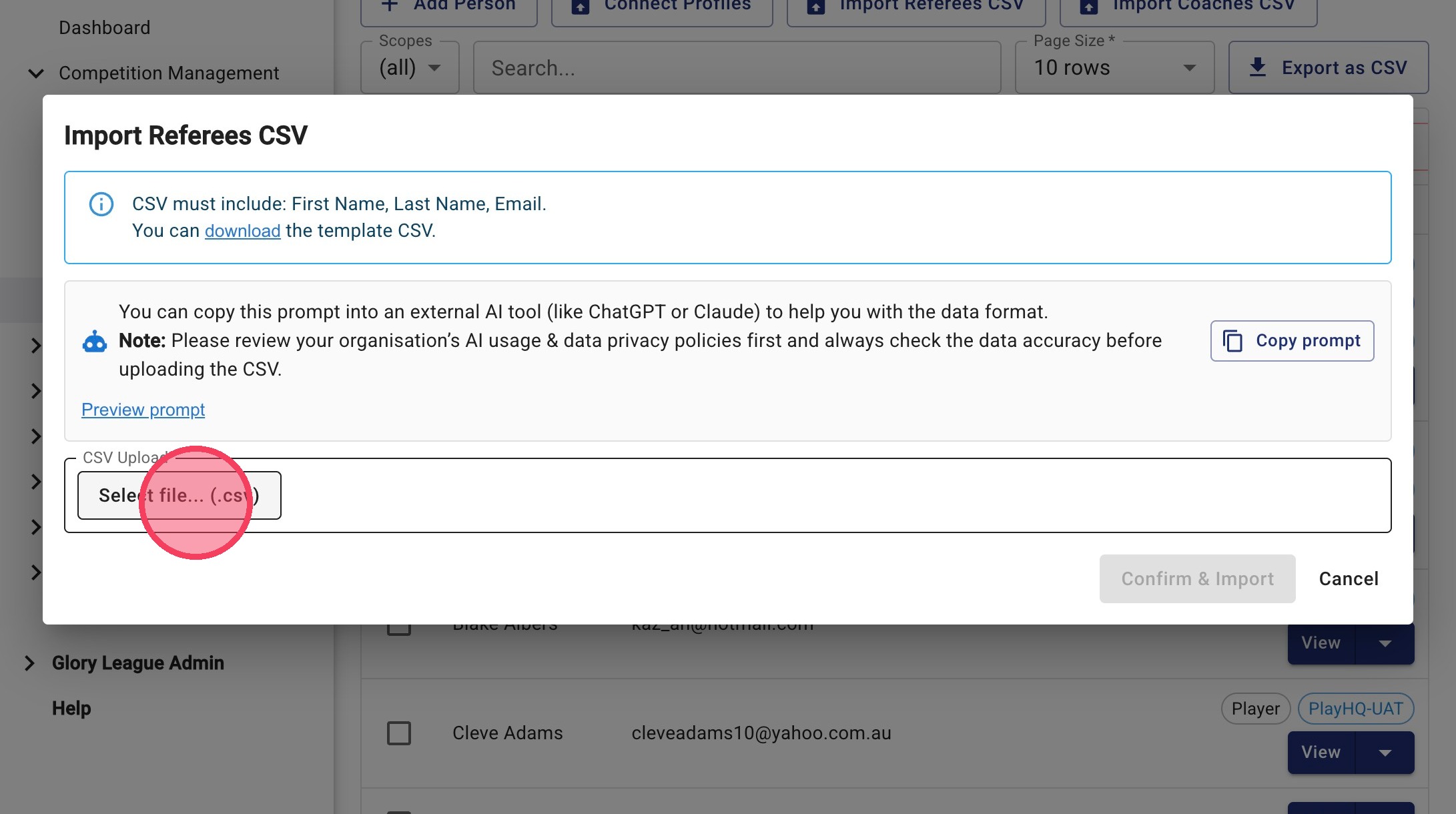
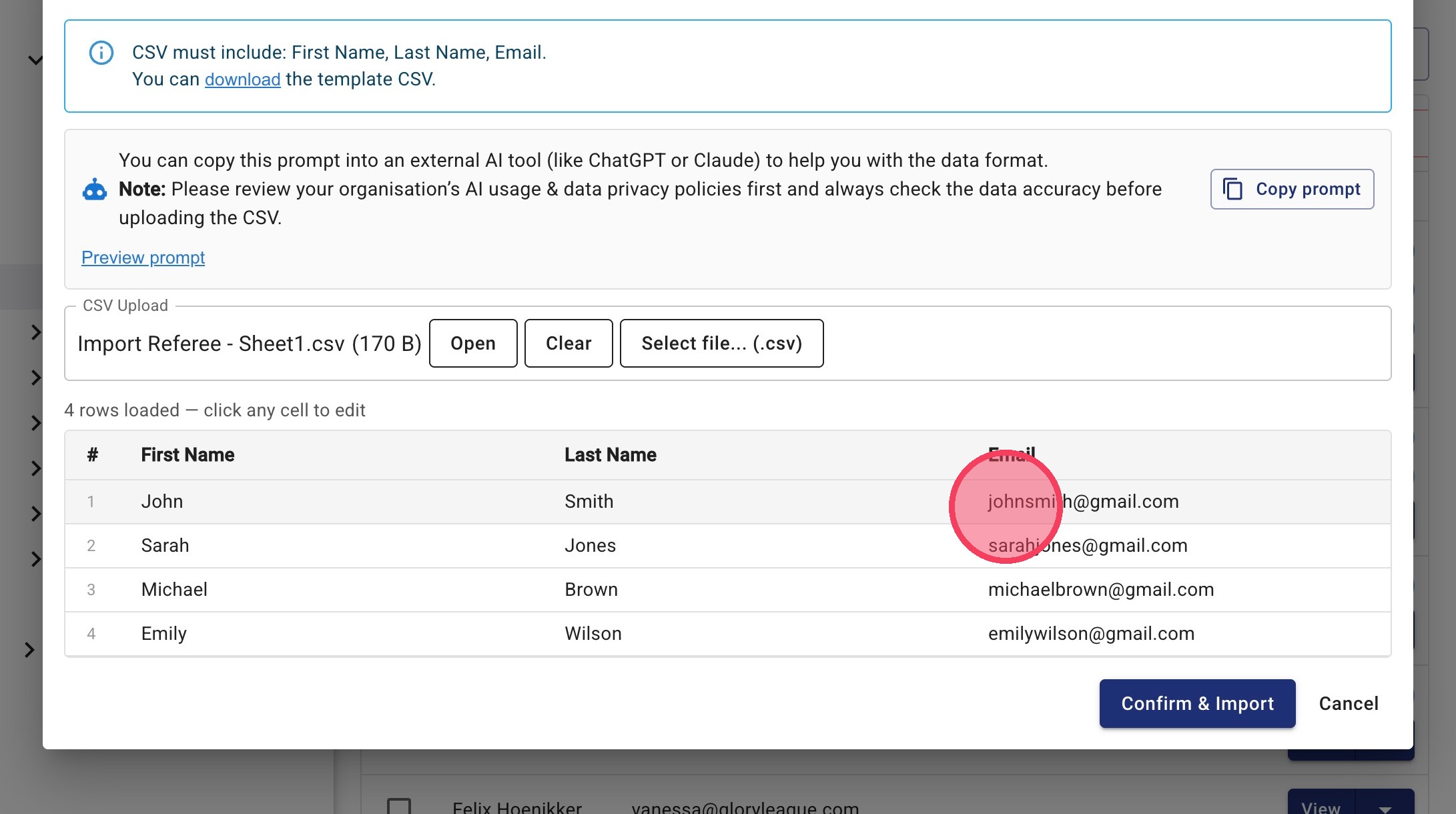
3. Click Select file... (.csv) to upload your referee CSV file.
4. Review the loaded data in the preview table. To make changes before importing, click into the relevant field and update the details.
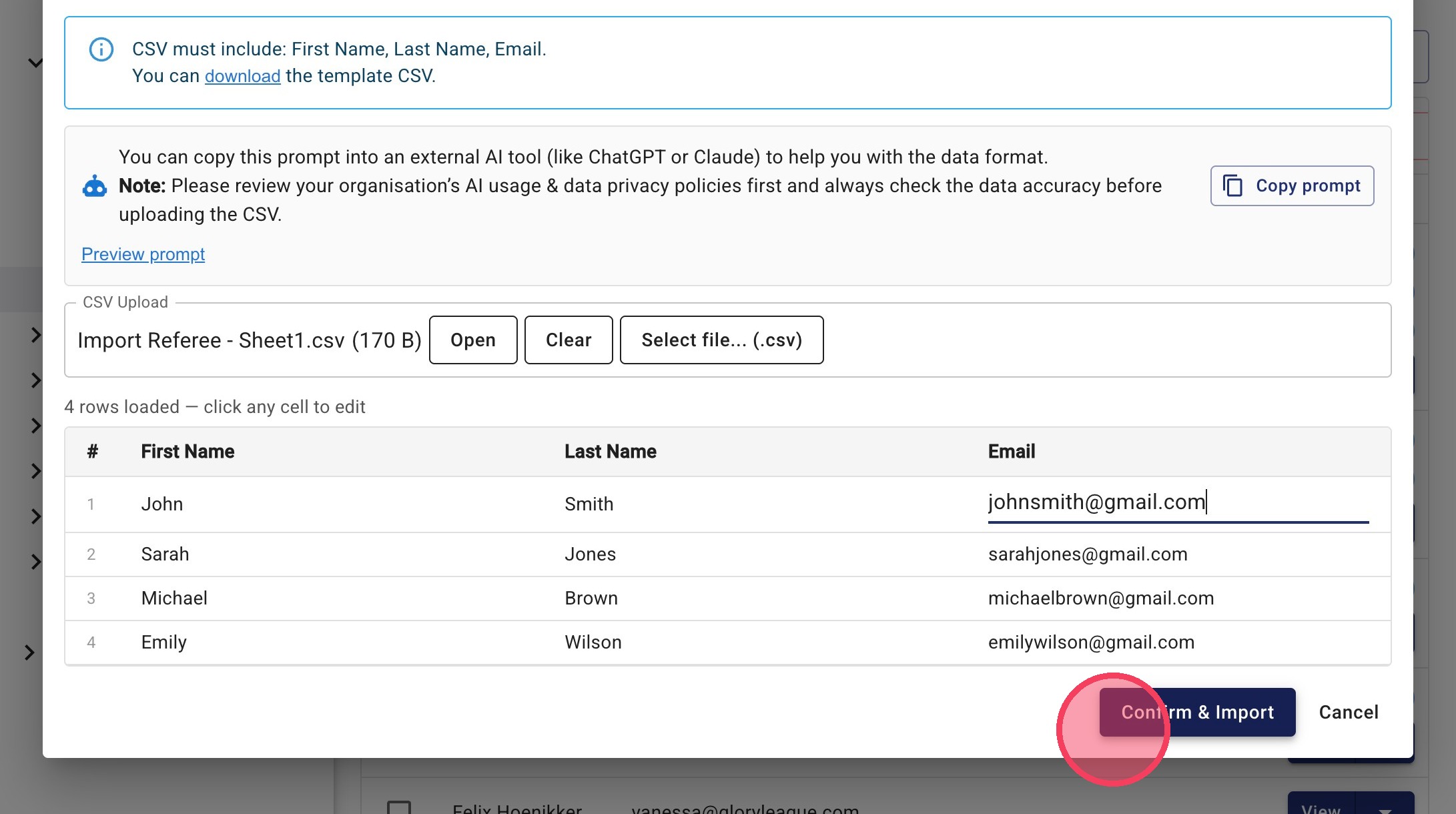
5. Click Confirm & Import.
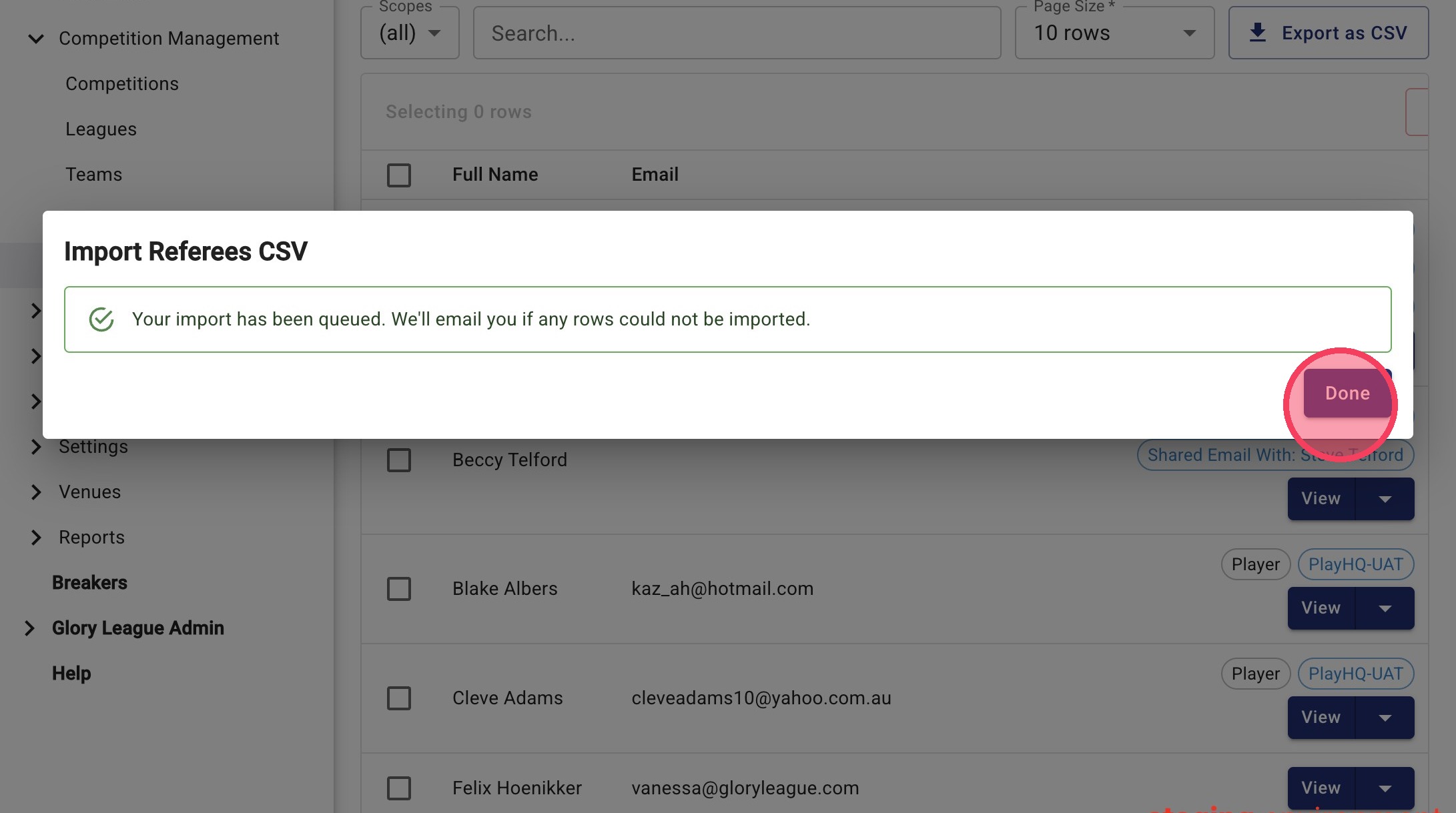
6. Your import has been queued. If any rows could not be imported you will receive an email with further details.
Profile Verification
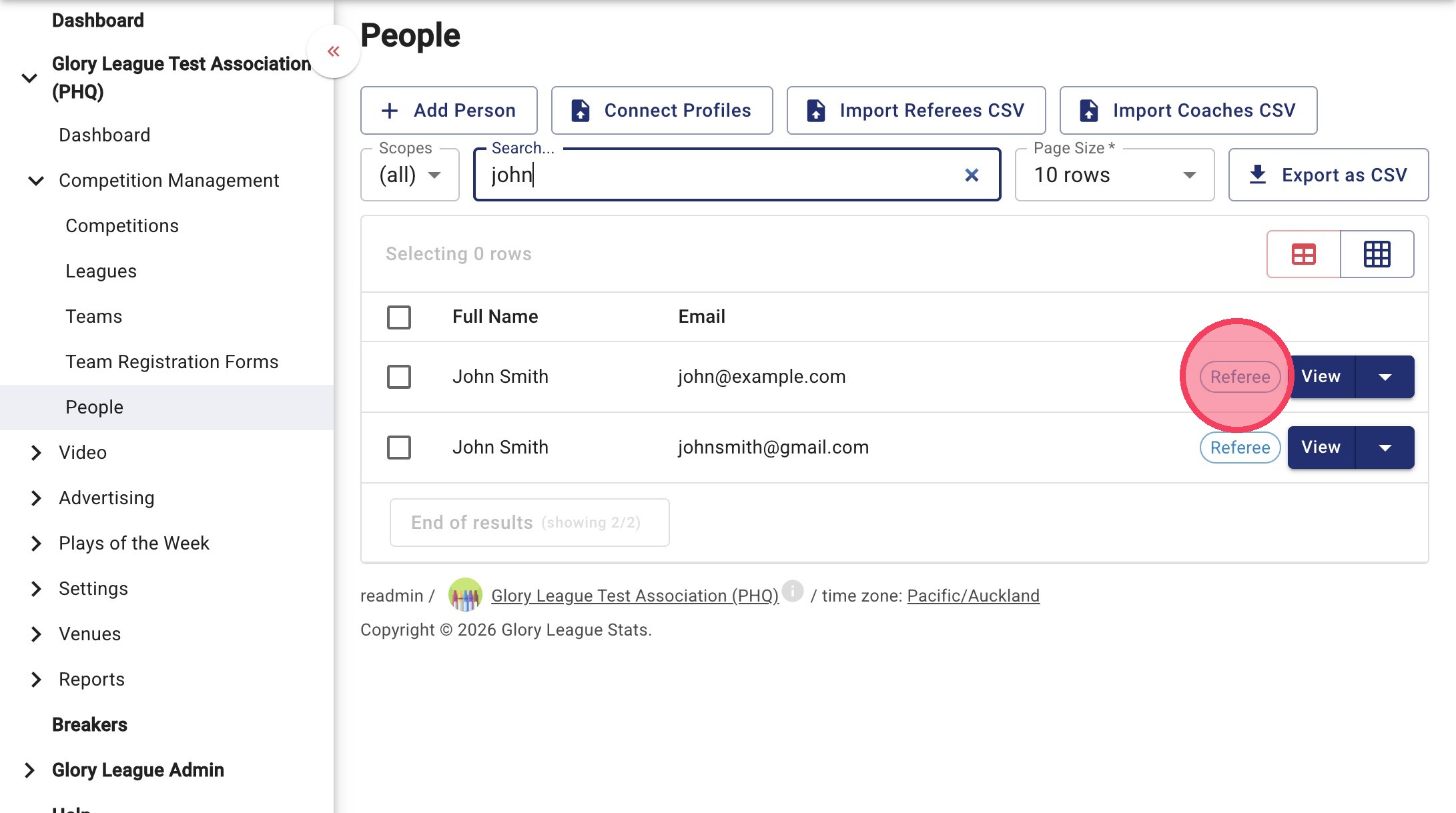
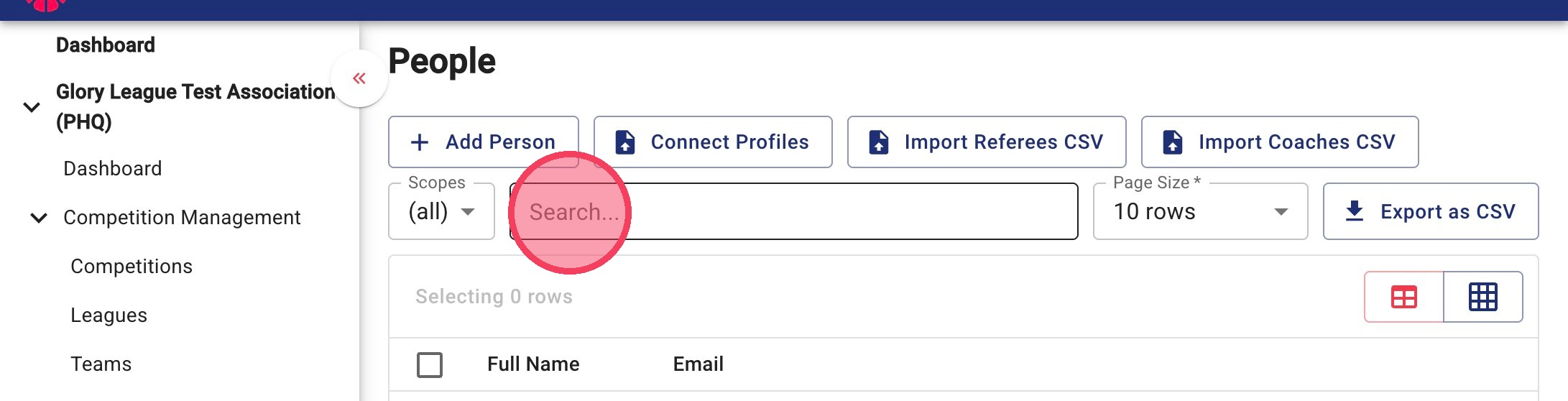
7. To check that a Referee has been imported, search for their name in the People list.
8. A Referee tag will appear next to their name. Click View to open up their profile.