How To Import Coaches via a CSV File for Game Day Organisations
This guide explains how to bulk import coach details into Glory League using a CSV file for Game Day organisations only. For Game Day organisations, the team registration email option should remain turned off, as team registration is managed through Game Day.
Prepare your CSV file
1. Before uploading your coach data:
- Download and complete the Coaches CSV template.
- Ensure the CSV headers and data match the required template.
- Check that all required fields are completed before uploading.

Import Coaches from Dashboard
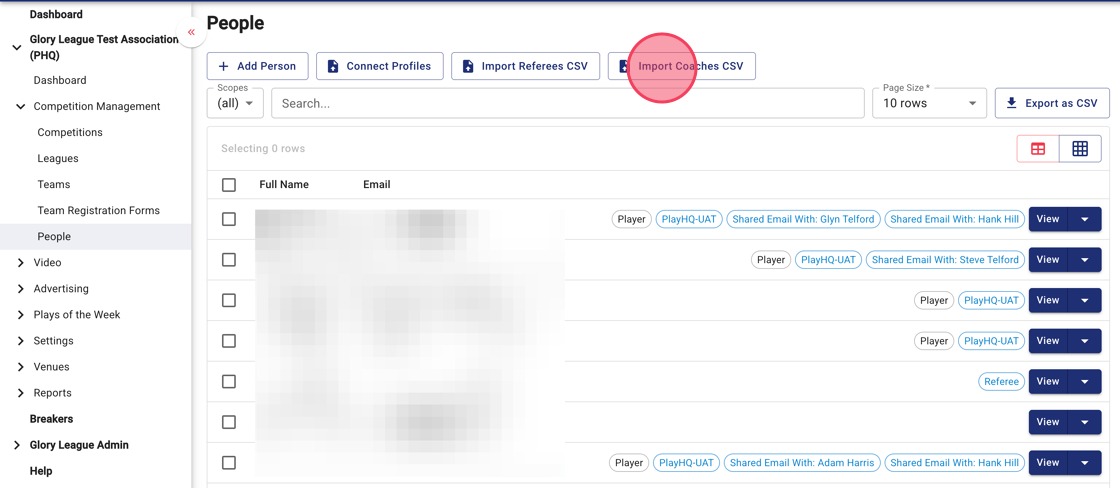
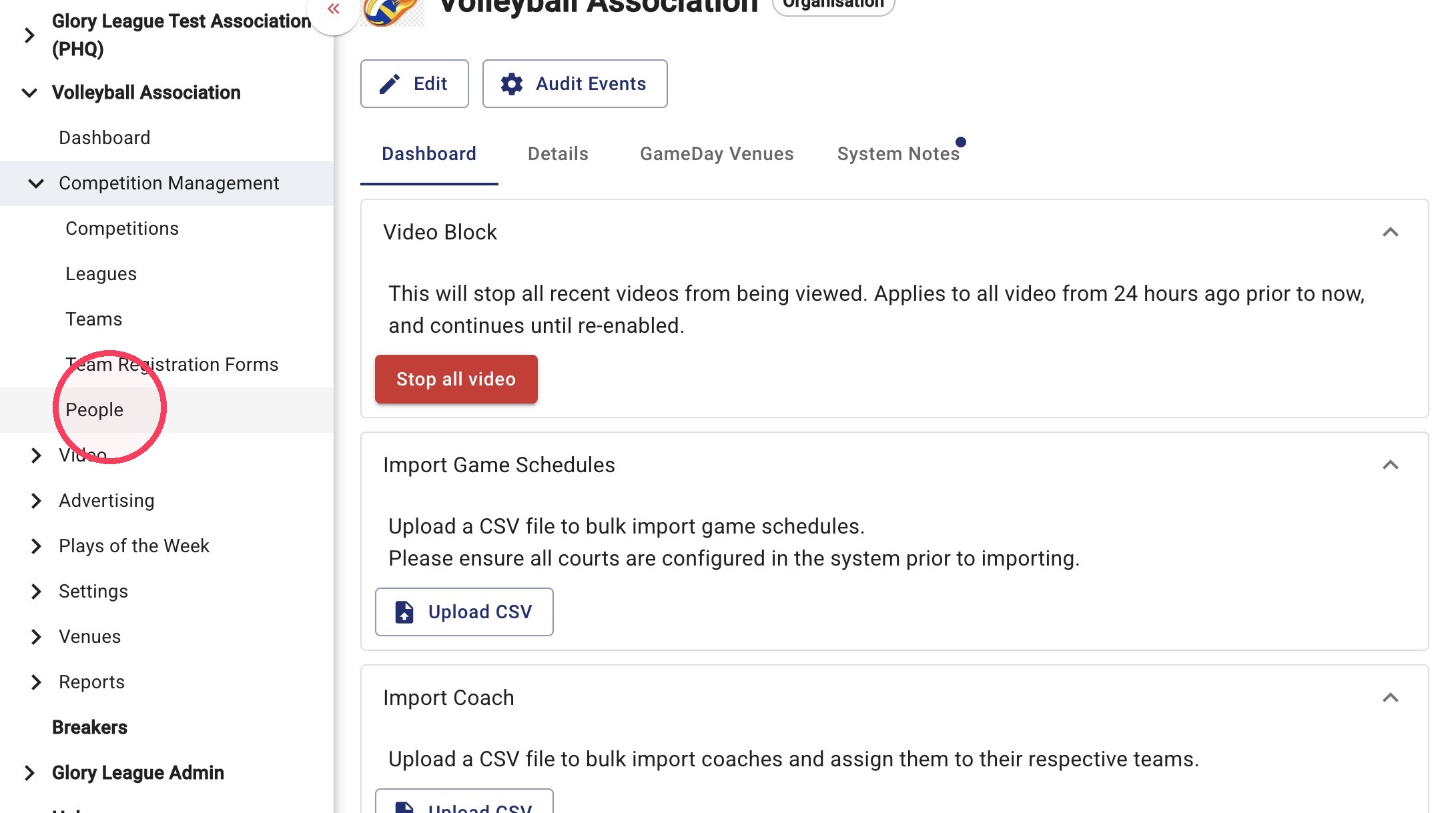
2. Go to Competition Management>People and Import Coaches CSV
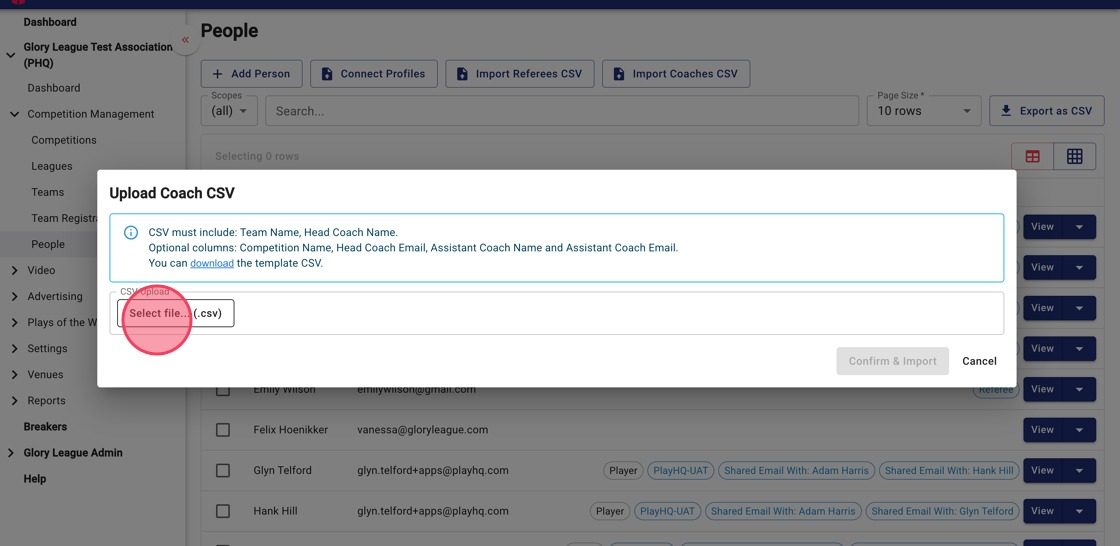
3. Click Select file... (.csv) and choose your completed Coaches CSV file.
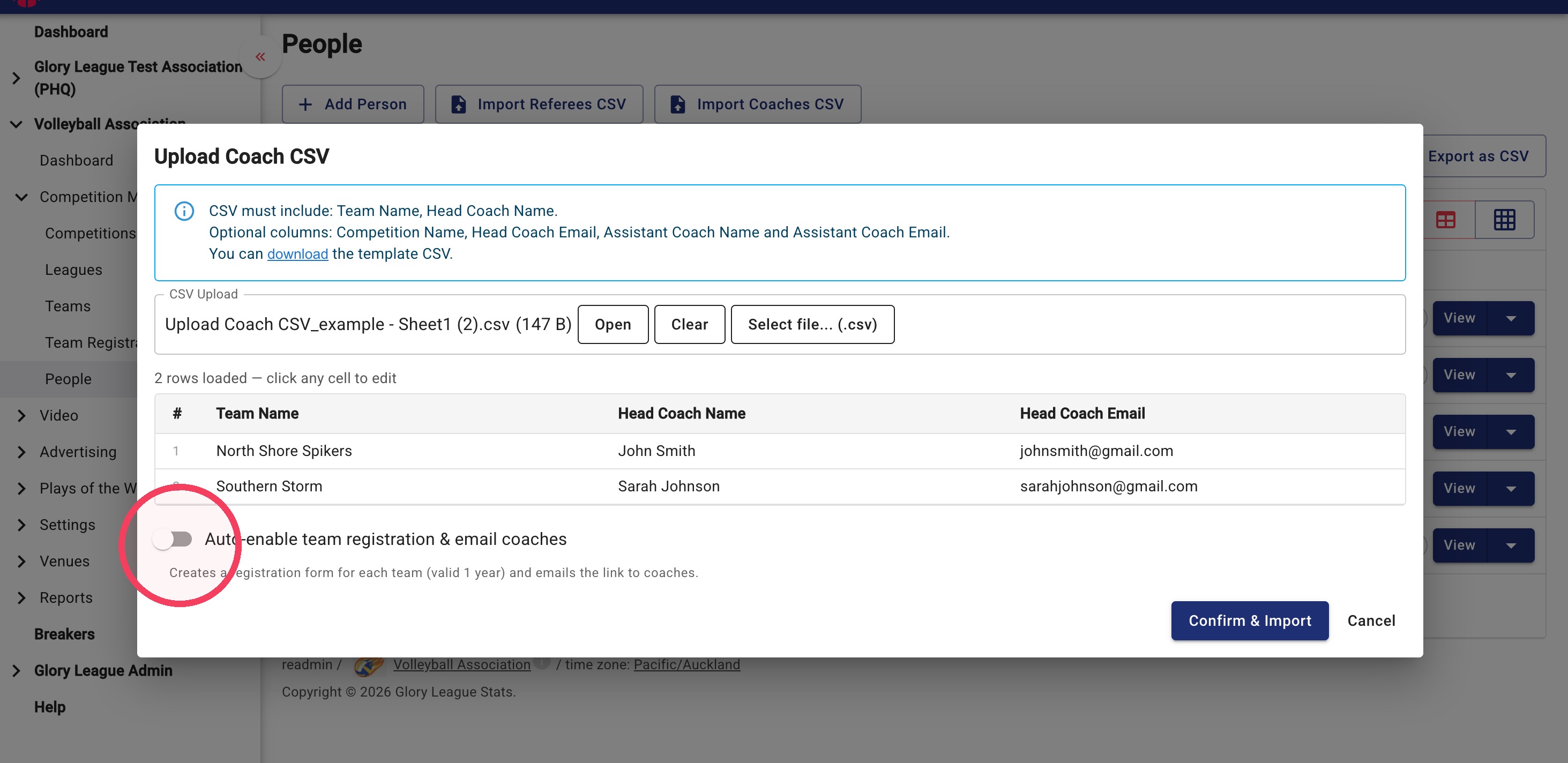
4. Review the imported data. If any changes are required, click directly into a field to edit it before importing.
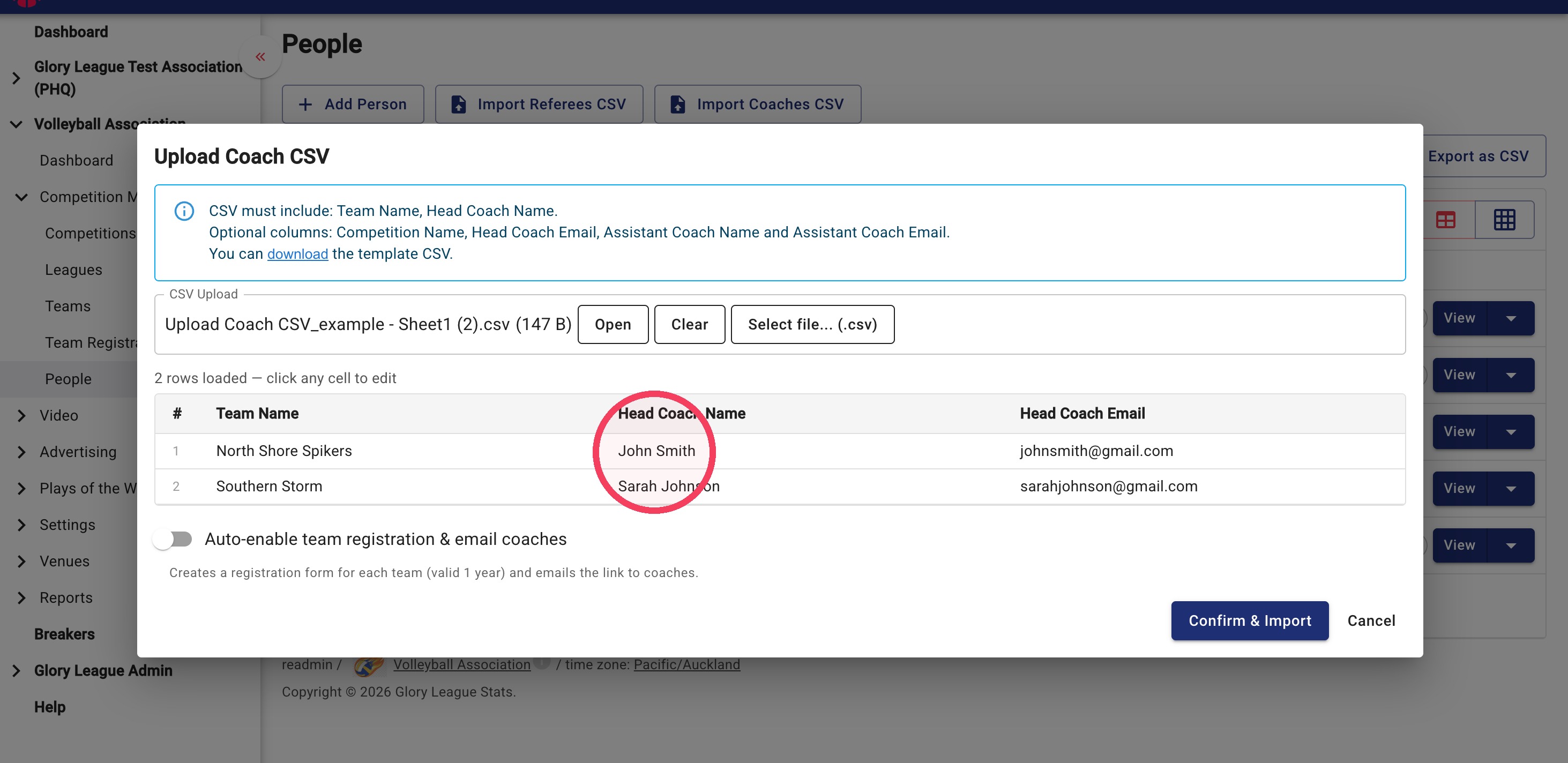
5. Please ensure Auto-enabled team registration & email coaches is turned off
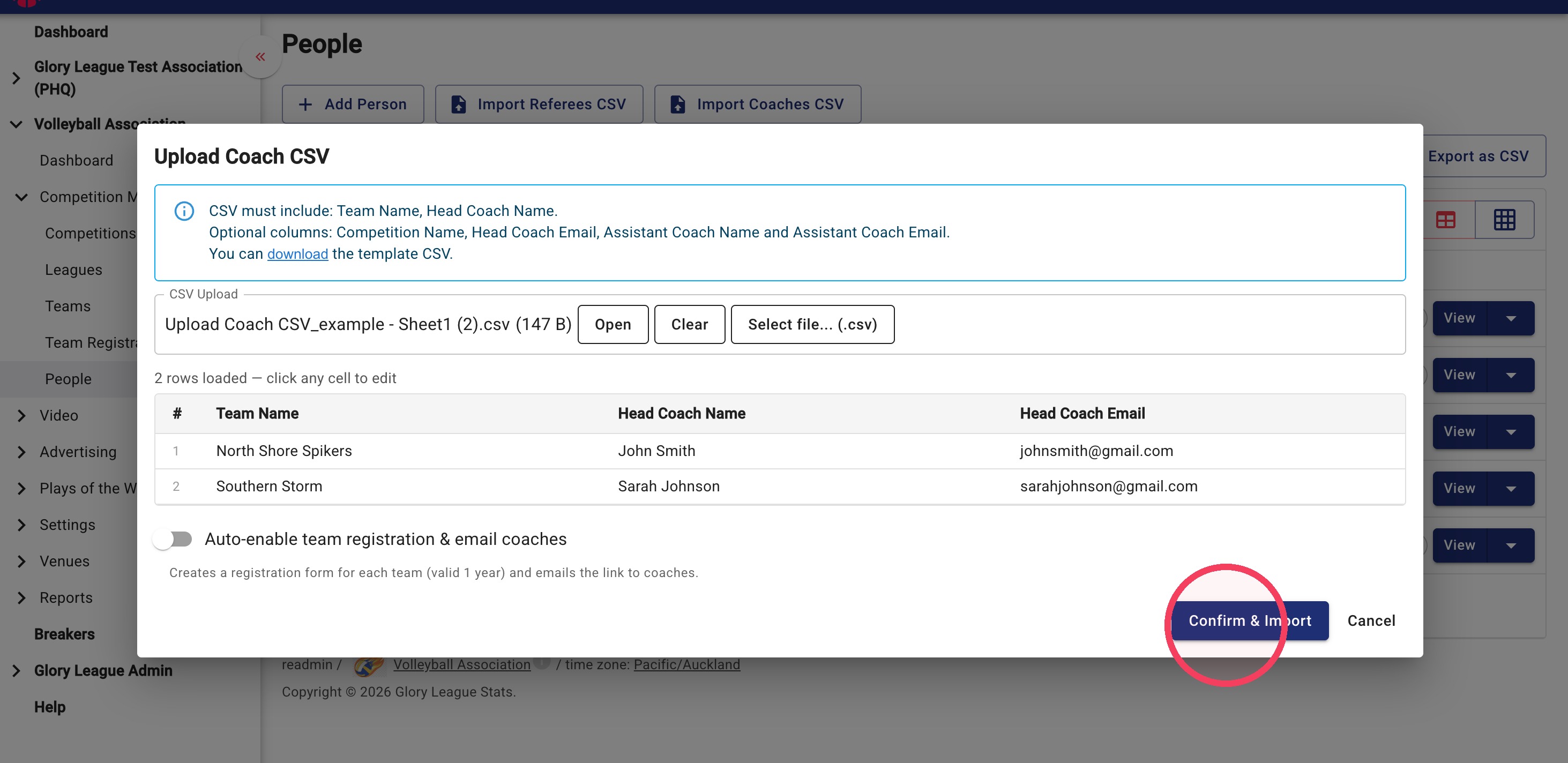
6. Click Confirm & Import when you are ready to import your data.
How To View Imported Coaches
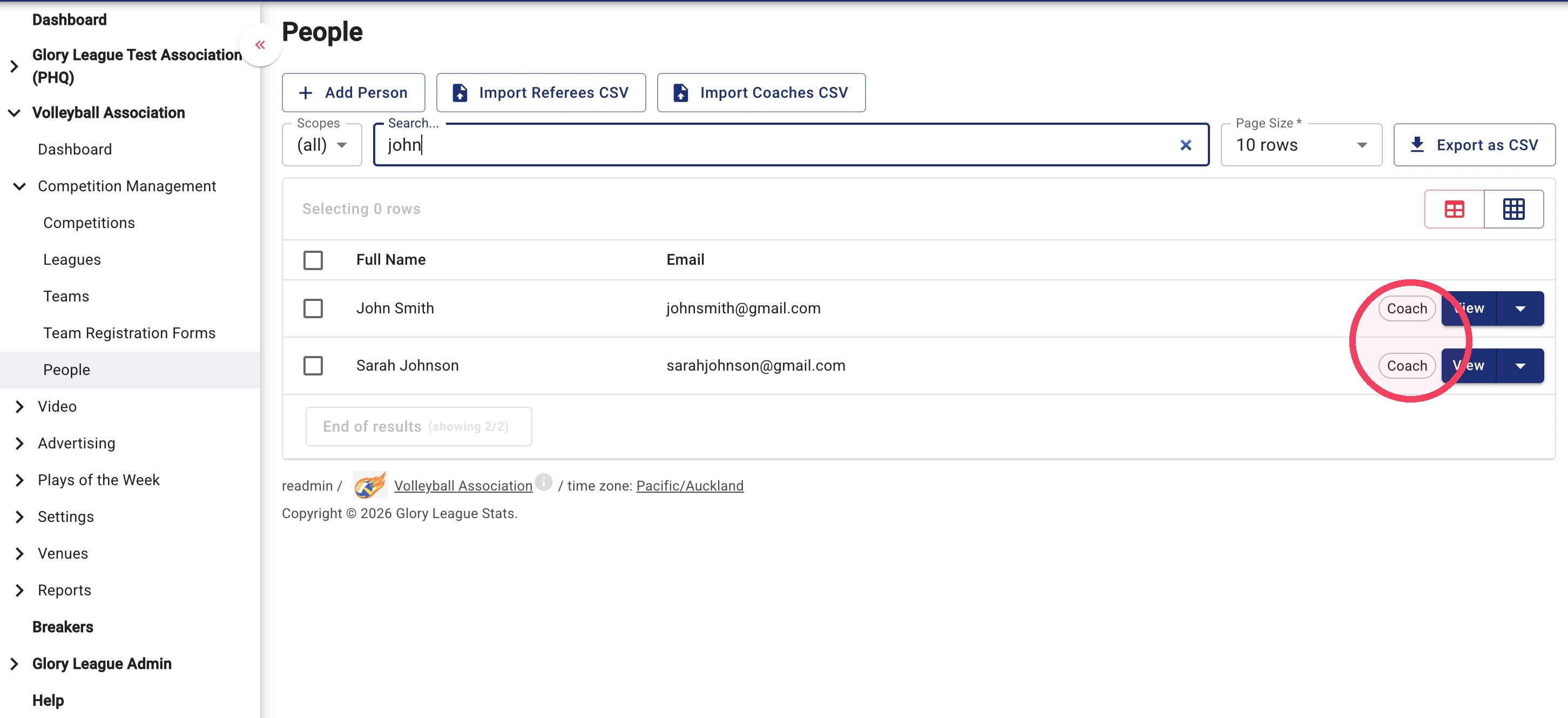
7. Under Competition Management select People from the menu.
8. Search for the coach. The coach tag will appear on their profile once they have been imported successfully.