Add an Organisation Admin to Glory League
Organisation Admins can add additional admins to provide access to the Glory League admin portal. If the new admin does not already have a Glory League account, an account will be created automatically and they will receive an introduction email prompting them to set up a password. Admin access can be removed at any time.
Please note that Organisation Admins are Glory League account administrators and are different from club delegates participating within your organisation.
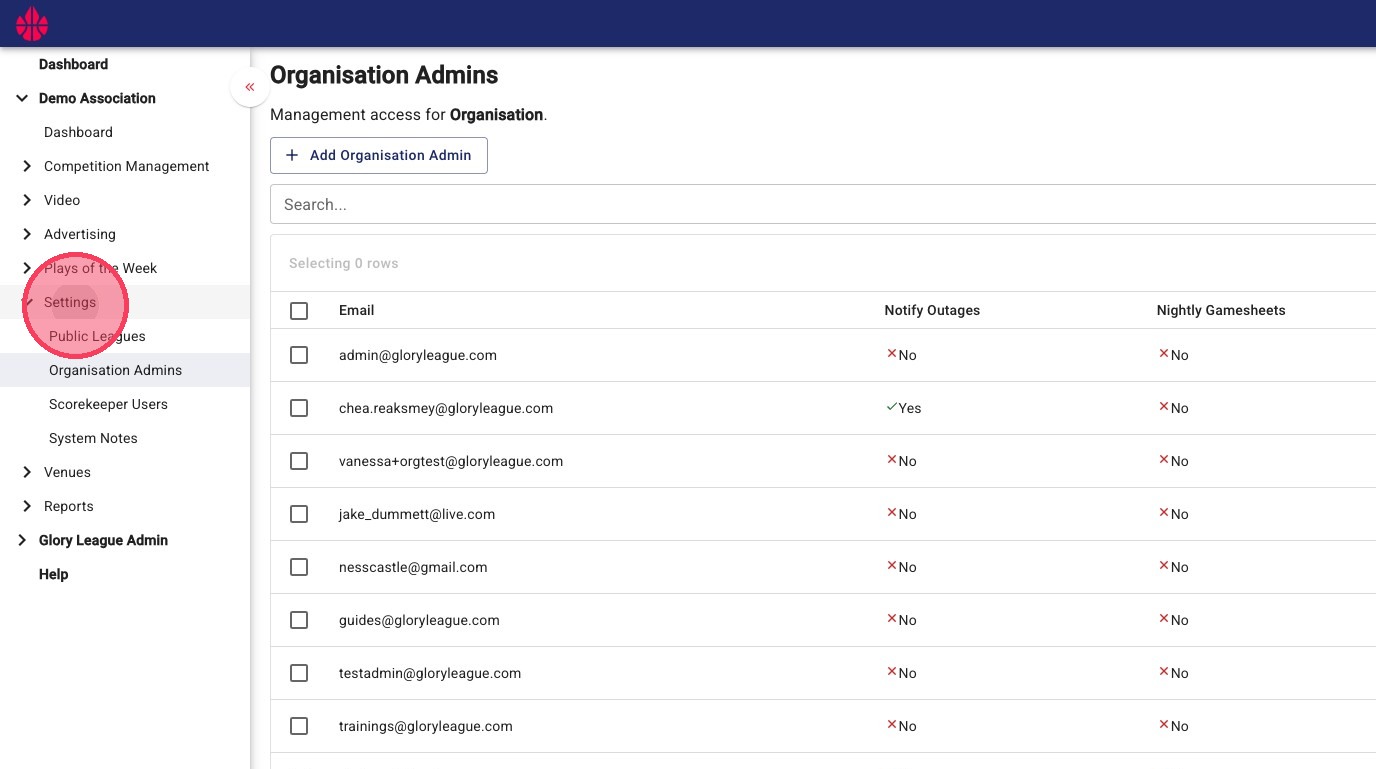
1. Click Settings
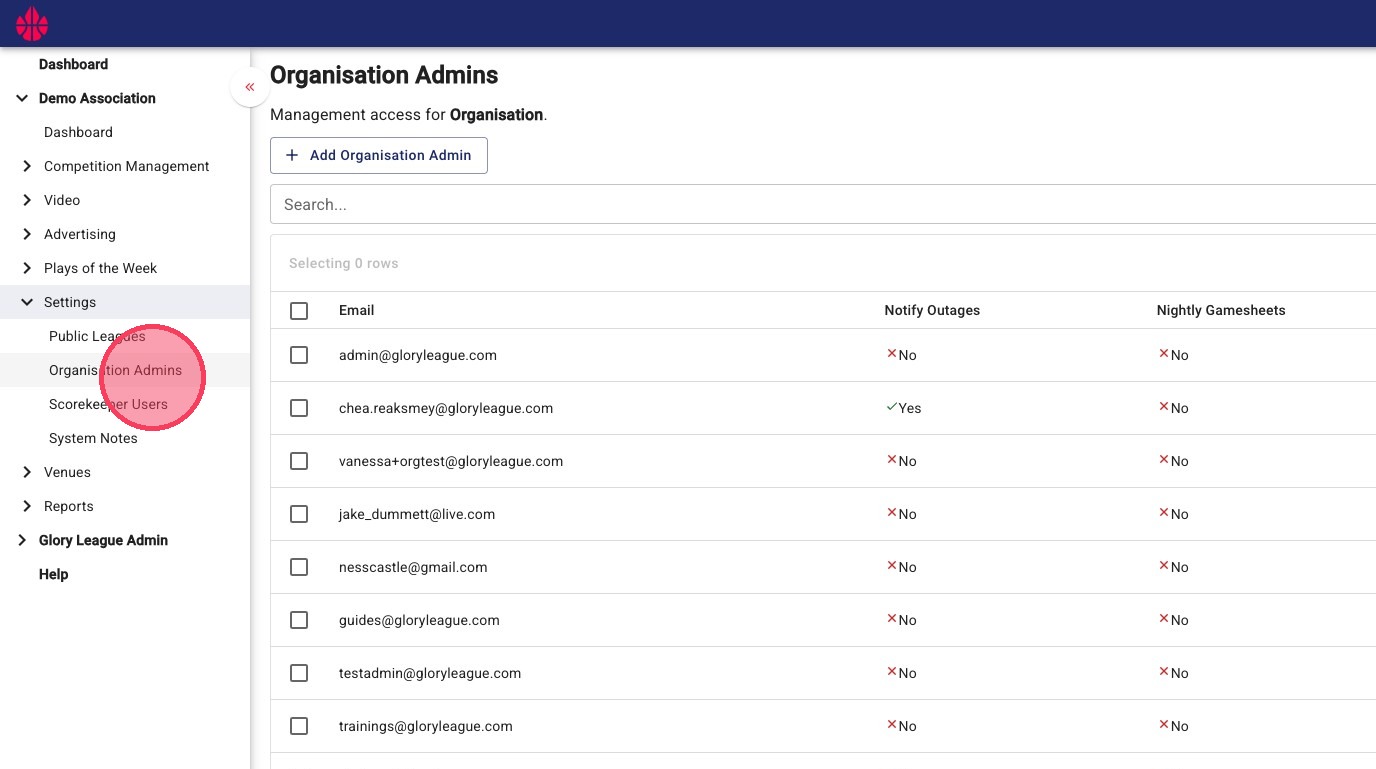
2. Click Organisation Admins.
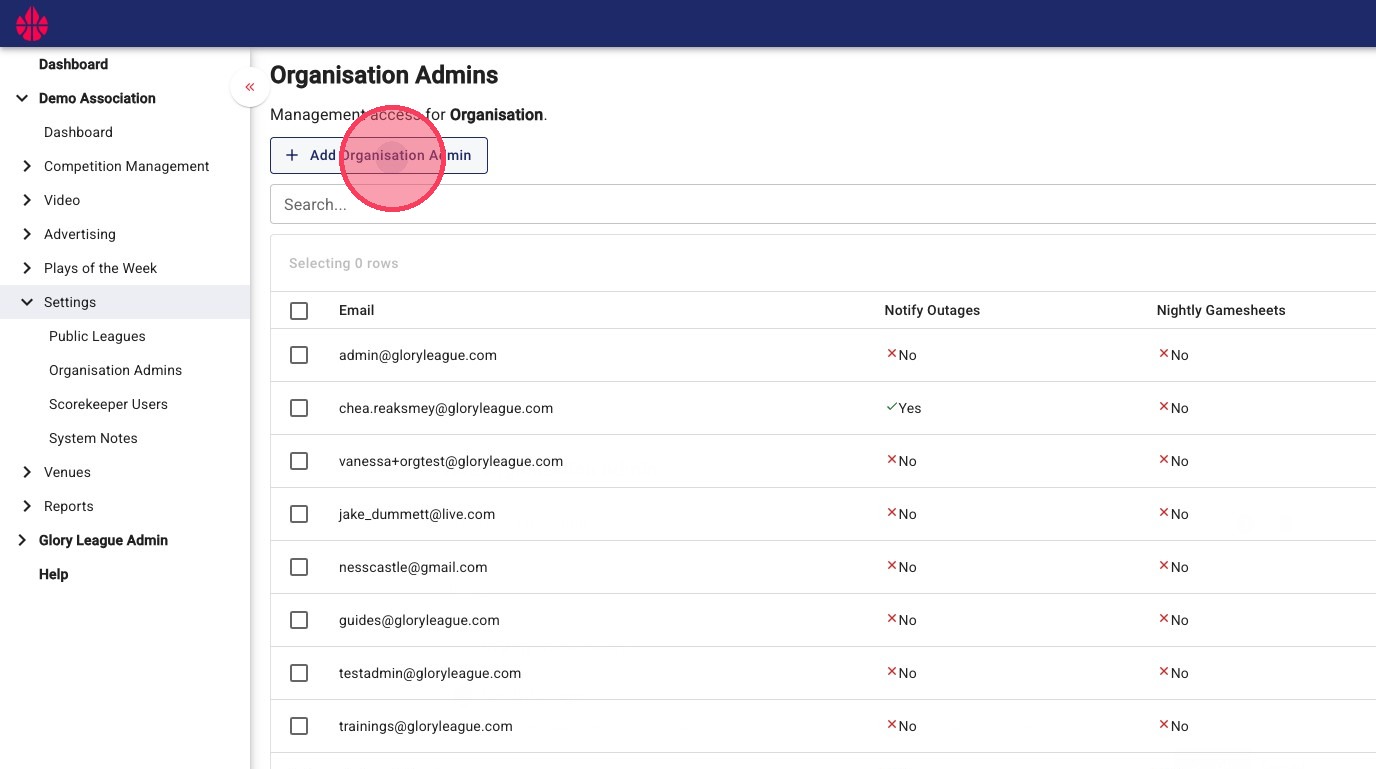
3. Click Add Organisation Admin.
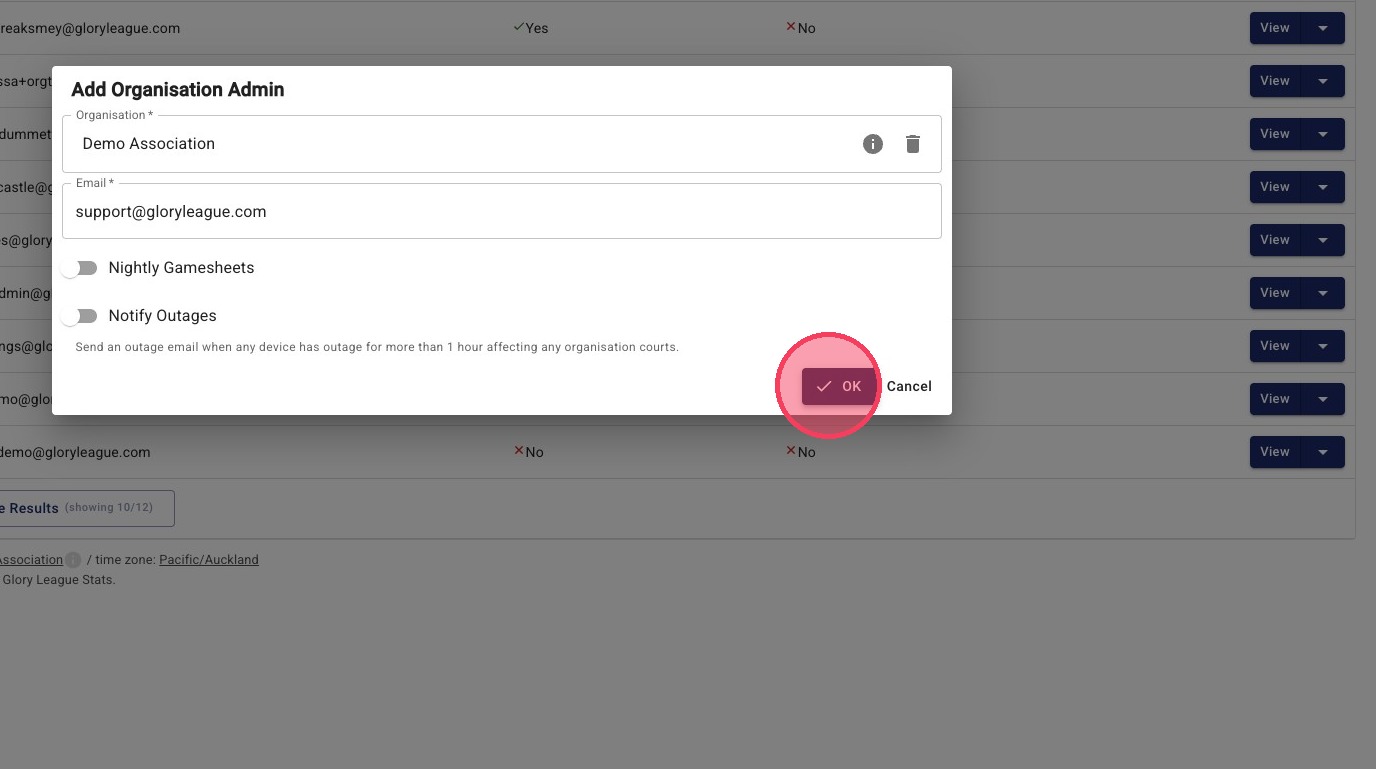
4. Enter the new admin's email address in the Email* field.
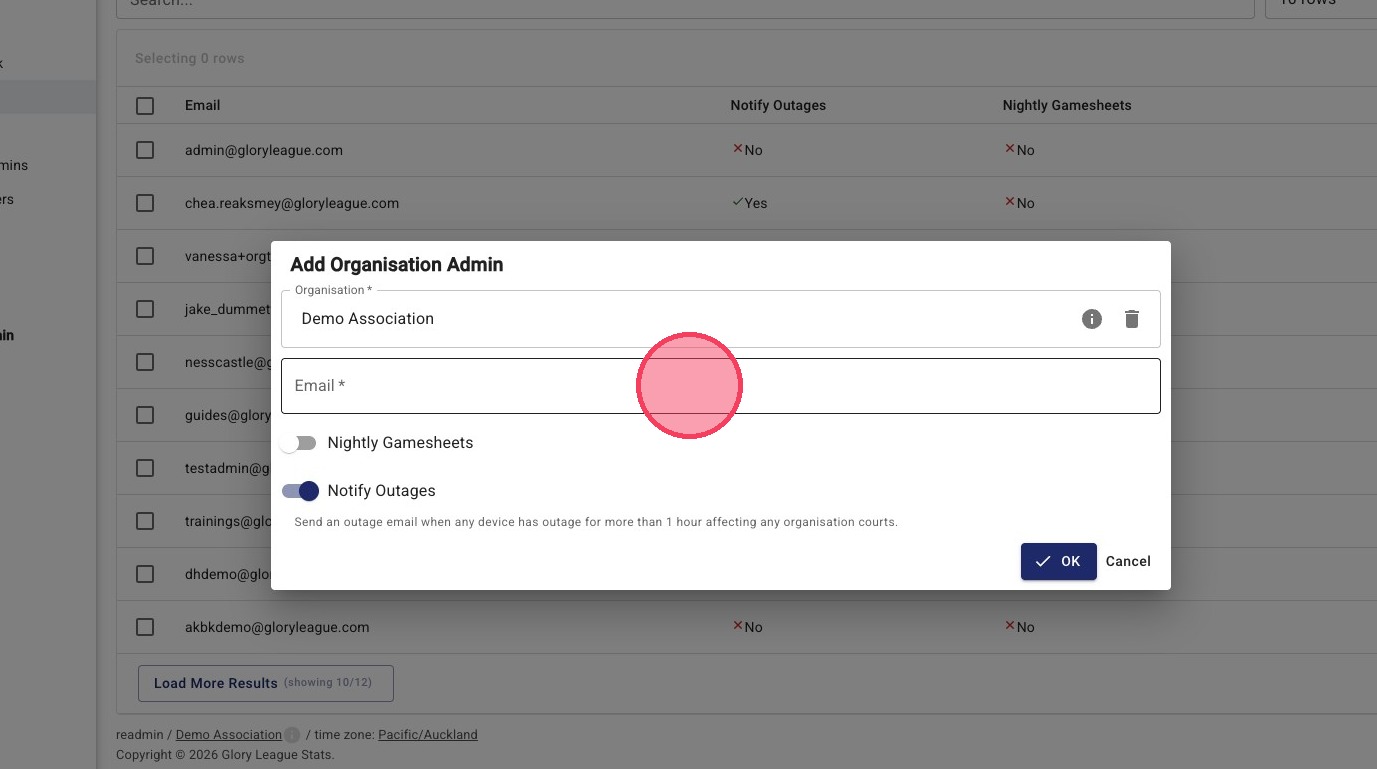
5. Select Notify Outages if this admin should receive email notifications about camera, recording or system issues that may impact game coverage.
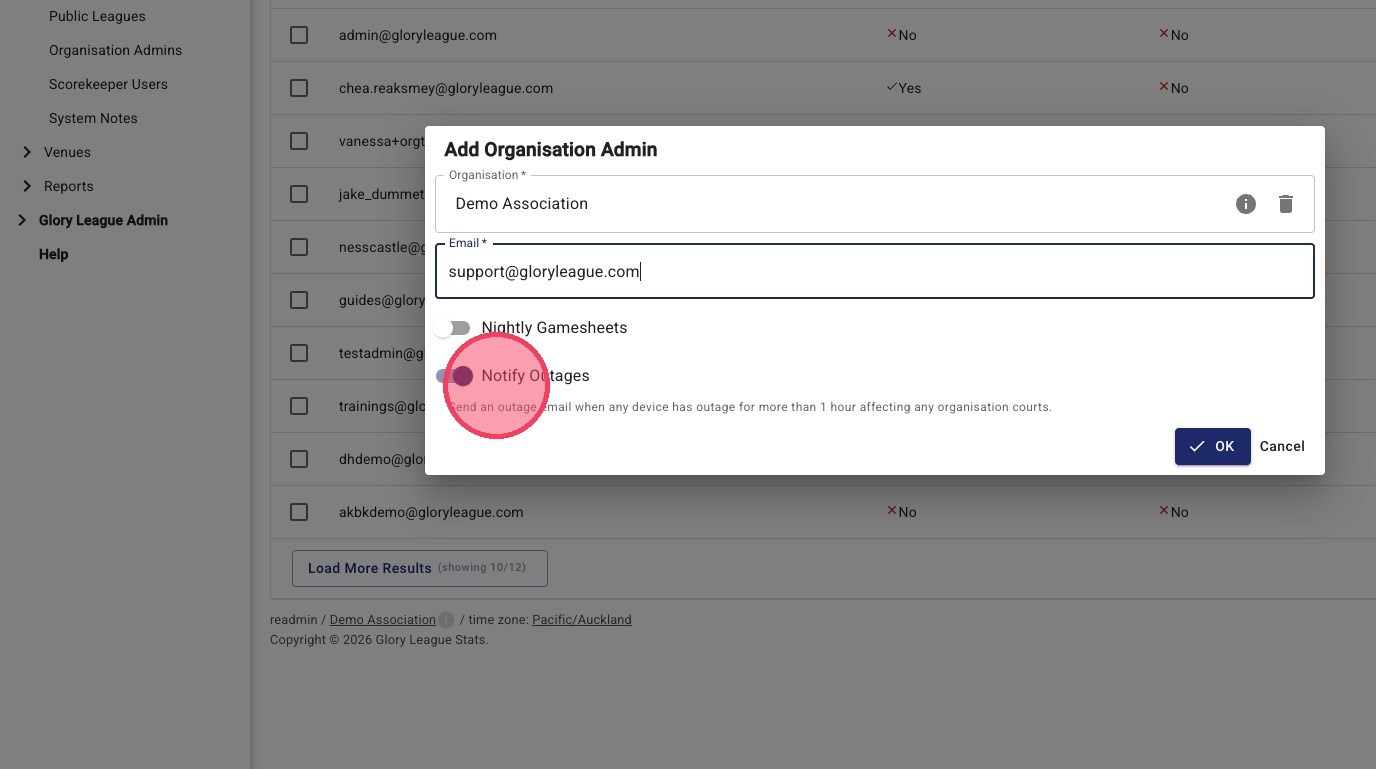
We recommend enabling outage notifications for at least two Organisation Admins. If your venue has a dedicated Venue admin or facility manager, consider enabling notifications for them as well.
6. Click OK to save your changes.