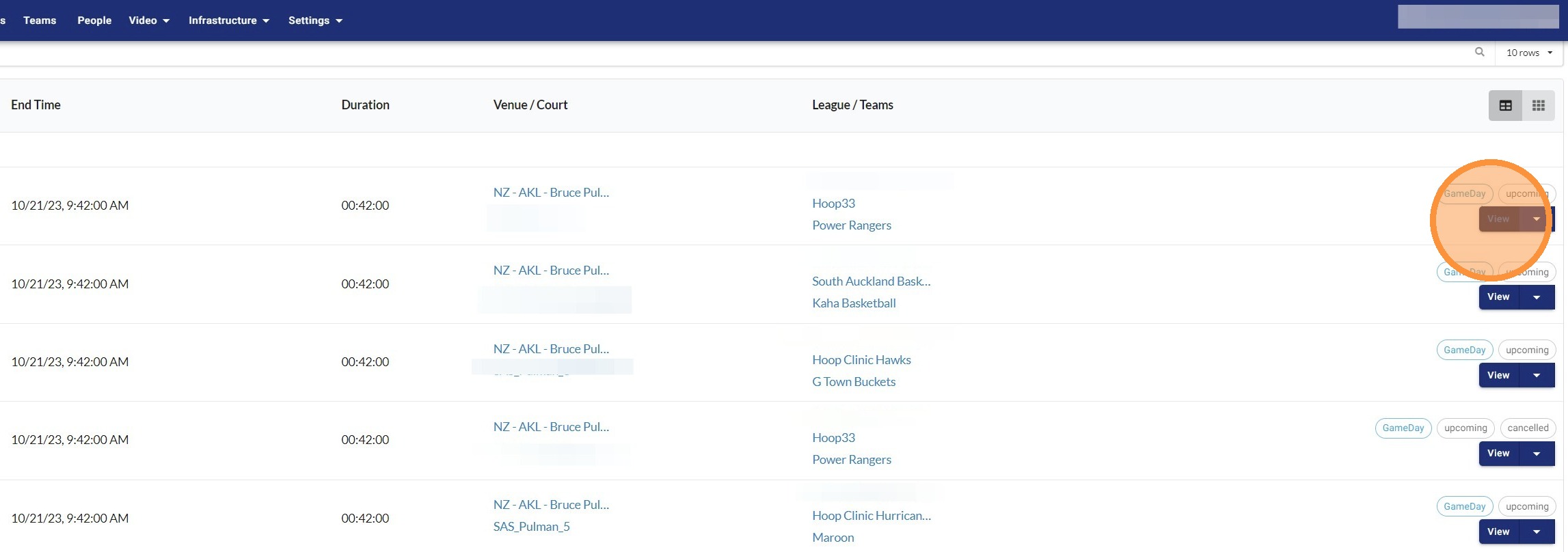
Access Game Schedule
All games manually scheduled and games that are scheduled to be played within the next three days in all competition management software will appear here.
Please allow up to 15 minutes for schedule changes made in your competition management software to appear in Glory League. If updates have not synced within one hour, please contact our support team.
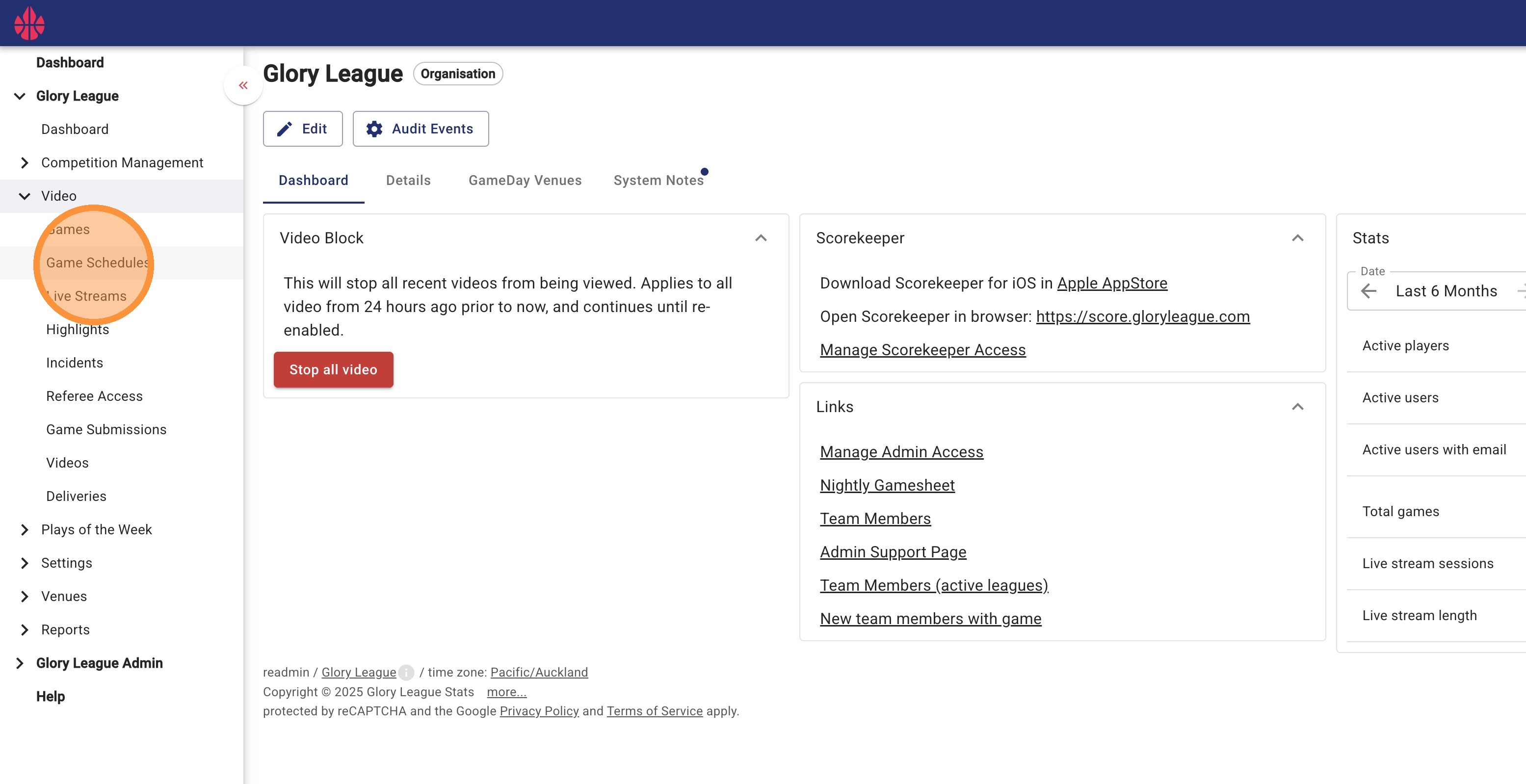
1. From the top menu click Video, then click Game Schedules from the dropdown menu.
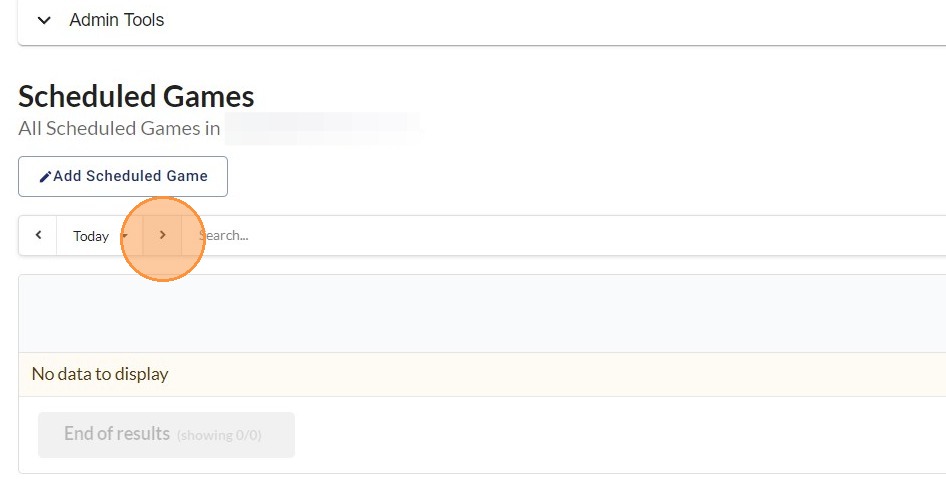
2. Use the right arrow to view future scheduled games, the left arrow to view previous dates, or select a date from the dropdown menu.
3. The schedule displays all games and their current status.