Add and Remove a League Member
Learn how to add or remove officials and supporters within your Basketball League.
Add a League Member
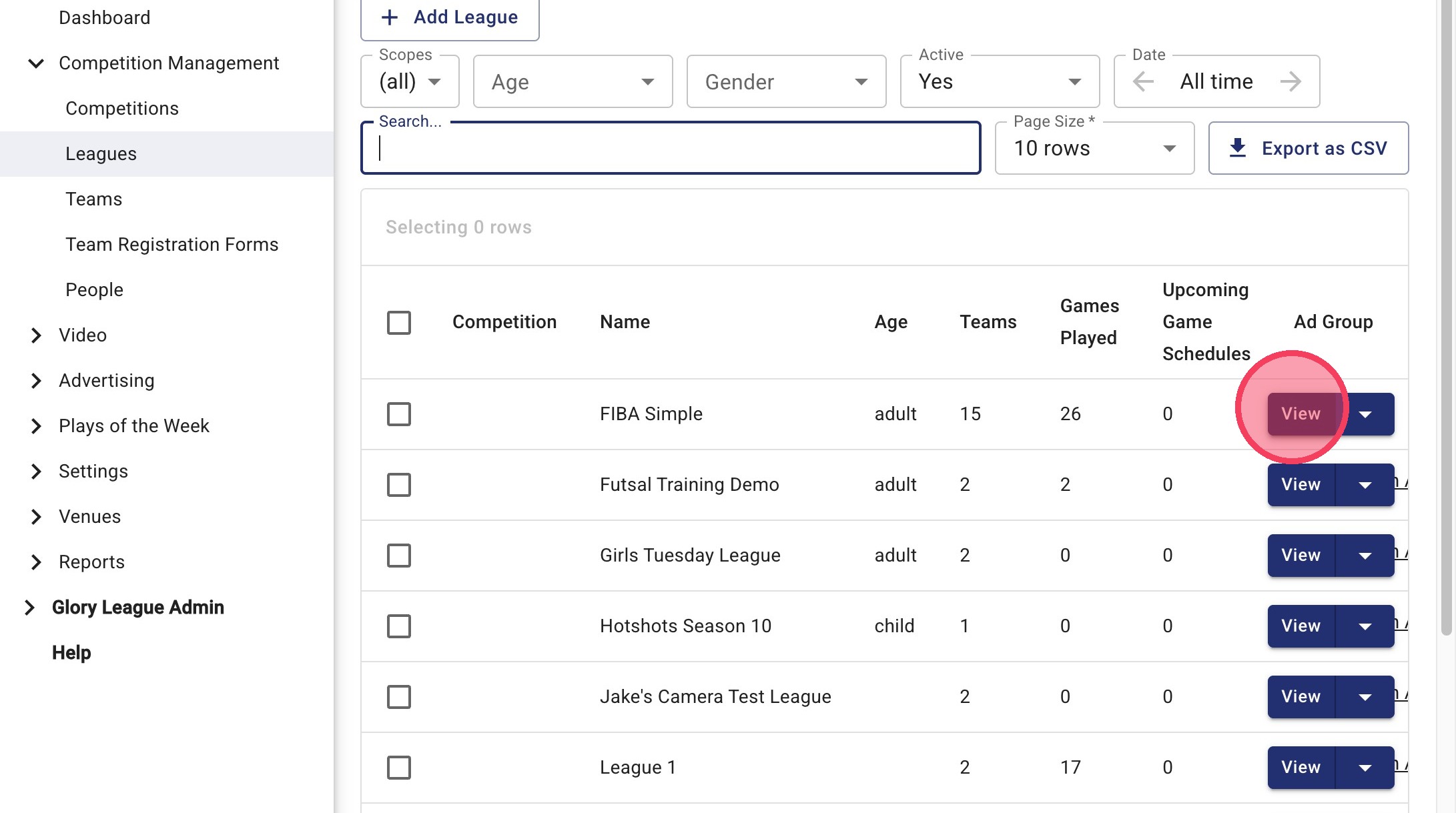
1. Go to Leagues and find the League you'd like to update and click View.
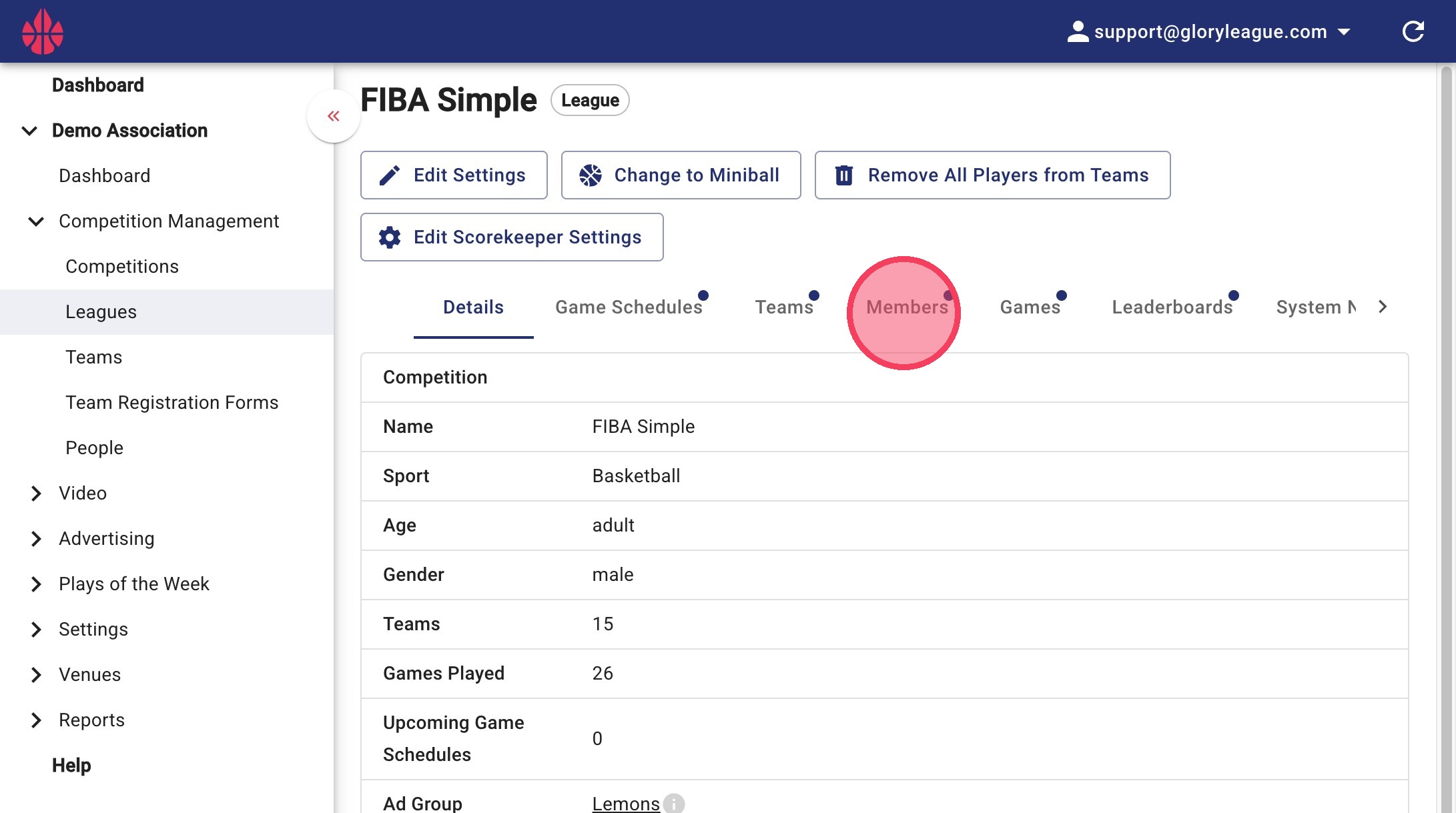
2. Click Members
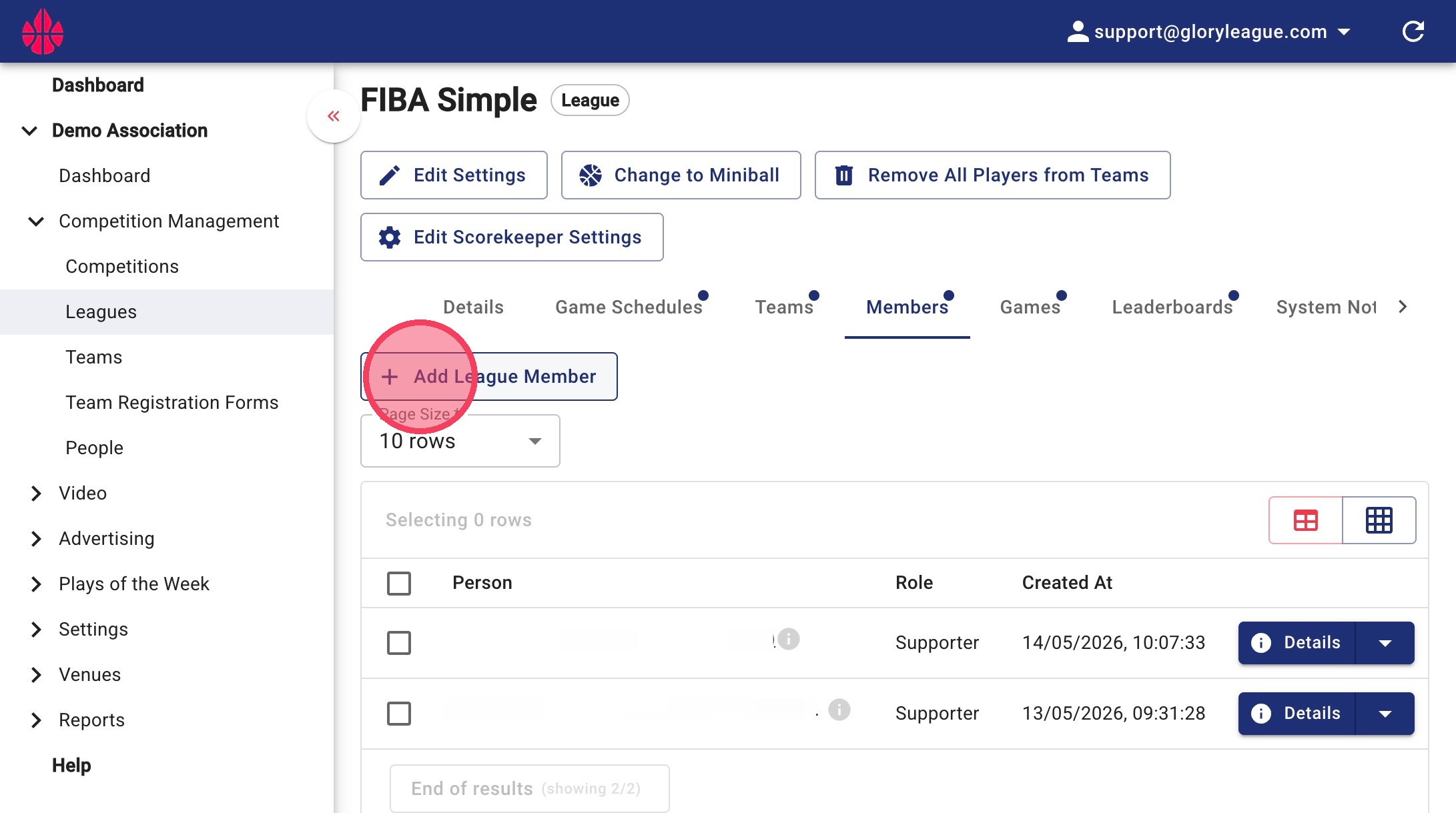
3. Click Add League Member
4. Click Person
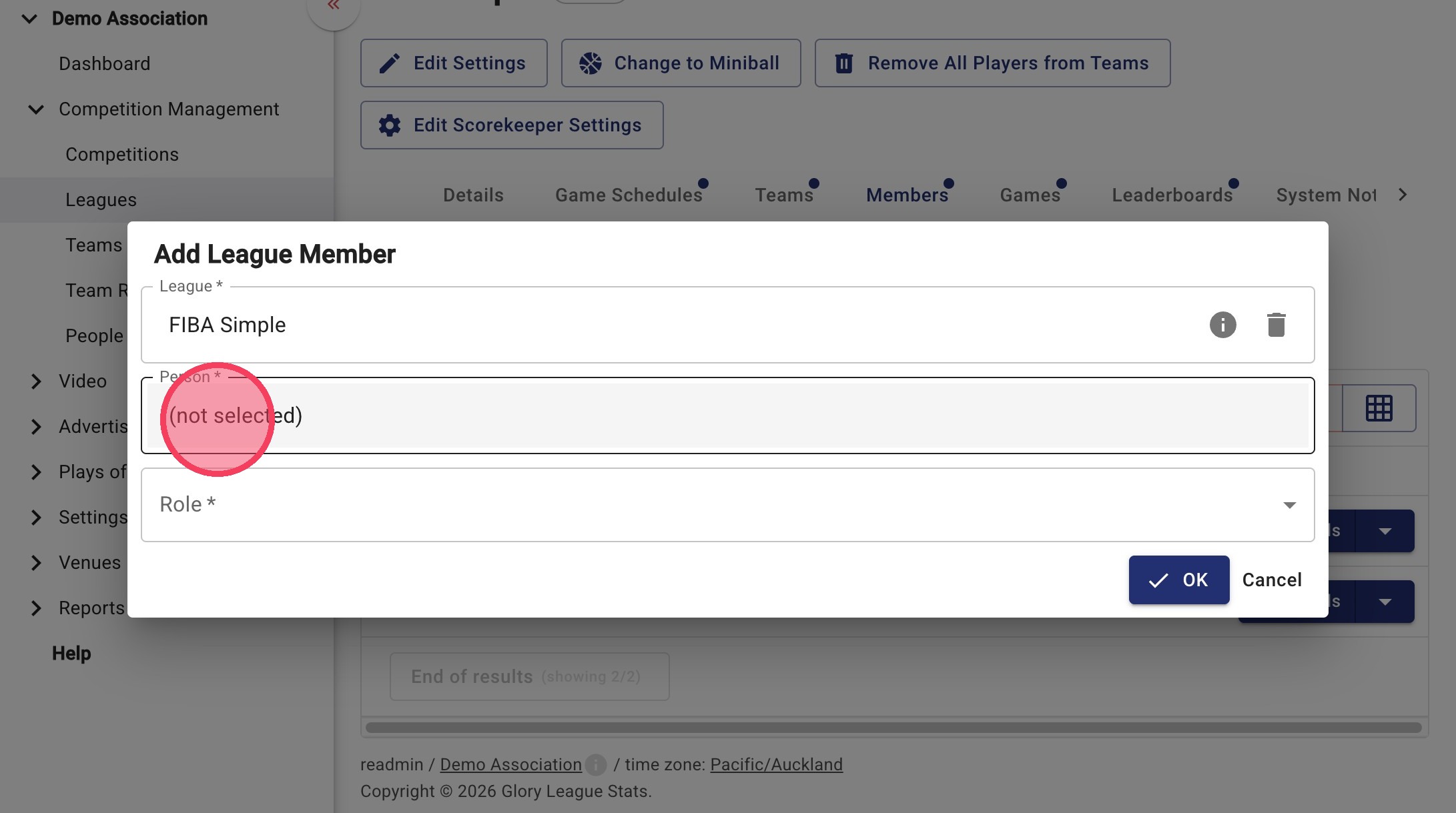
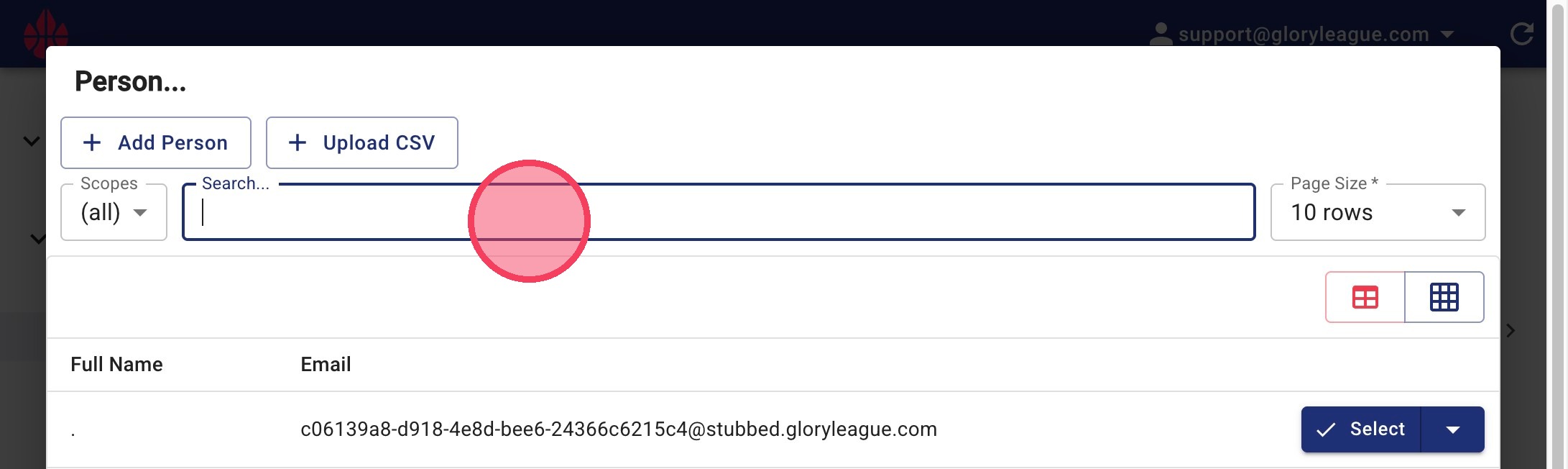
5. Type in the Person field to search for a member.
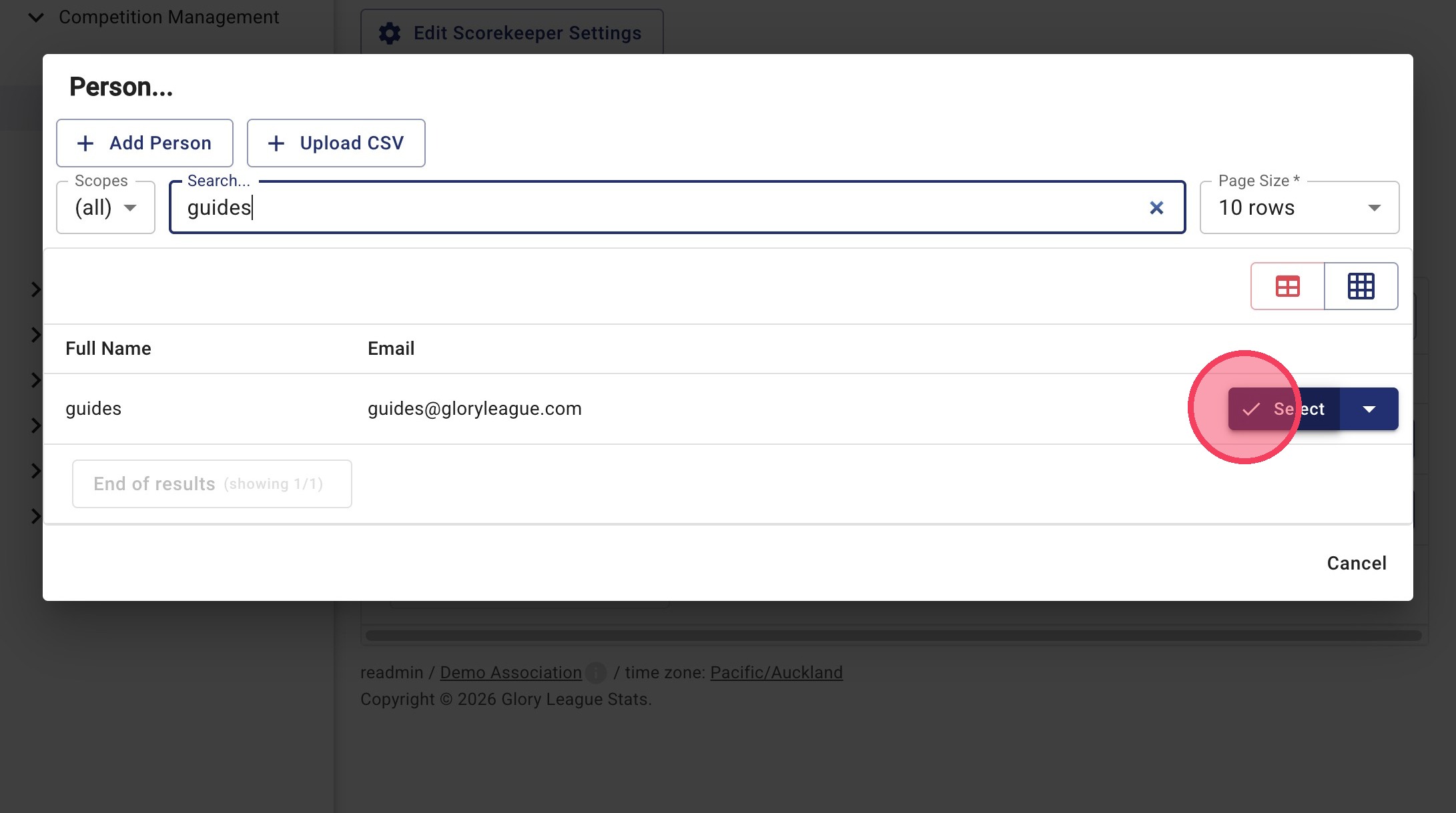
6. Click Select
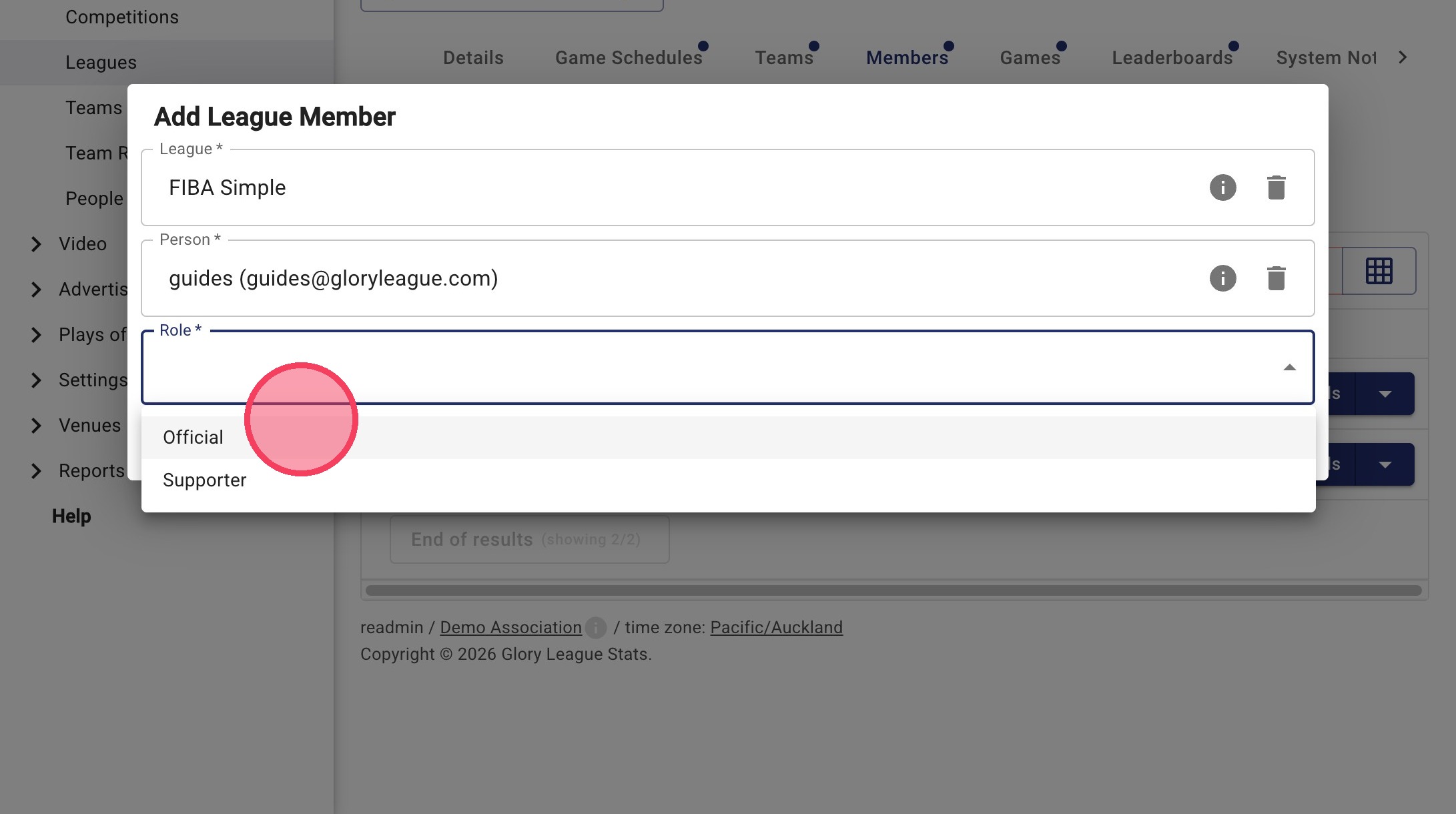
7. Click Role
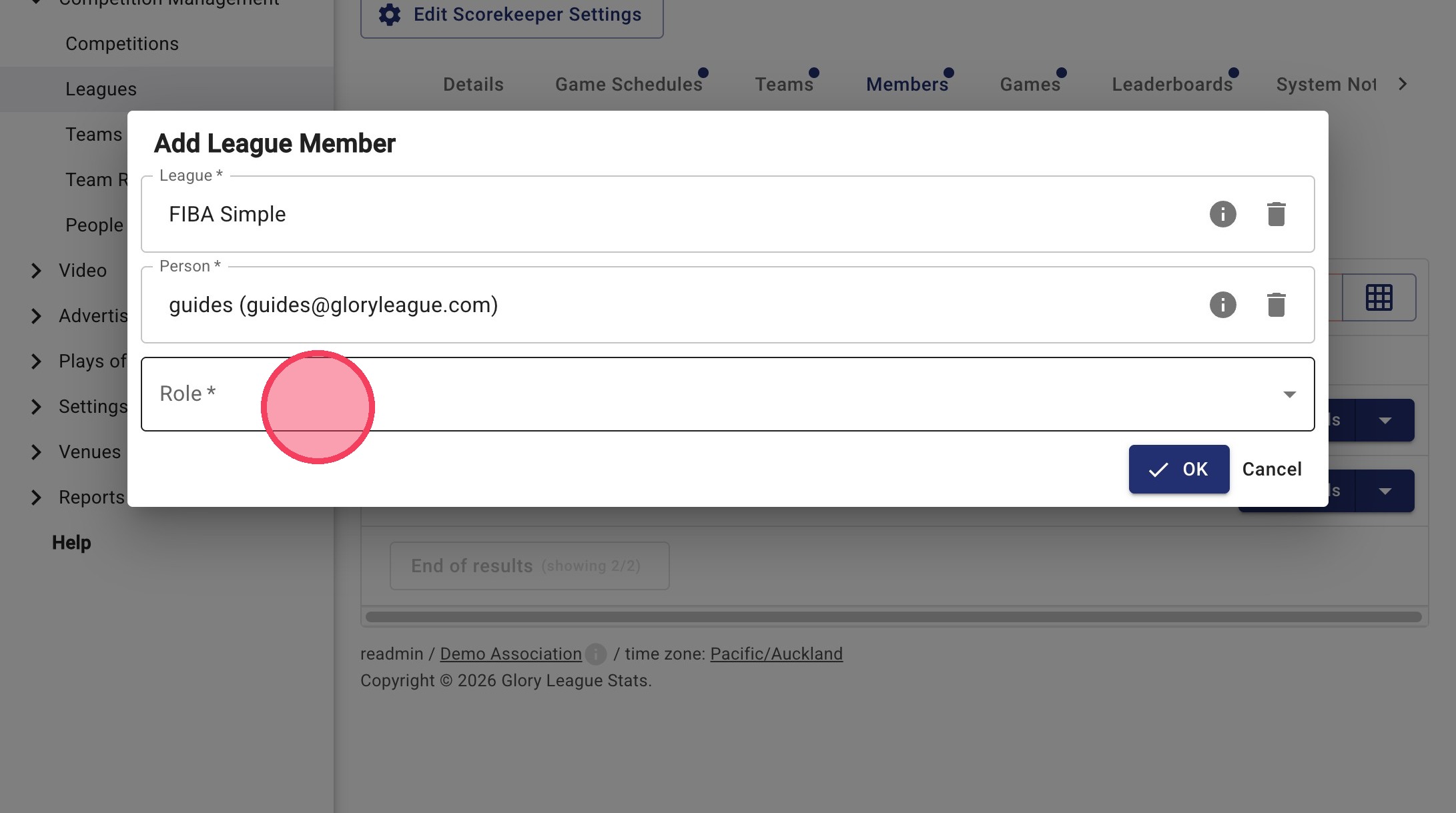
8. Select the Role from the Role dropdown menu.
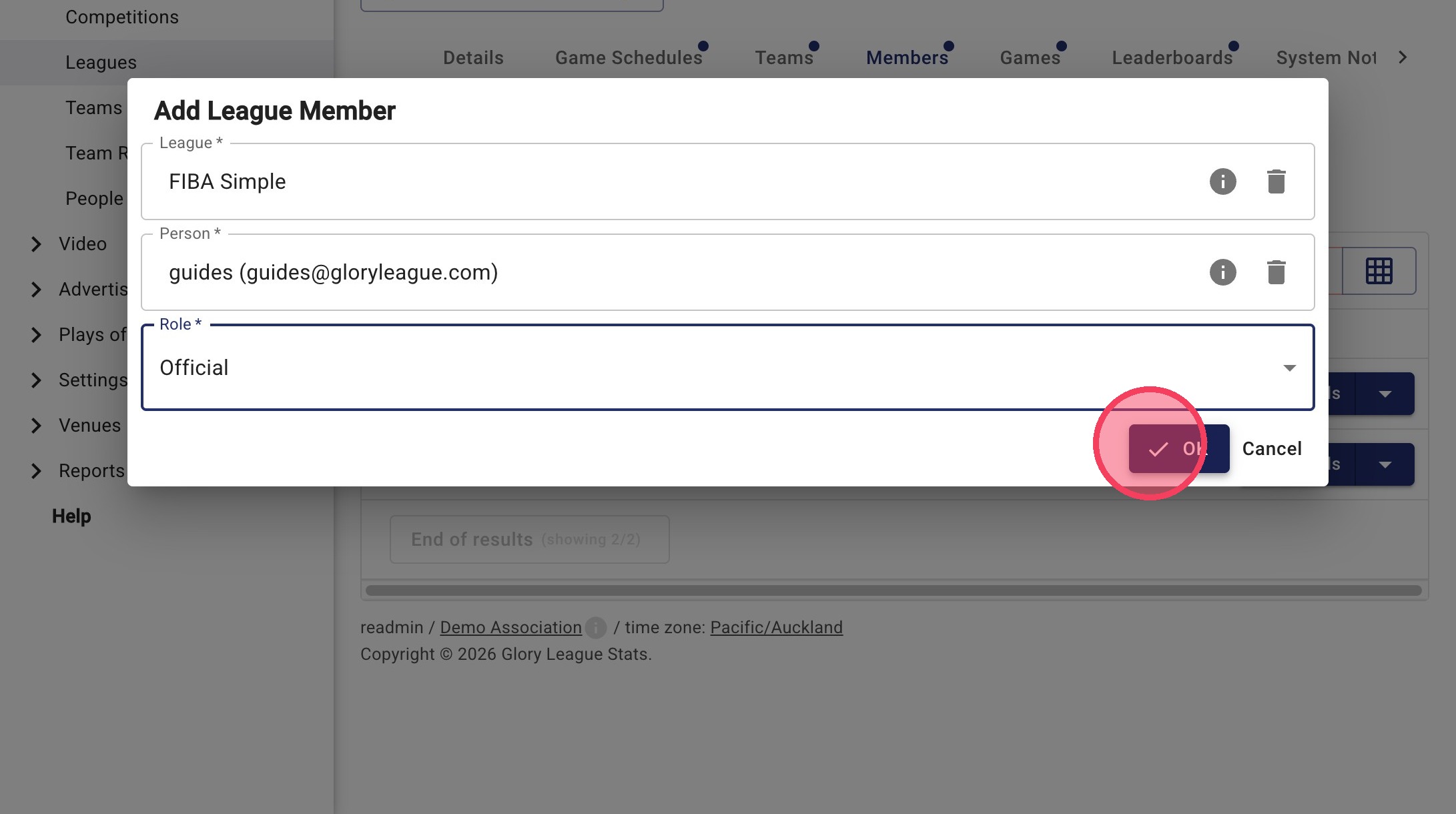
9. Click OK to add the member.
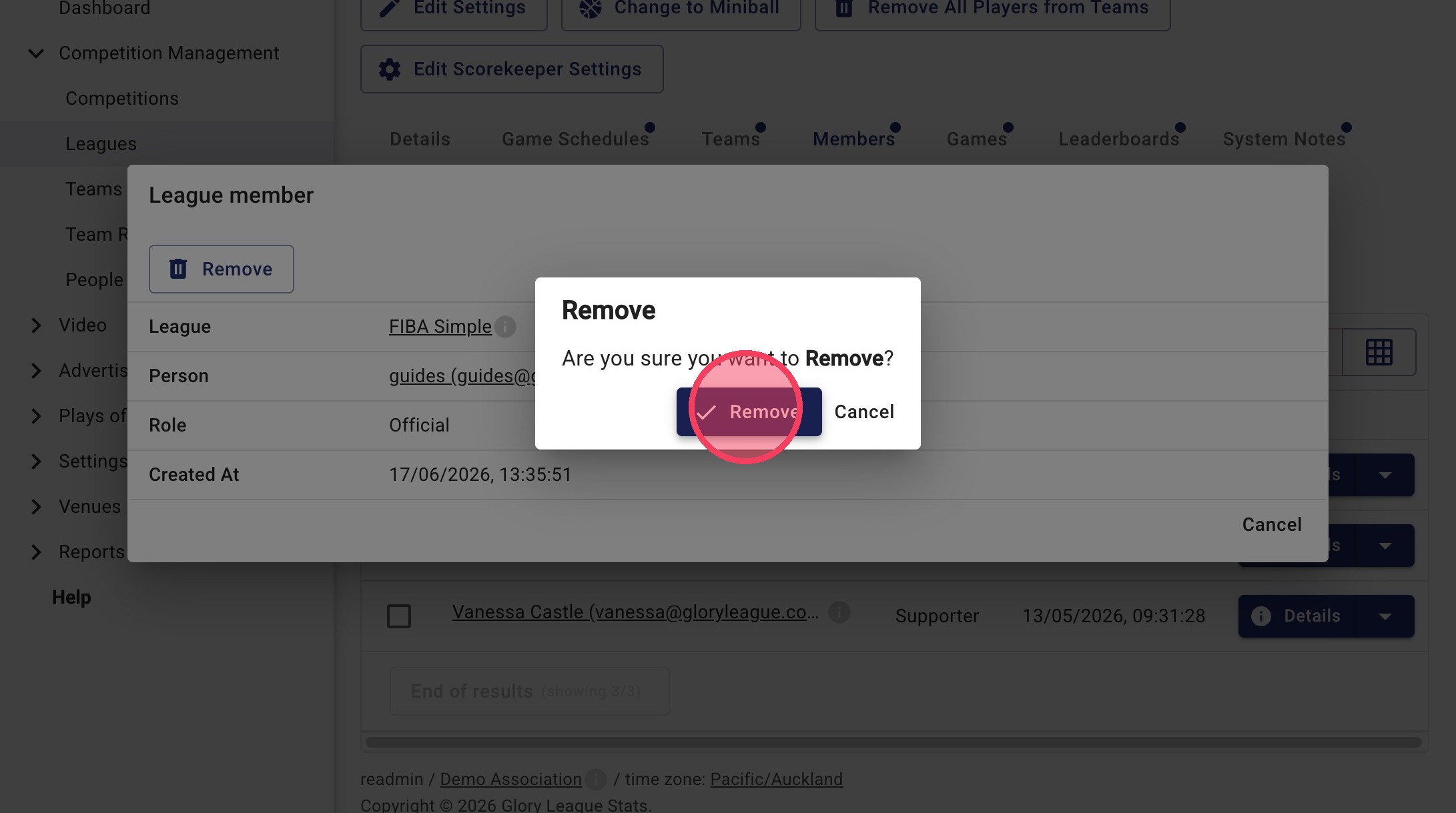
Member Removal
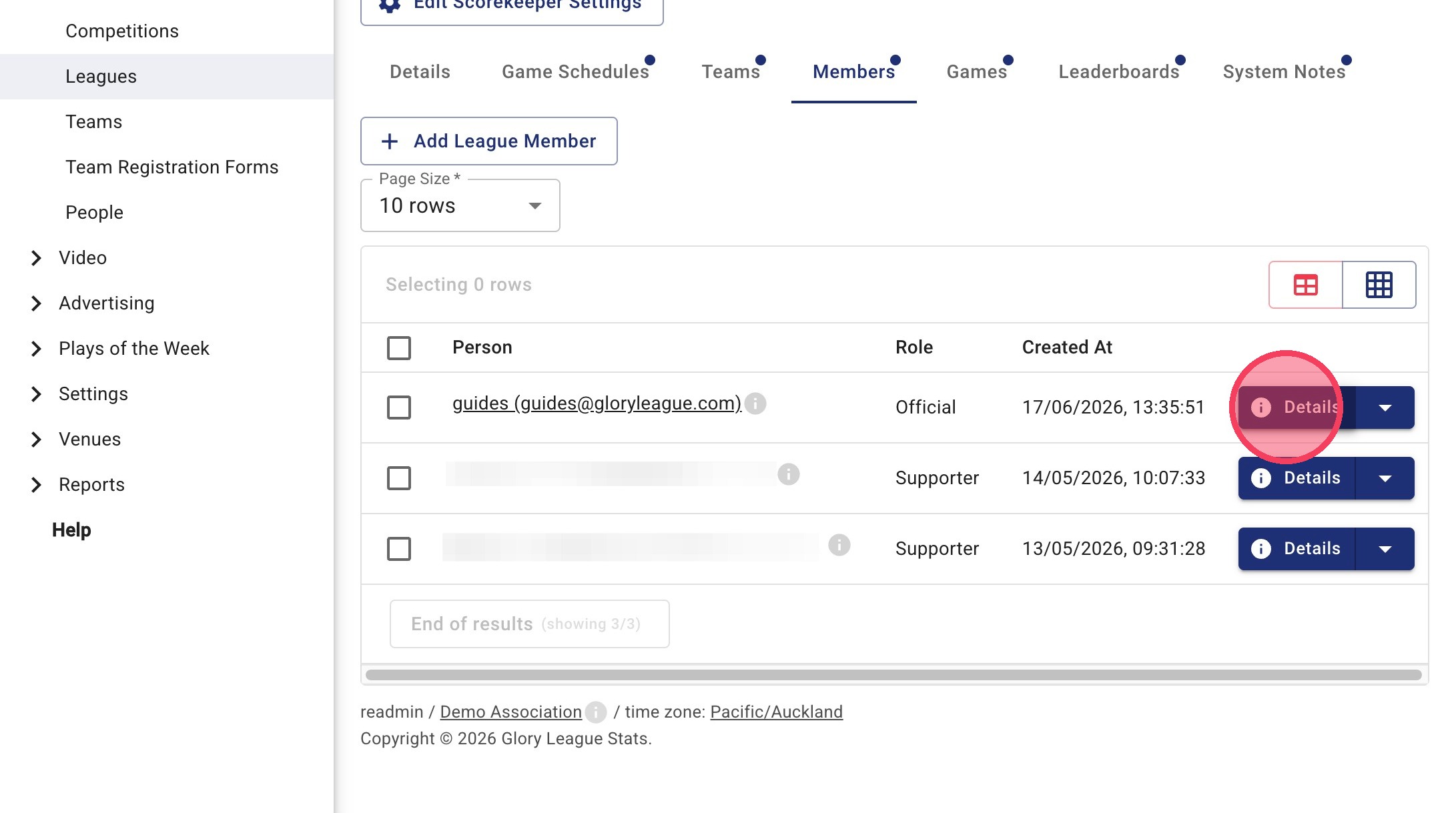
10. Click Details
11. Click Remove
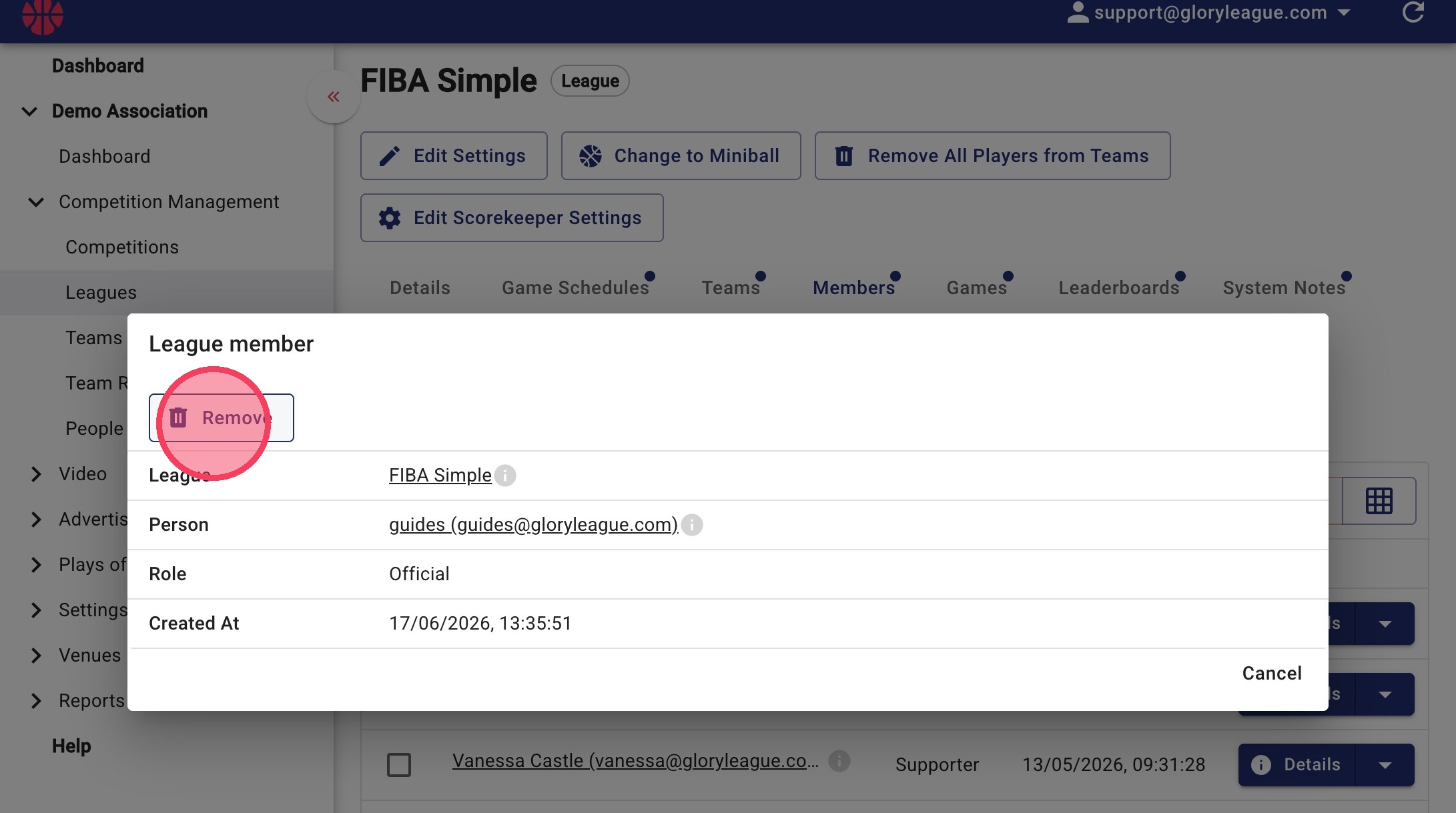
12. Click Remove to confirm.