
Download Original Game Video File
This guide provides step-by-step instructions on how to download original game video files from Glory League.
Original game video downloads are available for 14 days after a game is recorded. Once the video has finished uploading, you can download the original file even if the game is still encoding.
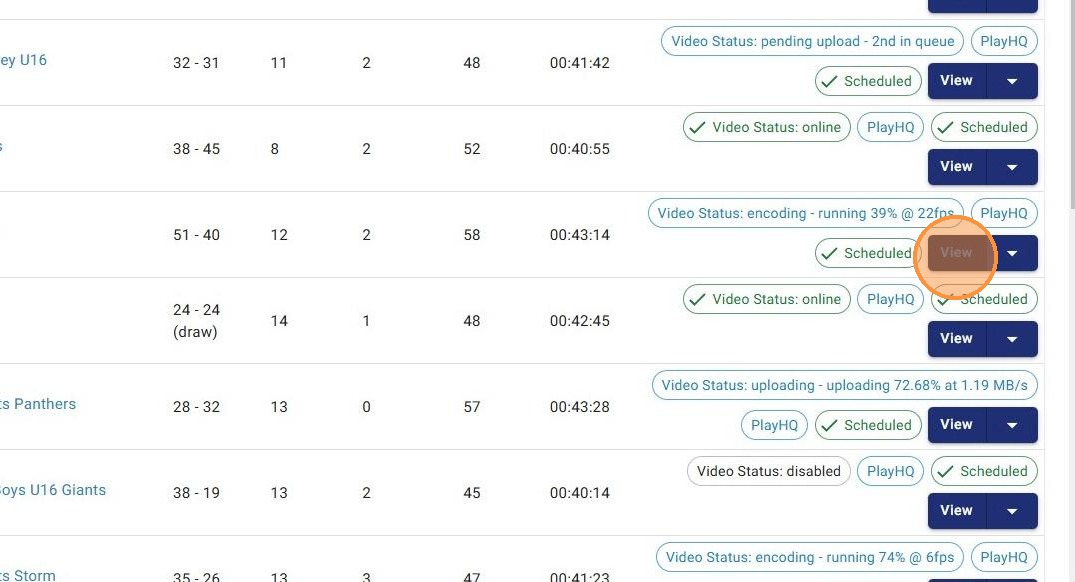
1. You can download the full game video of any video once it has finished uploading even if it is still encoding. Click View from the Games page.
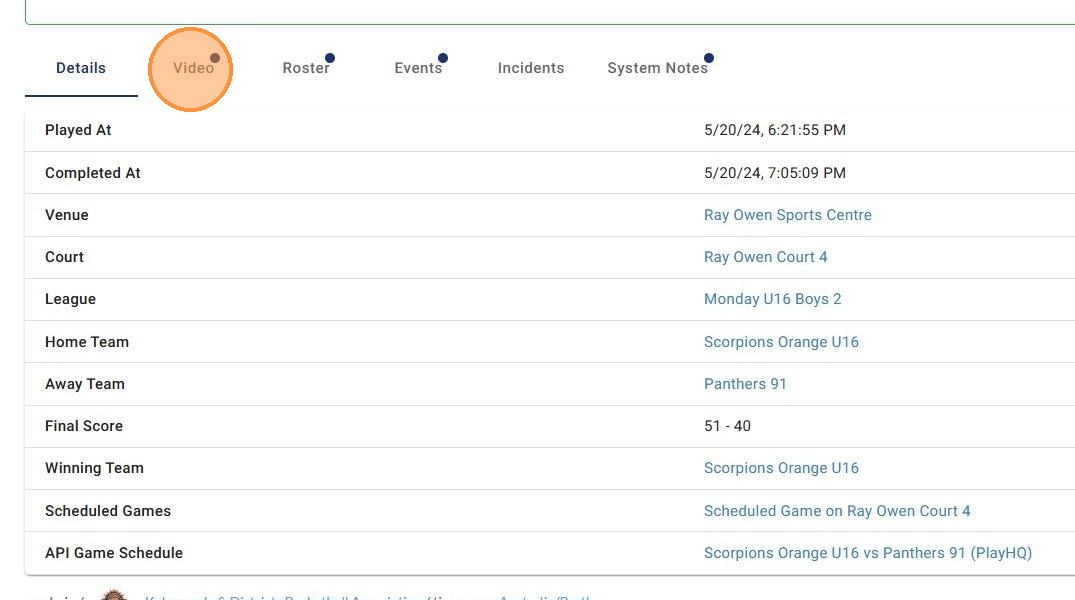
2. Click Video
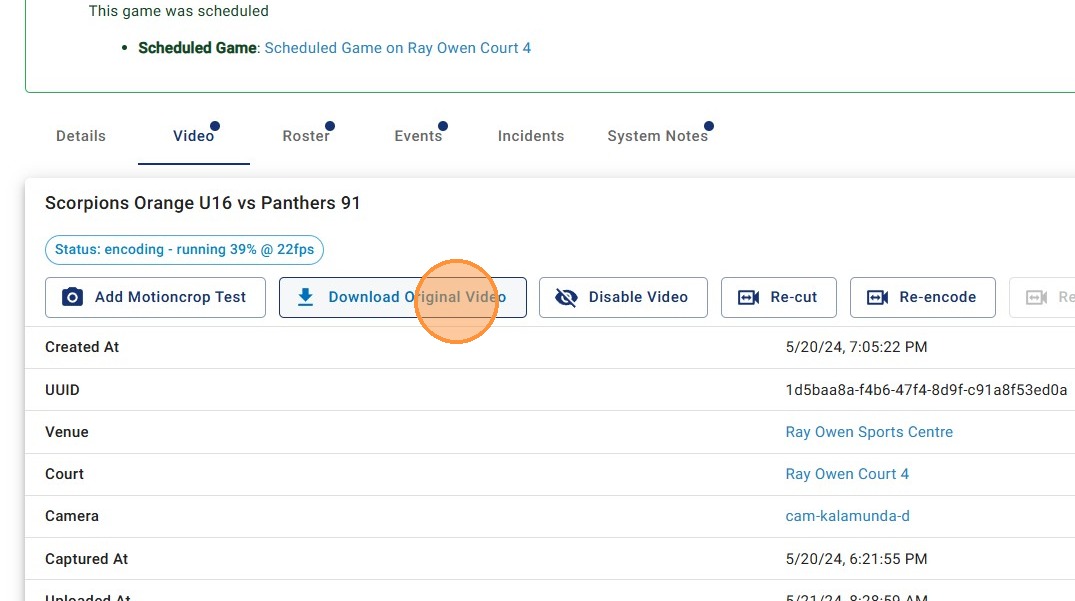
3. Click Download Original Video and the file will automatically start downloading to your computer
4. If the Download Original Video button is greyed out it means the original video is no longer available on the server.
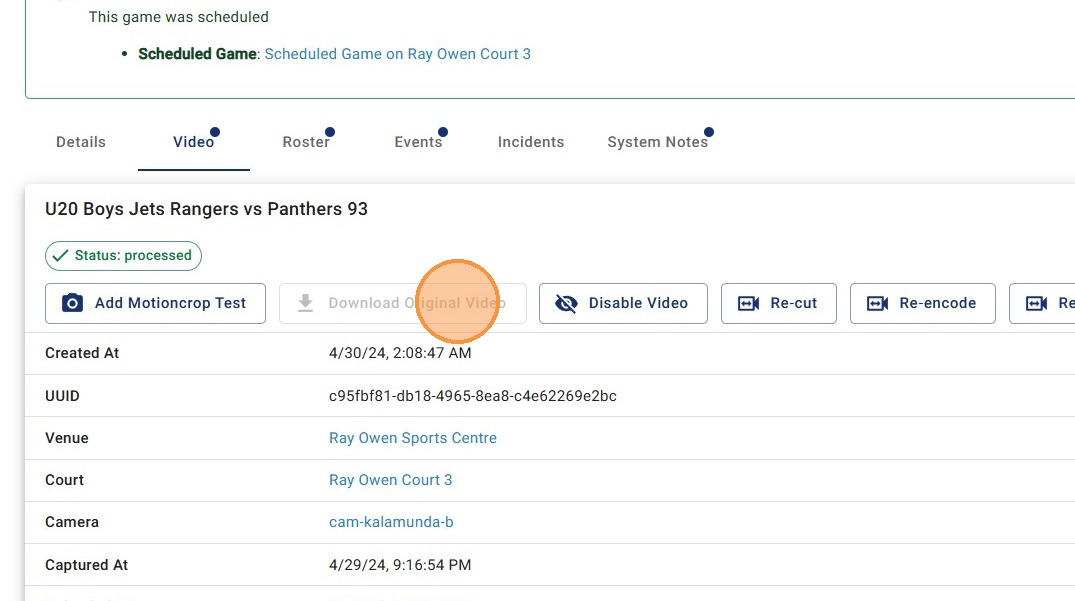
Original video downloads are available for 14 days.
After this time, the video is moved to long-term storage and is no longer available for self-service download.
If you need access after 14 days, the Glory League team can restore the video within approximately 12 hours. Please allow enough time if footage is required for tribunals or other time-sensitive matters.