How to Live Stream To Facebook
Learn how to connect your Facebook account to Glory League and successfully publish your livestream. This guide walks you through the essential steps to ensure your content is ready to go live.
Facebook Output Initiation
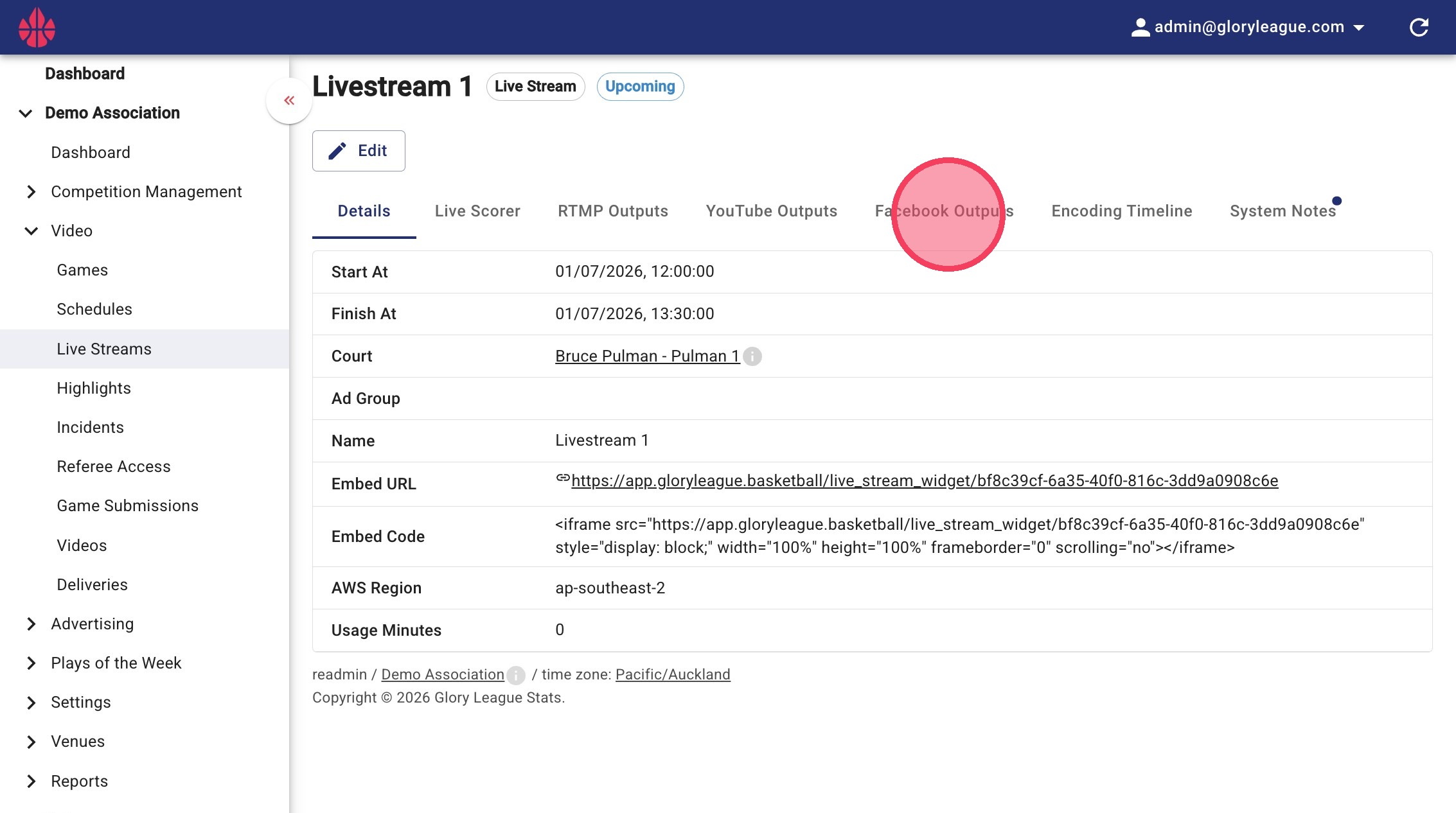
1. From your Livestream's page, Click into the Facebook Outputs tab
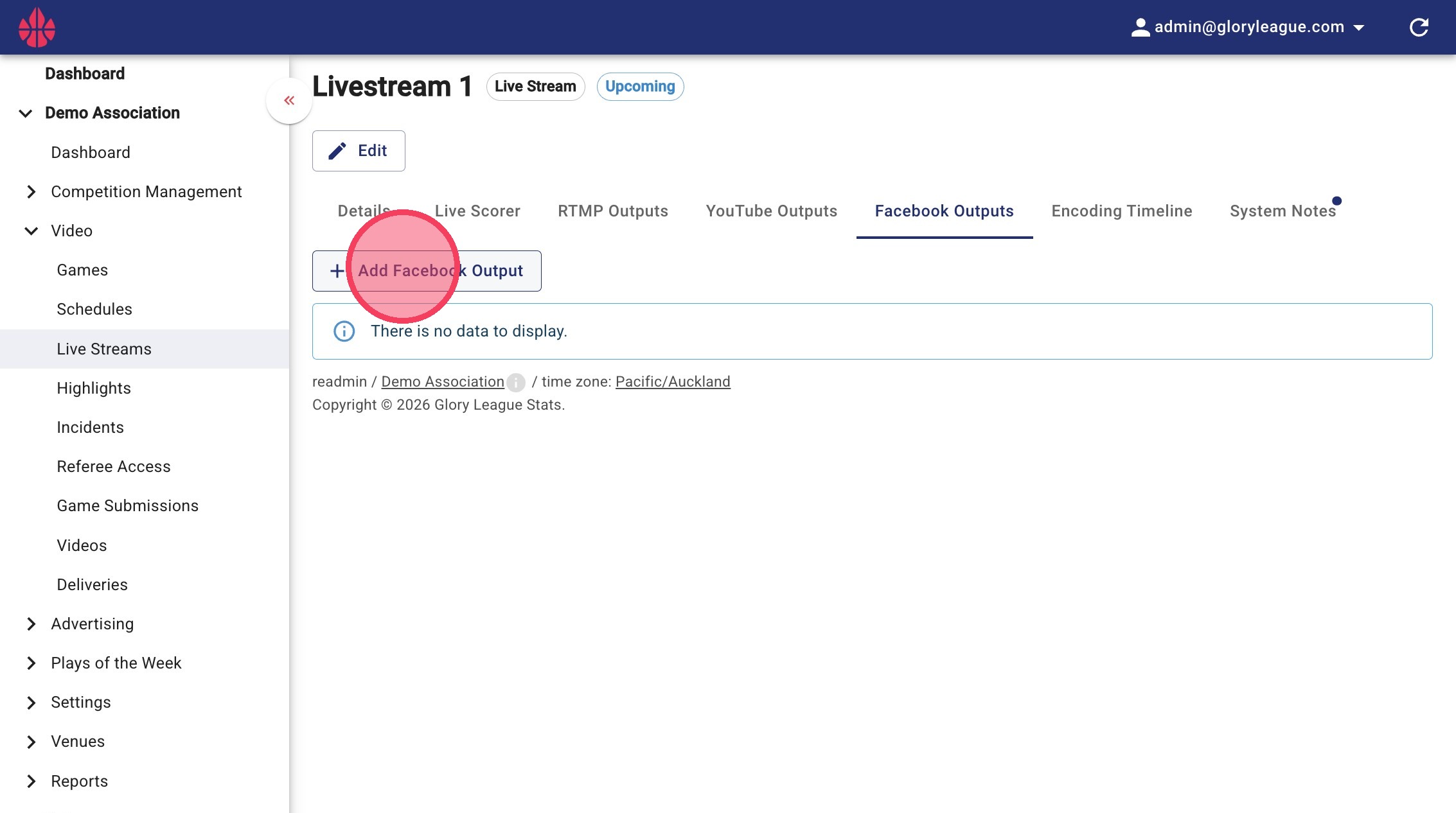
2. Click Add Facebook Output
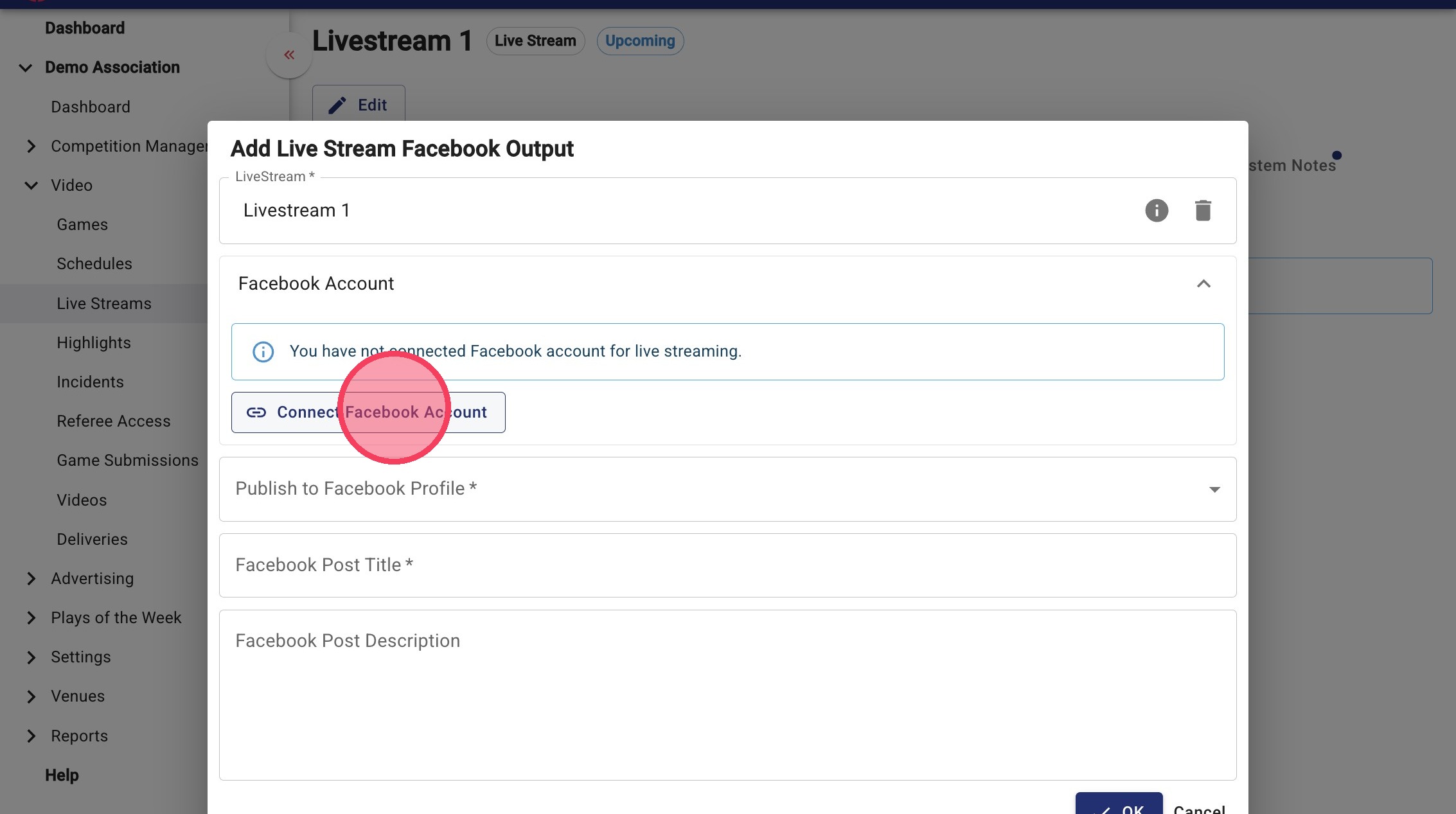
3. Click Connect Facebook Account
Facebook Authentication
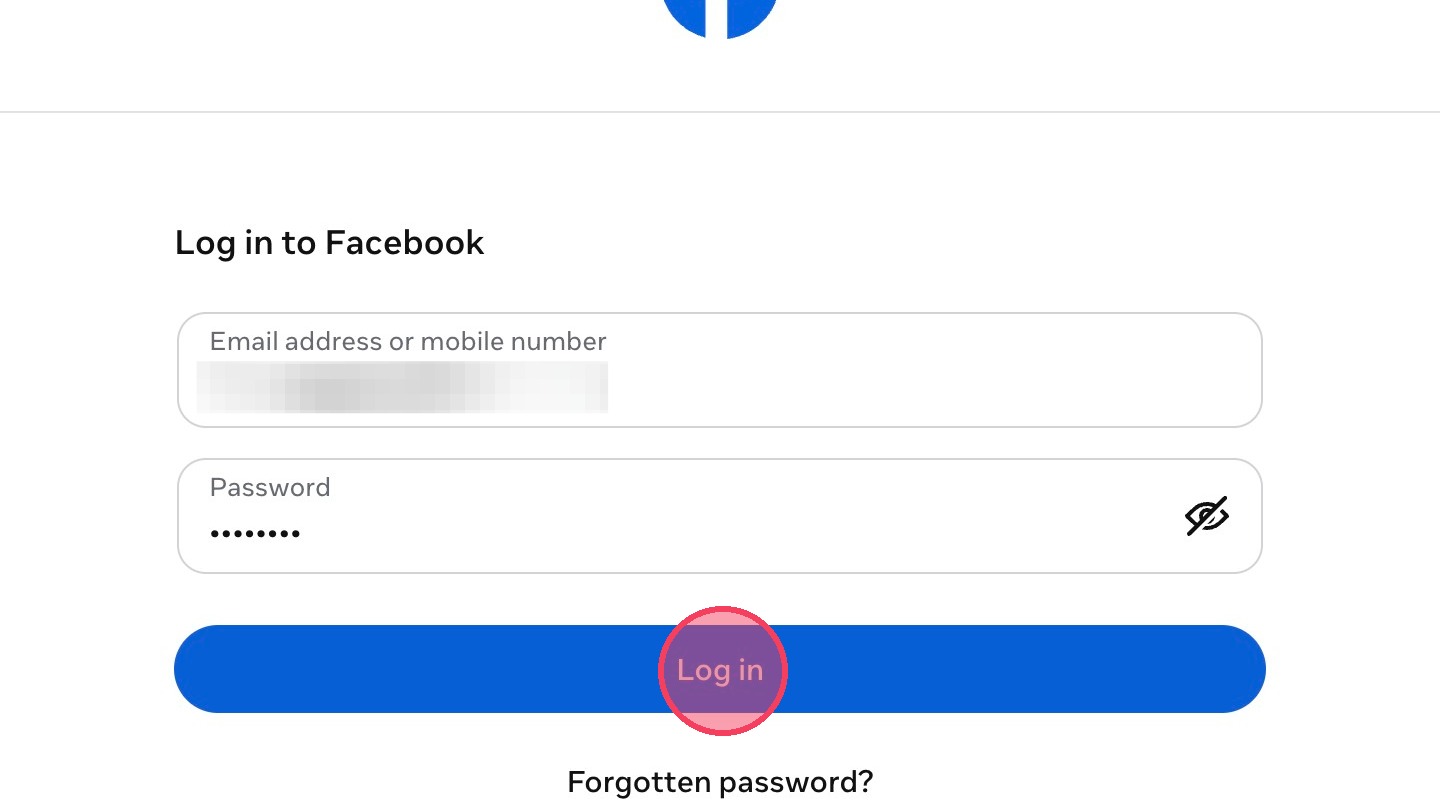
4. You will see a pop-up window similar to this. Enter your login details and click Log in
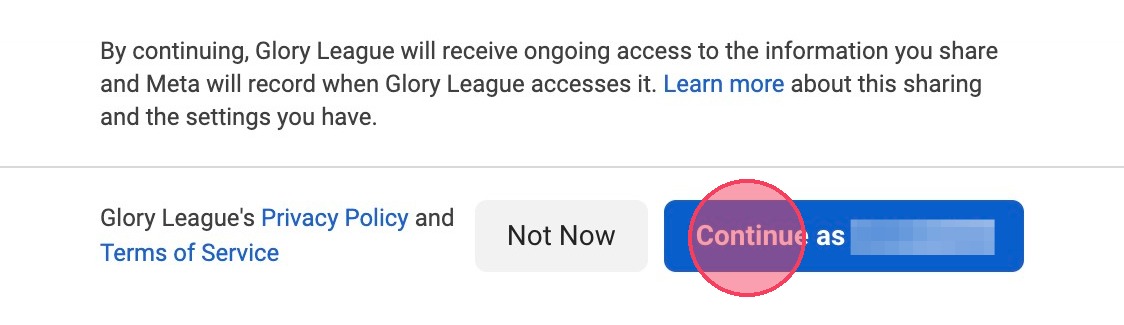
5. Click Continue as
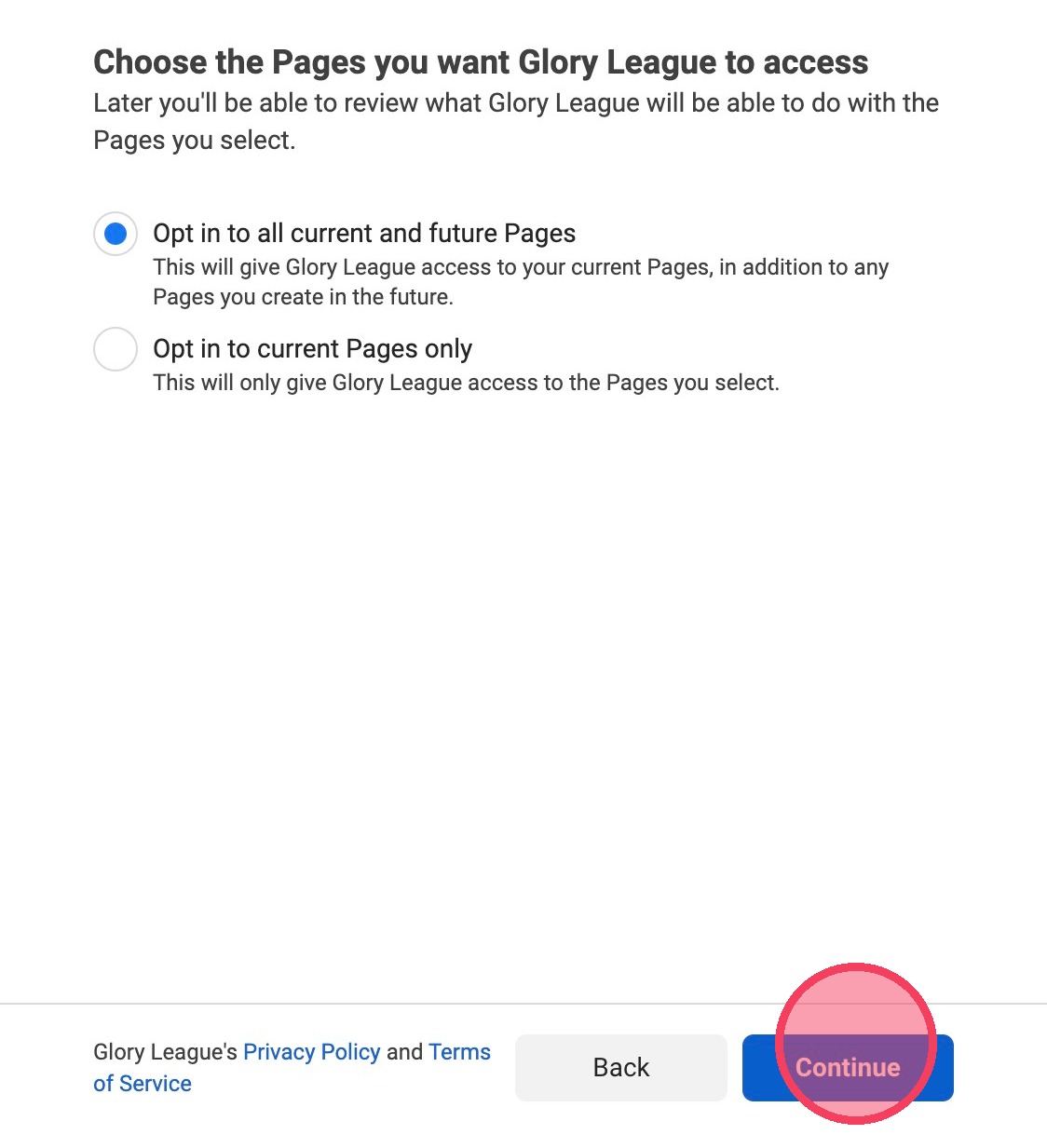
6. Choose your page access preference and click Continue
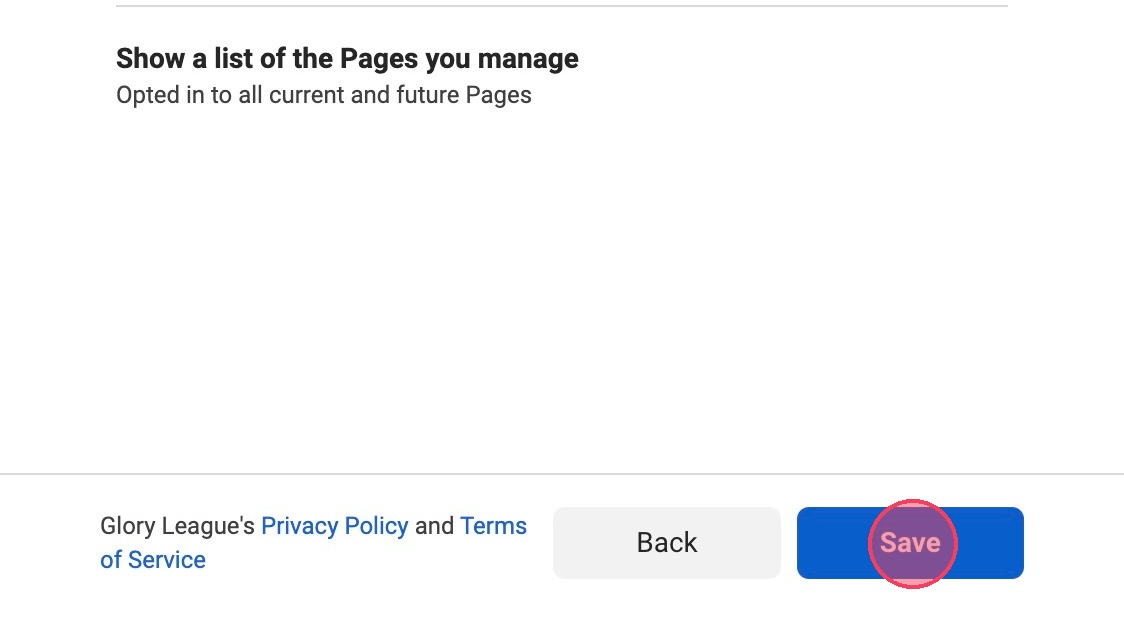
7. Click Save
8. Click Got it

Output Configuration
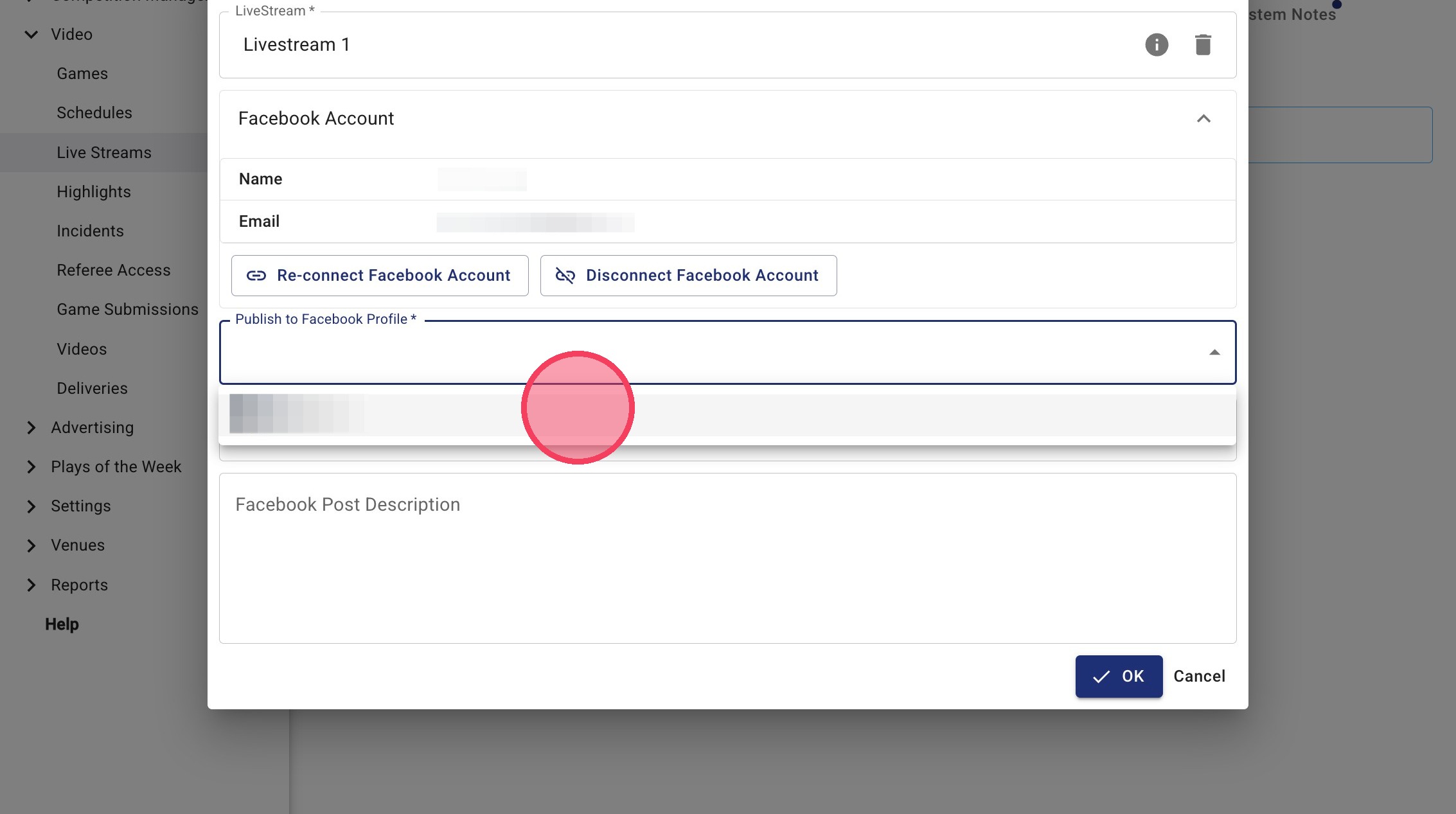
9. Click Publish to Facebook Profile and click the relevant profile
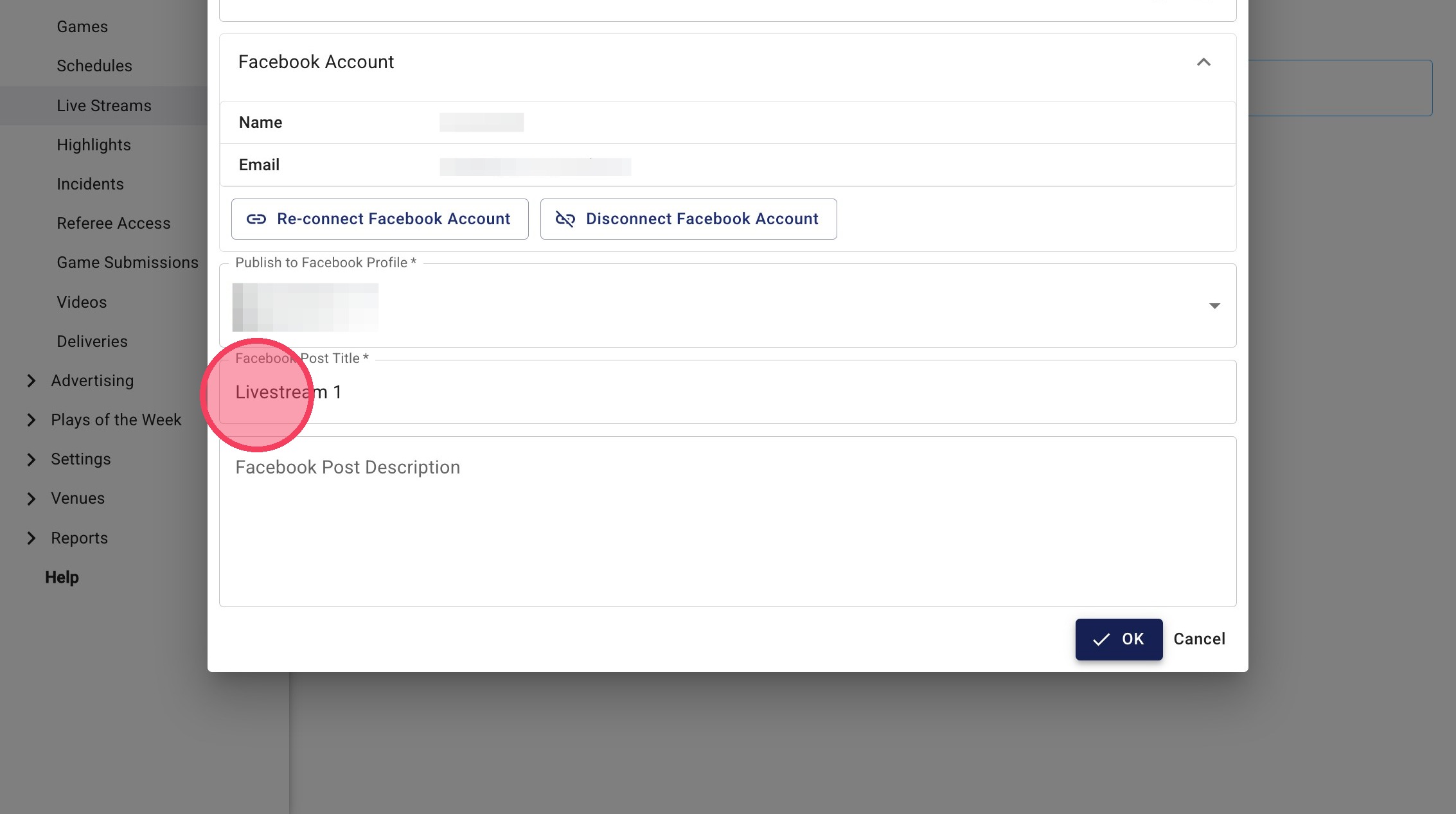
10. Name your broadcast
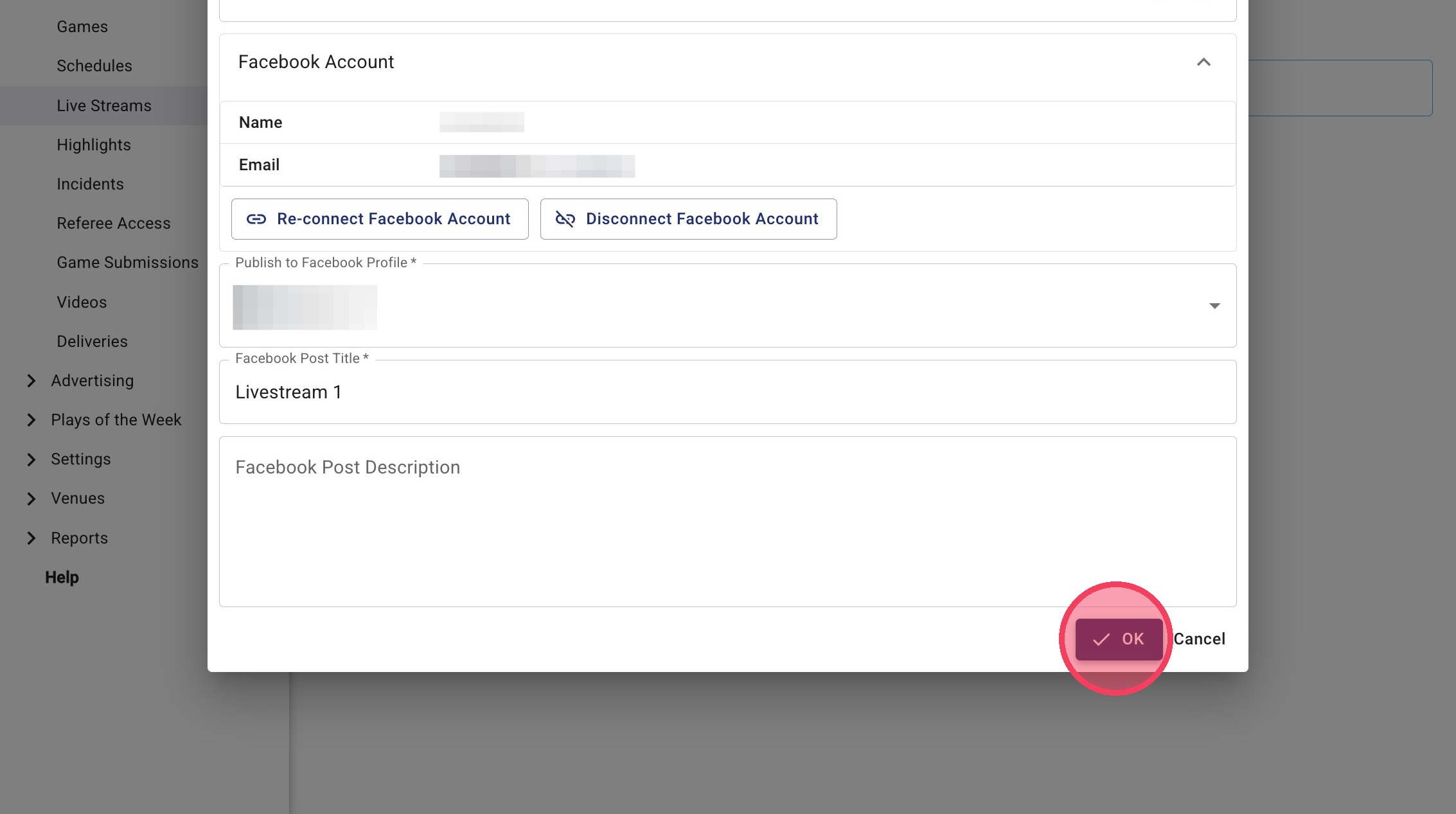
11. Click OK once you are happy with your settings to save the Facebook output
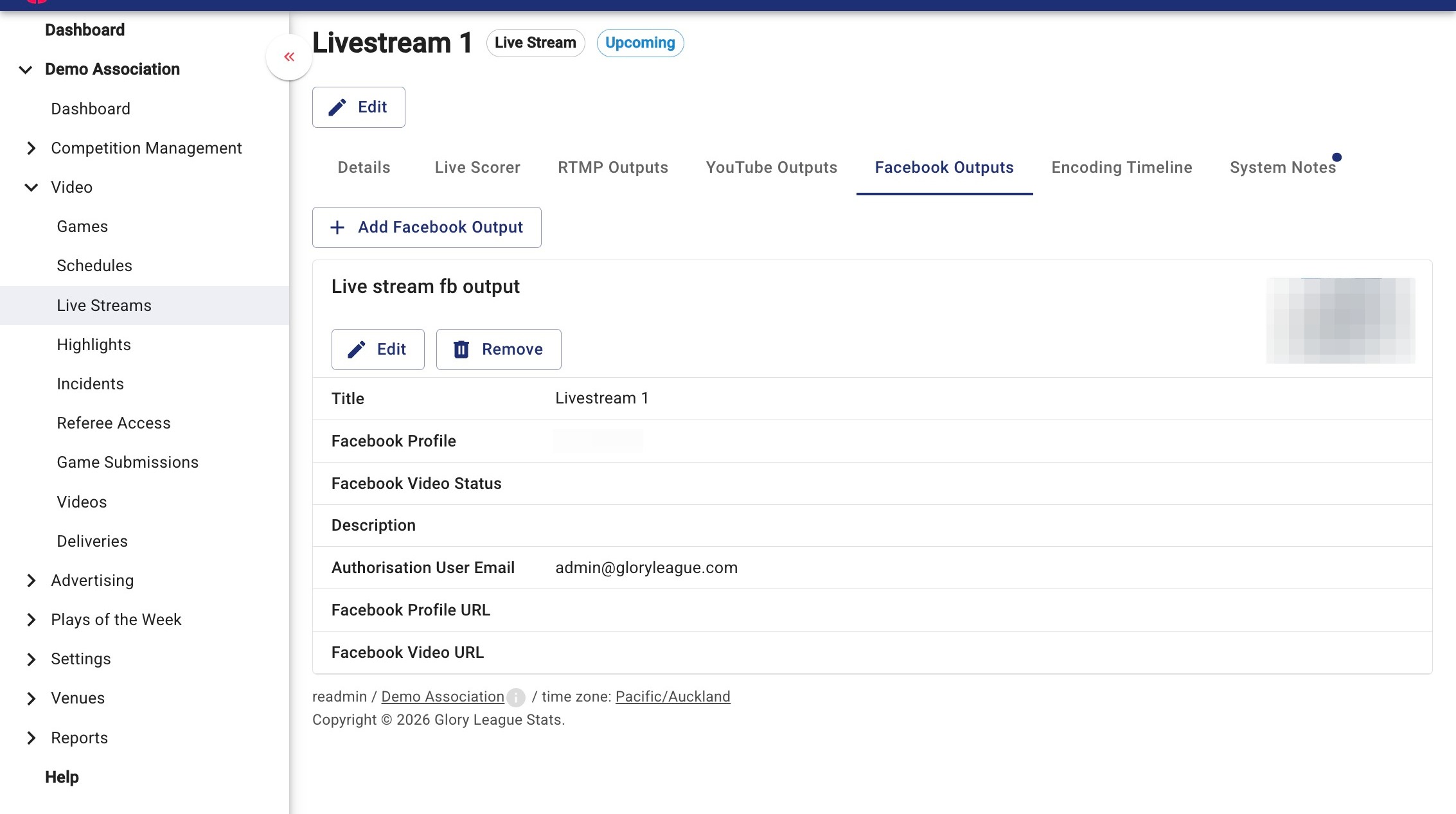
12. You should now see your output in the Facebook Outputs tab