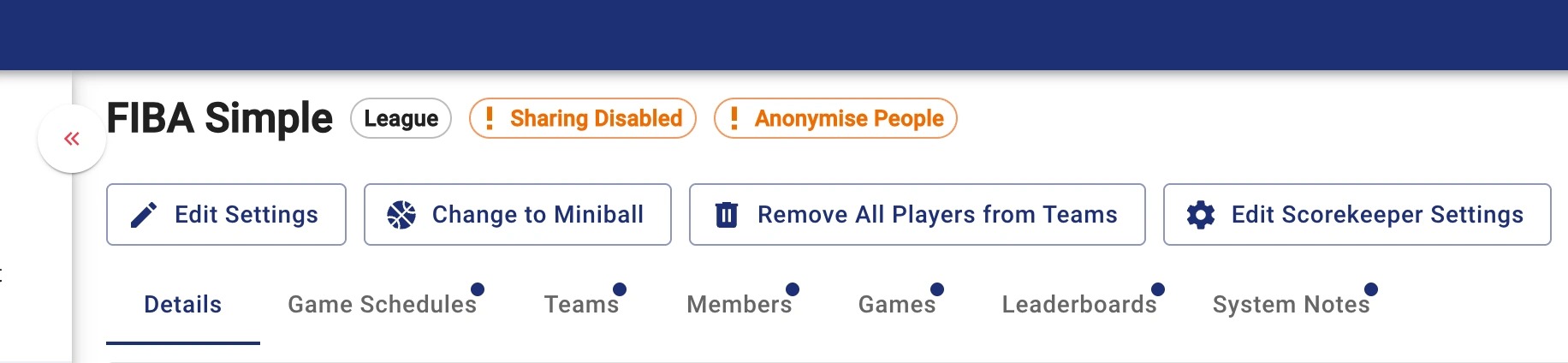
Disabling Sharing and Hide Player Names by League
When faced with sensitive privacy issues you are able to disable the ability for players and spectators to share or download highlights as well as the option to anonymize names across a league.
Unfortunately because of the nature of team sports this feature is only available across a league and not per team.
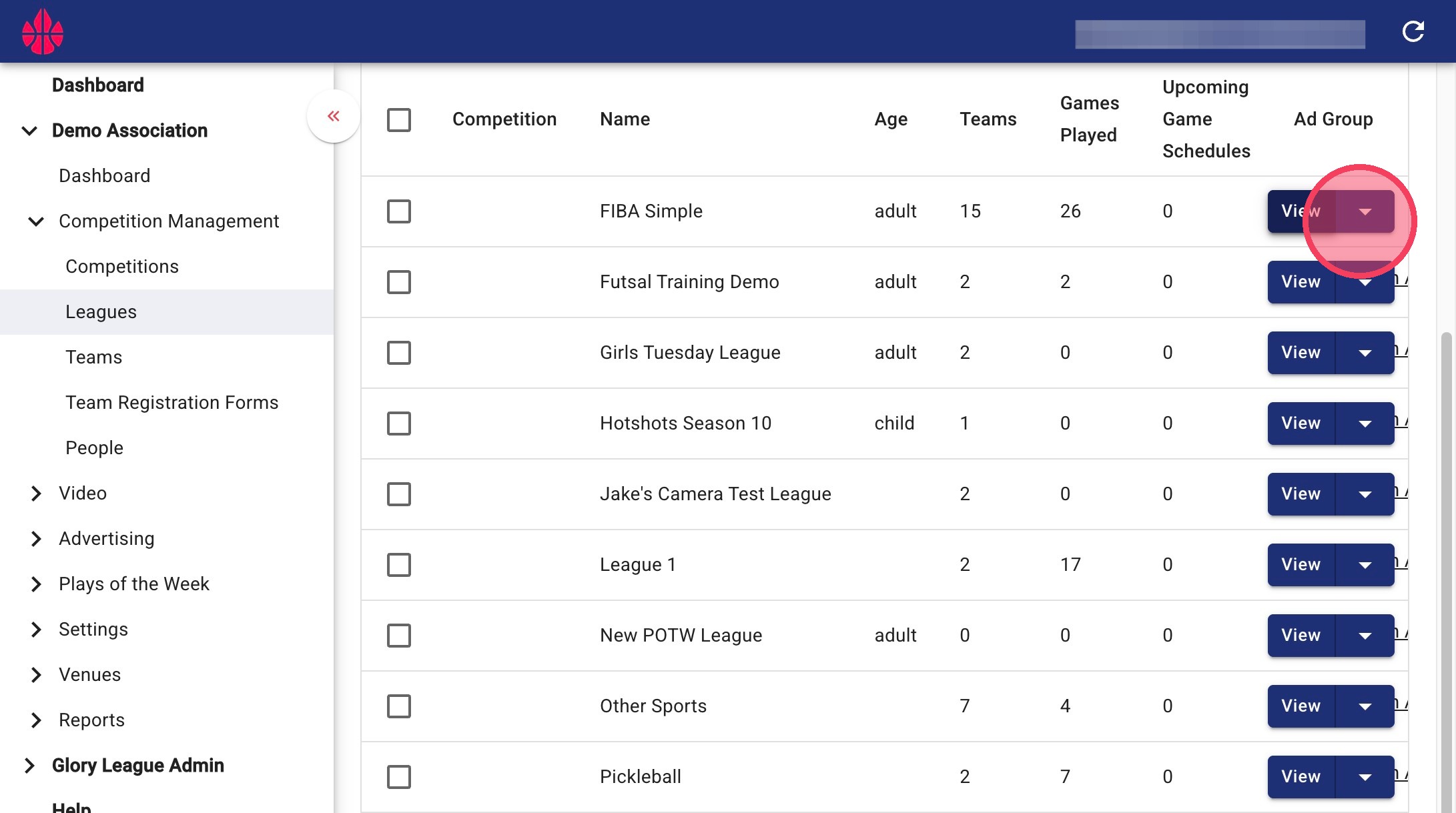
1. Go to the Leagues page and click on the dropdown button next to the league you want to edit.
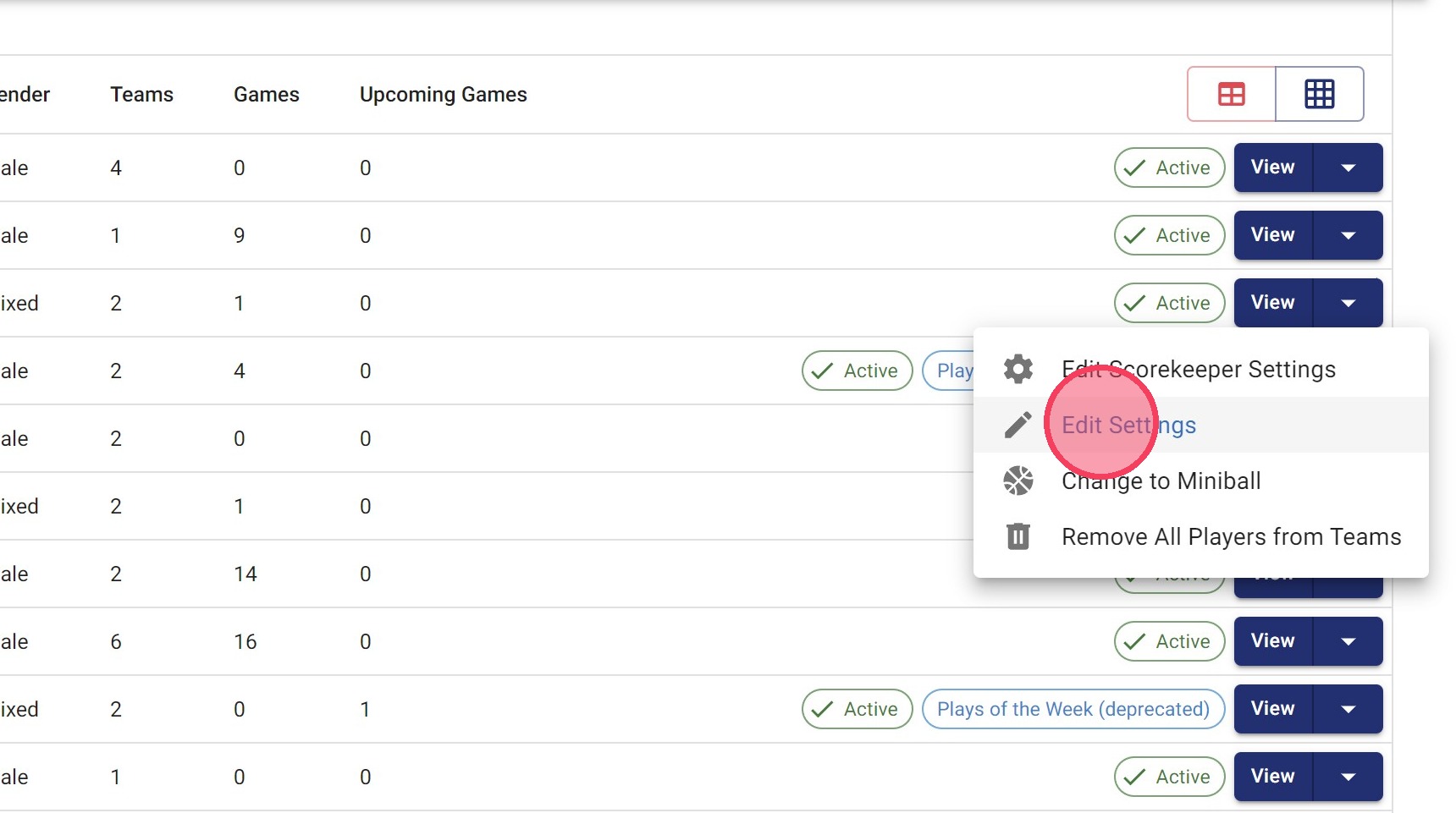
2. Click Edit Settings
3. Click Privacy Settings
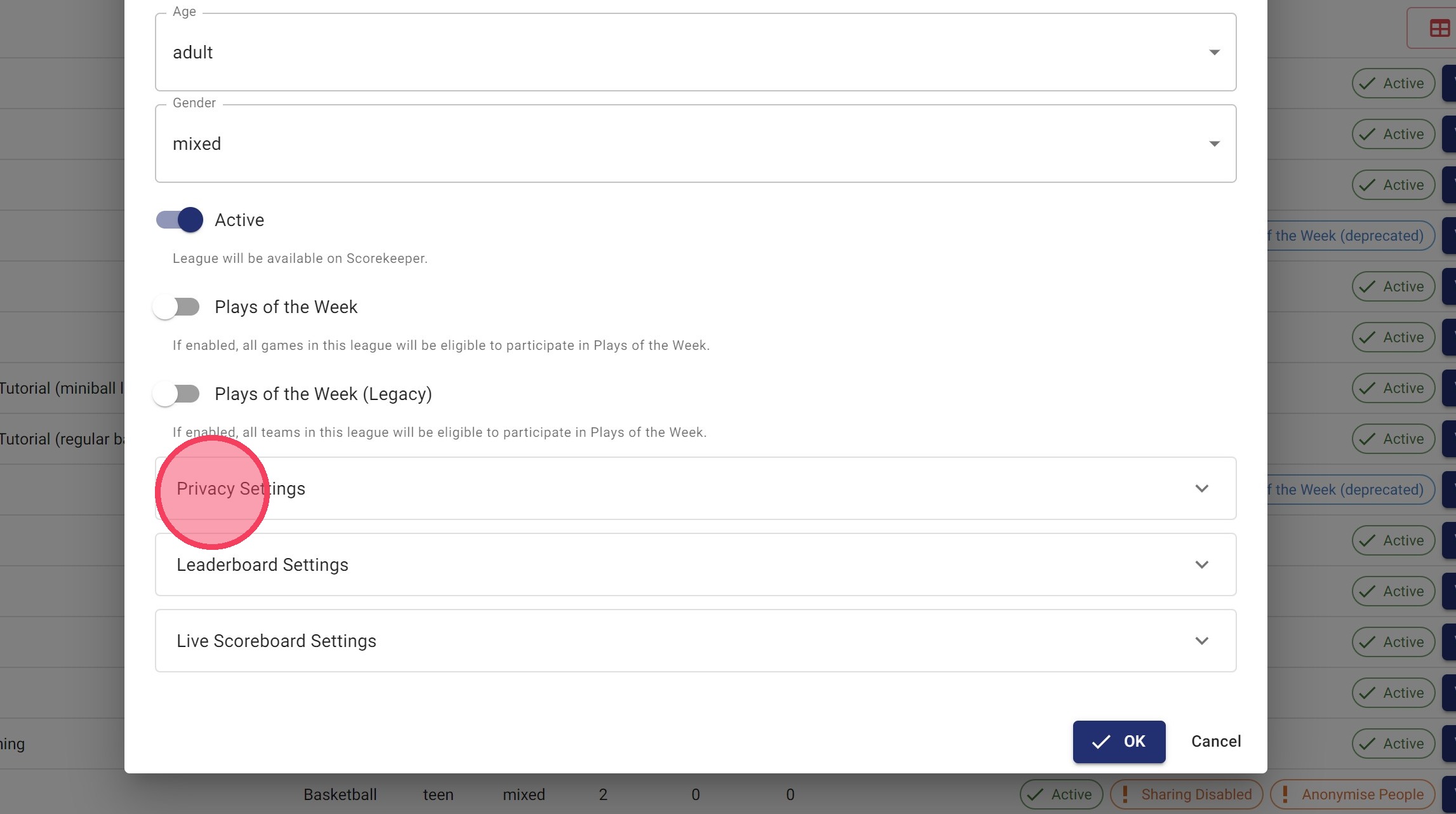
4. Click the Disable Sharing field.
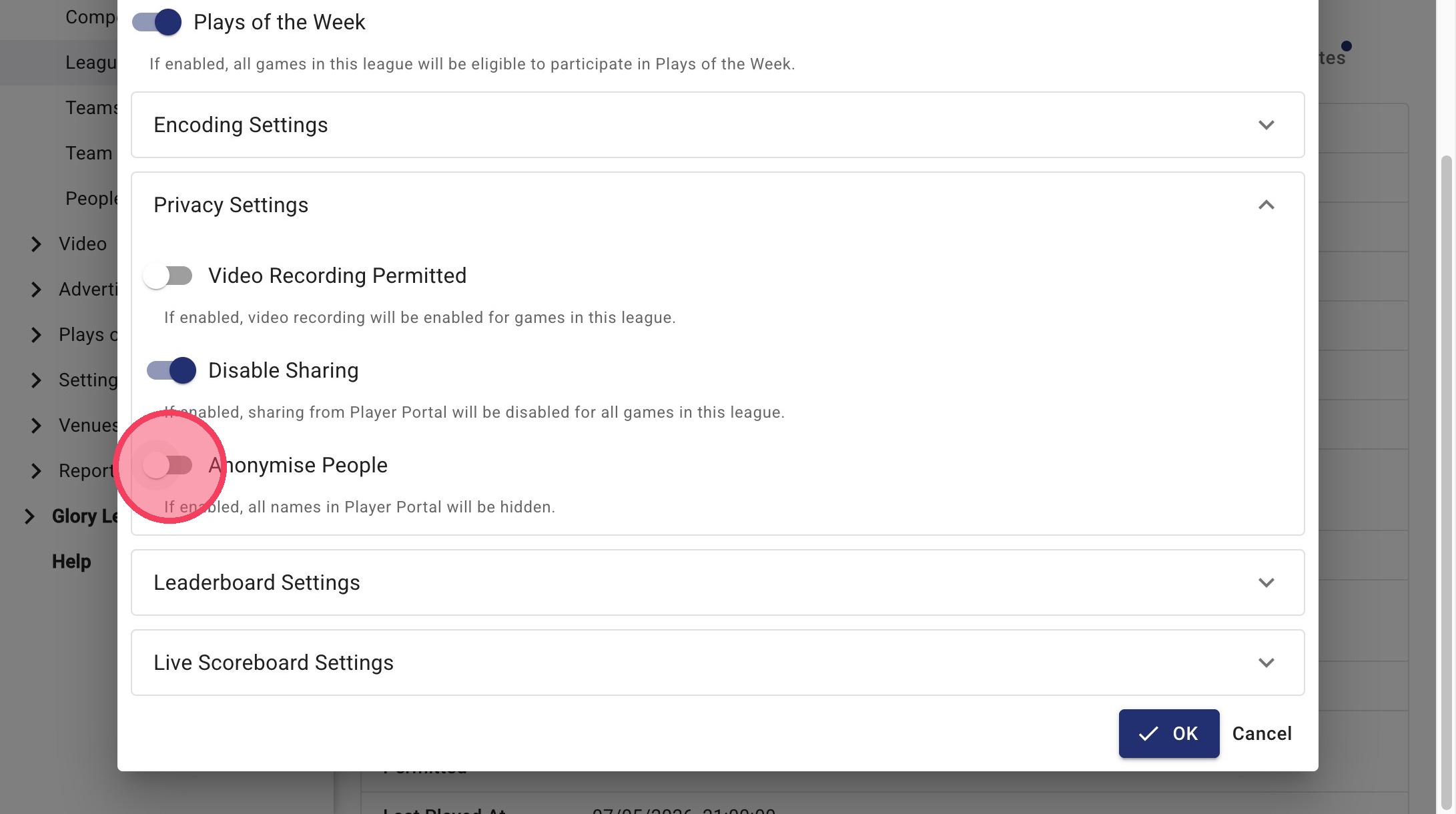
5. Click the Anonymise People field.
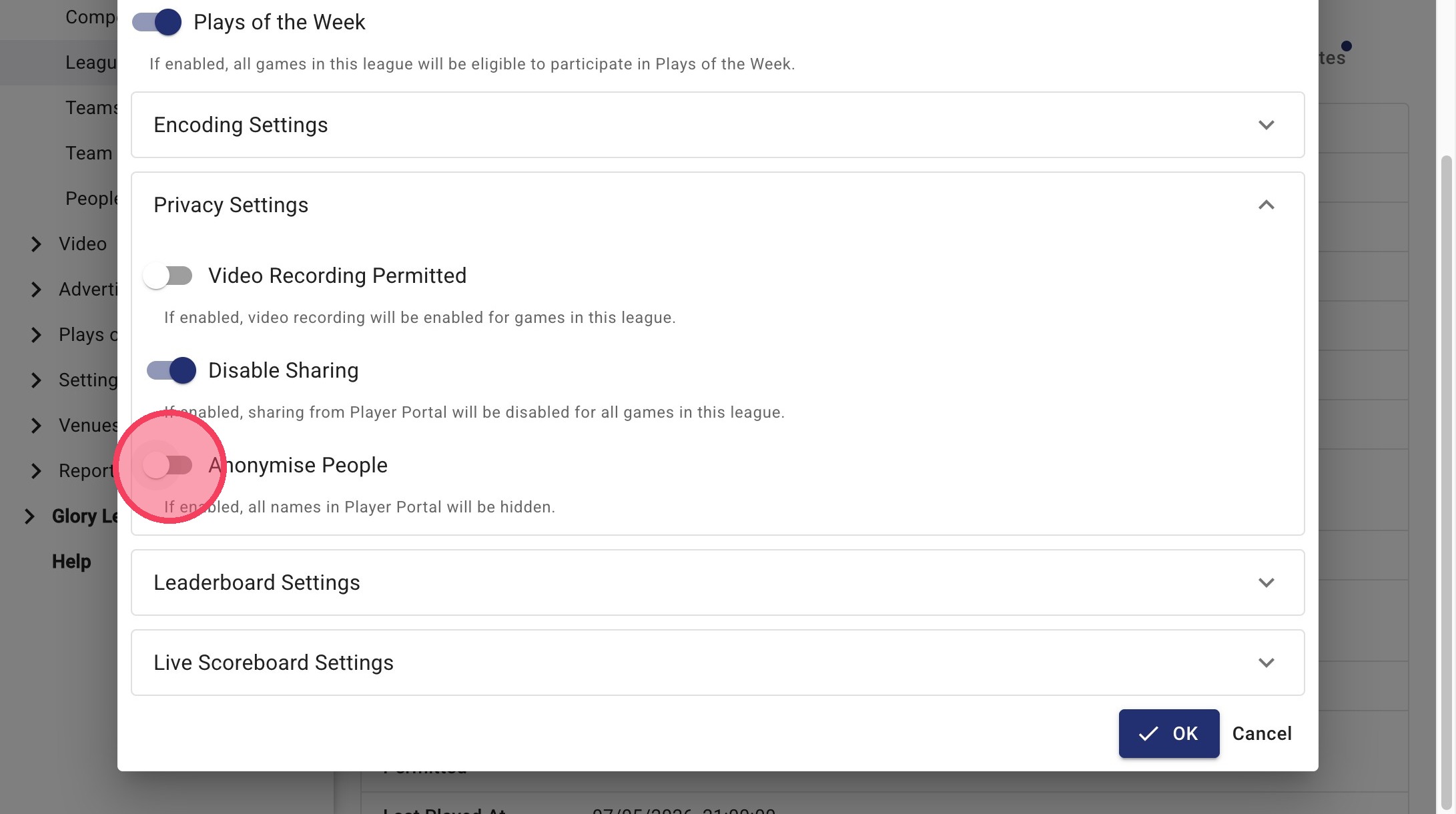
6. Click OK
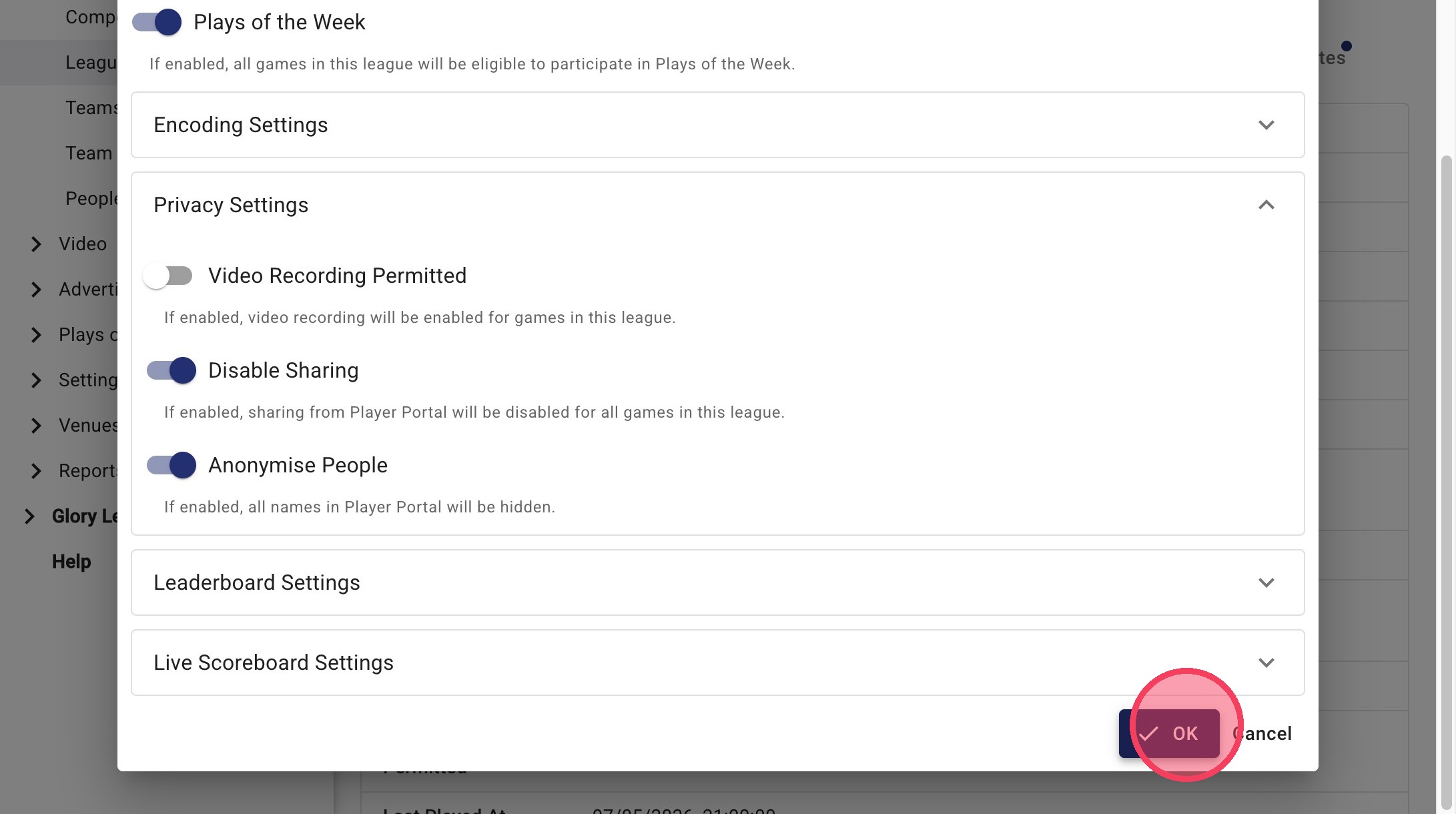
7. After saving your changes, the league will display the Sharing Disabled and Anonymise People indicators.