Download Highlight Videos & Create Reels
Learn how to find popular highlights, download individual clips, and create a highlight reel by combining multiple videos into a single download.
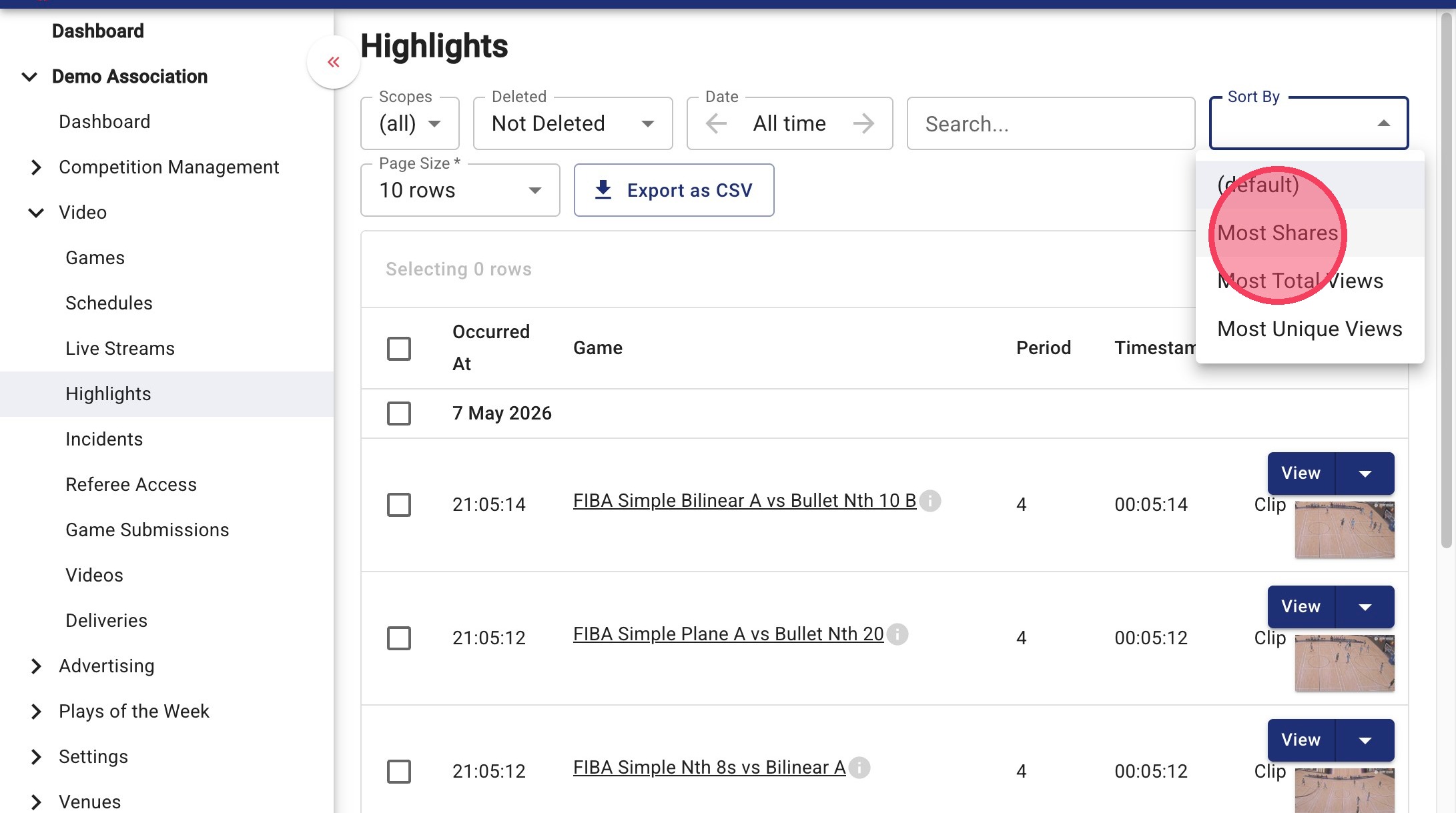
The highlights page shows all highlights created by the scoring system and user generated tags, you can view by Most Shares, Most Unique Views and Most Views.
Generally "Most Unique Views" is the most reliable filter for videos that have been viewed by multiple people.
Download Individual Highlight Videos
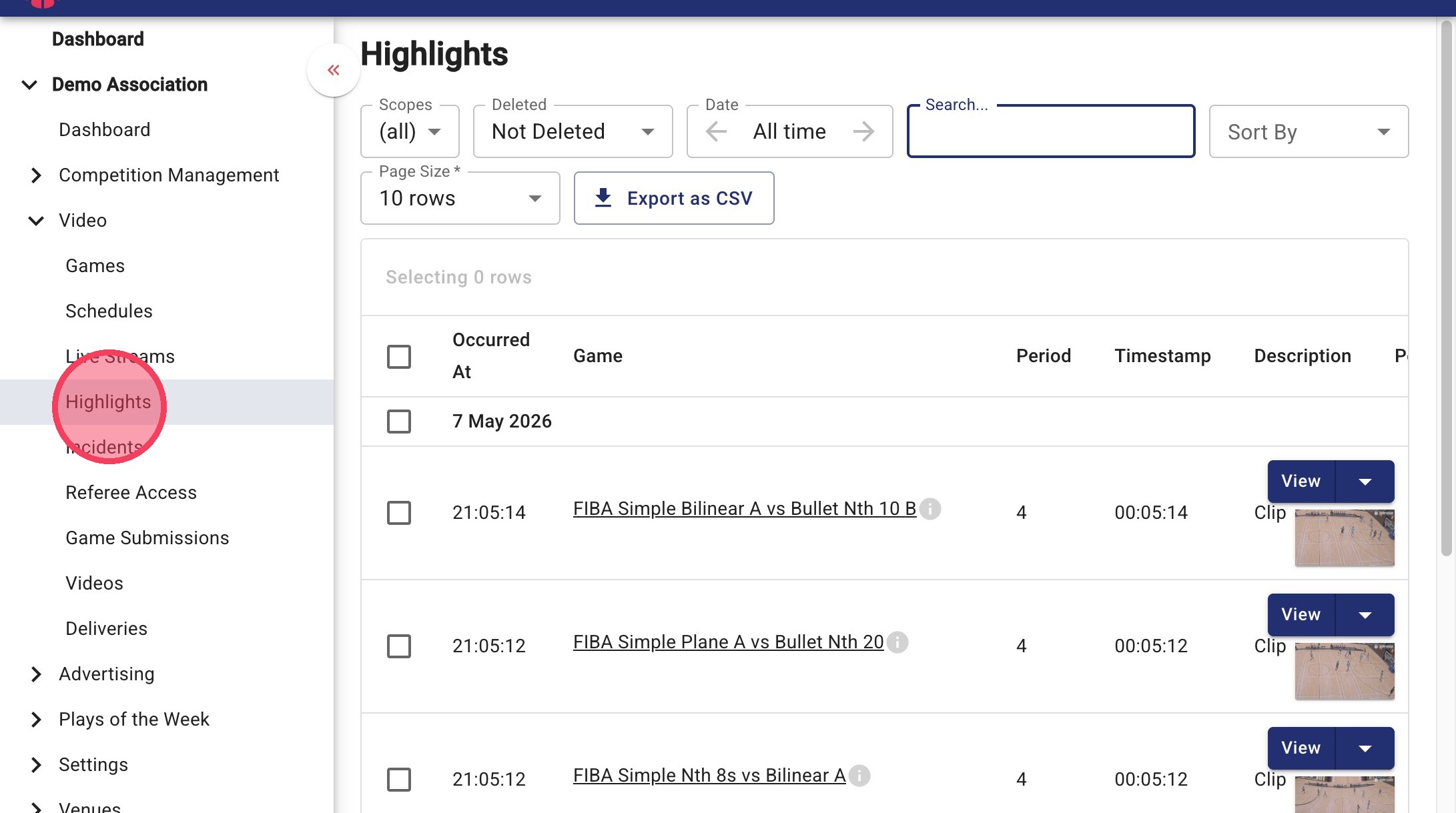
1. Click Video and select Highlights
2. Use the Sort By dropdown to filter highlights by Most Unique Views, Most Shares, or Most Total Views.
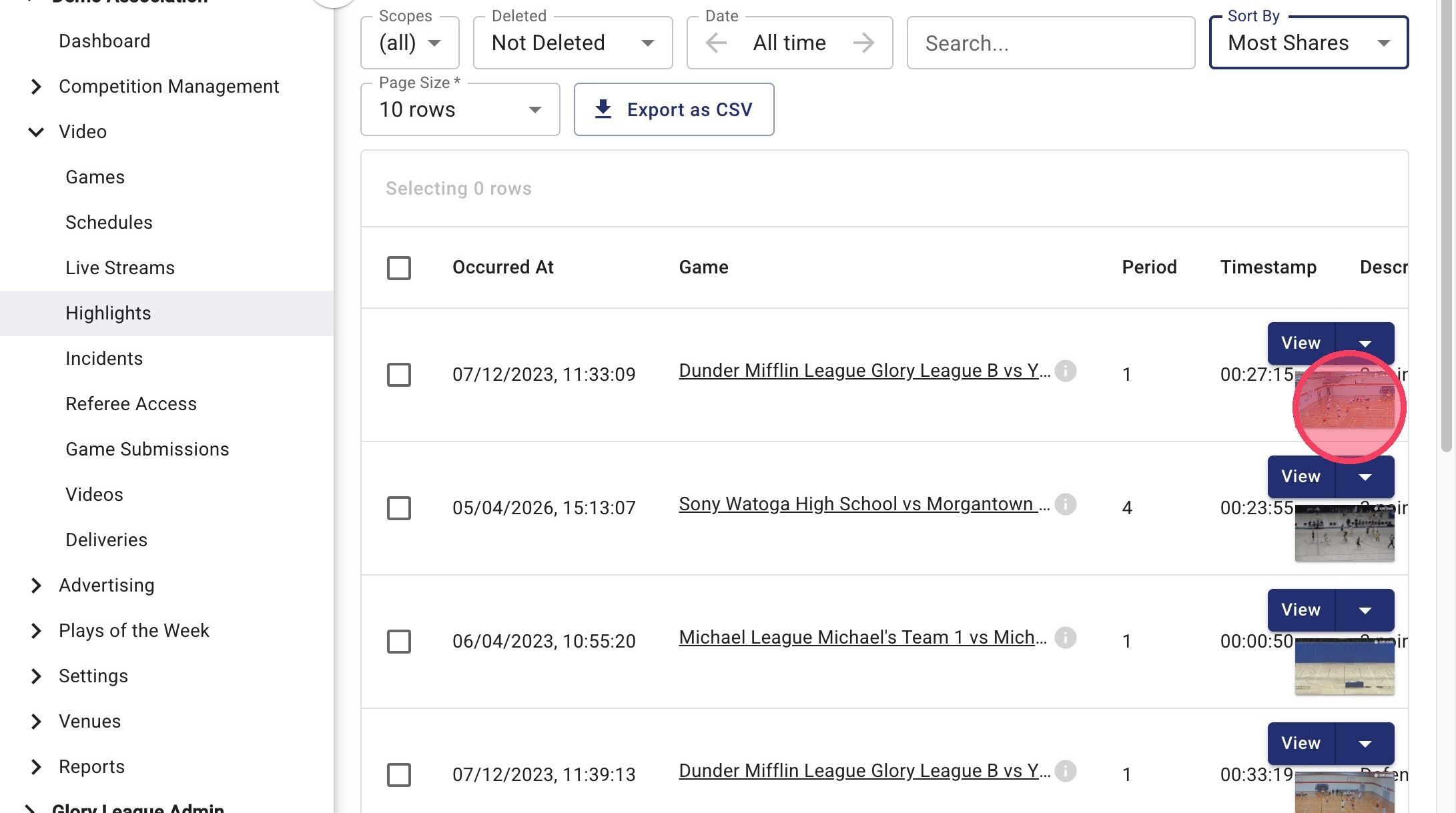
3. Click a highlight thumbnail to preview the clip.
4. Click the dropdown arrow next to View and select Download Video.
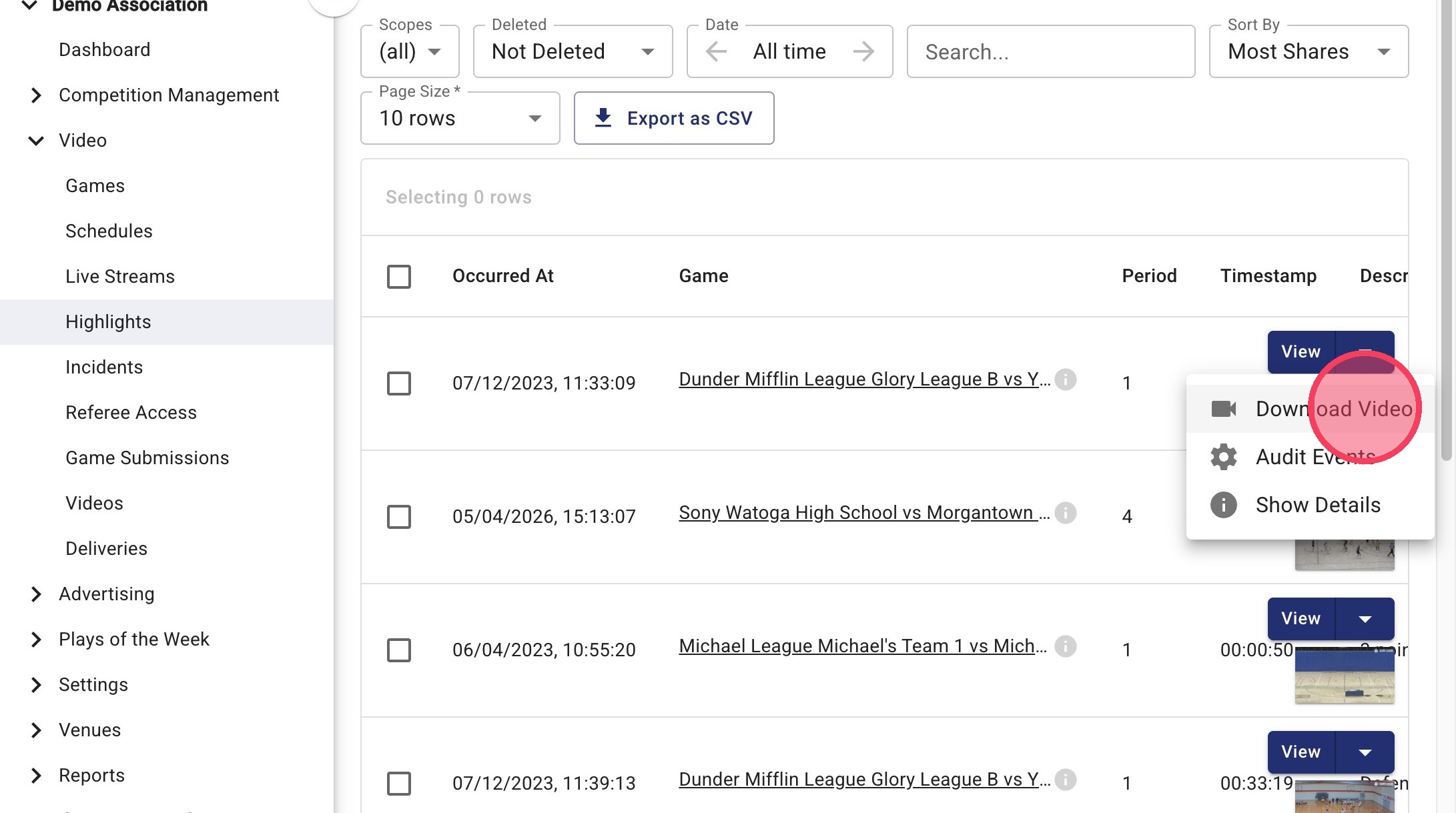
Create a Highlight reel
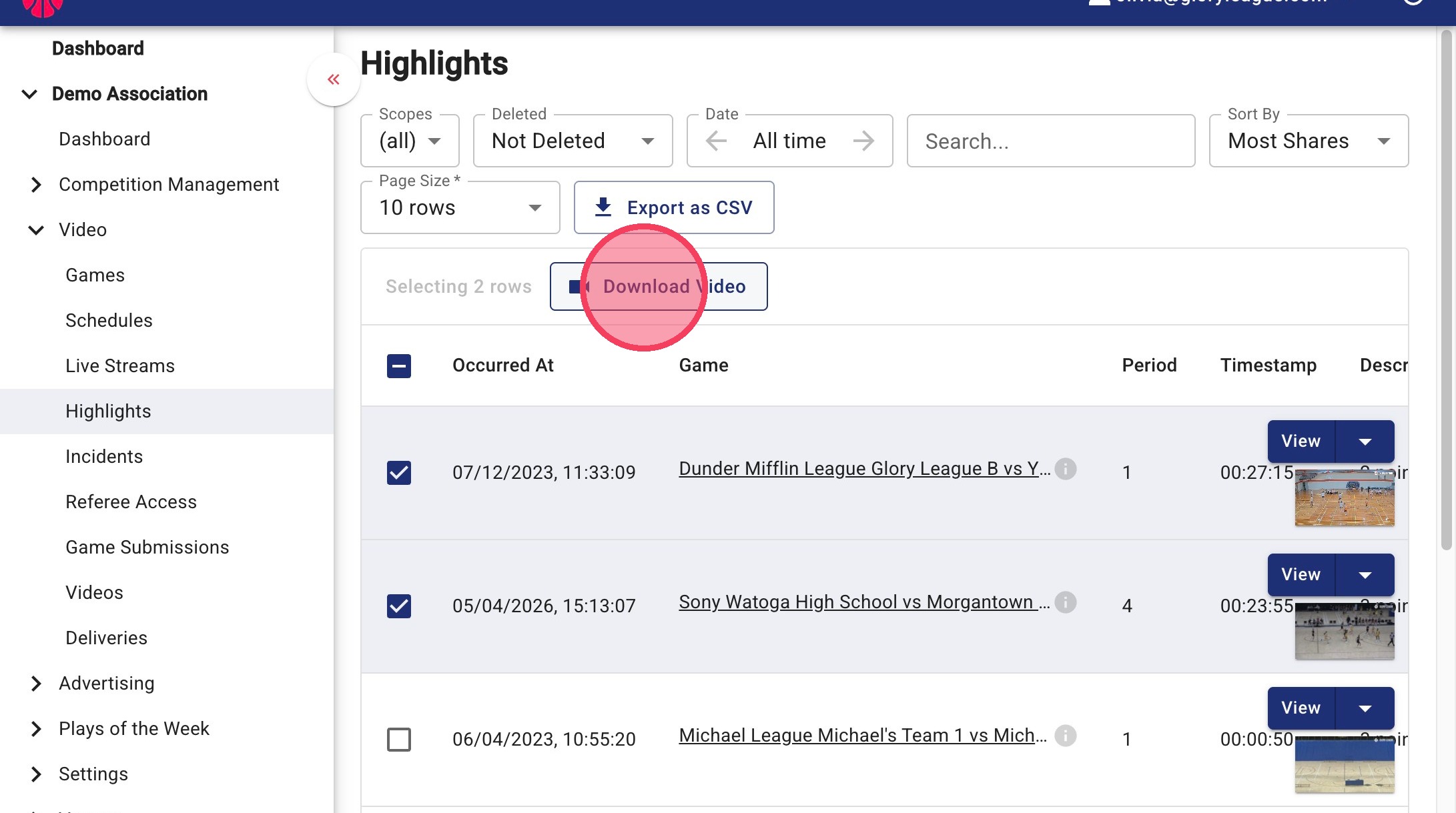
1. Select the checkboxes beside the highlights you would like to include in your reel.
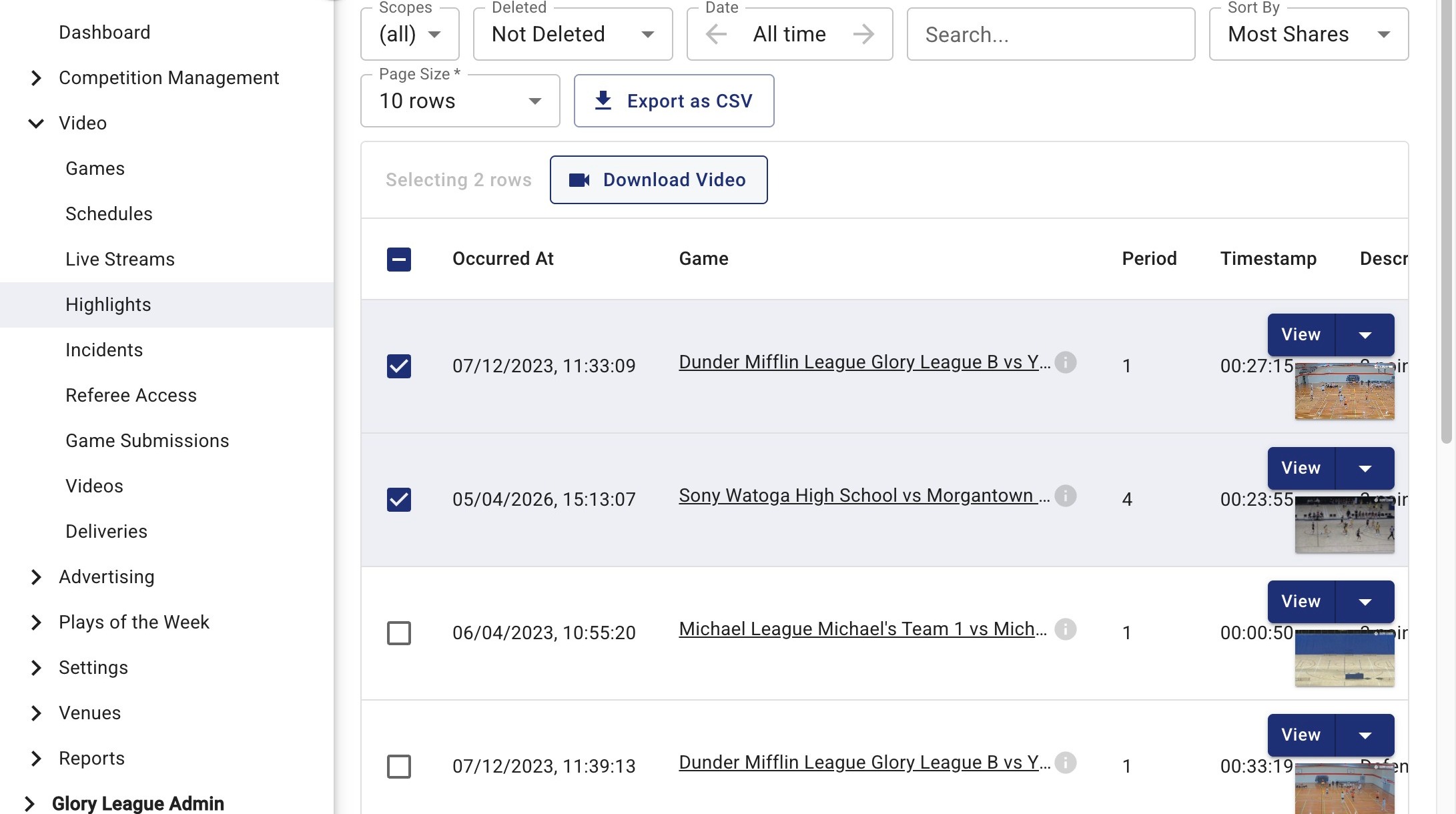
2.. Once you've selected your clips, click Download Video to generate and download a single highlight reel containing all selected videos.