How to Manually Add a Game That Has Already Been Played
This is for games that have been recorded but for whatever reason there is no game data from the scoring app.
This will add all players and they will be emailed, but will not import any game data including points.
1. From the sidebar menu navigate to > Video then > Games
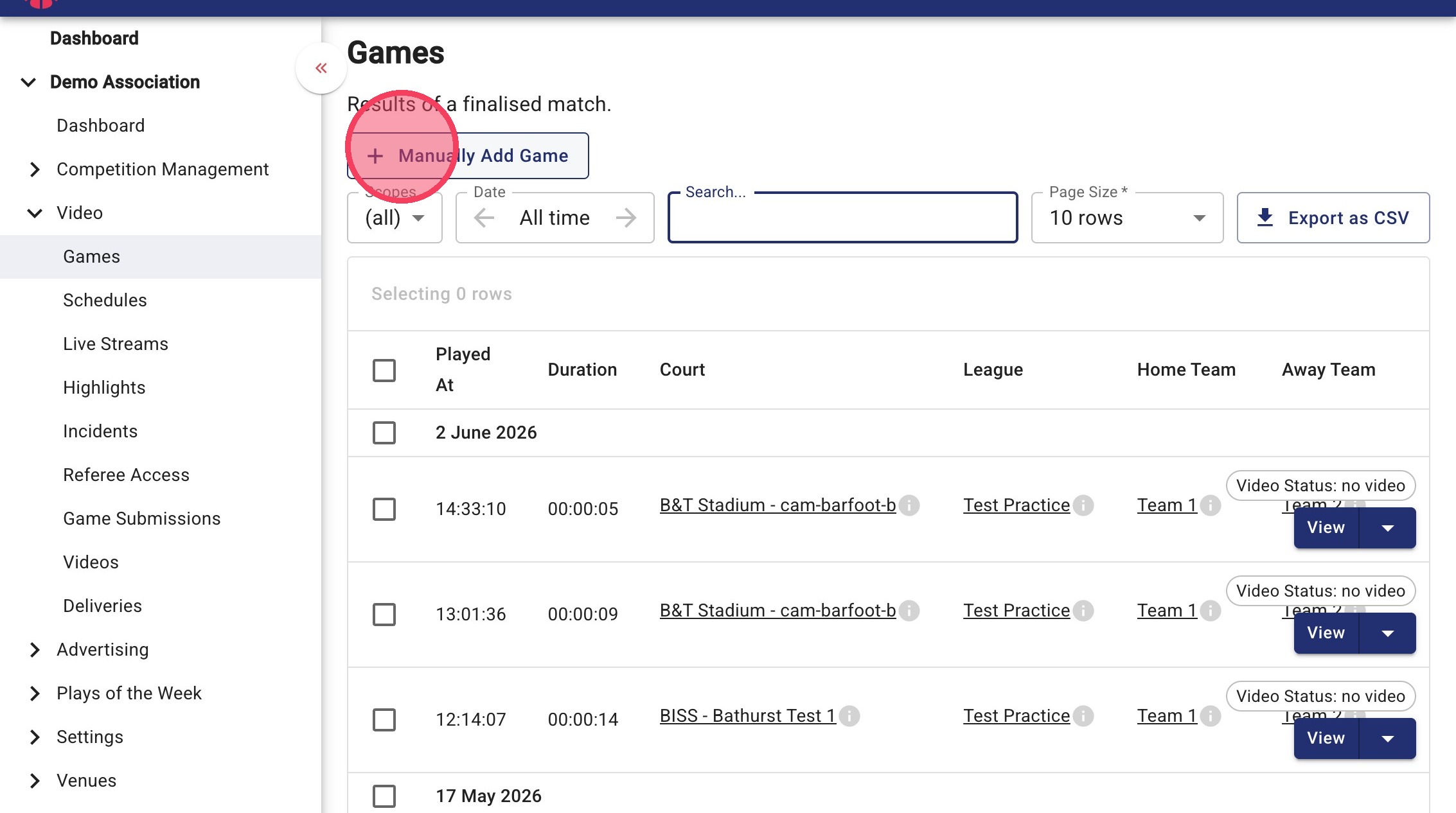
Click "+ Manually Add Game" button.
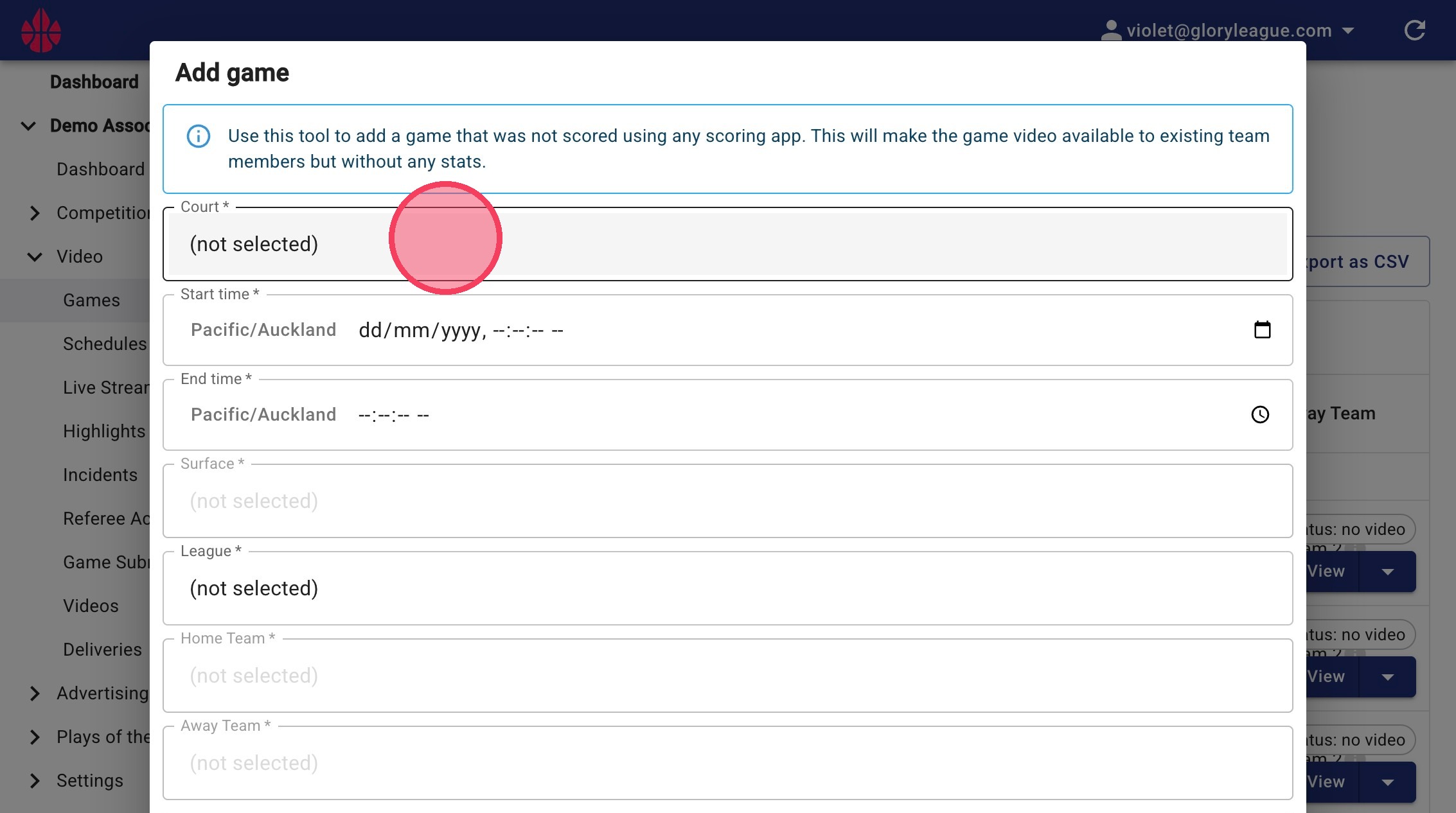
2. Enter game details: Court, Start time/date, End time
If there are recordings available for that time they will appear in "Recordings" at the bottom of the pop up. You can then enter the remaining details League, Home Team, Away Team, Score. Press "Ok" to save.
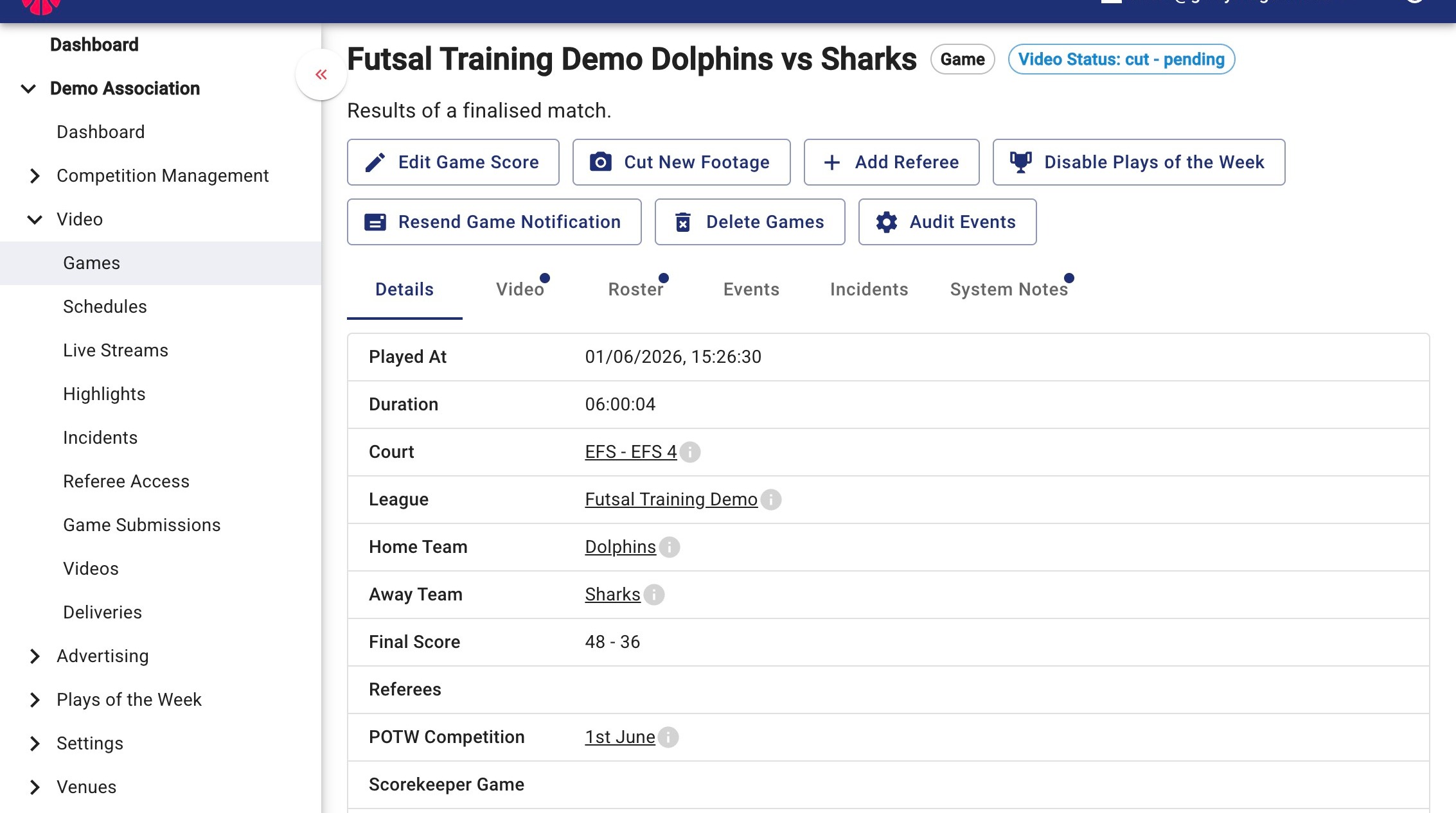
3. Your game has now been added. In Games, you'll see the video you have just cut as "Video Status: cut - pending". You'll be able to watch and tag your game once it has finished processing.