Add Referees with Quick Assign
How to add referees using the Quick Assign feature in Referee Access.
Access Referee Management
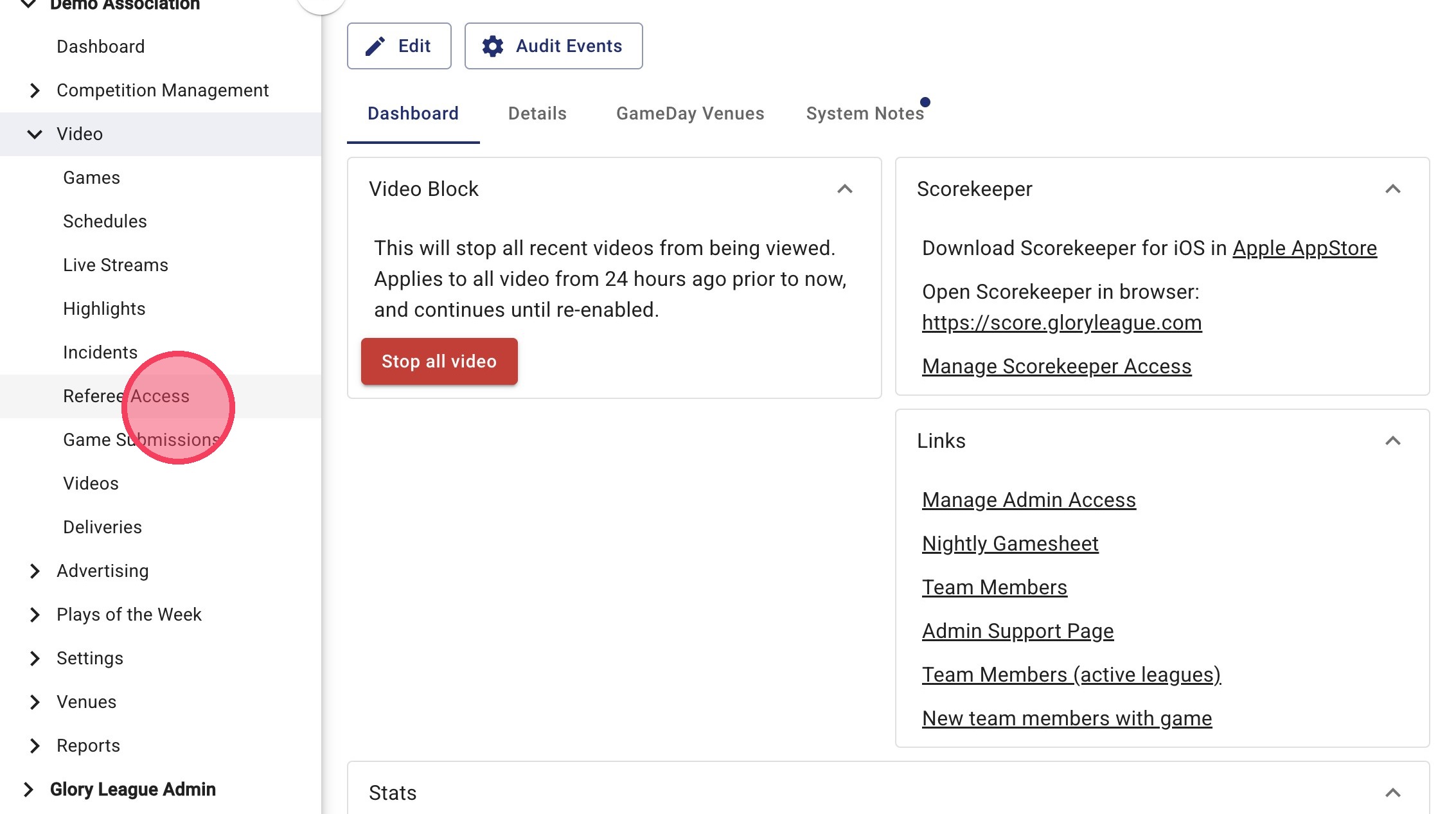
1. To open the Referee Access page go to the Video tab in the side menu and click Referee Access.
Referee Selection
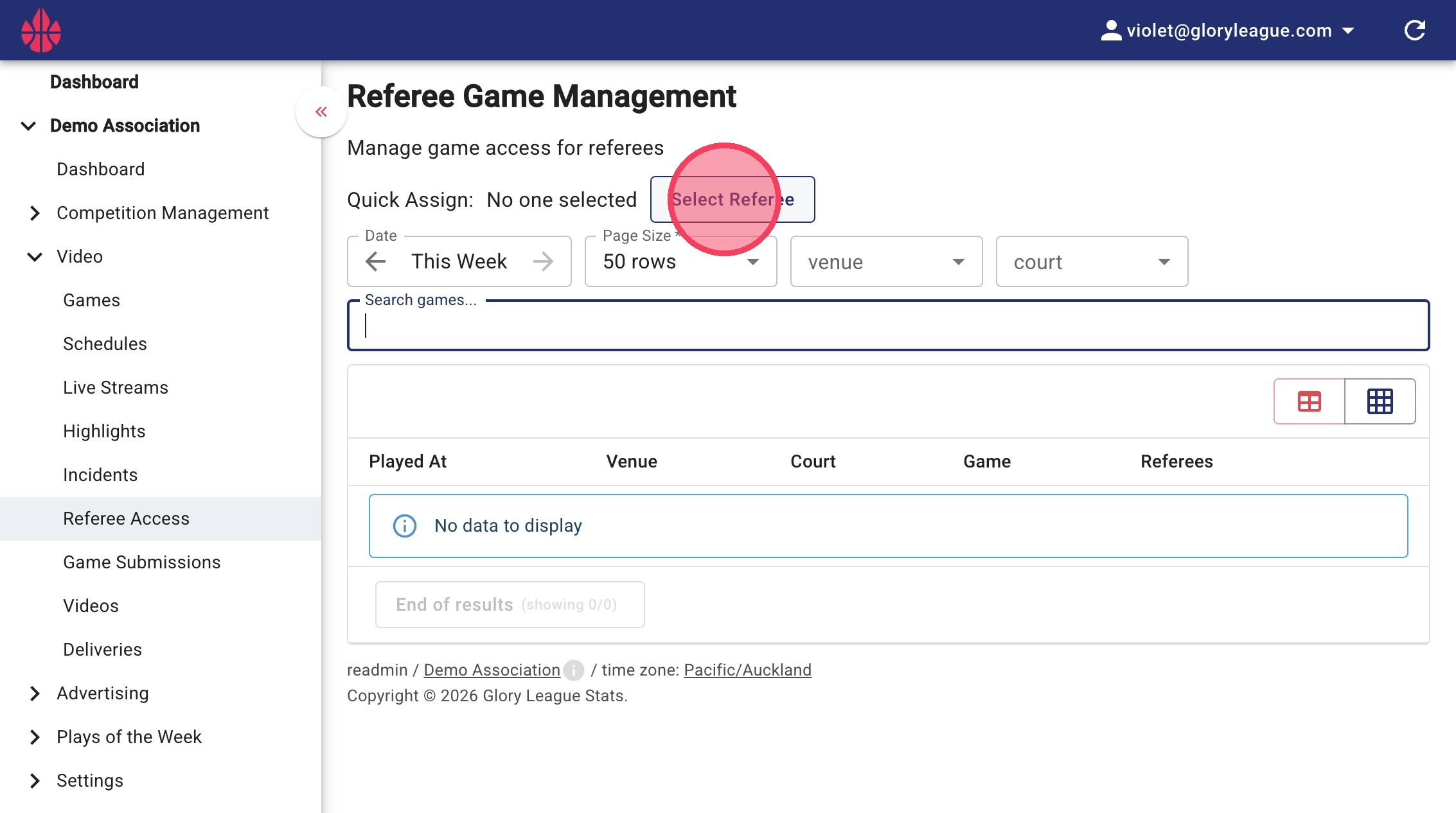
2. To use the Quick Assign feature click the Select Referee button.
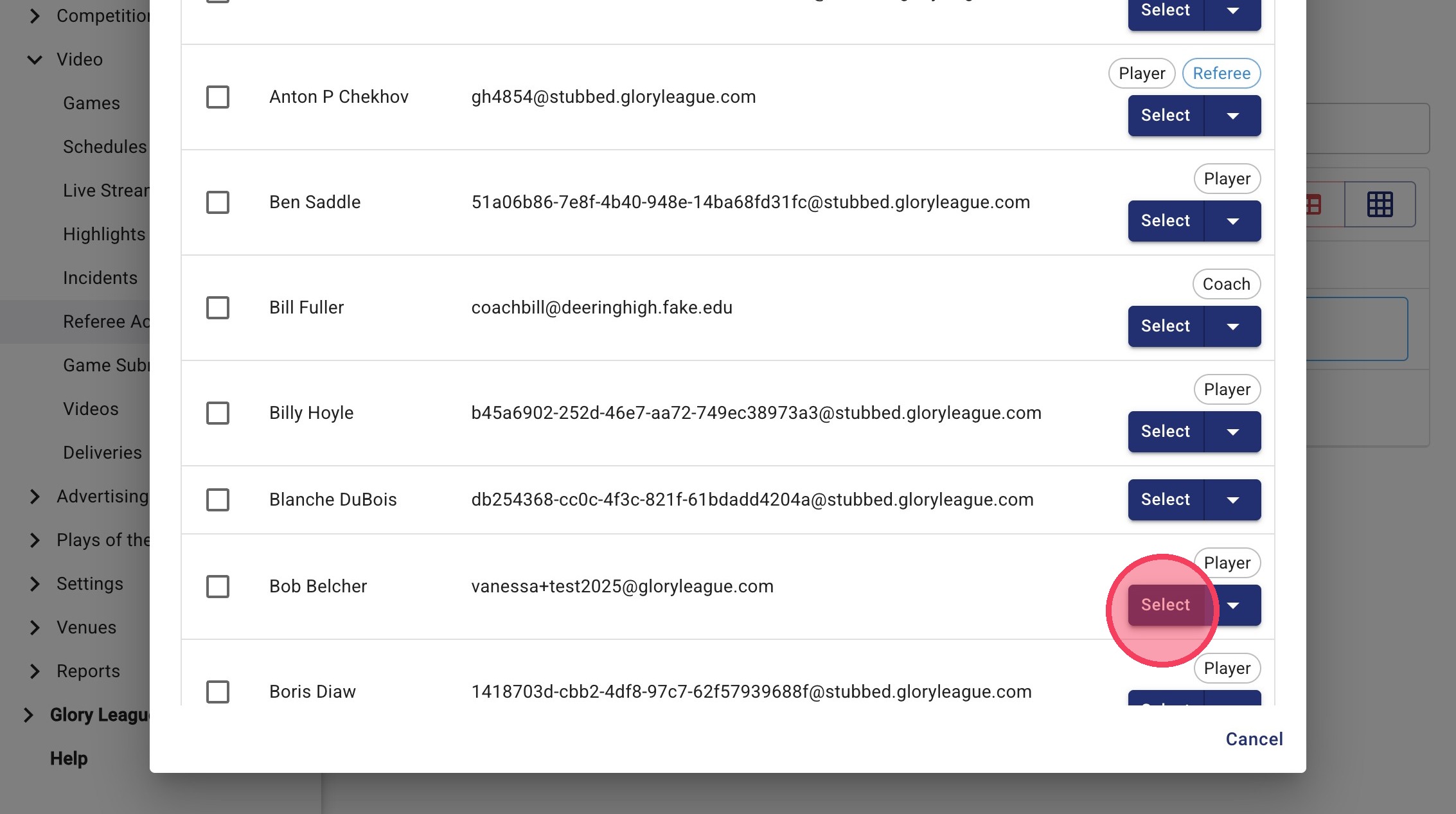
3. From the pop-up, either scroll or use the search bar to find the referees name then hit Select next to the name of the referee. If the referee is not in the system you can add them by pressing the Add Person button.
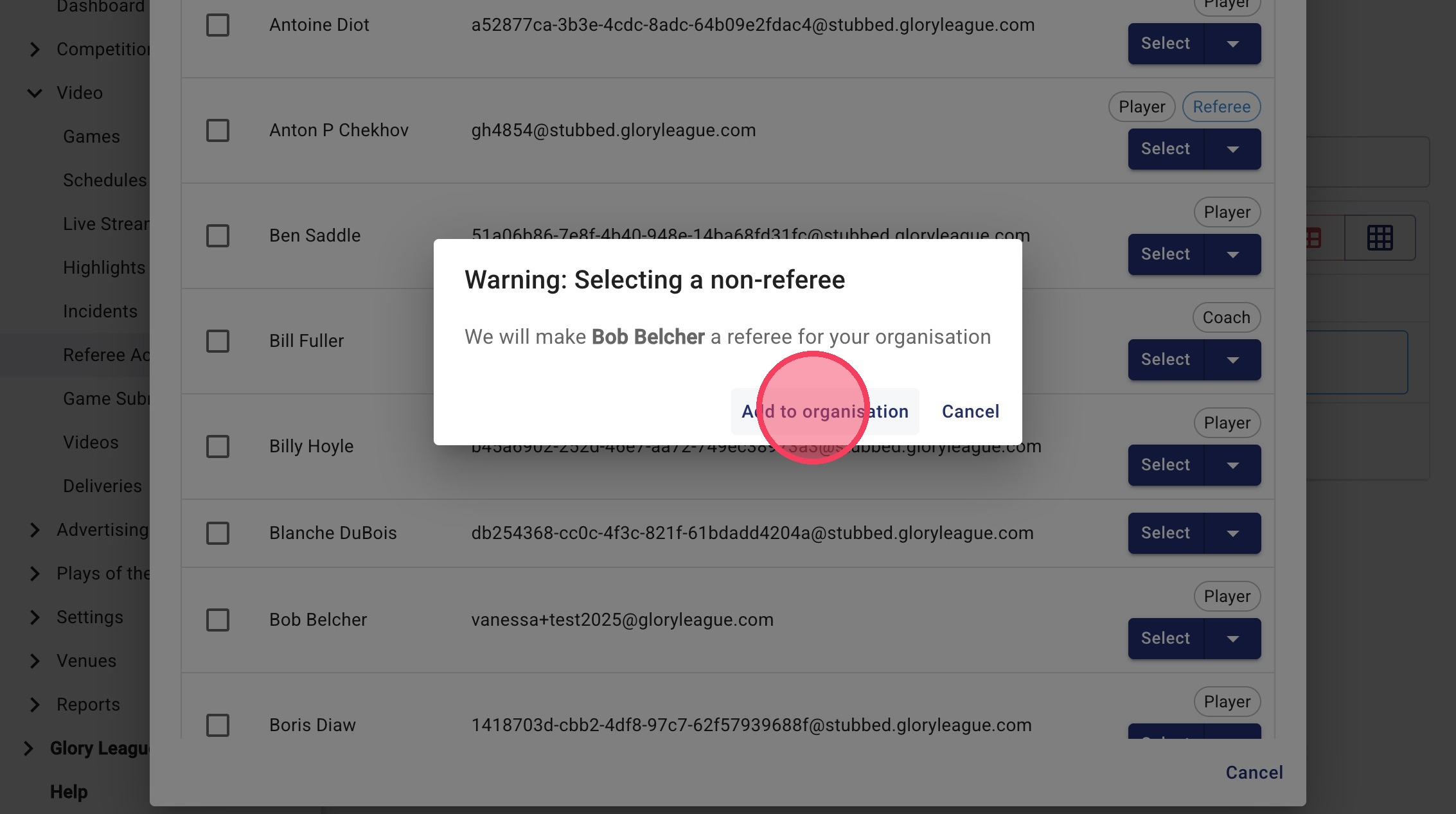
4. When a non-referee is added as a referee you will get a pop-up asking you to confirm whether you want them to be a referee. Confirm by clicking Add to organisation.
Assign Access
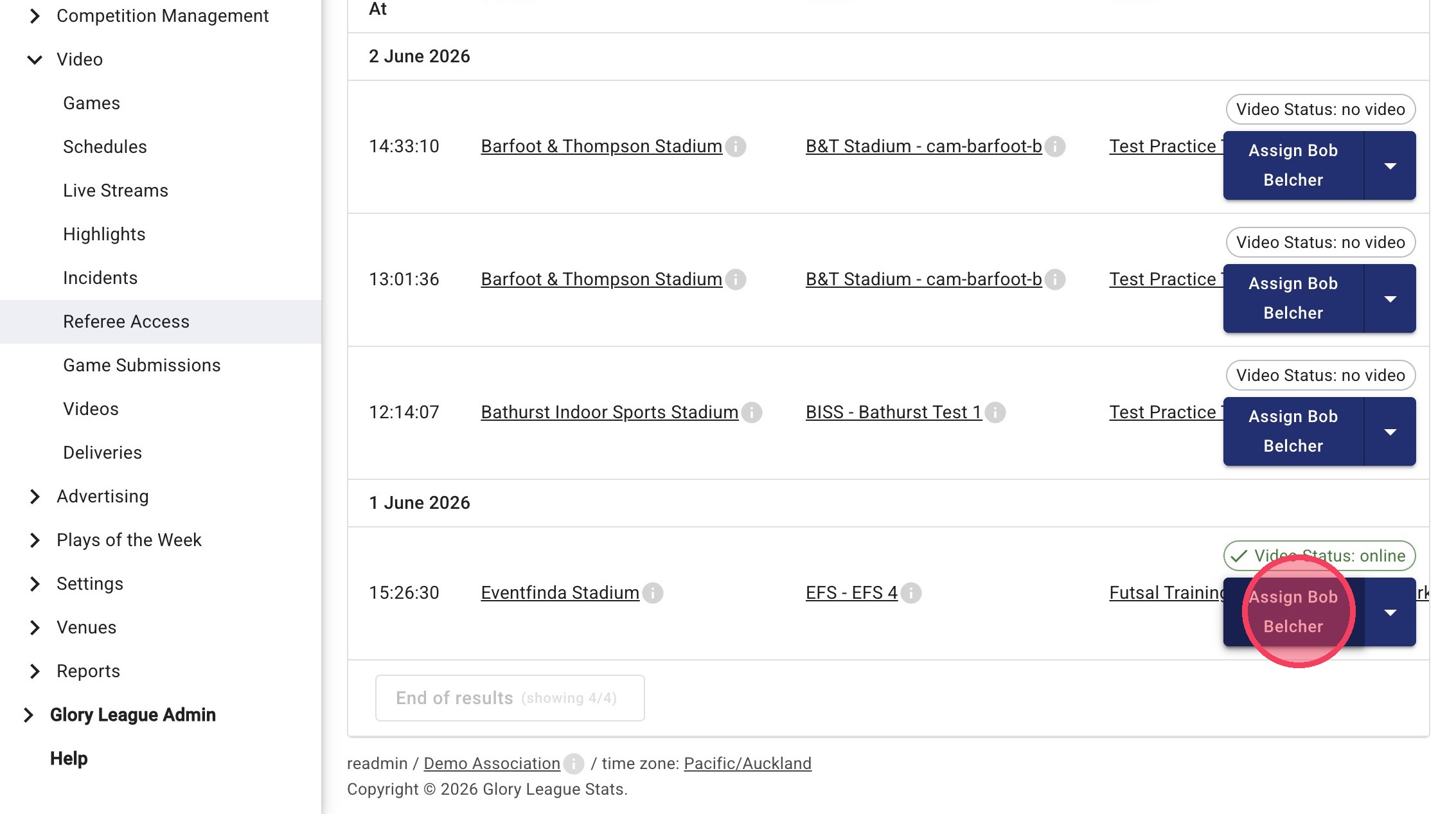
5. For all the games you would like to assign this referee to click the Assign button next to the game.
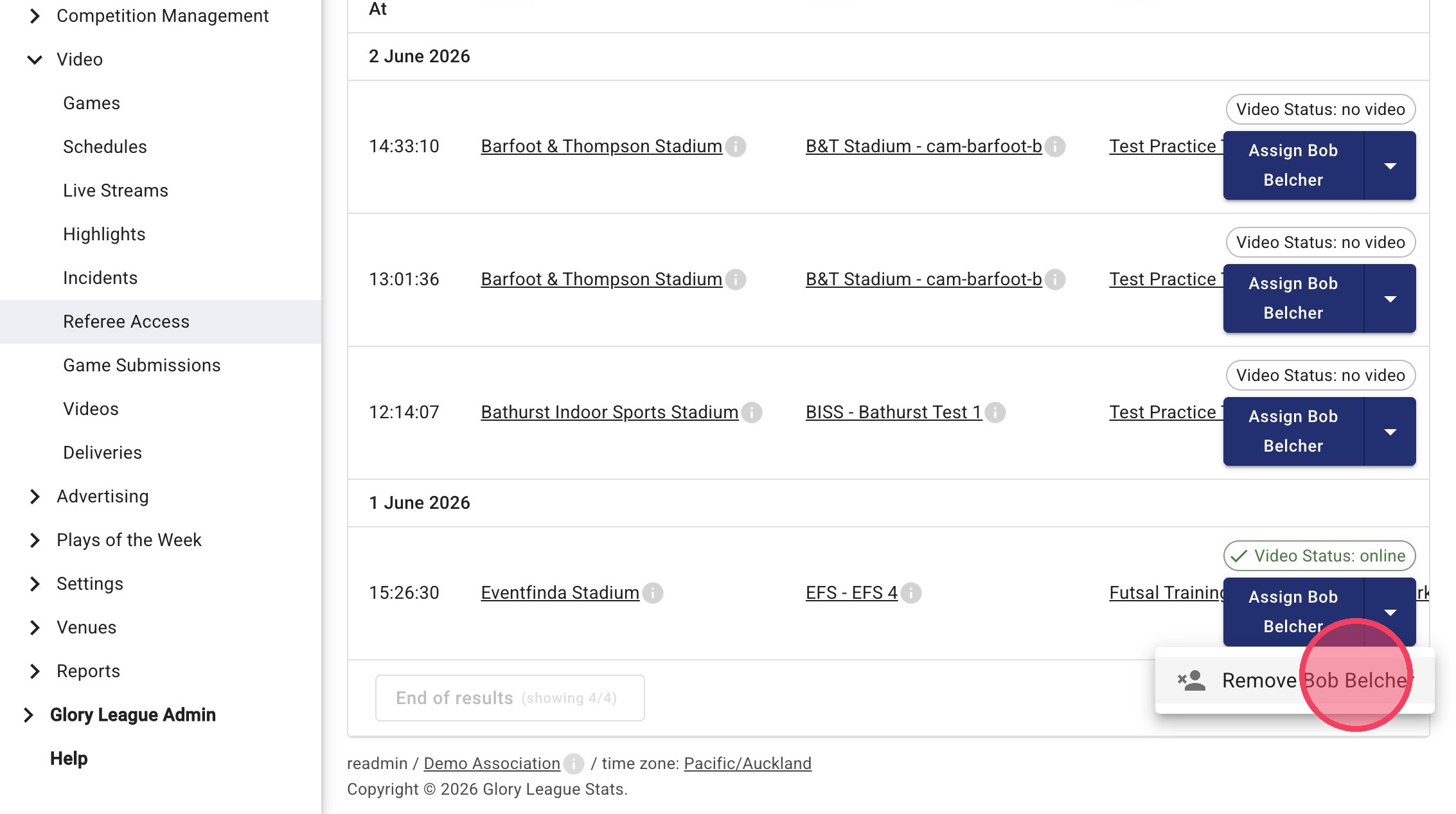
6. To remove a referee from a game, click the dropdown icon next to Assign Referee then click Remove.
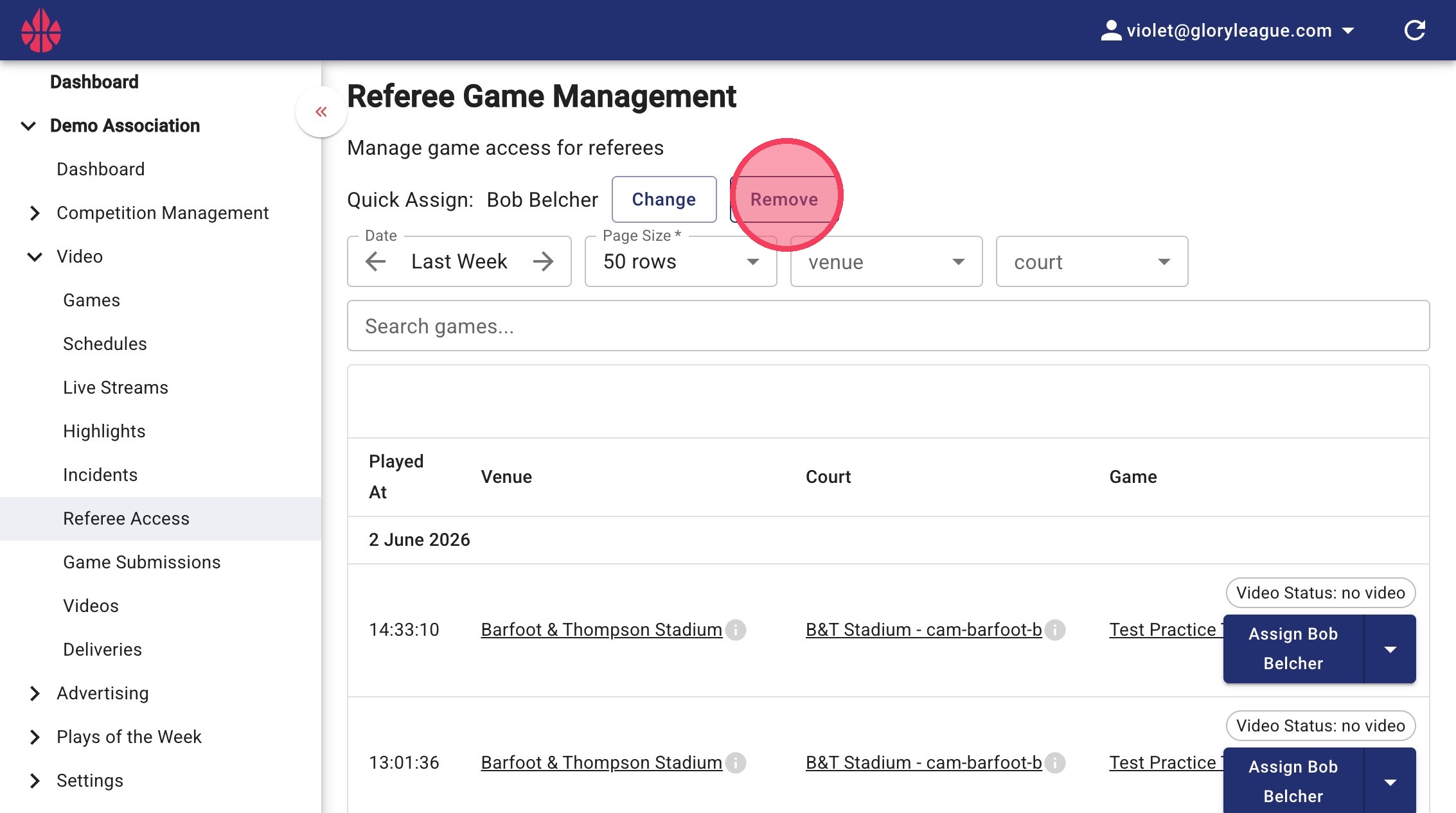
7. Once you have finished adding this referee you can change the Quick Assign to another referee, to do this click the Change button.
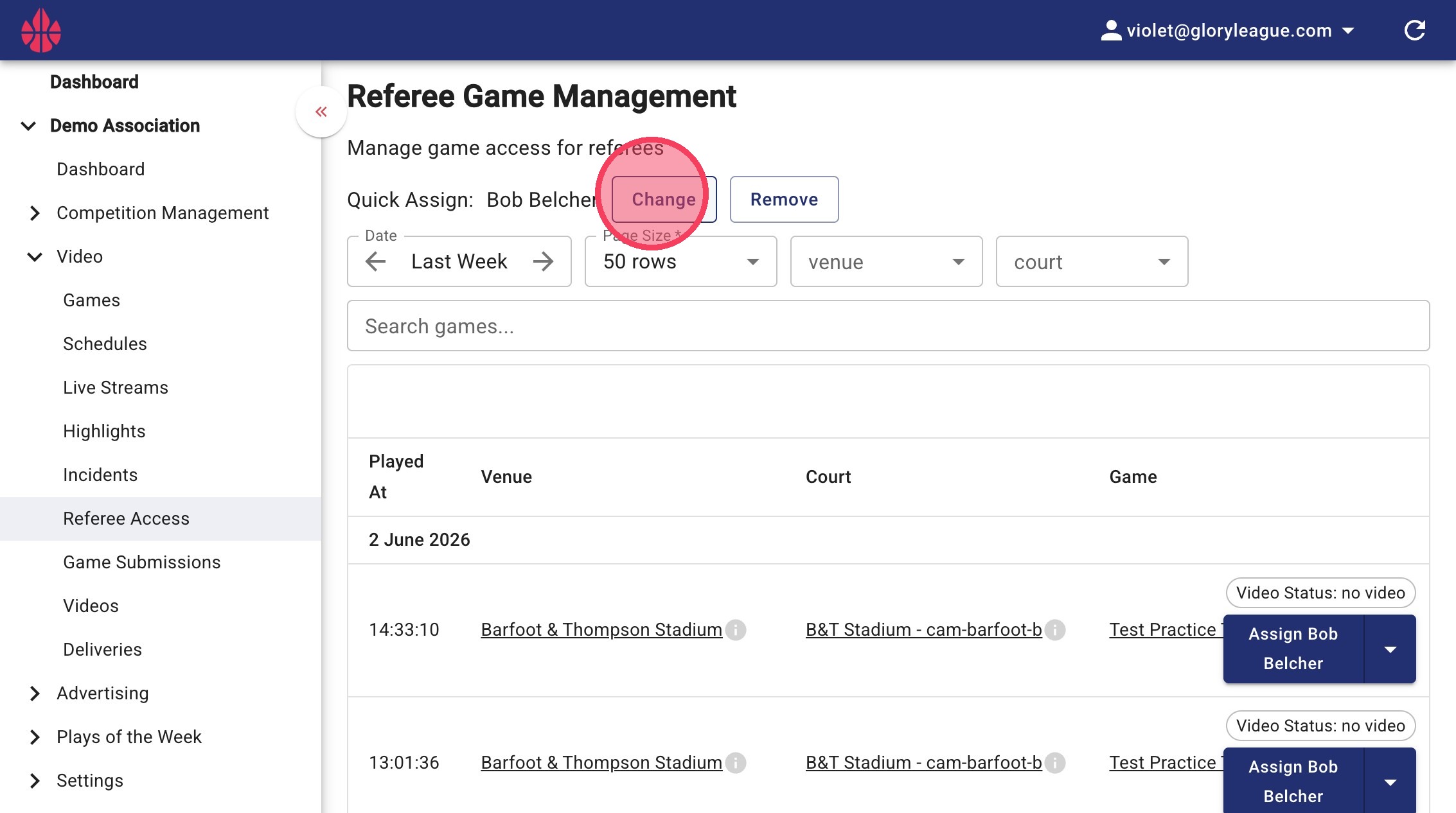
8. To turn off Quick Assign, click the Remove button.