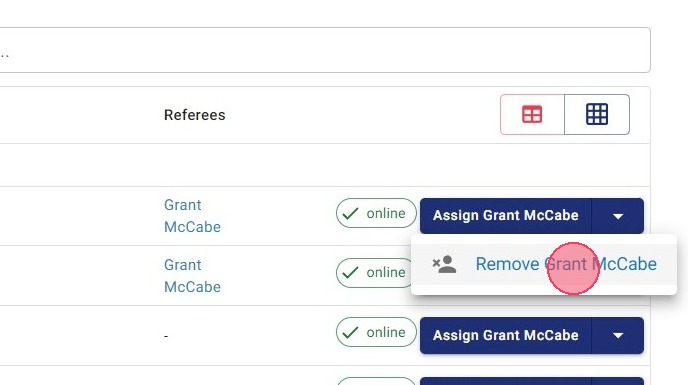
Remove Referees with Quick Assign
Remove Referees using the Quick Assign function in Referee Game Management.
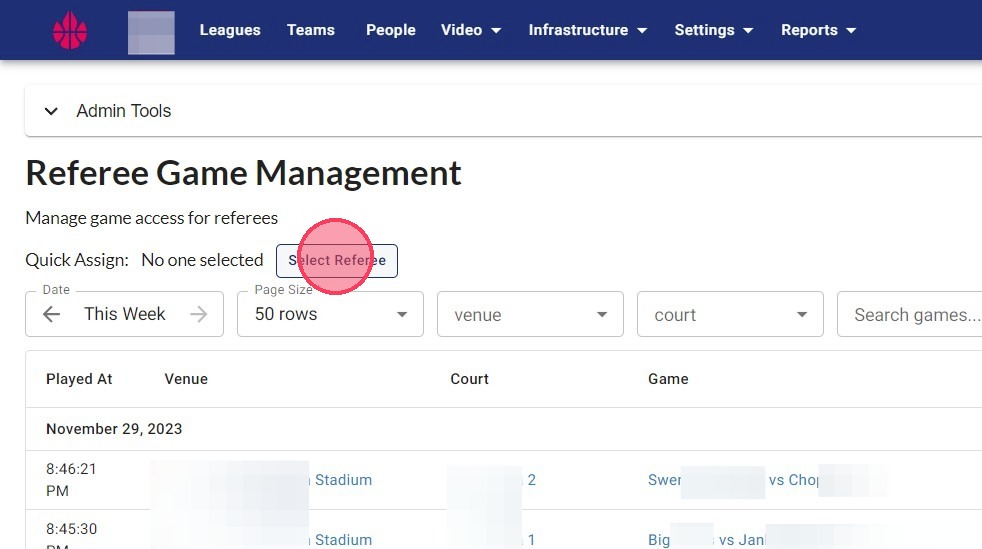
1. Click "Select Referee"
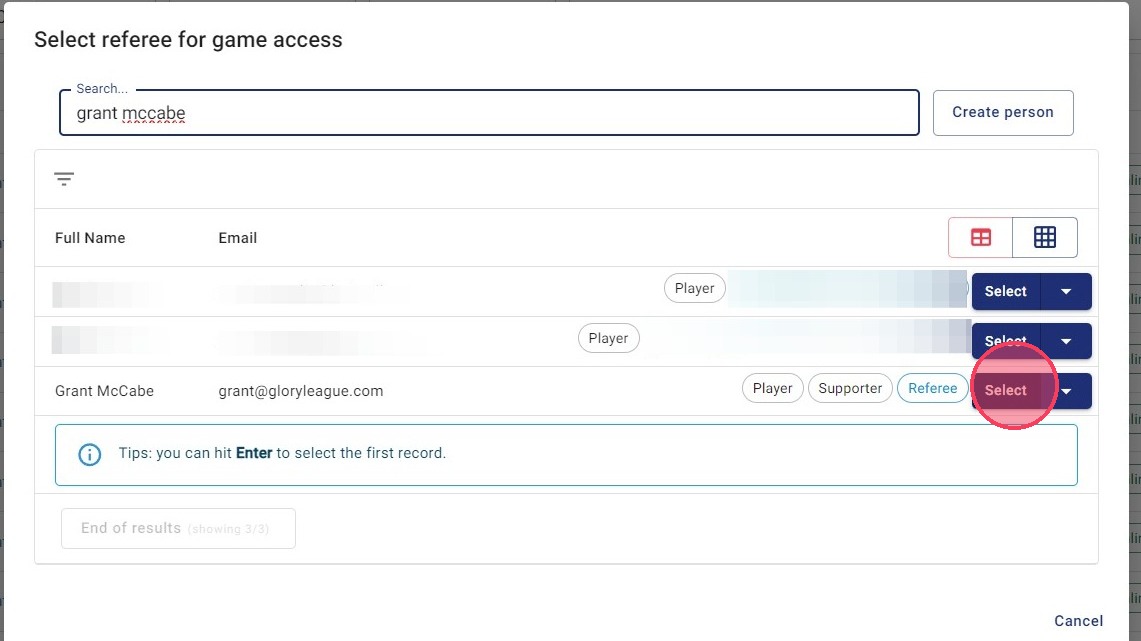
2. Type referee name in search bar, then click "Select" next to their name.
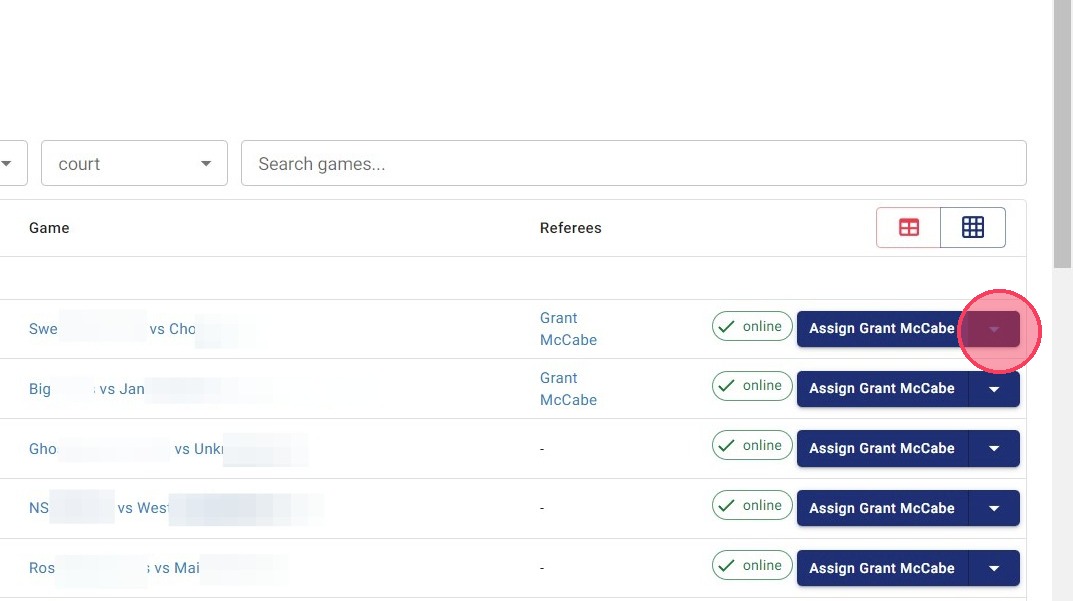
3. Click the arrow dropdown next to referee name.
4. Click "Remove <referee name>"