Plays of the Week: Remove Entries
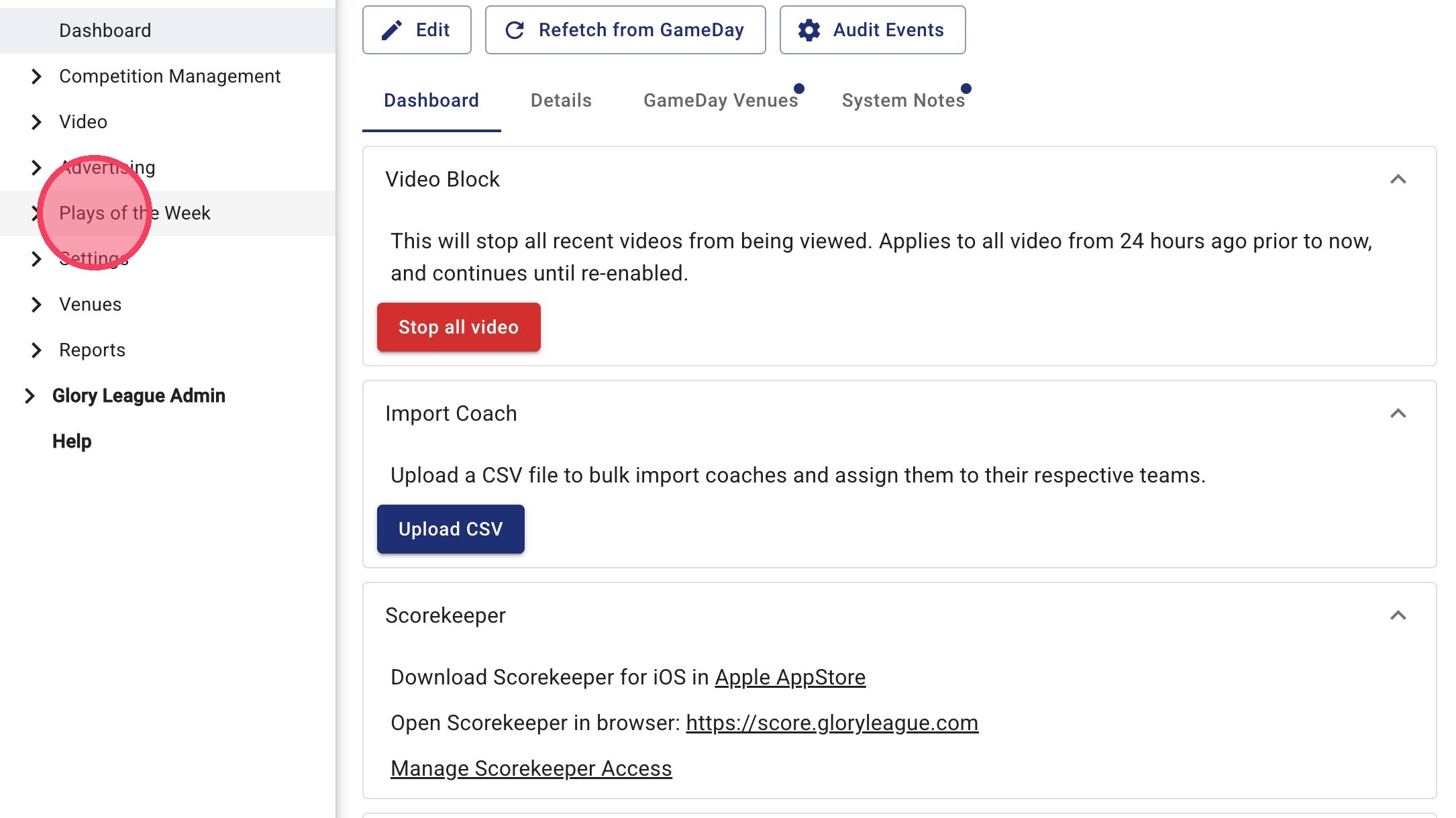
1. Click Plays of the Week.
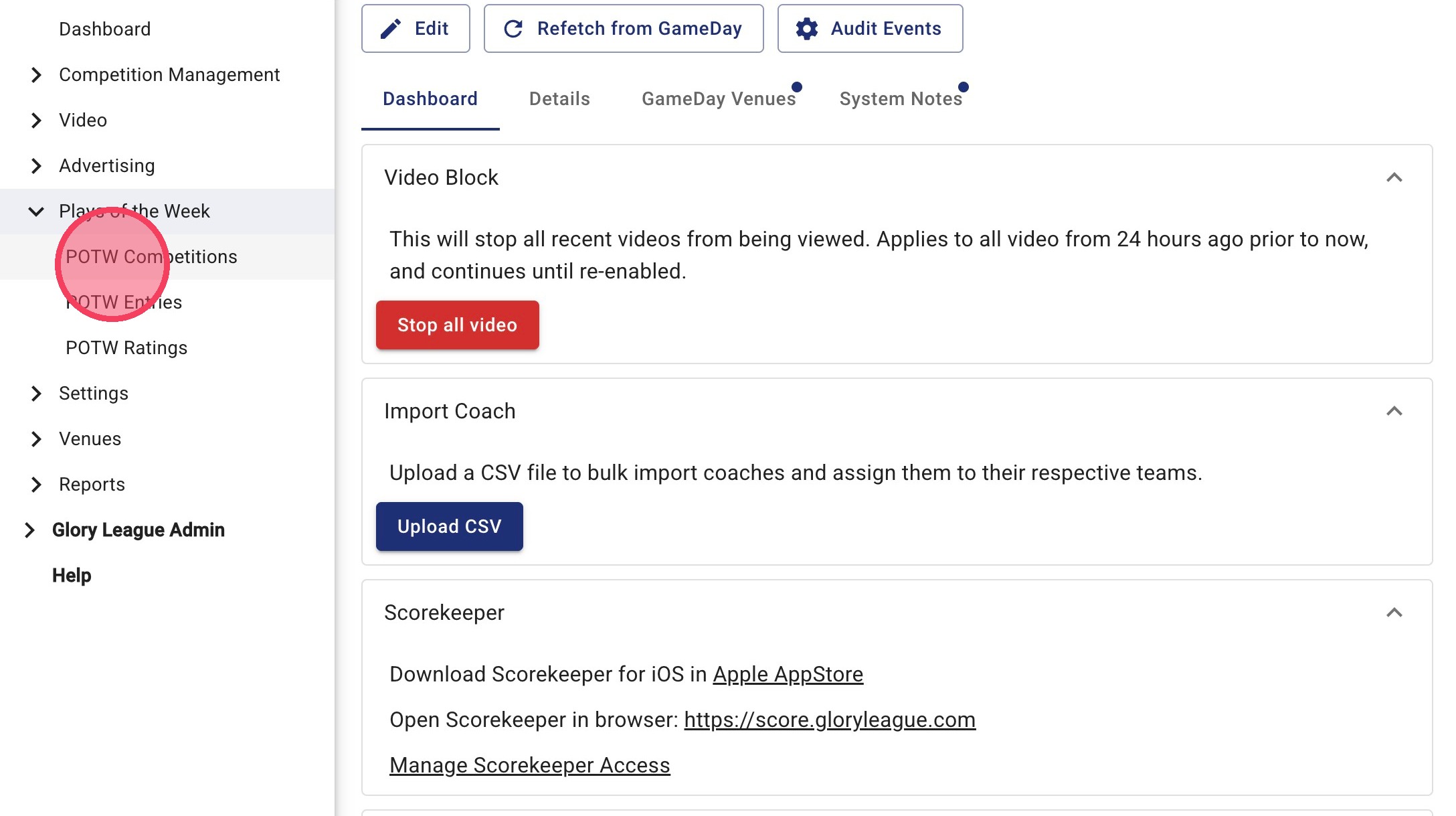
2. Click POTW Competitions.
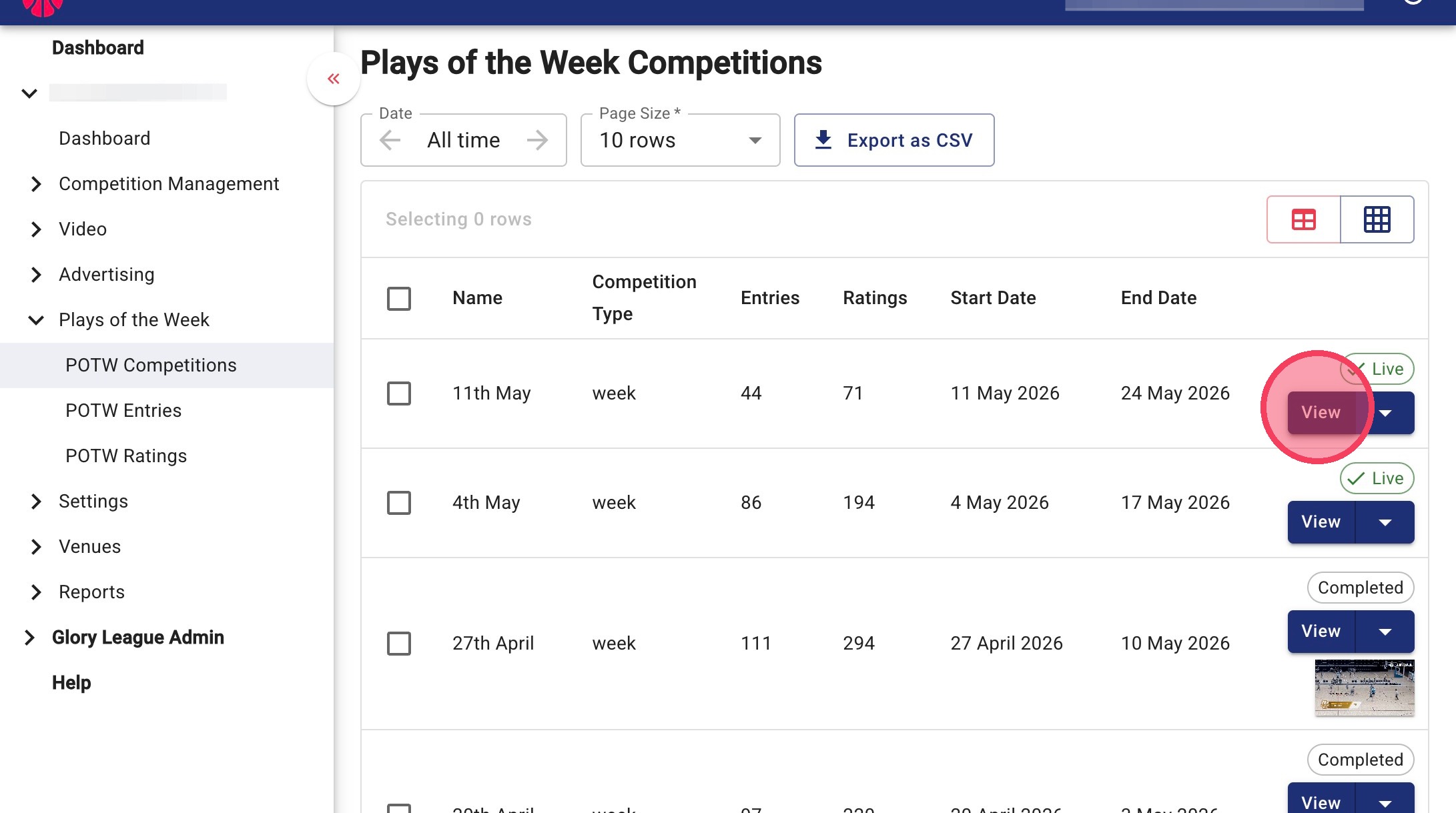
3. Click on the Find the week you'd like to edit and click View.
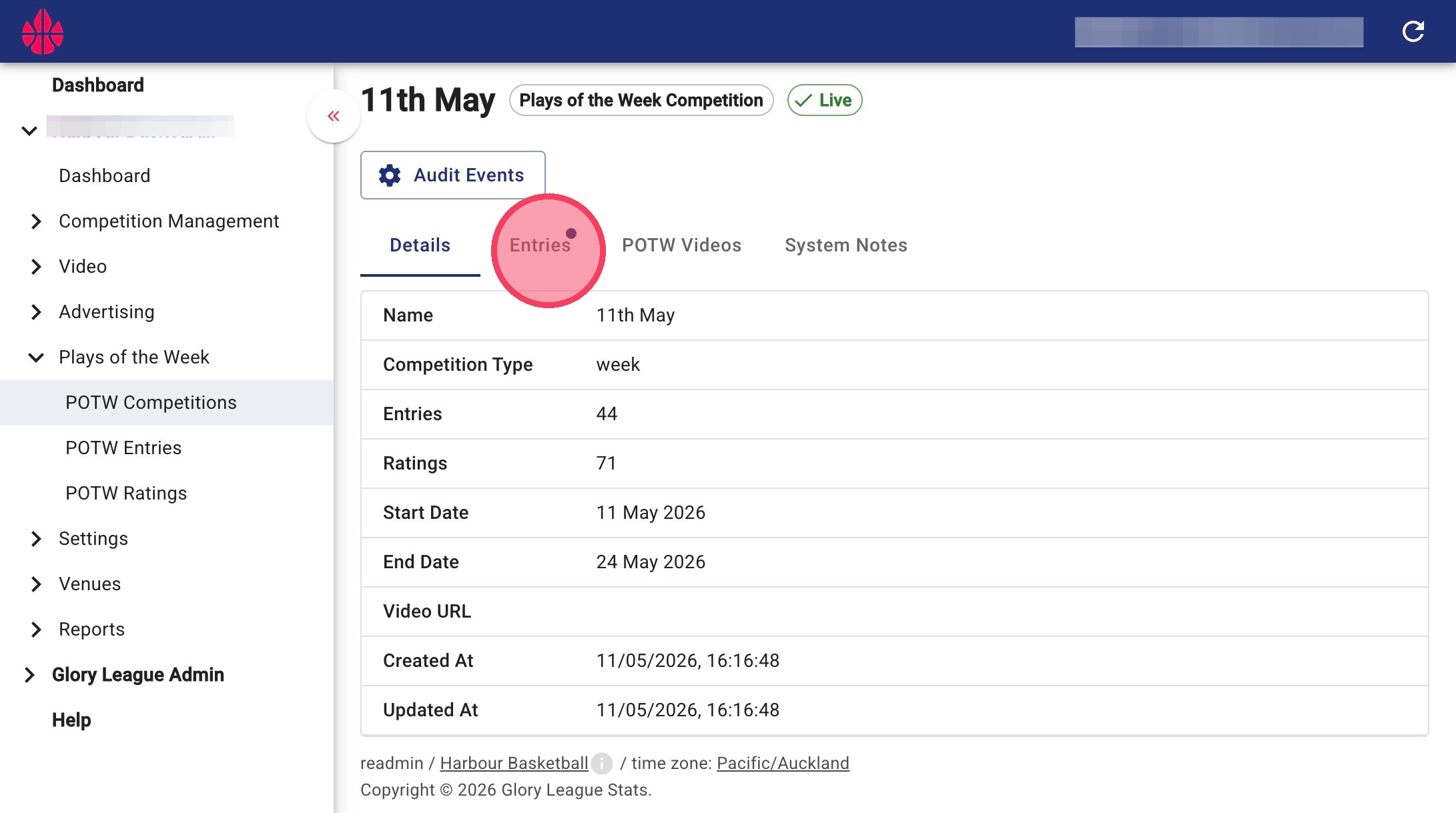
4. Click Entries.
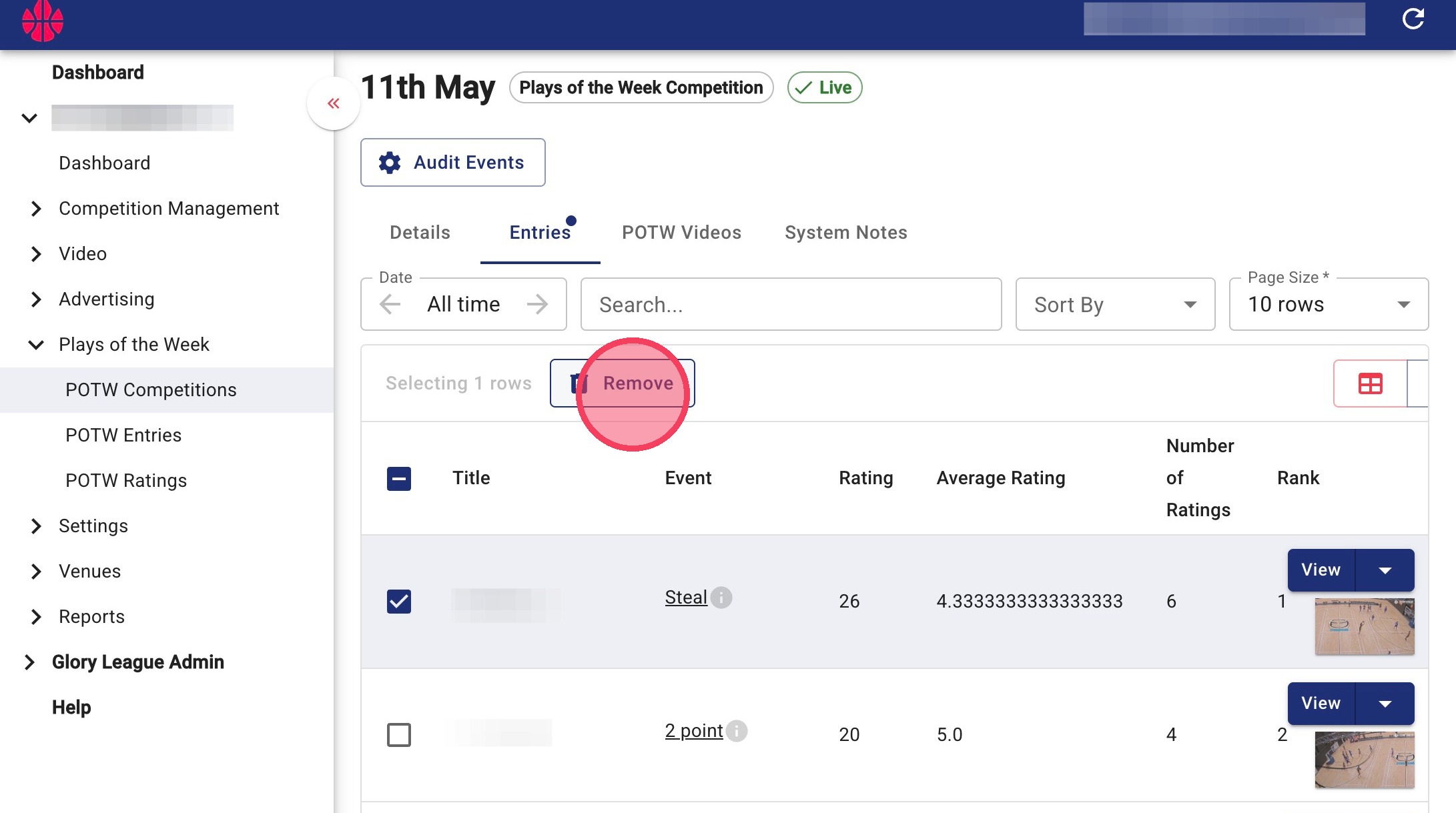
5. Select the checkbox next to the highlight(s) you'd like to remove, then click Remove. You can select multiple highlights if you need to remove more than one entry.
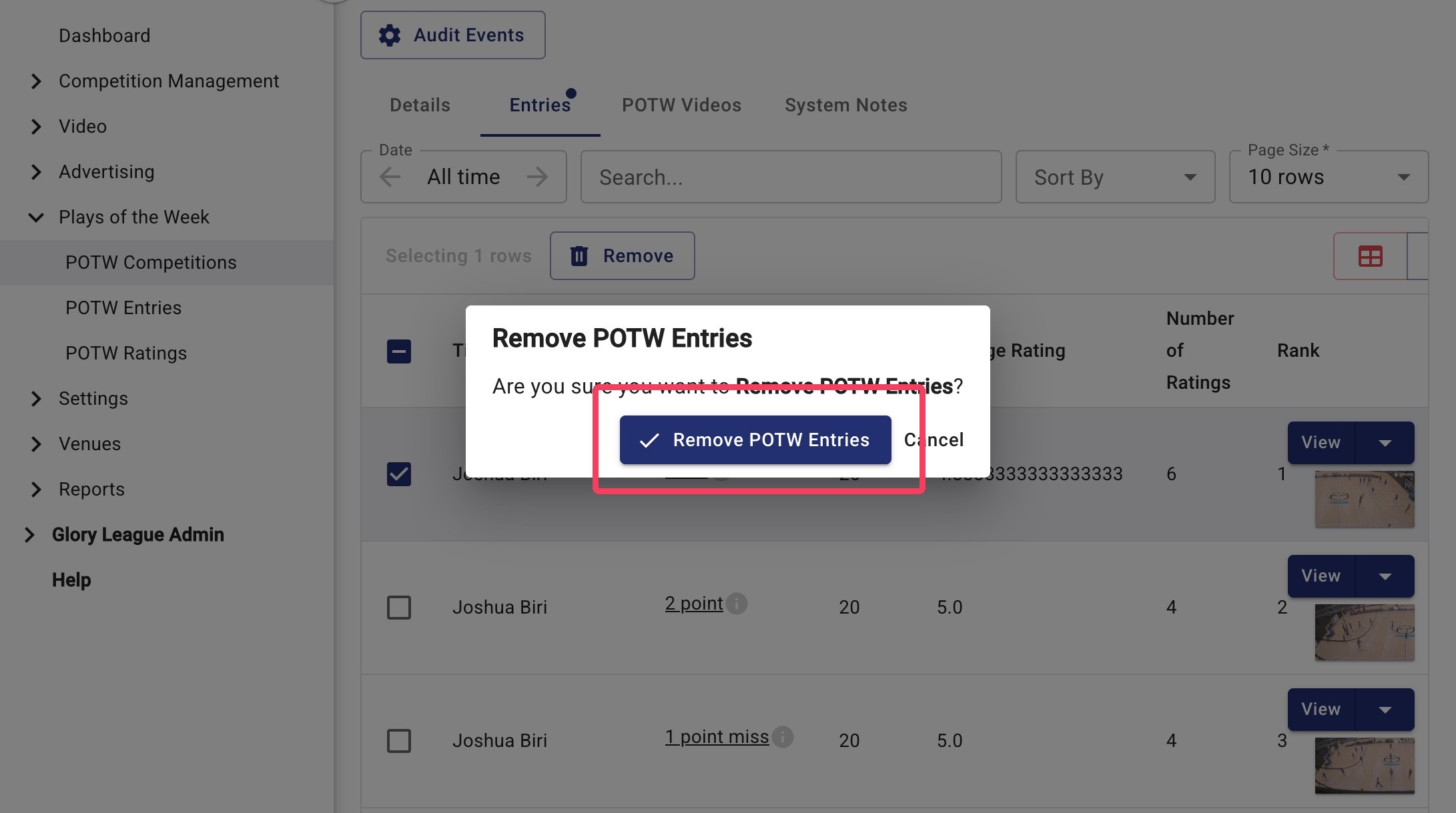
6. Click Remove POTW Entries to confirm.
Tip: If you'd like to review all ratings before removing an entry, follow the steps below.
View Ratings Before Removing Entry
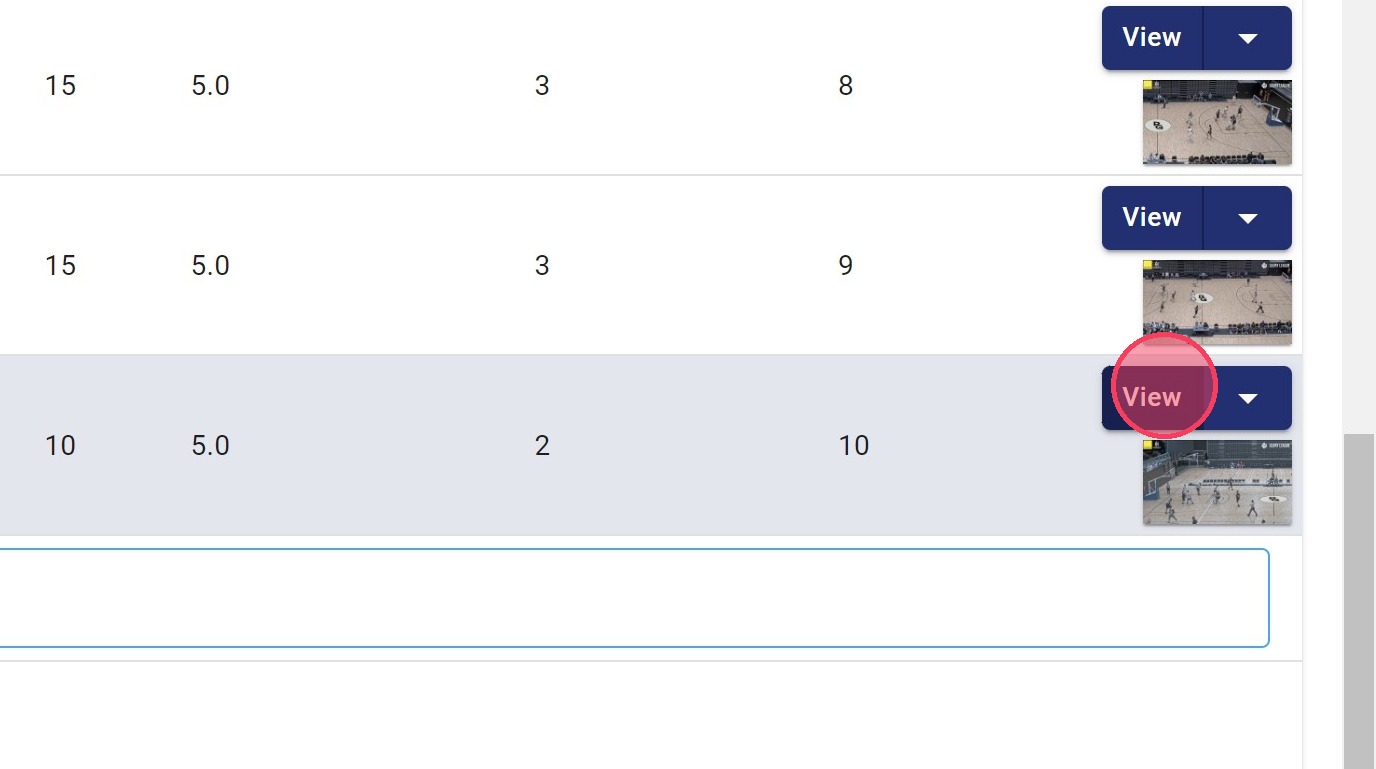
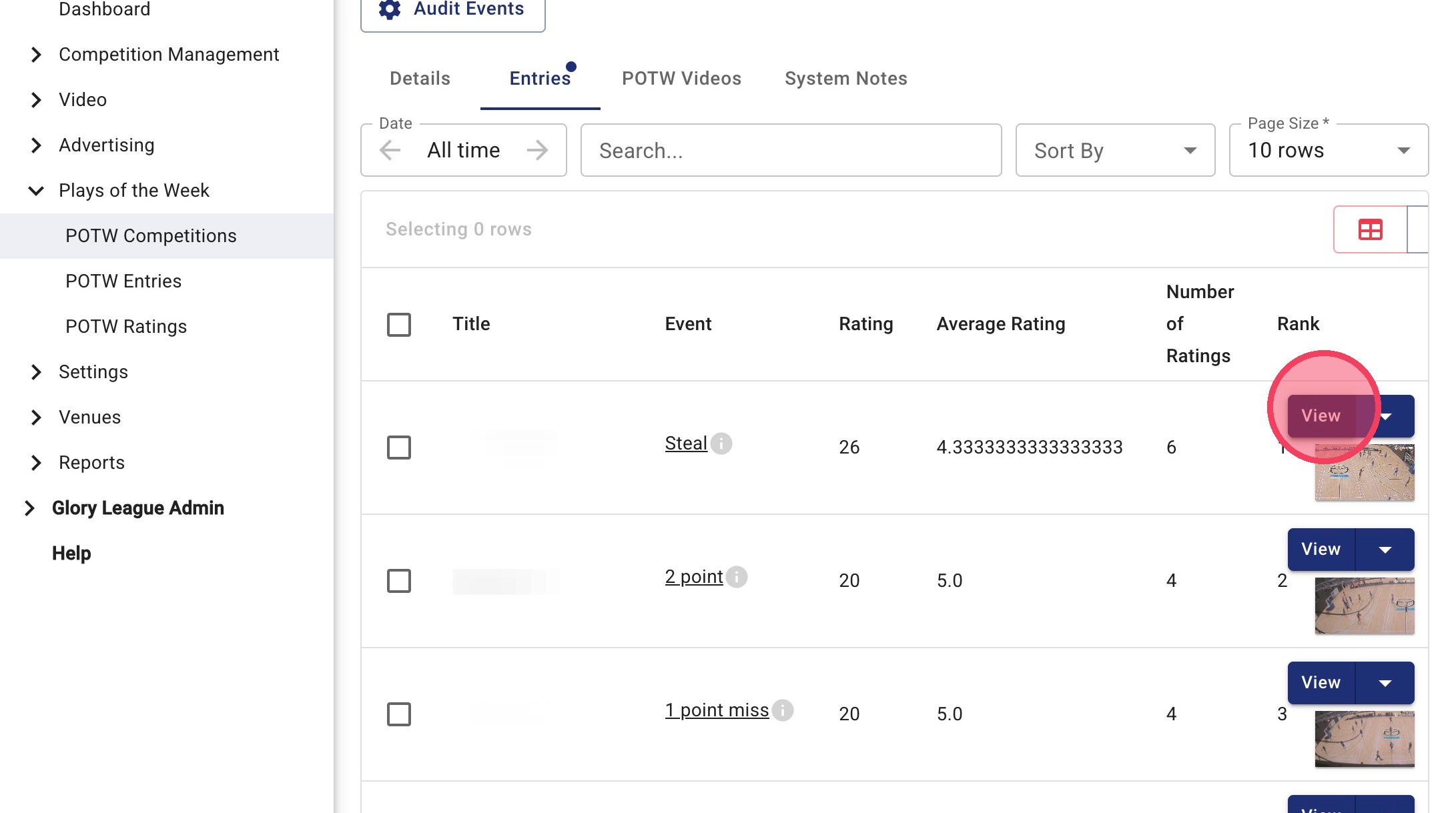
7. Click View on the relevant entry.
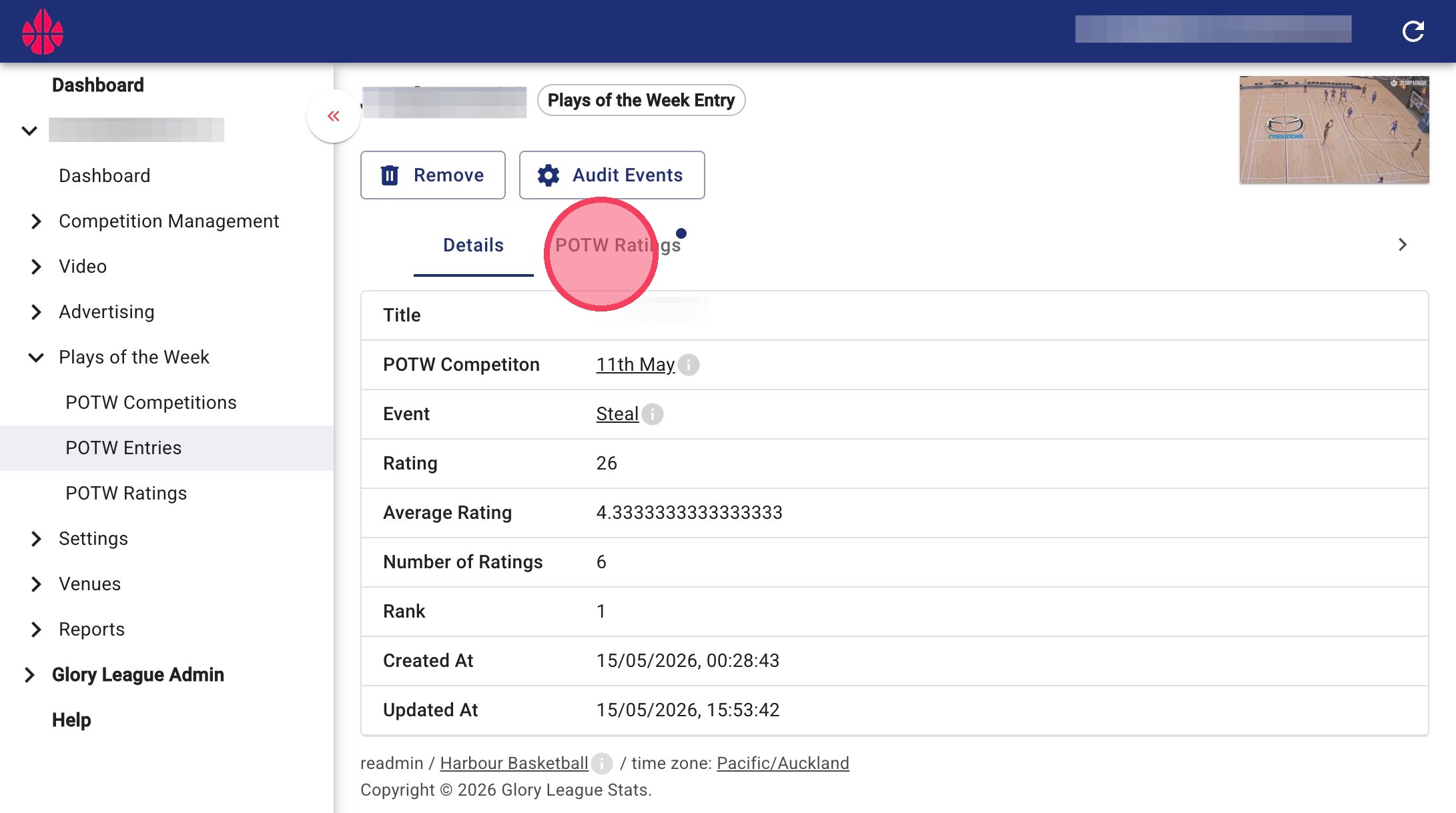
8. Click POTW Ratings.
9. Scroll to view all ratings and votes for that highlight.
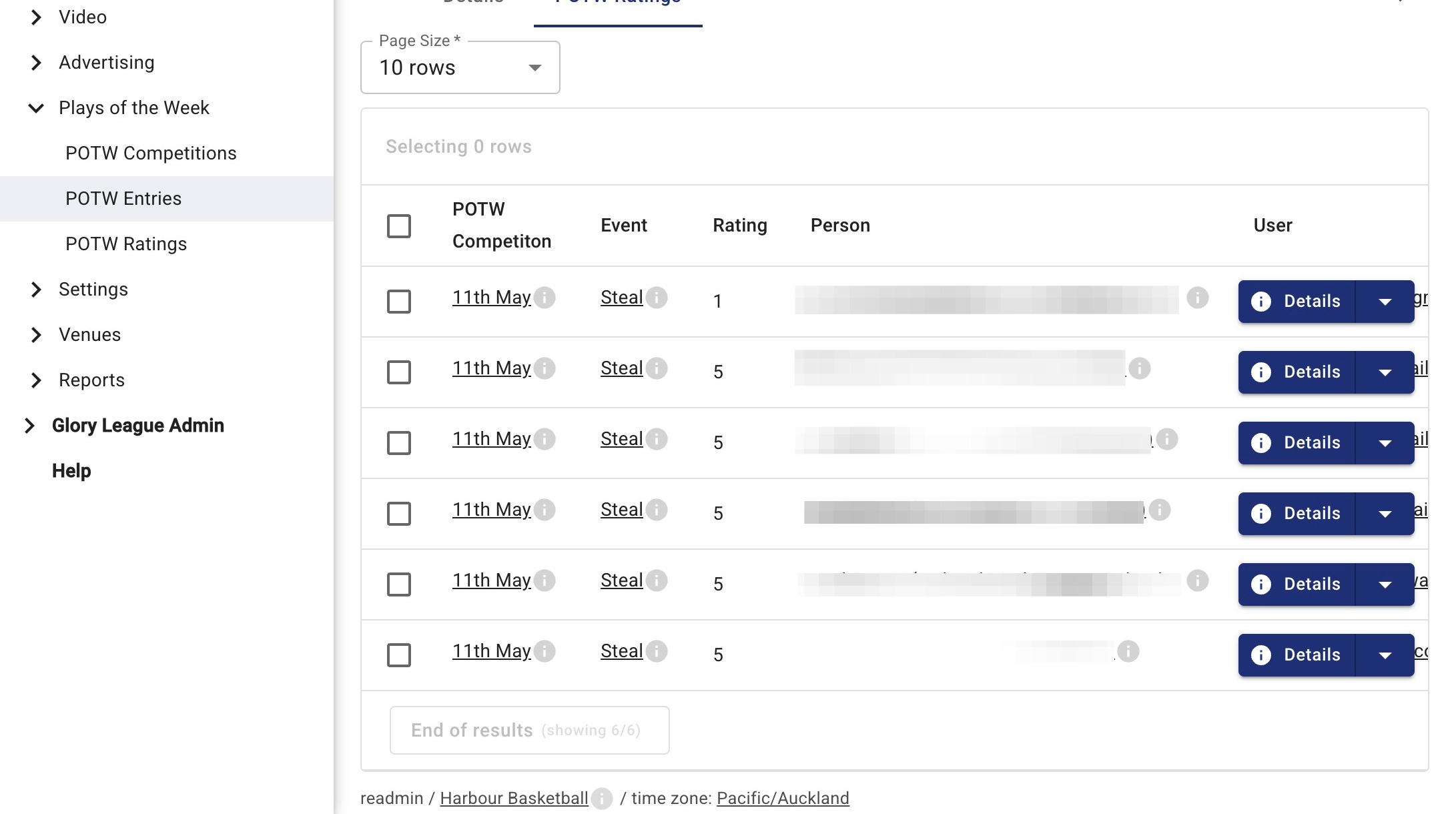
10. You can also click View on a specific entry to see additional information, including who voted for the clip.