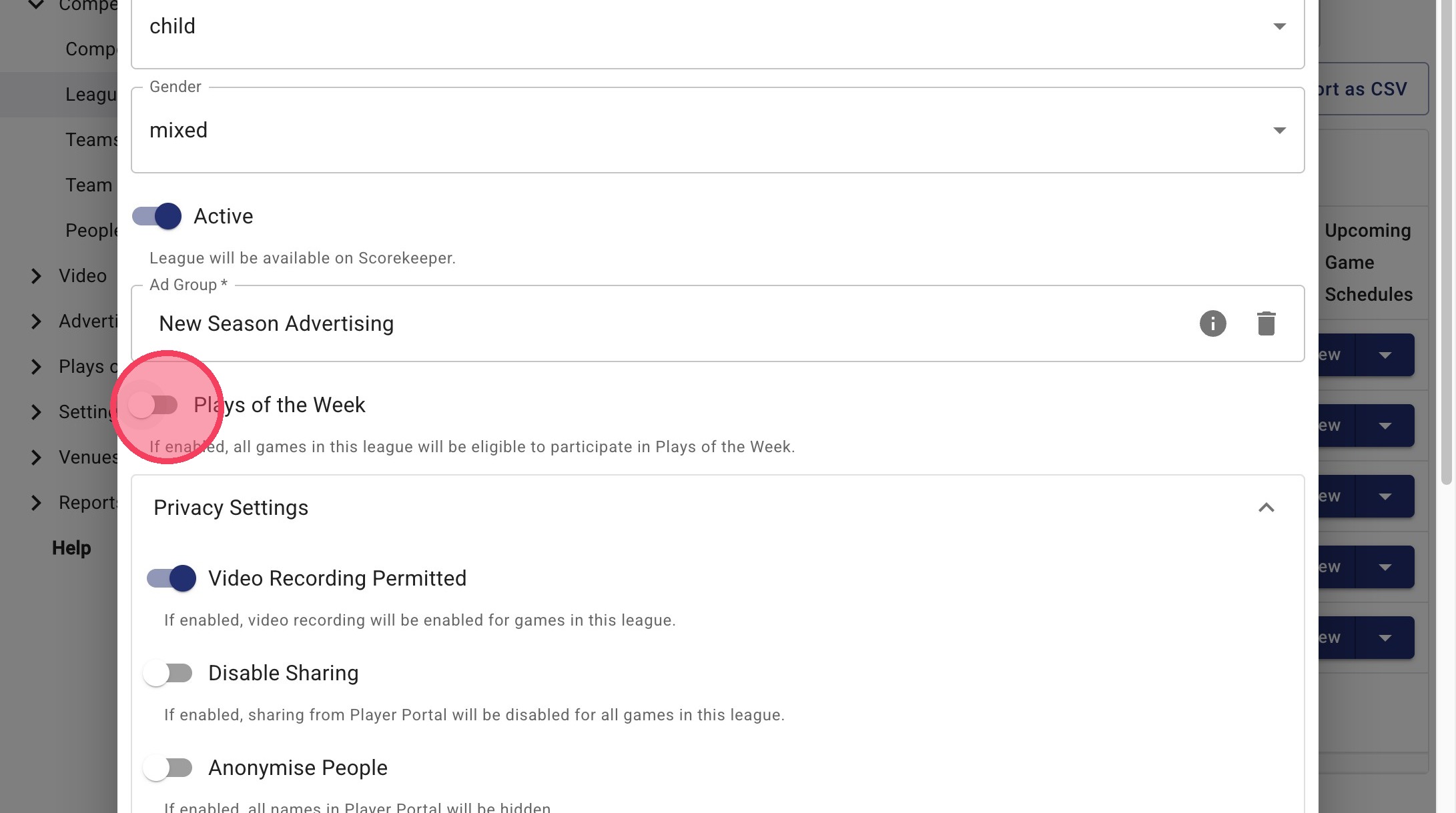
Plays of the Week: Turn Off or On By League (In Bulk or Individually)
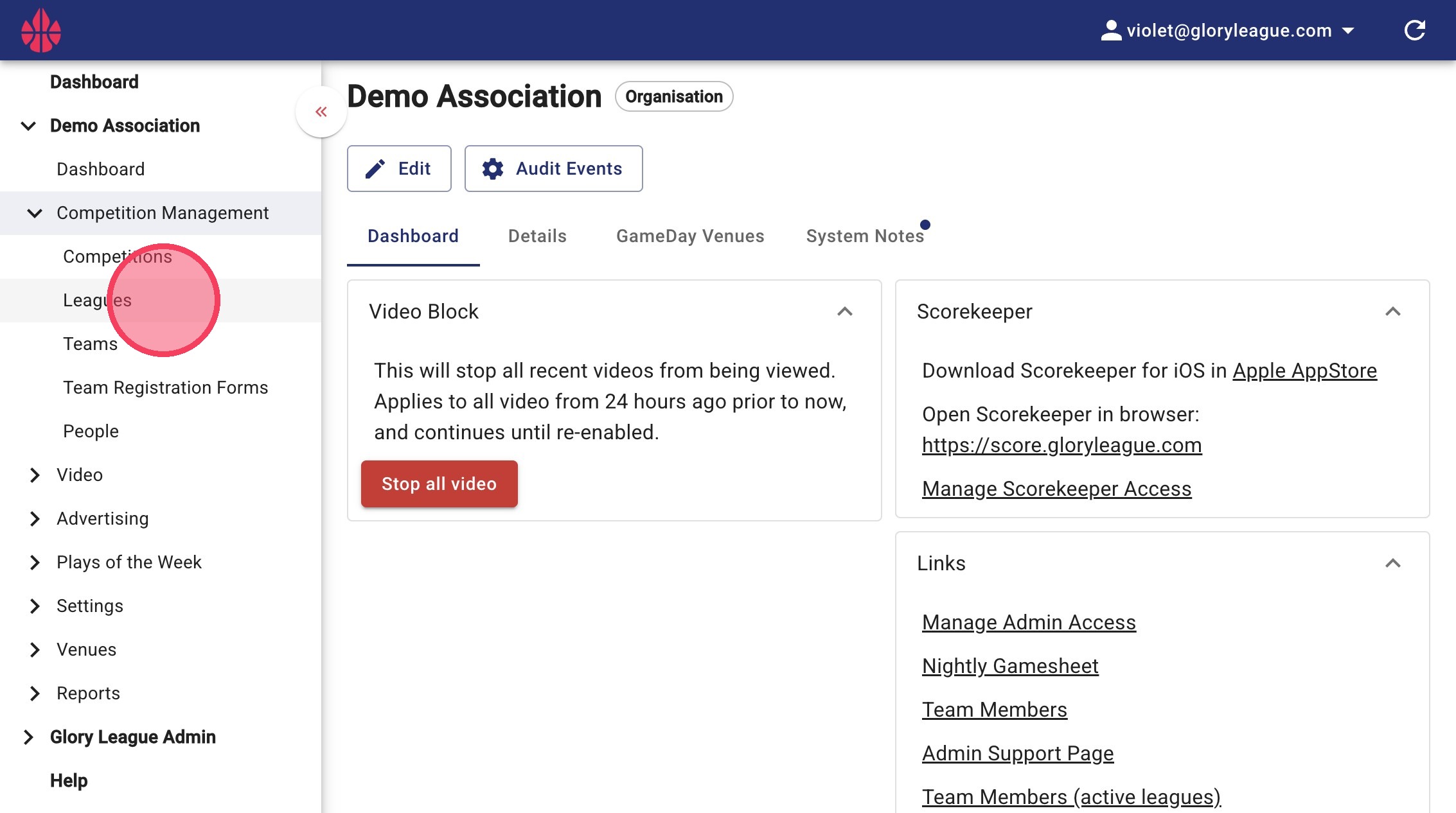
1. Select Leagues under Competition Management.
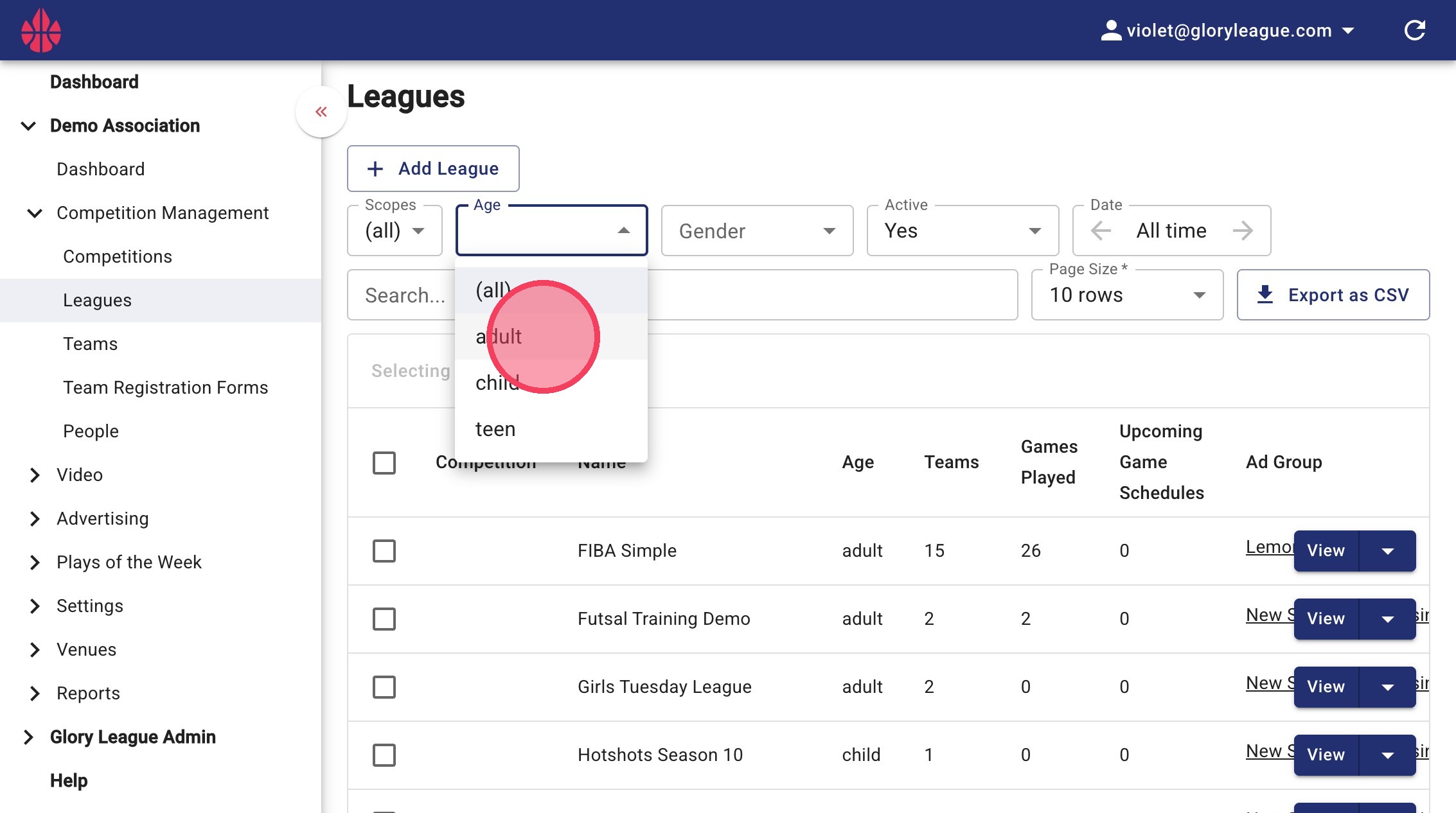
2. Filter by age group or gender using the Age or Gender dropdown if needed.
Bulk Settings Management
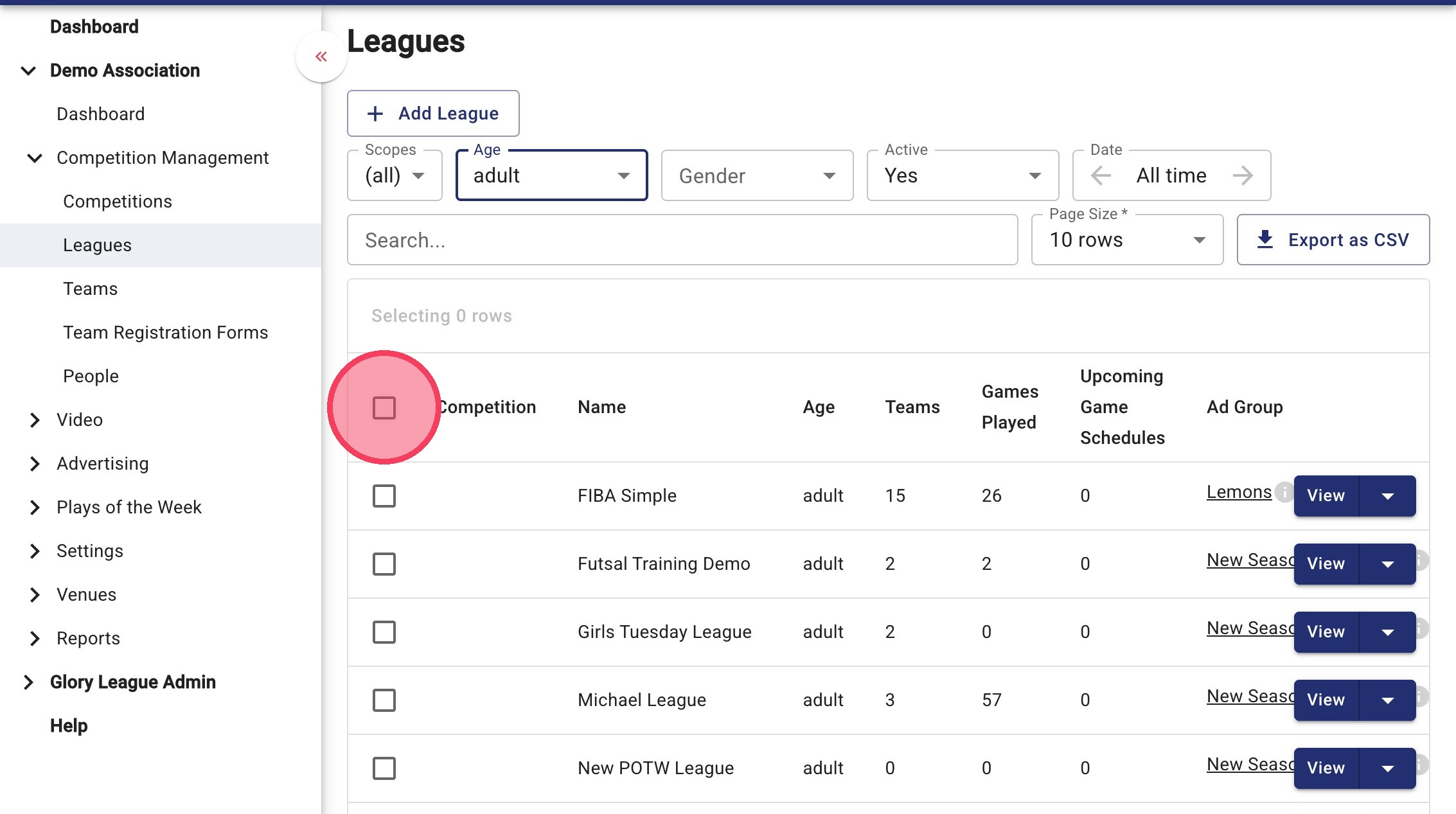
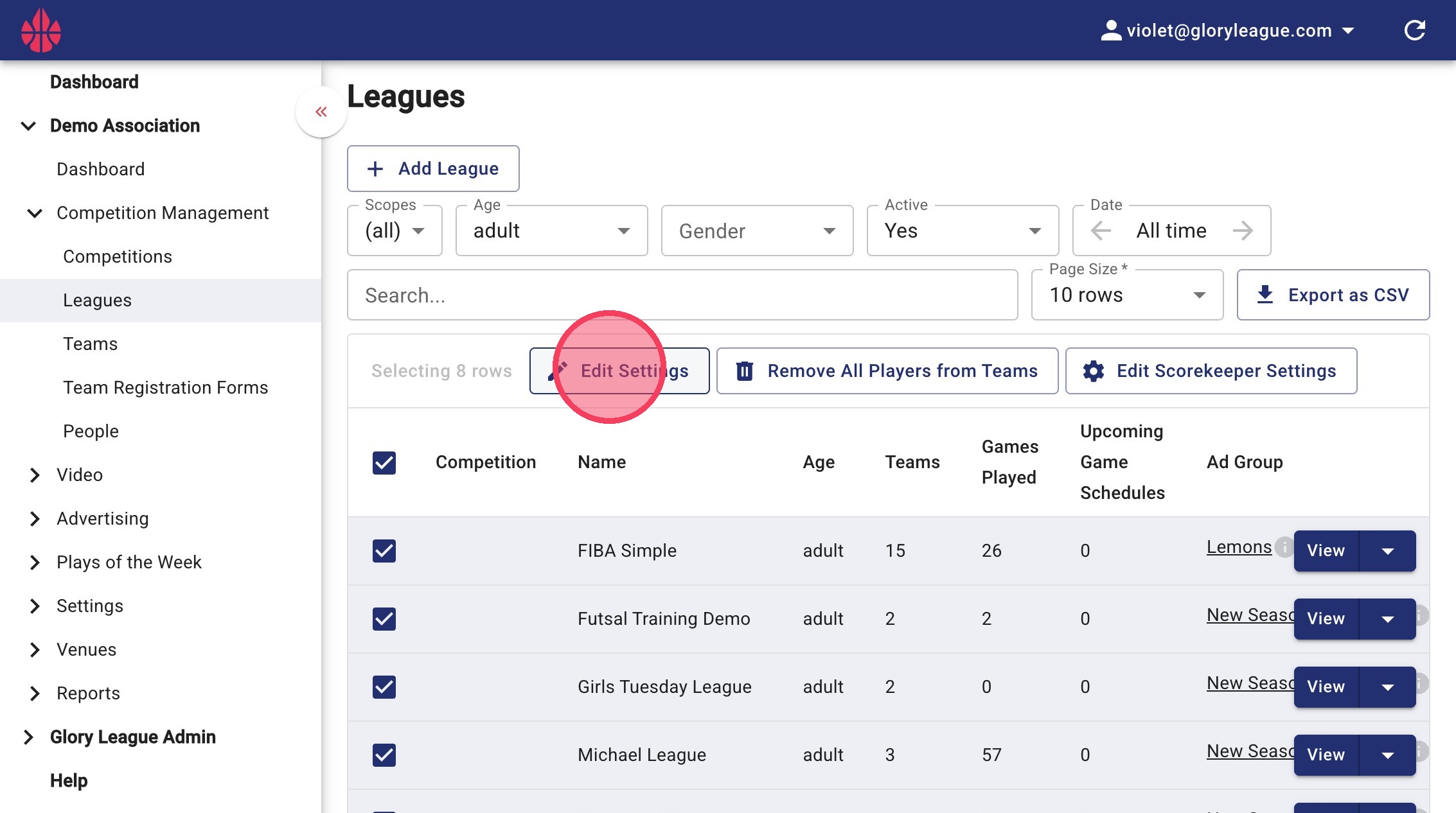
3. Click the check box to select all the filtered leagues within your association.
4. Click Edit Settings for bulk modification.
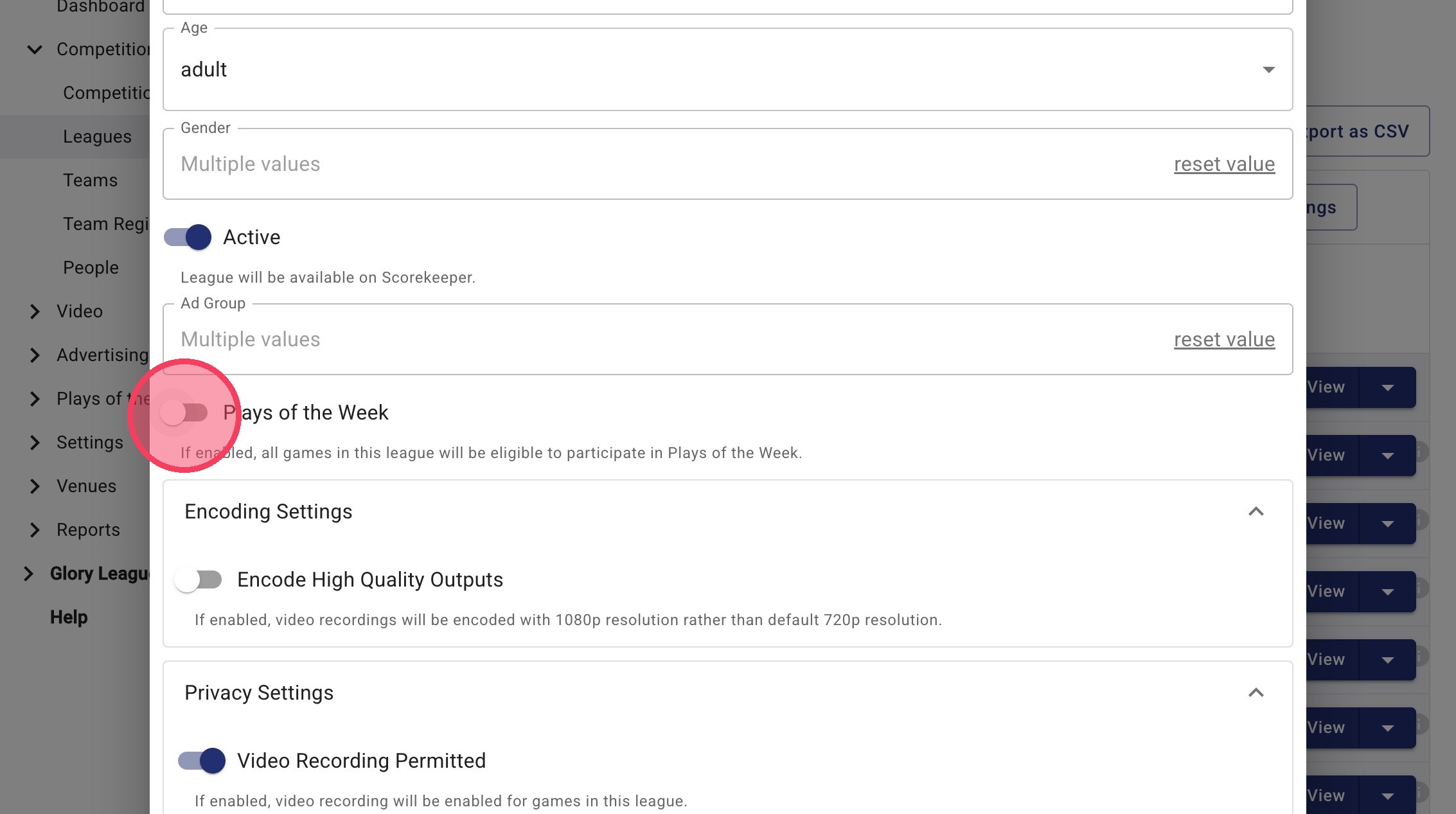
5. Scroll down and toggle the Plays of the Week button on or off. Enabling the button with result in all games within this league will be eligible to participate in Plays of the Weeks. Disabling it will remove its eligibility.
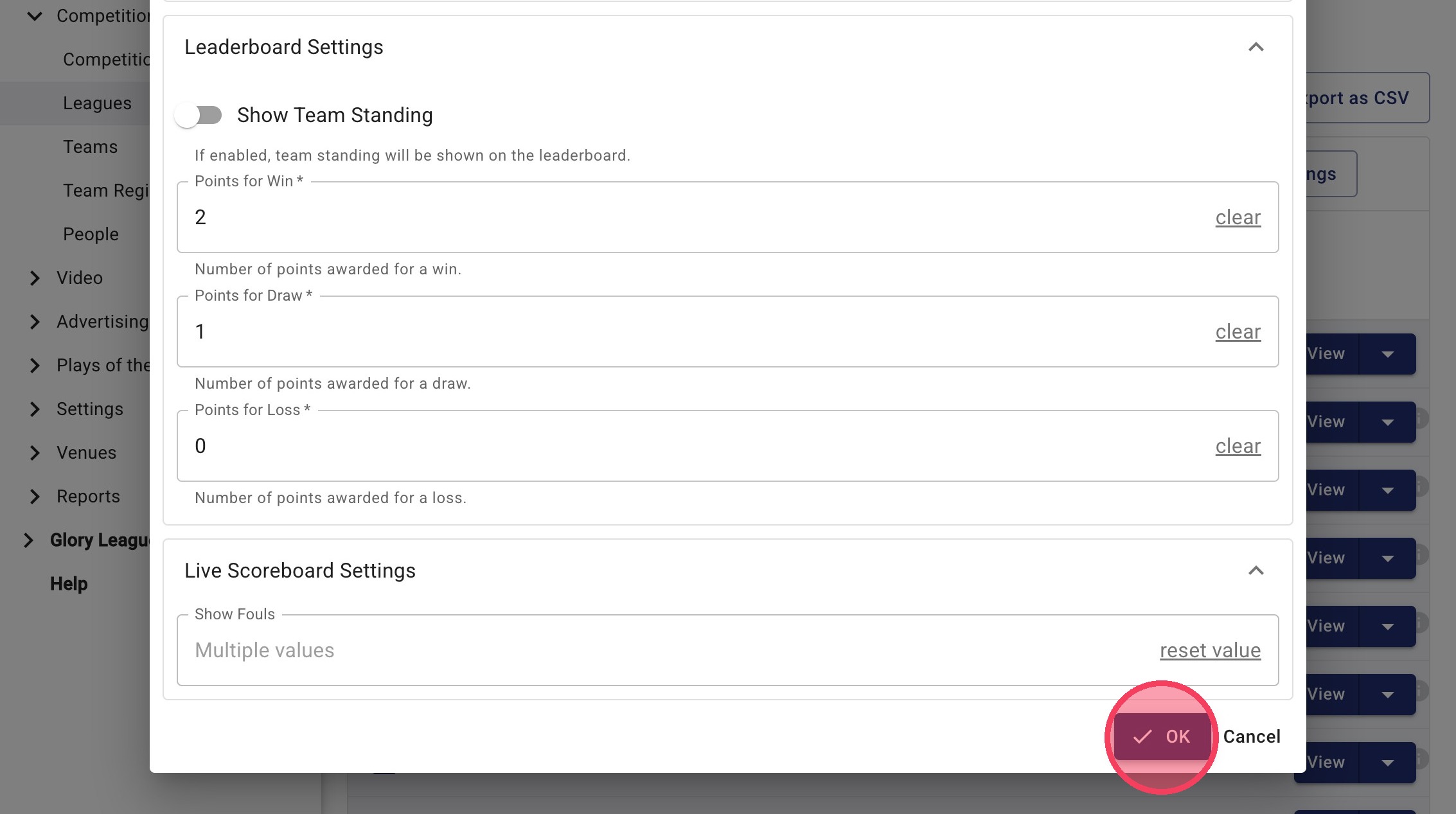
6. Click OK to apply bulk settings.
Individual Settings Management
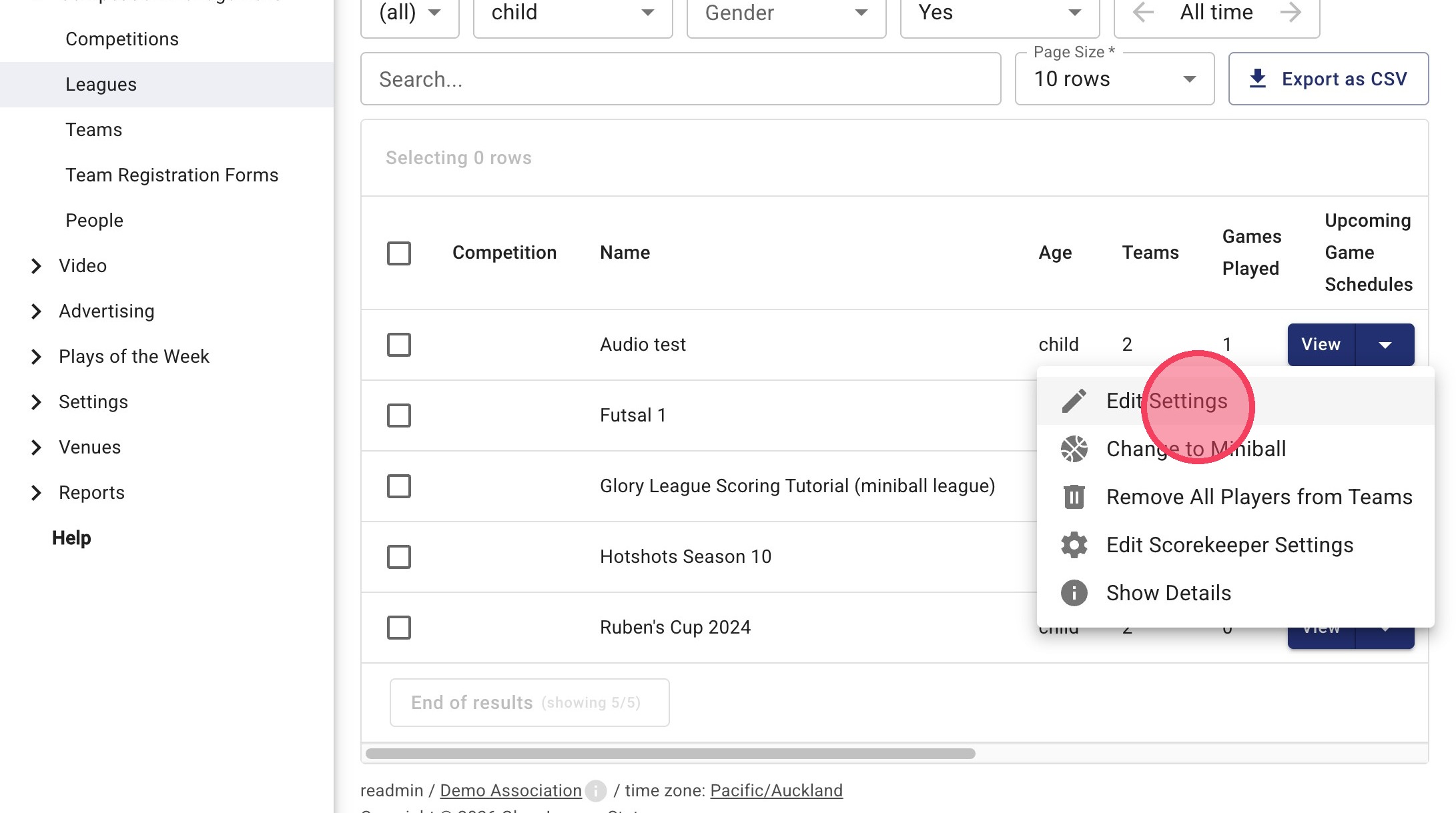
7. If you'd like to only edit an individual leagues participation in Plays of the Week, click the dropdown arrow next to the league and select Edit Settings.
8. Toggle Plays of the Week on or off. Click OK to save your changes.