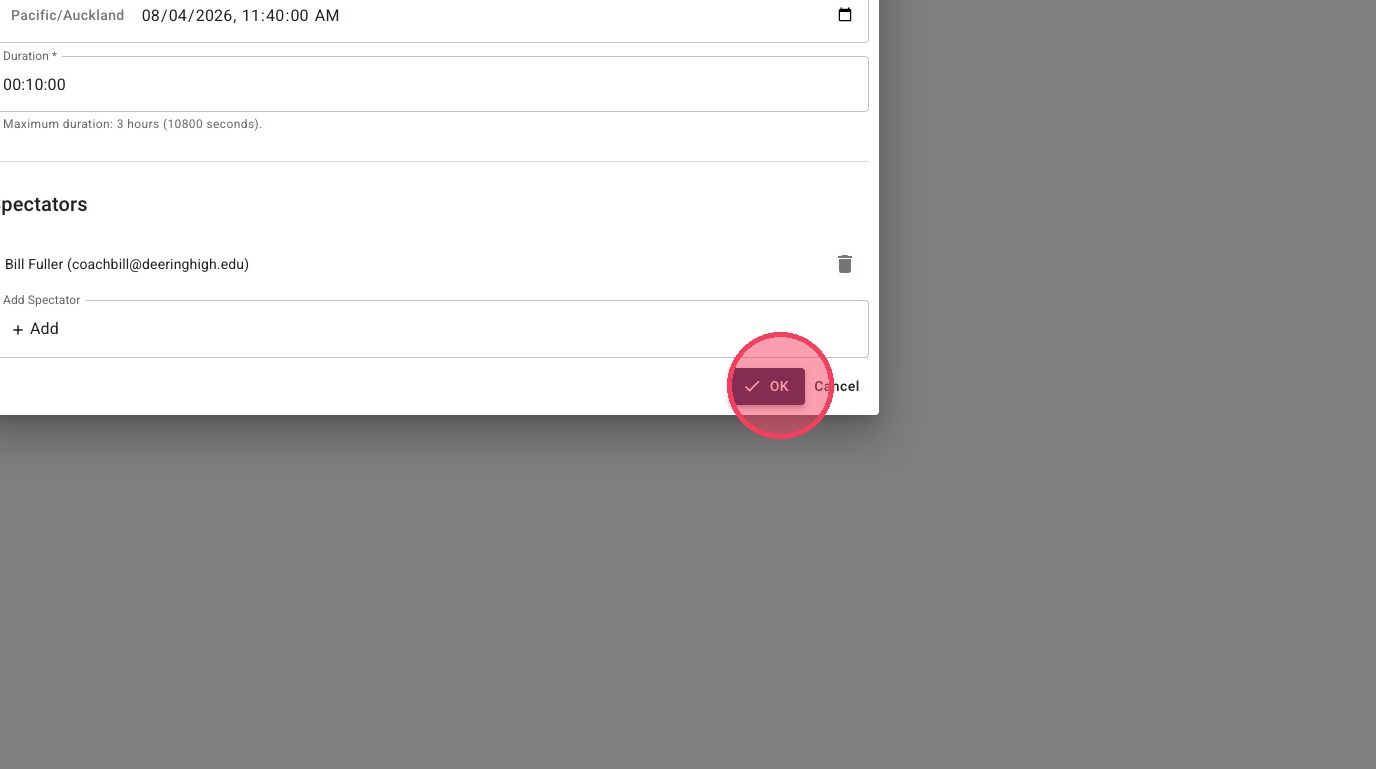
Schedule Practice Game or Trial Recording
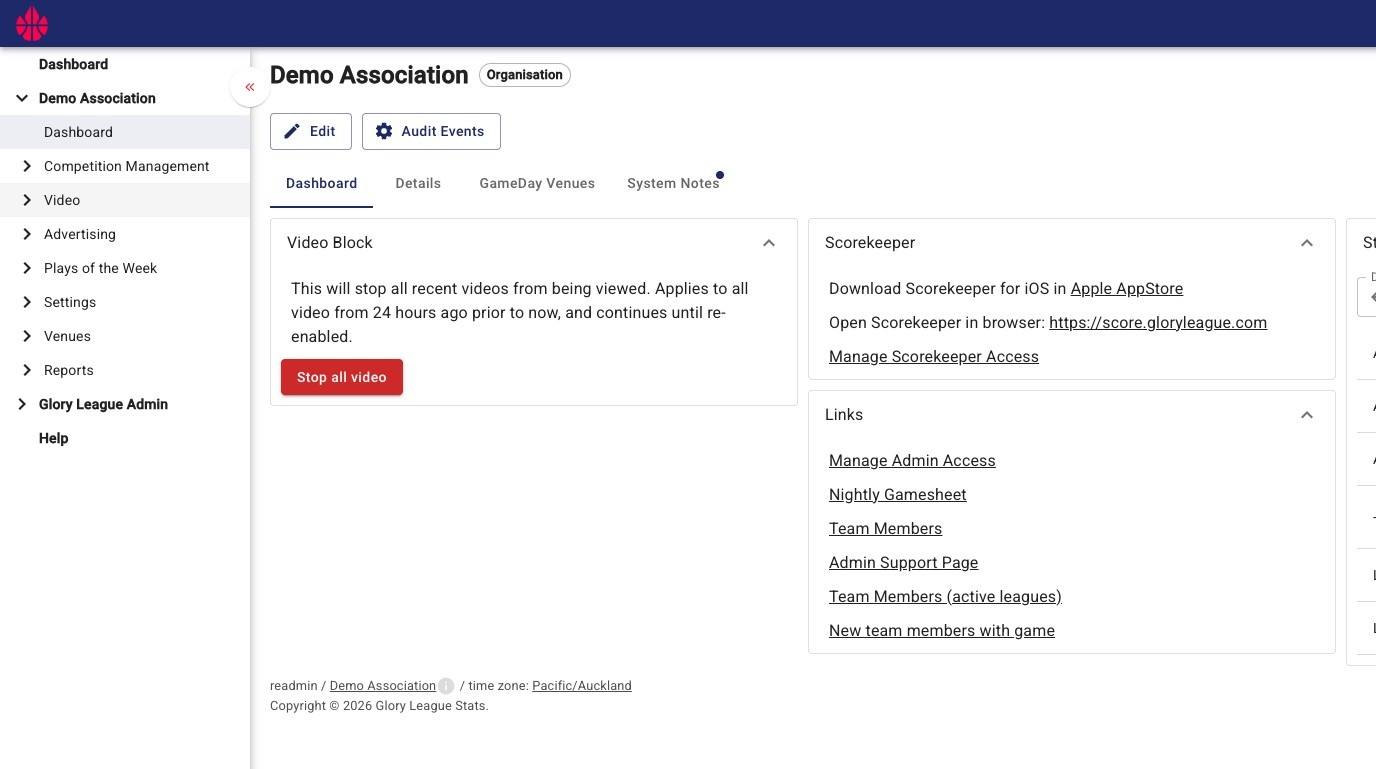
1. Navigate to the Dashboard of your admin portal.
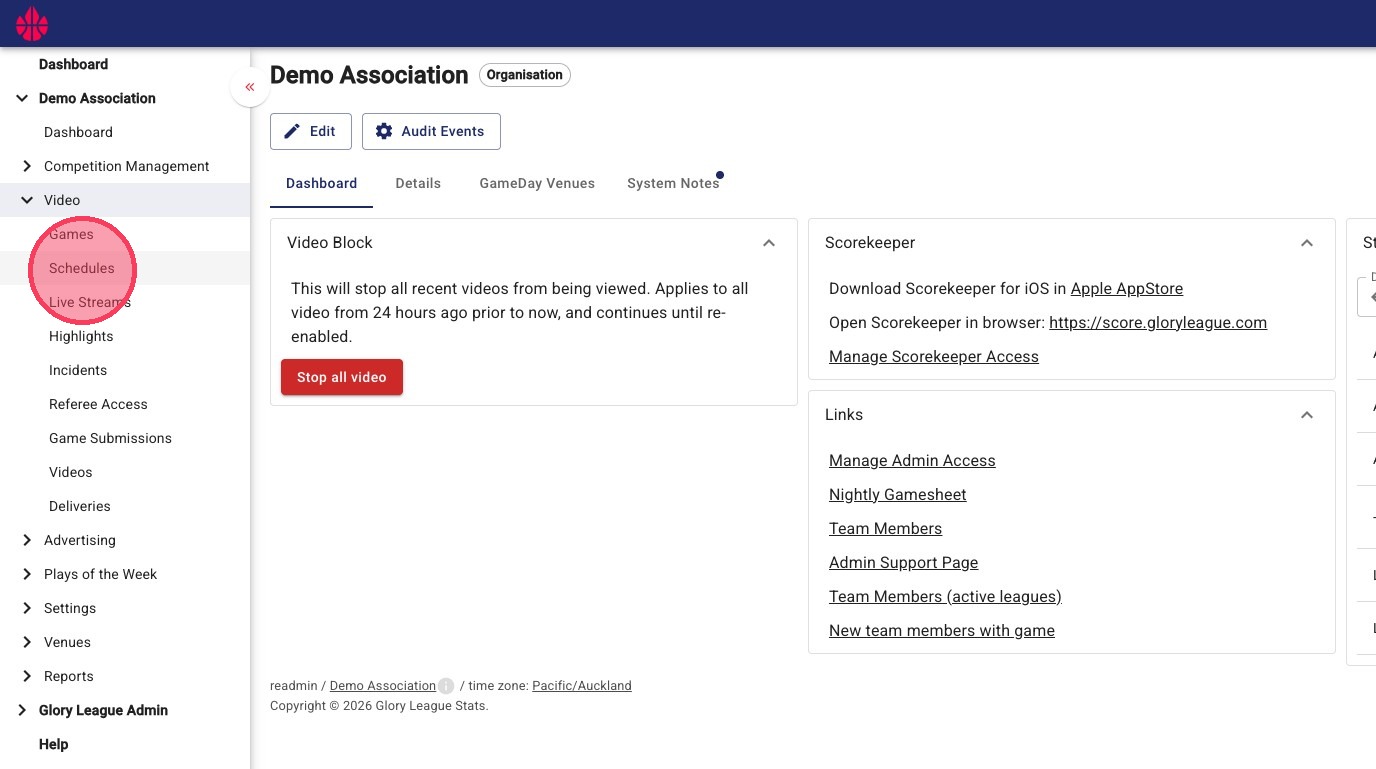
2. Click into the "Schedules" page under the "Video" dropdown.
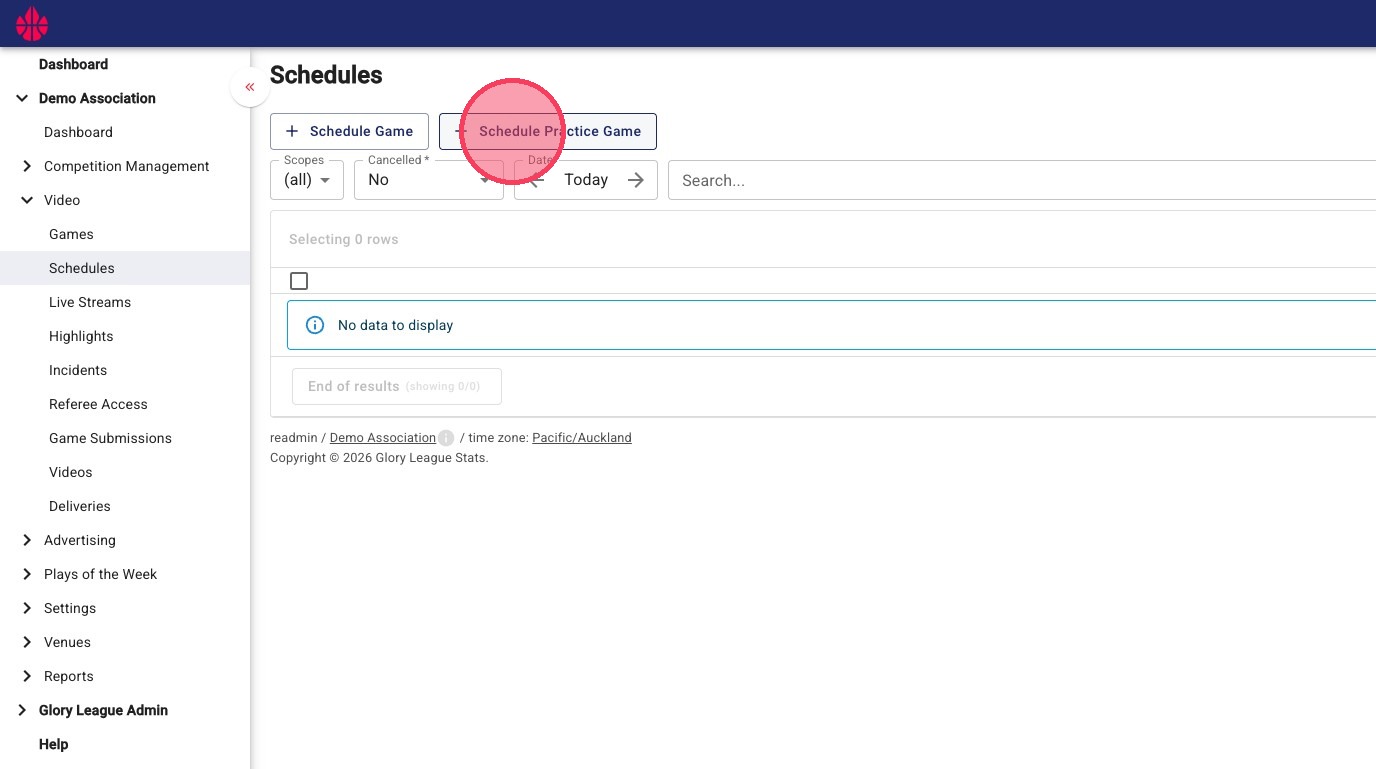
3. Click "Schedule Practice Game."
4. Click "Court" and click "Select" on the relevant court in the pop-up window.
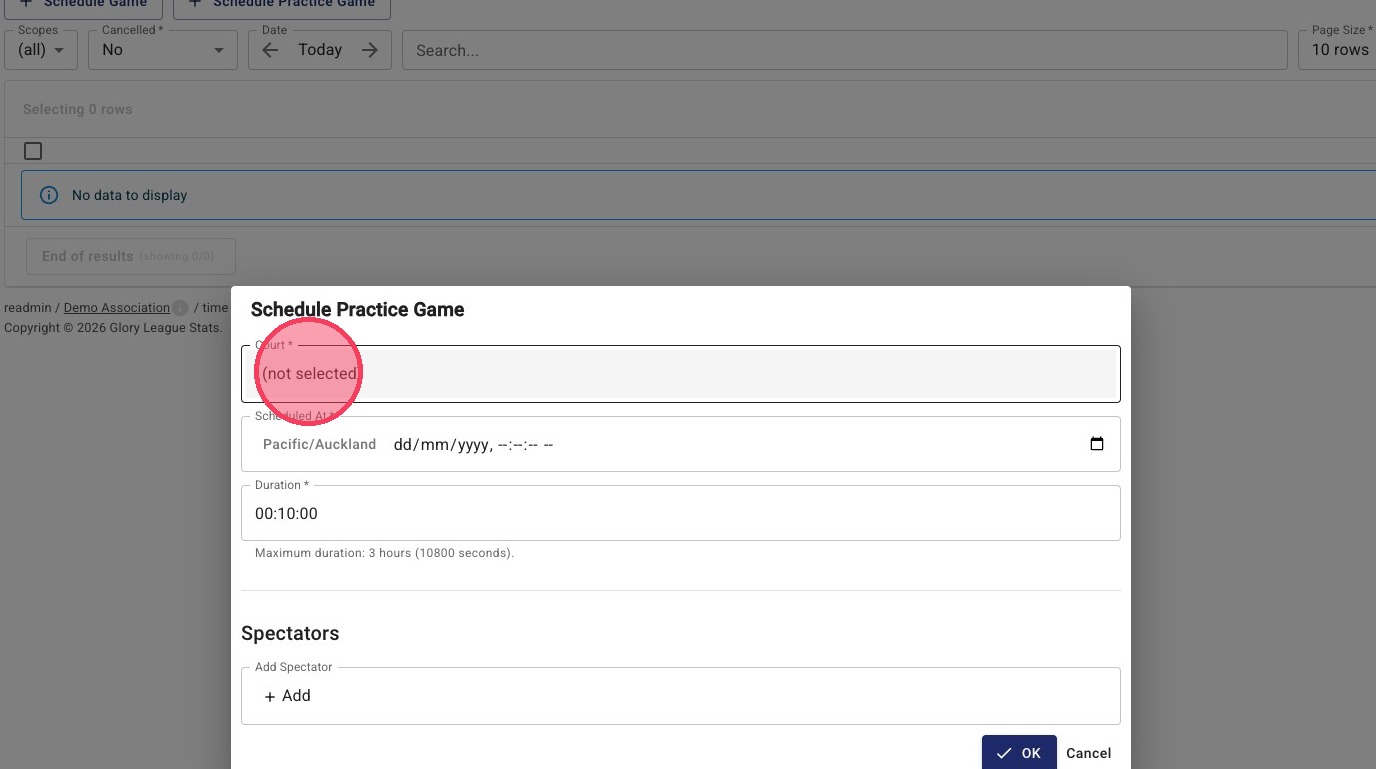
5. Enter the date and time of your Practice Game in the "Scheduled At" field.
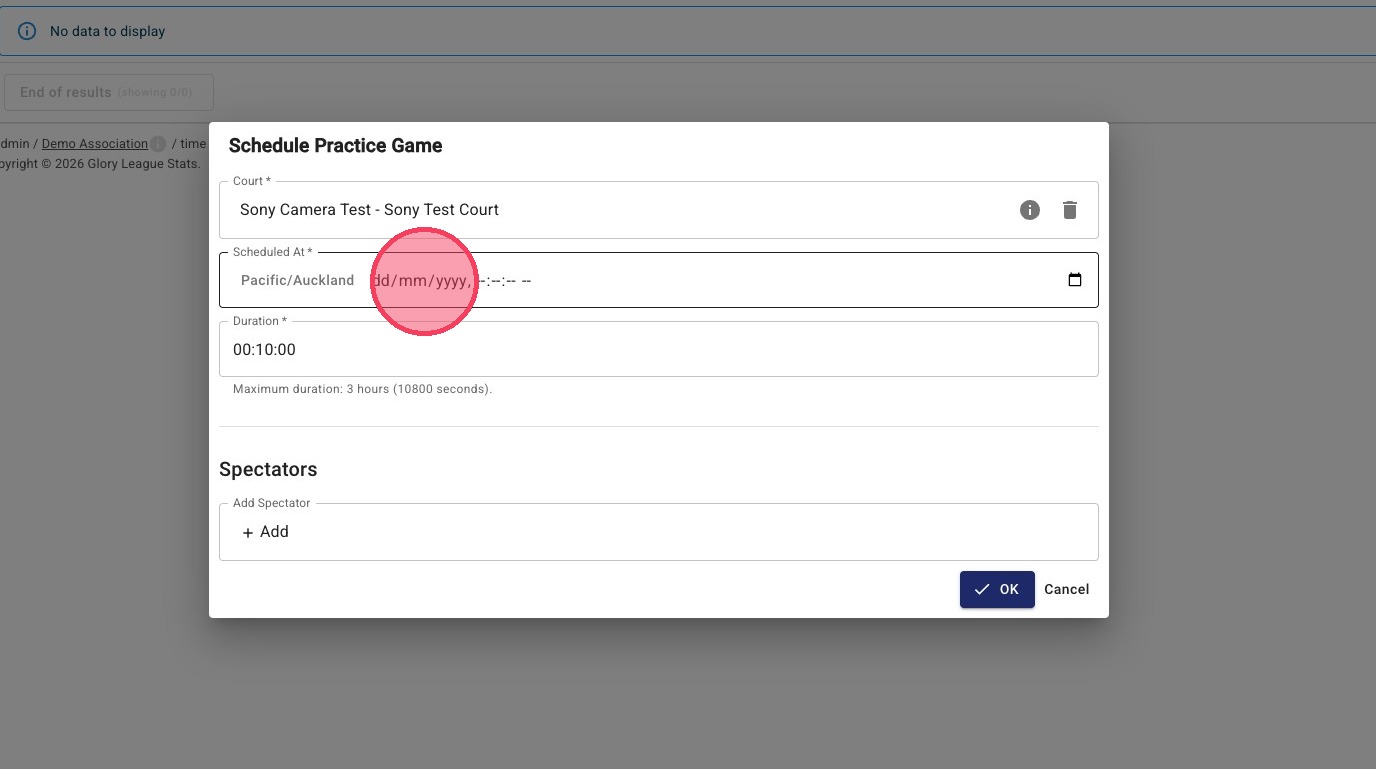
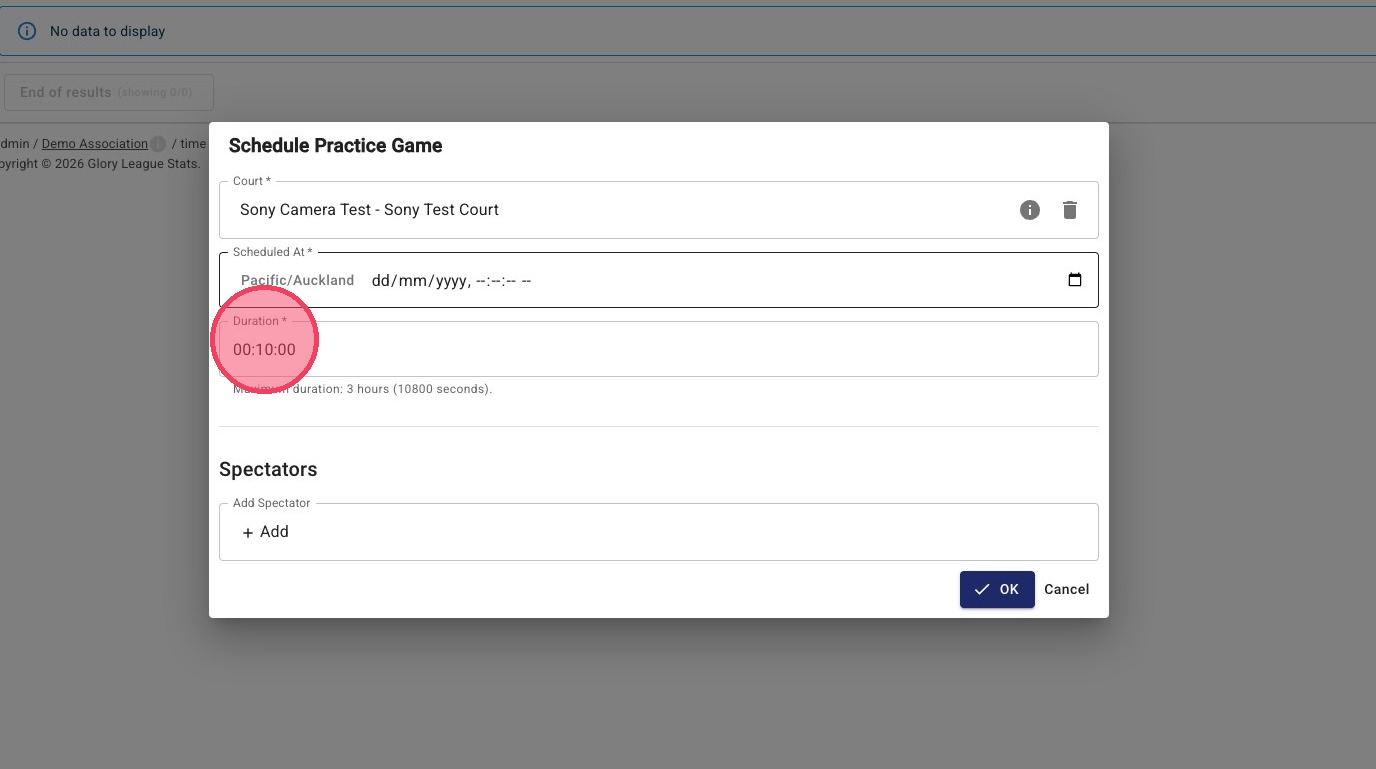
6. Enter the duration of your Practice Game in the "Duration" field.
Please note that Practice Games have a maximum duration of 3 hours.
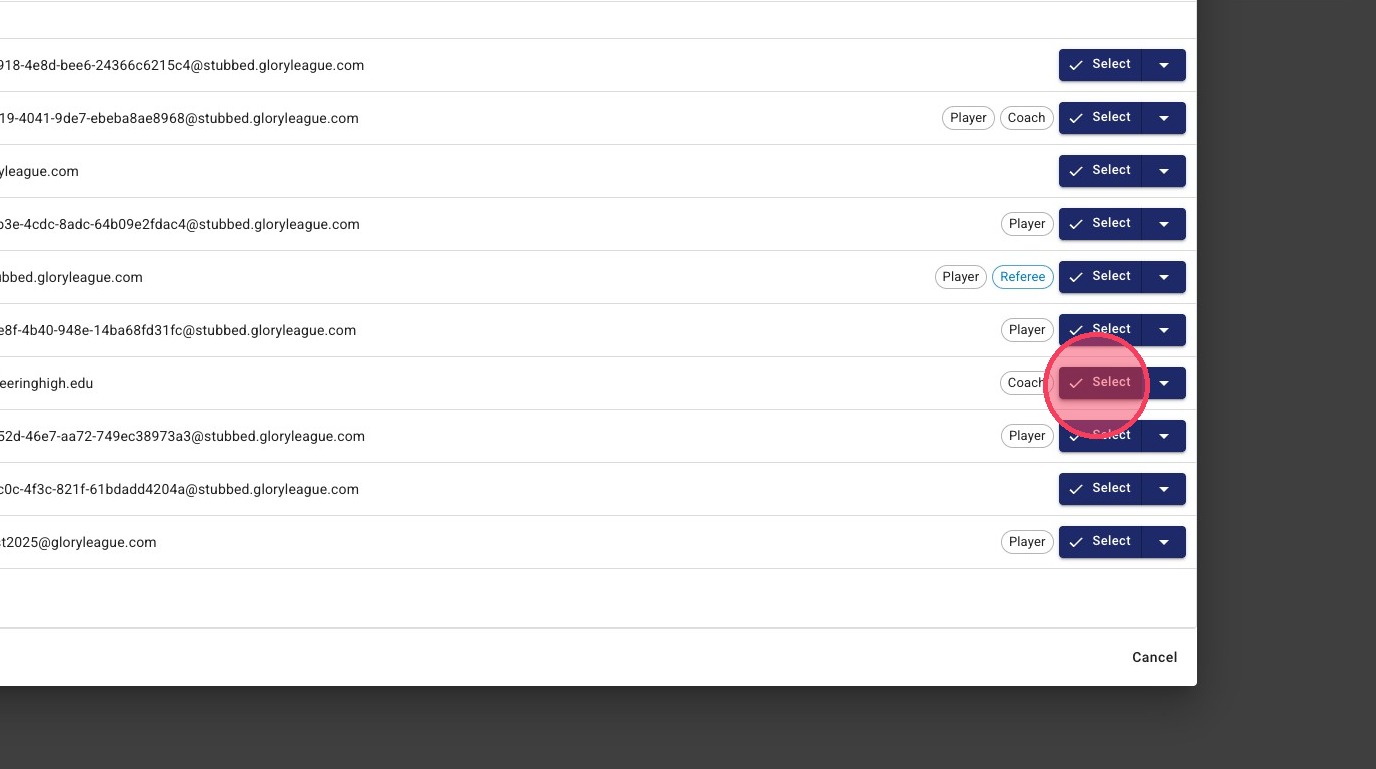
7. Click the "Add Spectator" field to add spectators and allow people to access the Practice Game.
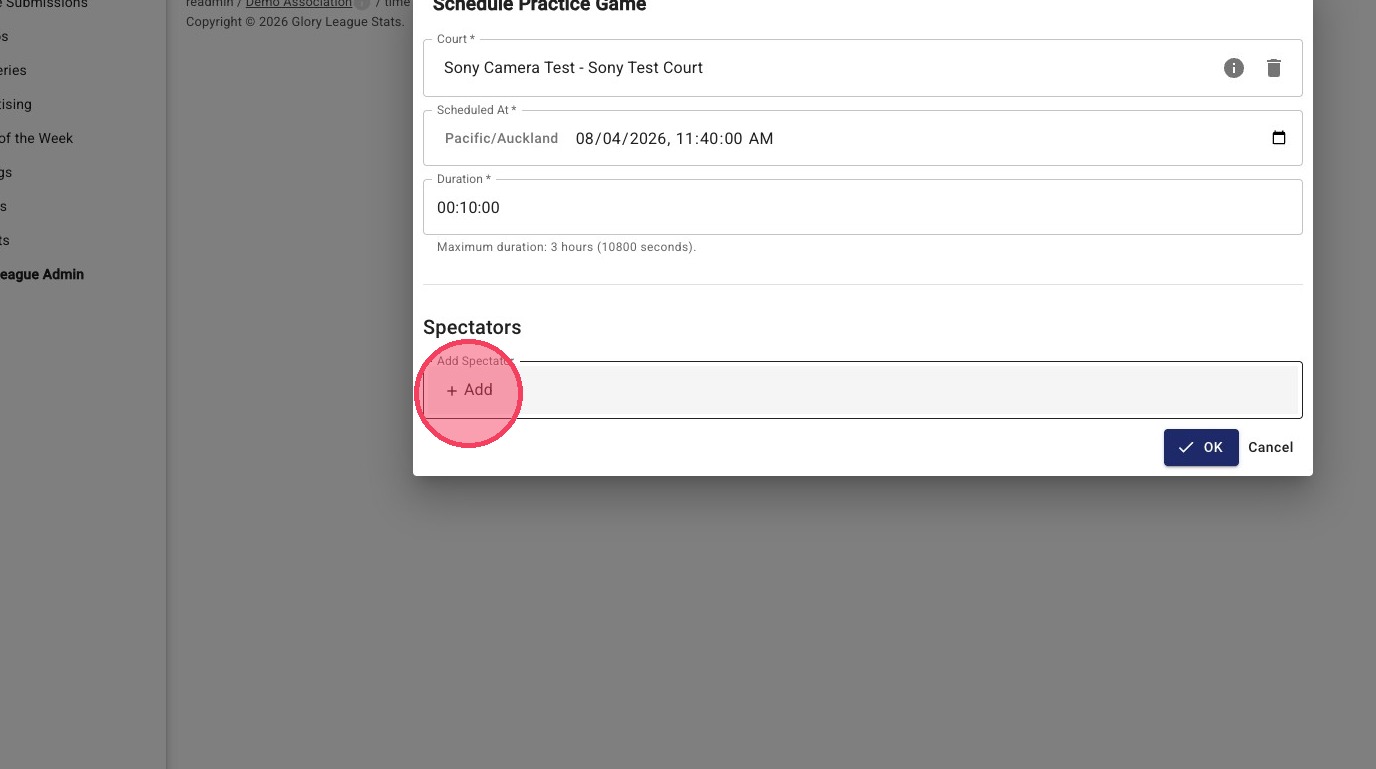
8. Click "Select" on any spectators you want added
This process can be repeated multiple times
9. Click "OK."
Practice Games are automatically created without the need for iPads and will begin uploading as soon as the Practice Game ends.