Turn Off Recording For a League
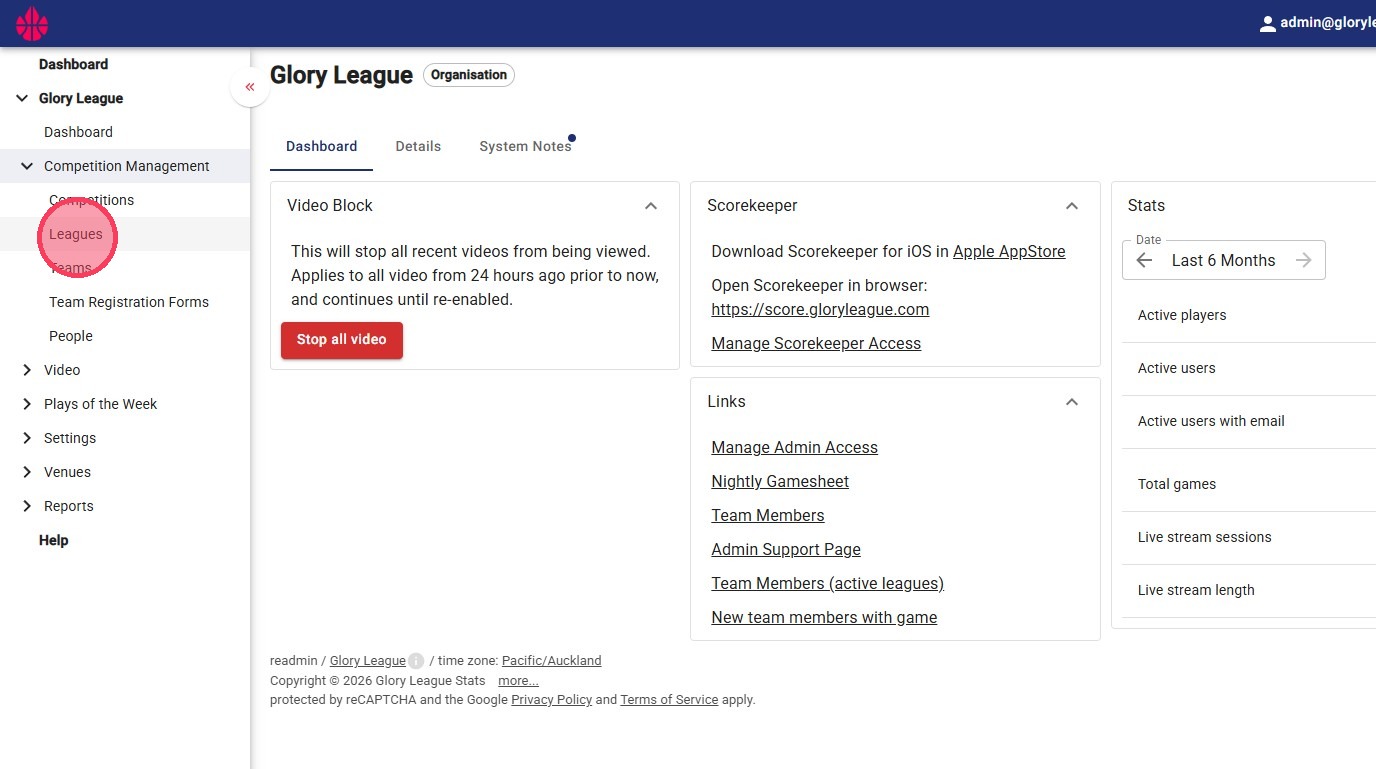
1. Navigate to the "Leagues" page under the "Competition Management" dropdown.
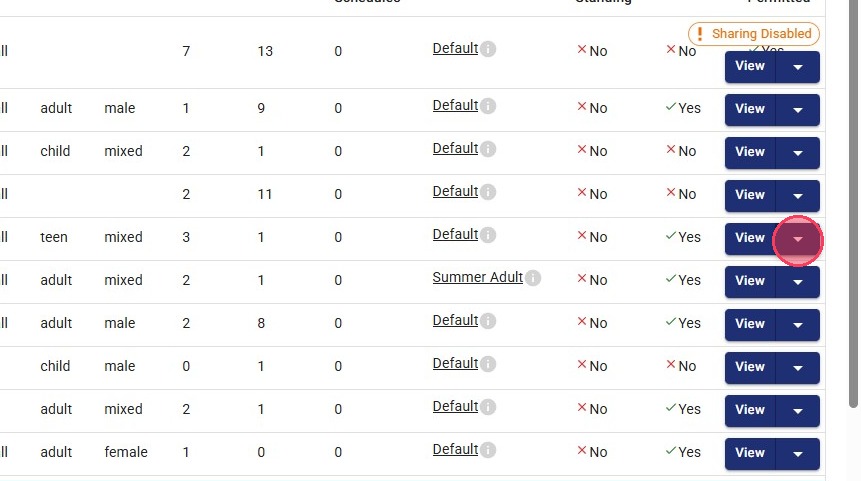
2. Find the league you want to disable and click the blue dropdown button next to "View."
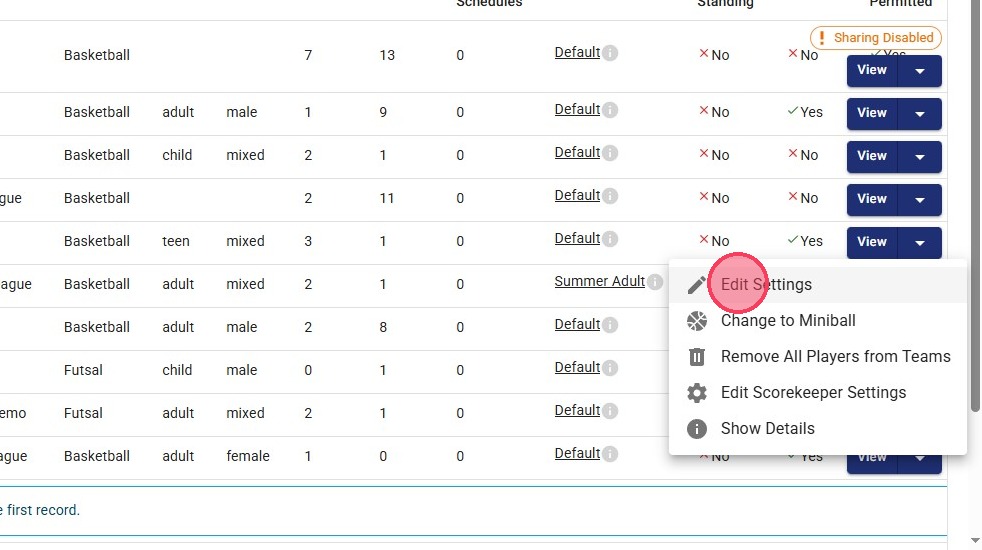
3. Click "Edit Settings."
4. Under the "Privacy Settings" dropdown, make sure the "Video Recording Permitted" toggle is disabled.
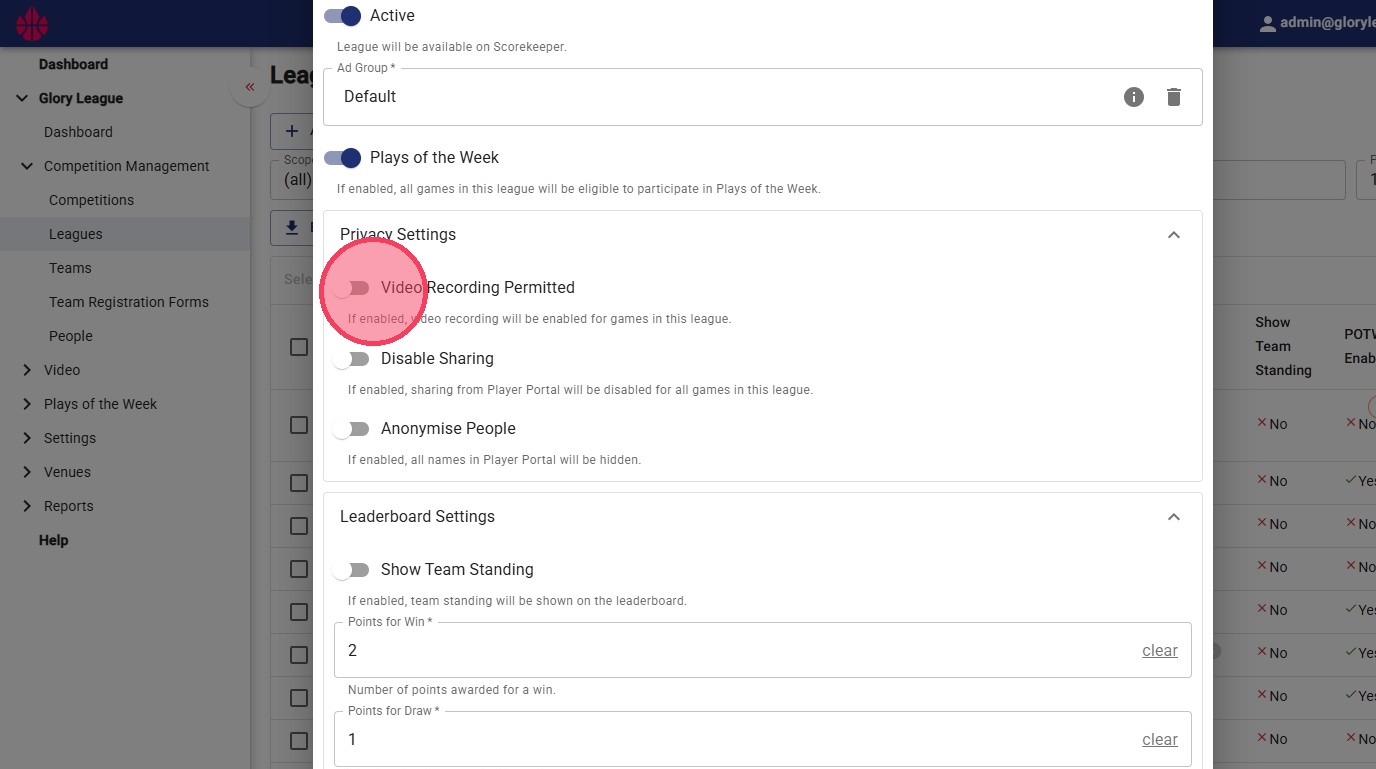
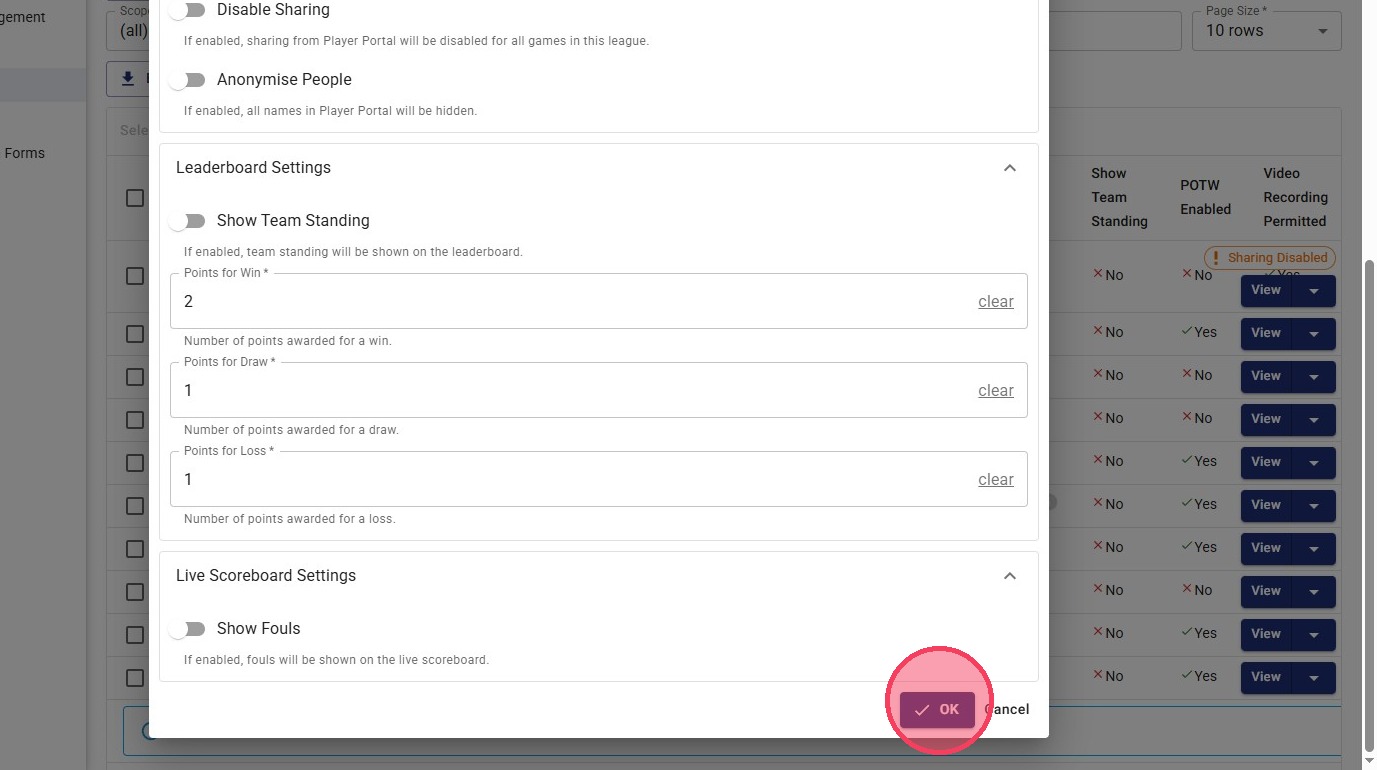
5. Click the "OK" button. This league will no longer be recorded.
Please note that this setting is not transferred across seasons, so the steps will need to be repeated for each new season.