Assign Ad Groups to Specific Leagues
Use this guide to assign an Ad Group to specific leagues by filtering and selecting the competitions you want.
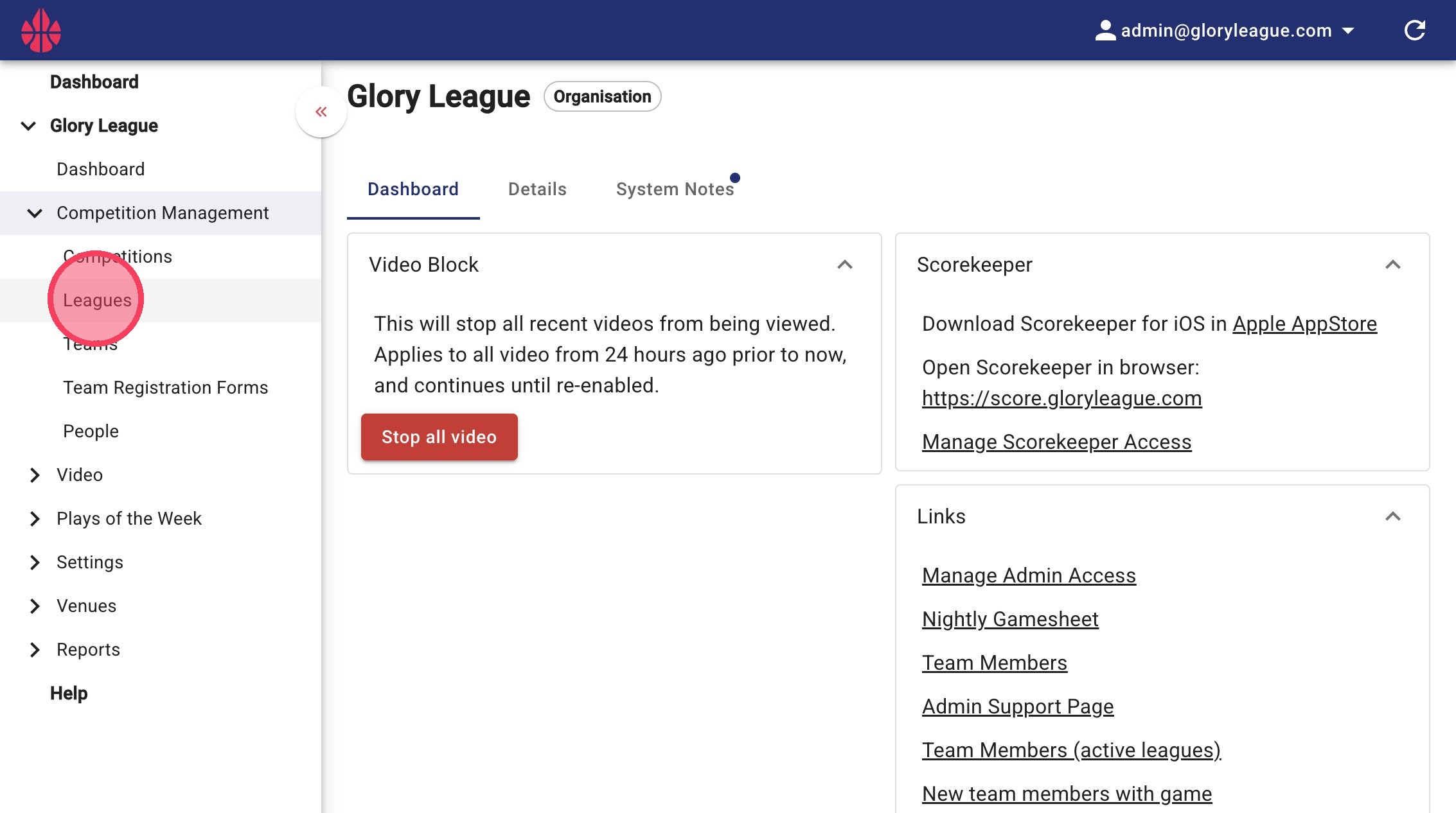
1. Click into the "Leagues" page under the "Competition Management" dropdown
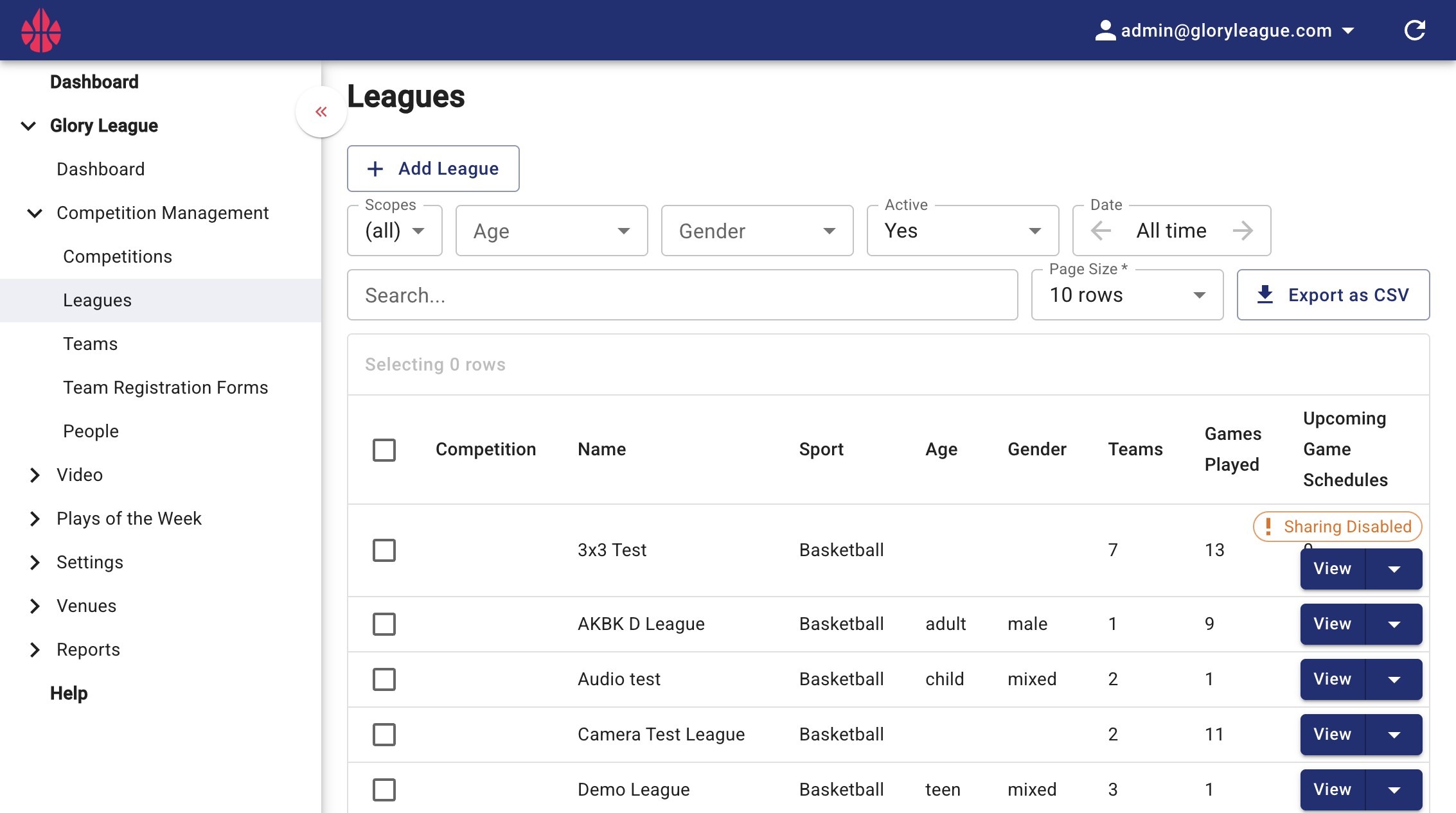
2. You can assign Ad Groups in bulk using the Age, Gender, or Date dropdowns, or by using keywords from the league name to filter your leagues.
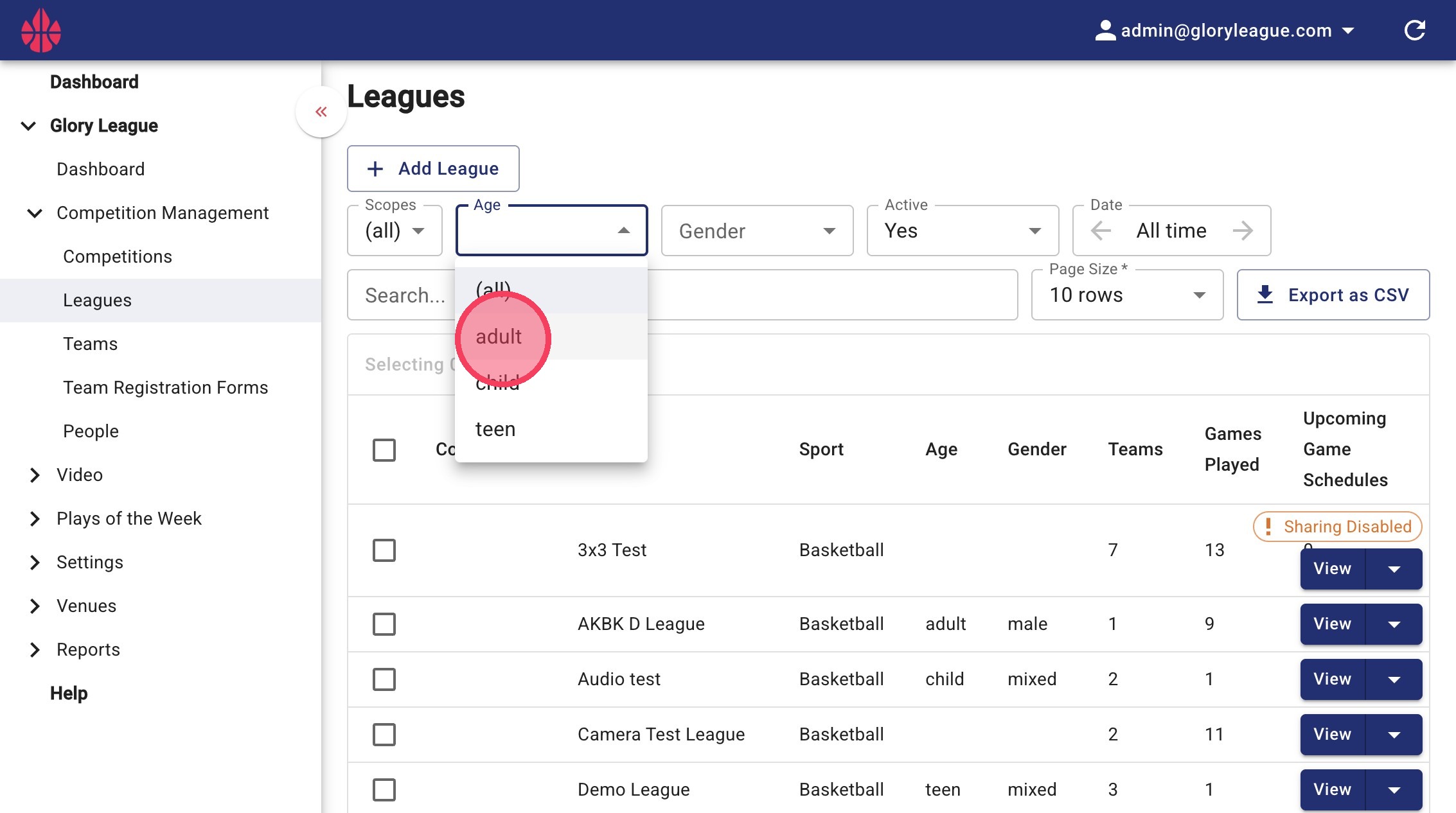
3. In this example, we will apply an Ad Group to all leagues with “Adult” as the age group
- To filter by Age, click the Age dropdown and select Adult
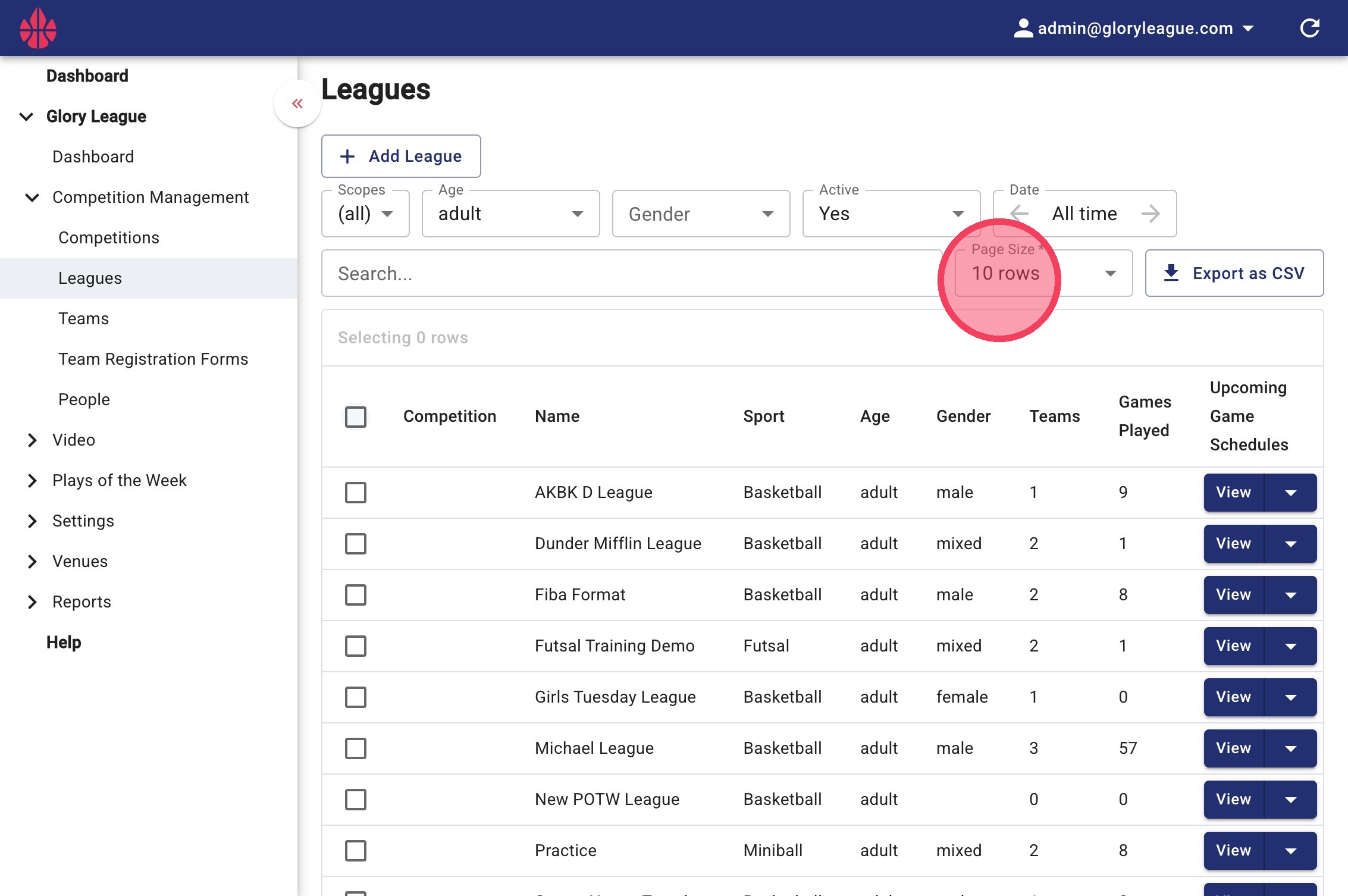
4. Click the Page Size dropdown to increase the number of rows shown so all relevant leagues are visible
- If needed, use the Load More button at the bottom of the page
5. Once all relevant leagues are visible, click the checkbox to bulk select all results
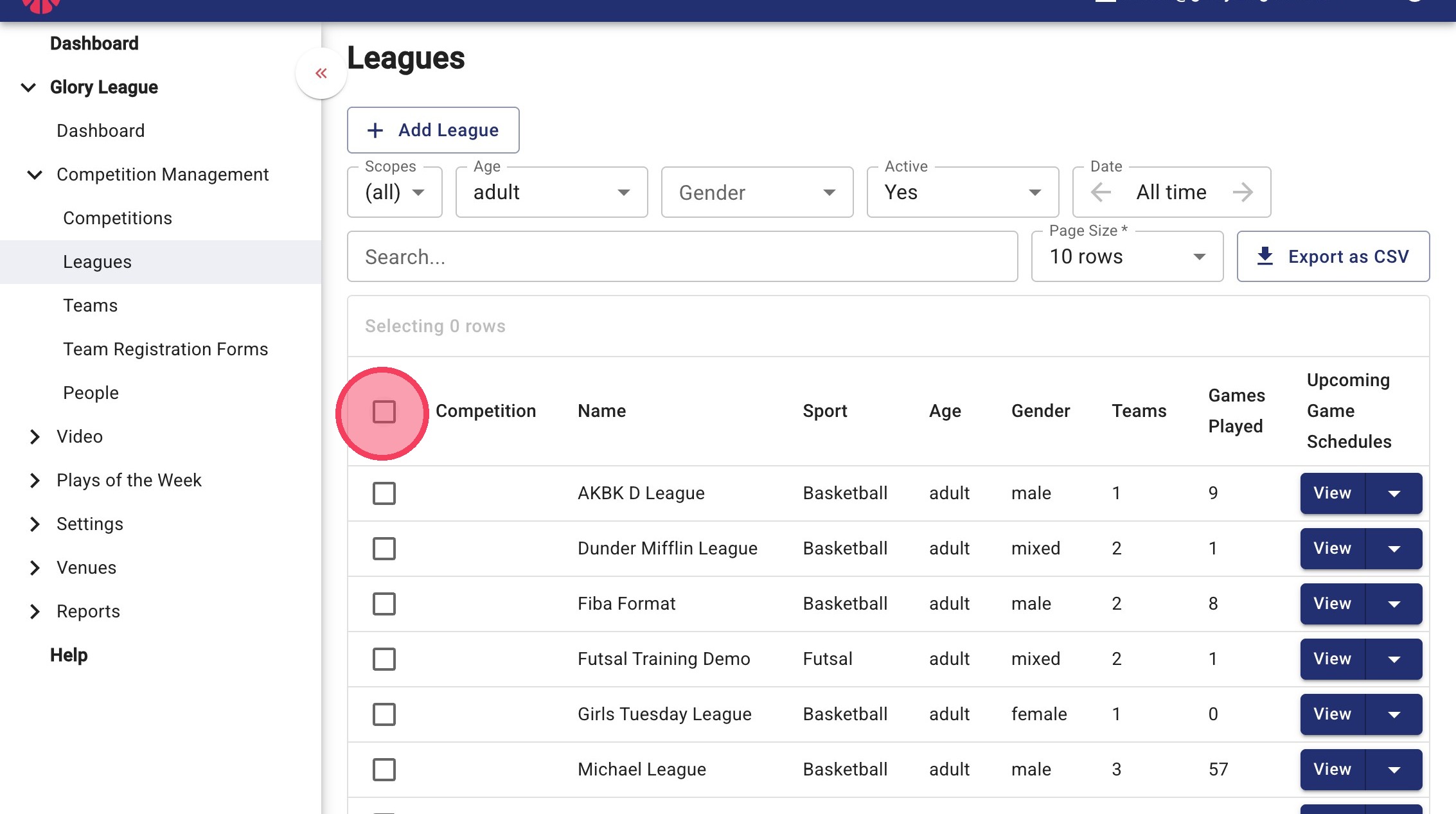
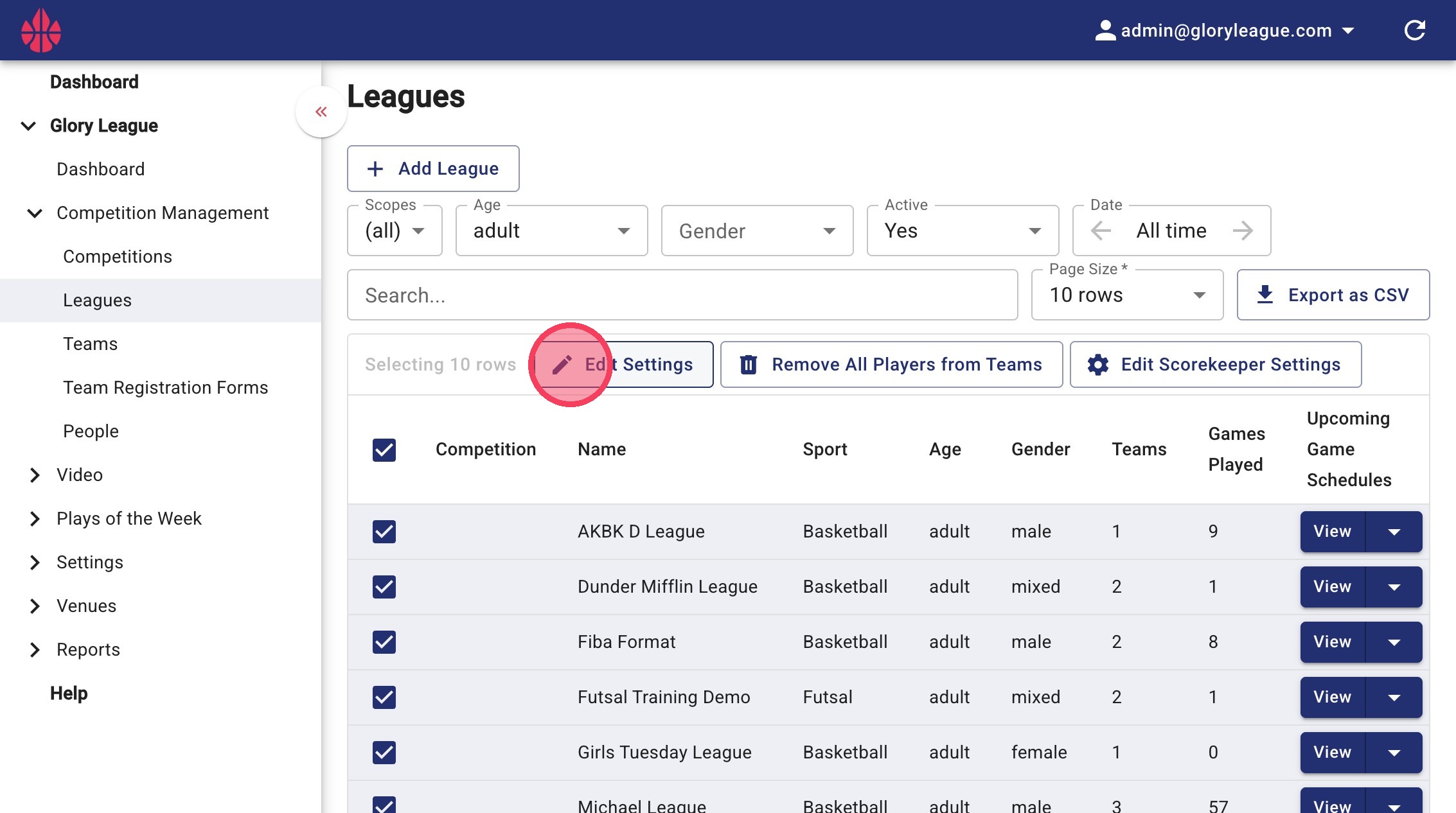
6. Deselect any irrelevant leagues by clicking the checkbox next to the league name.
- Then click Edit Settings
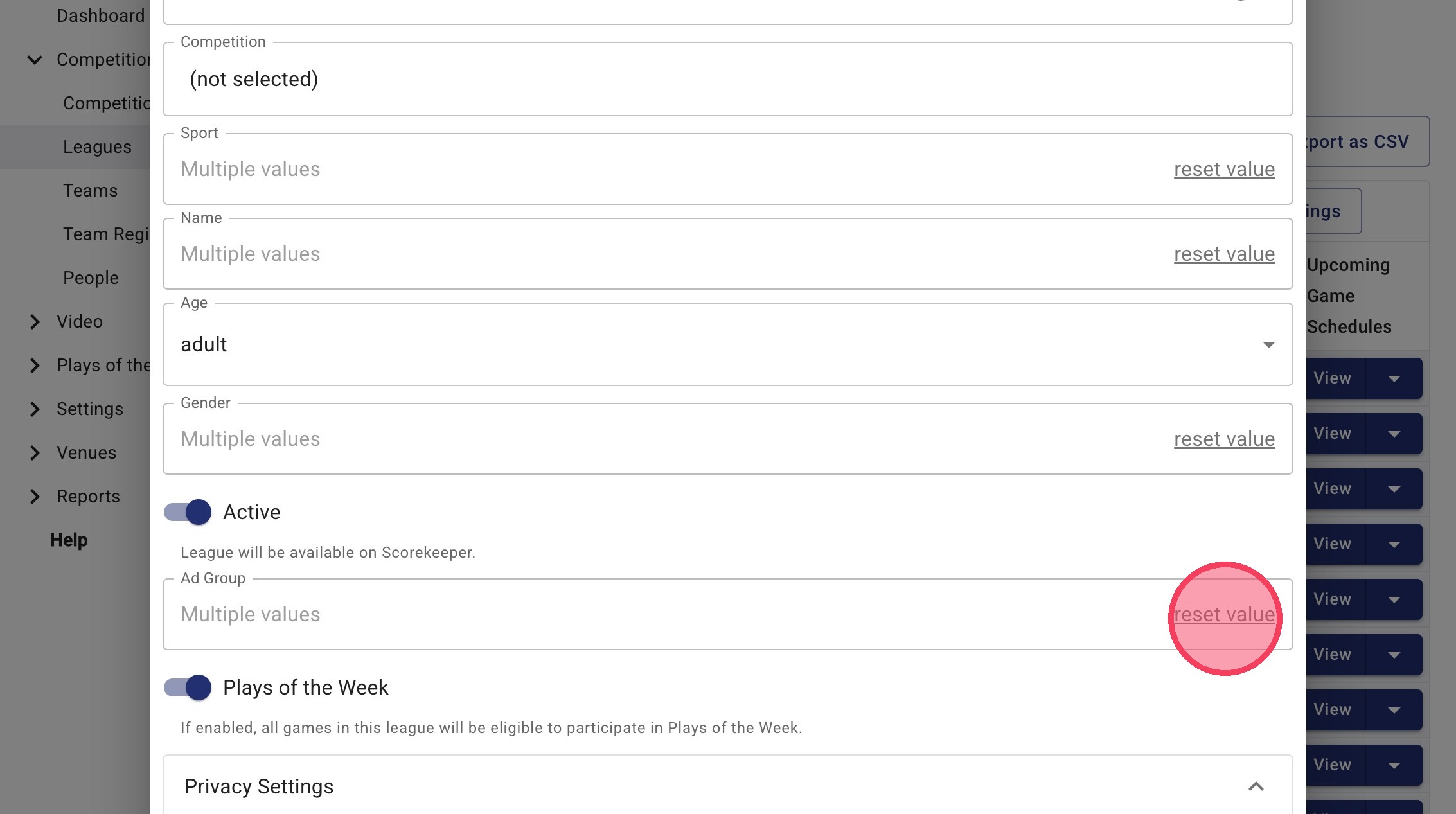
7. If Ad Groups are already applied to some leagues, click Reset Value. If not, proceed to the next step.
8. Click the "Ad Group" tab
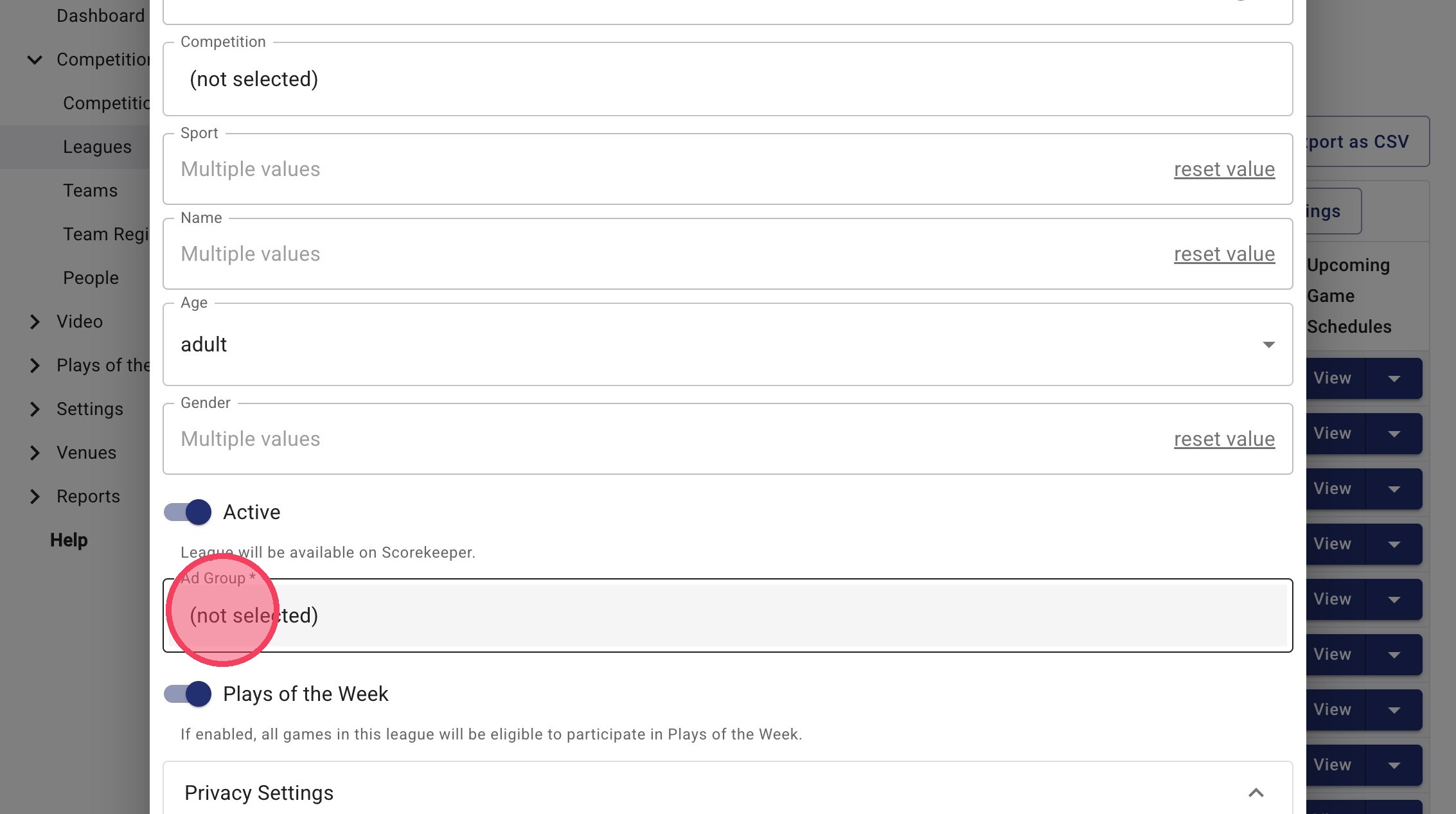
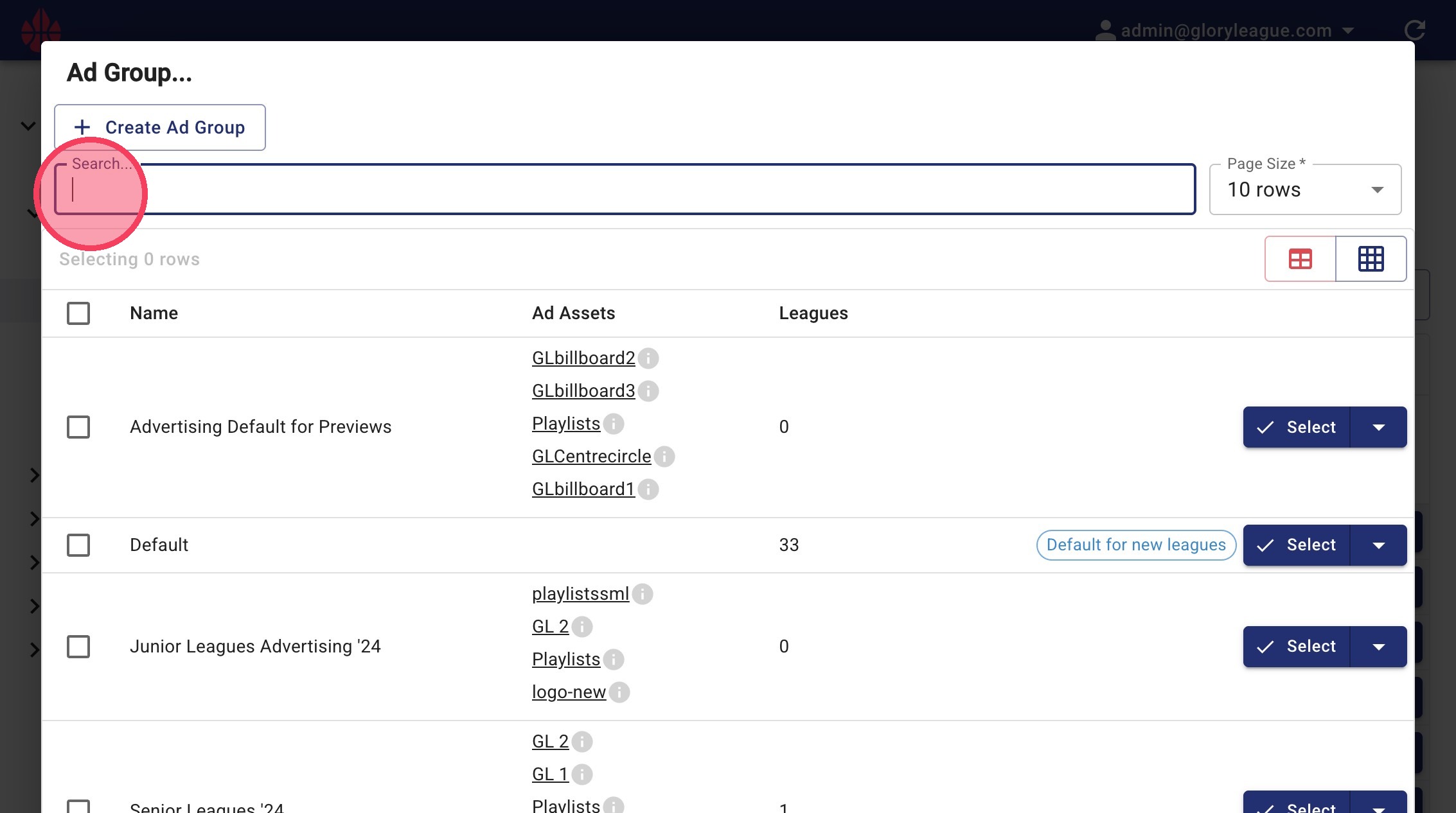
9. Search for the Ad Group you want to apply
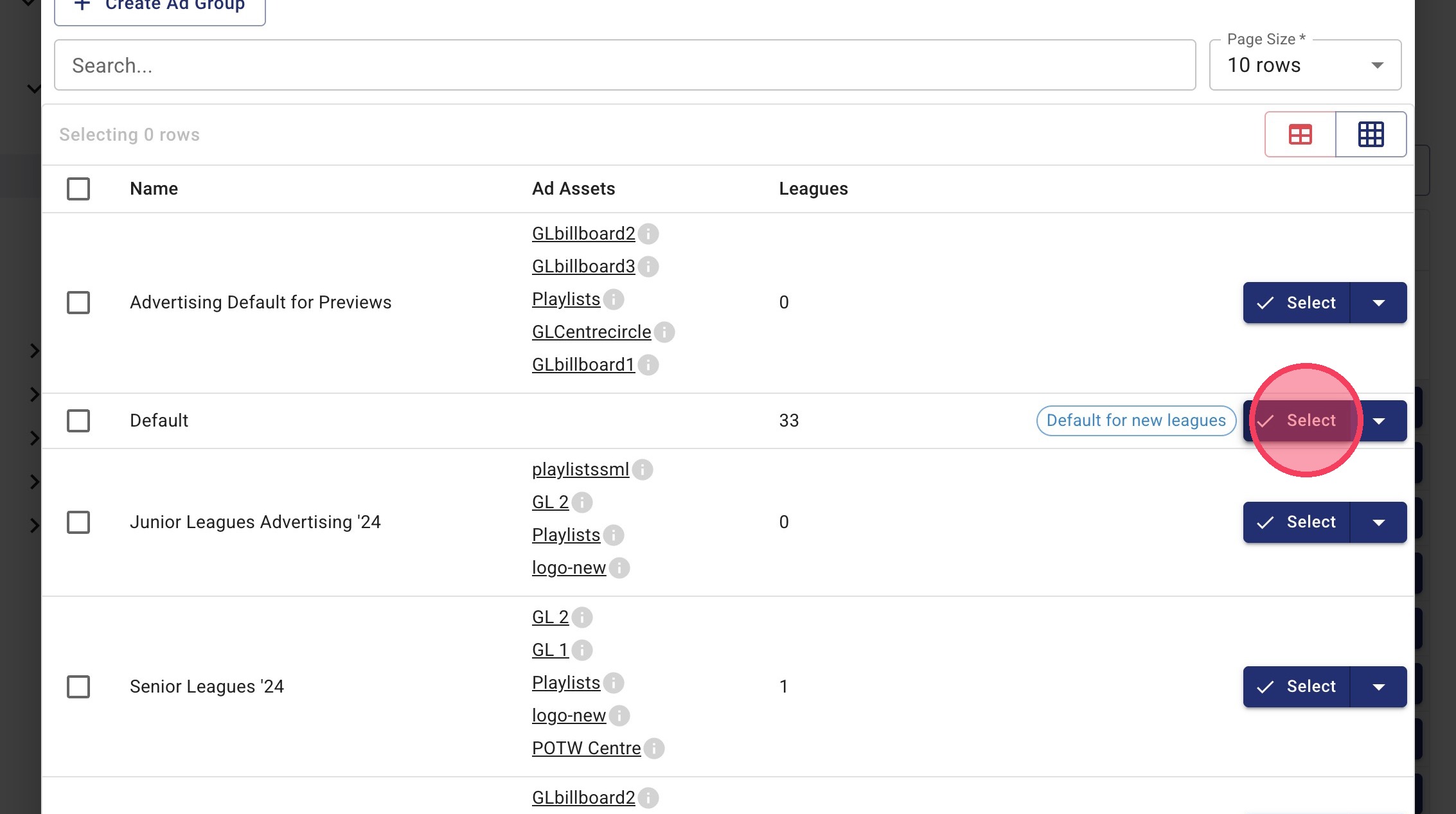
10. Click Select next to your chosen Ad Group
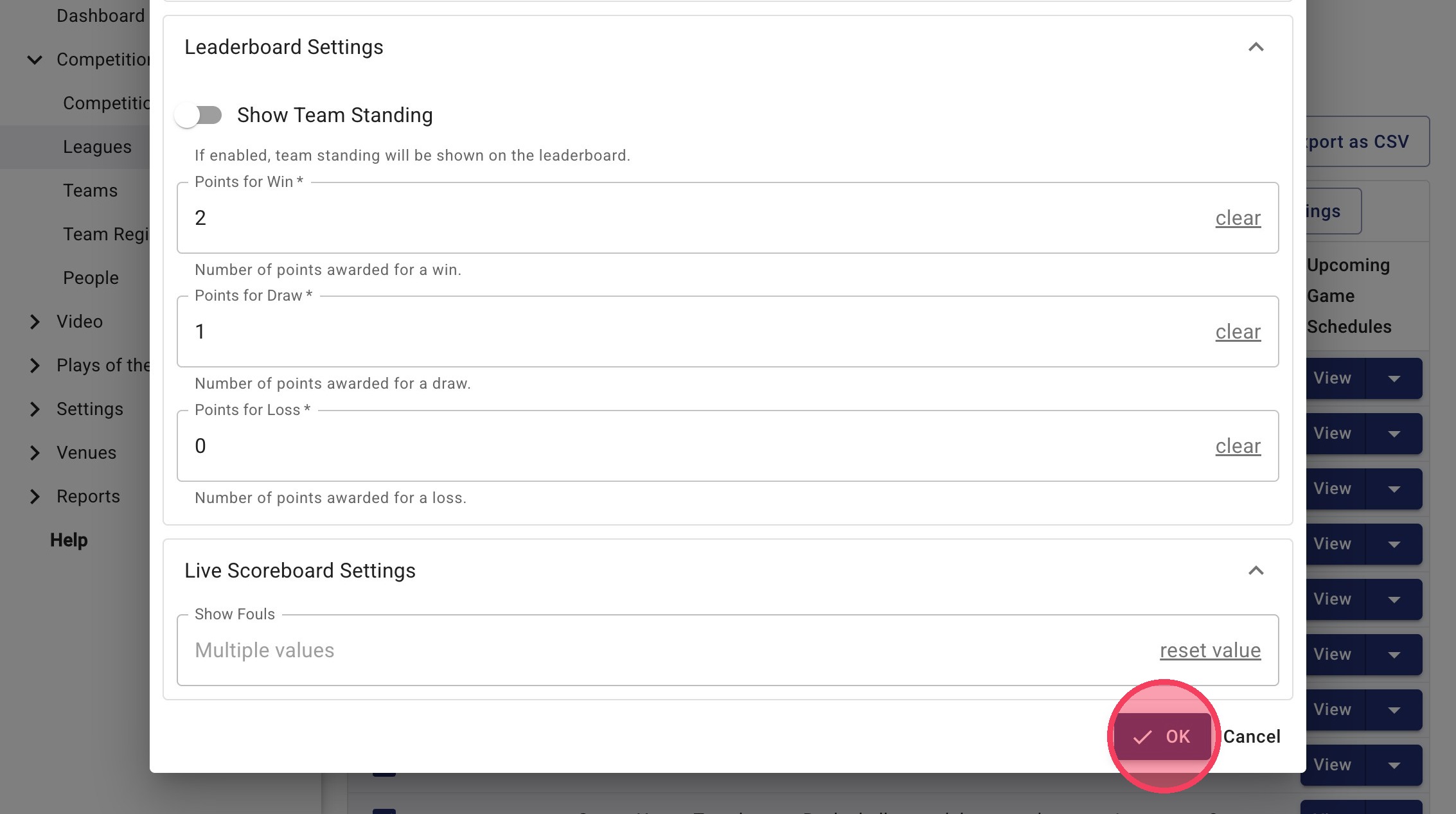
11. Once you’re happy, click OK