Create an Ad Group and Apply It to All Leagues
This guide shows you how to create an Ad Group and set it as the default for all new leagues in your organisation.
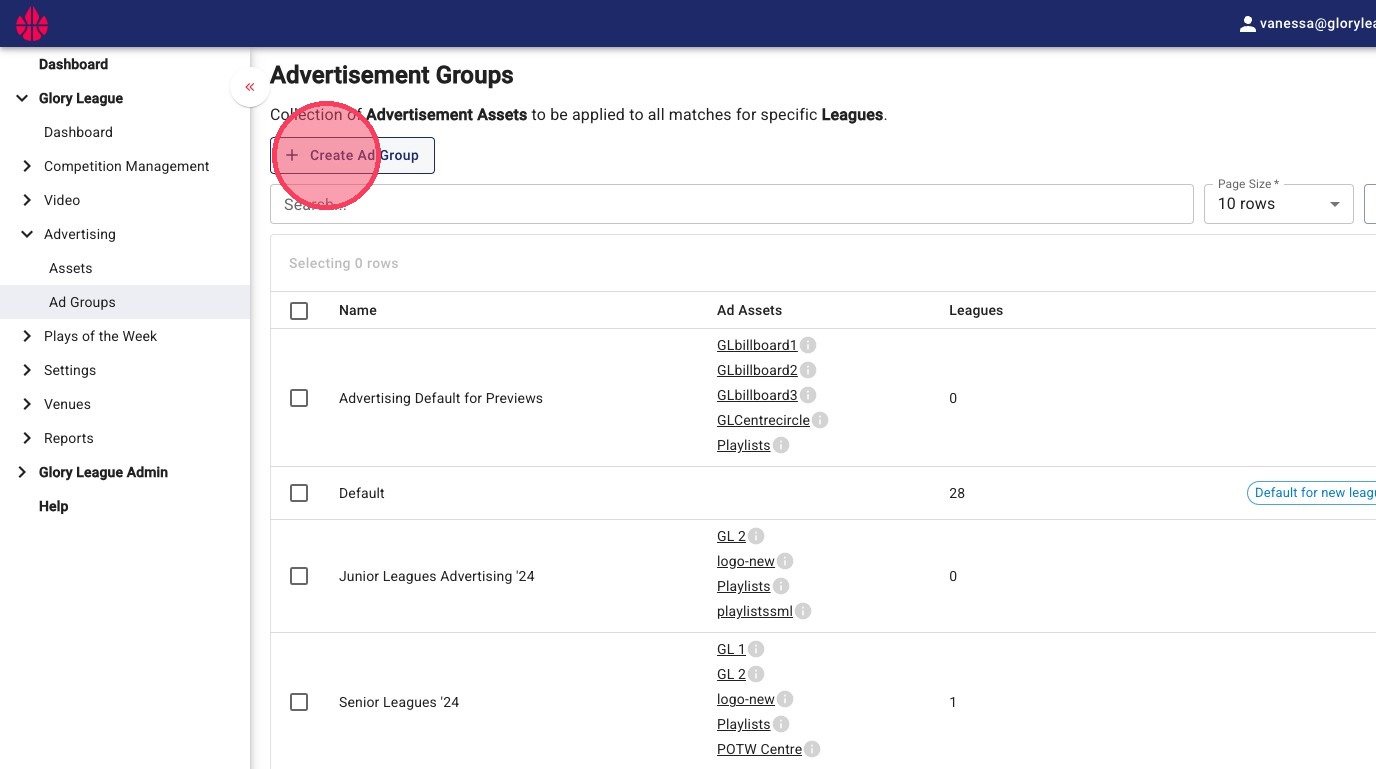
1. Navigate to your Ad Group and Click Create Ad Group
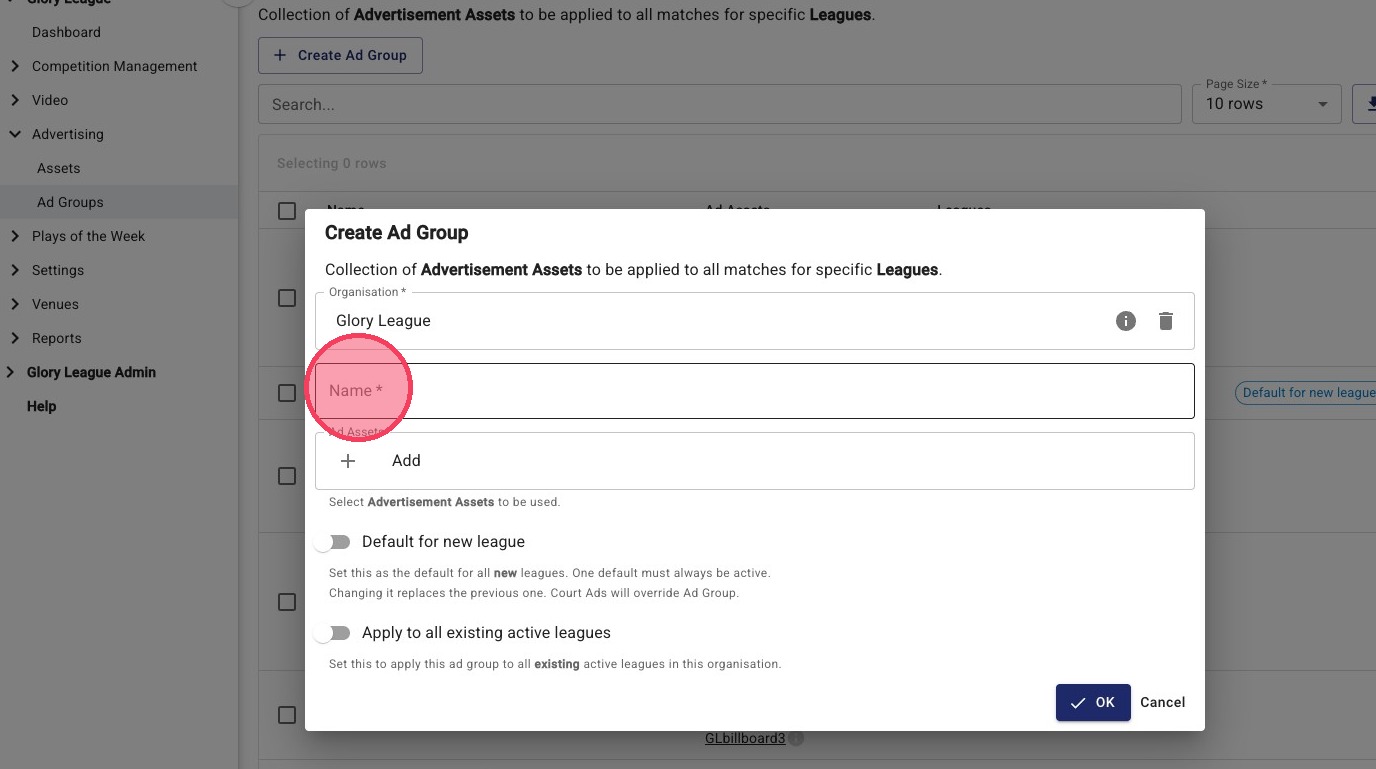
2. Click Name and give your ad group a clear name (i.e. New Season advertising)
3. Add Advertising Assets (one by one)
- Add your advertising assets
- Click Add Asset
- Select the asset type (e.g. Video Overlay, Billboard, Email)
- Click Select
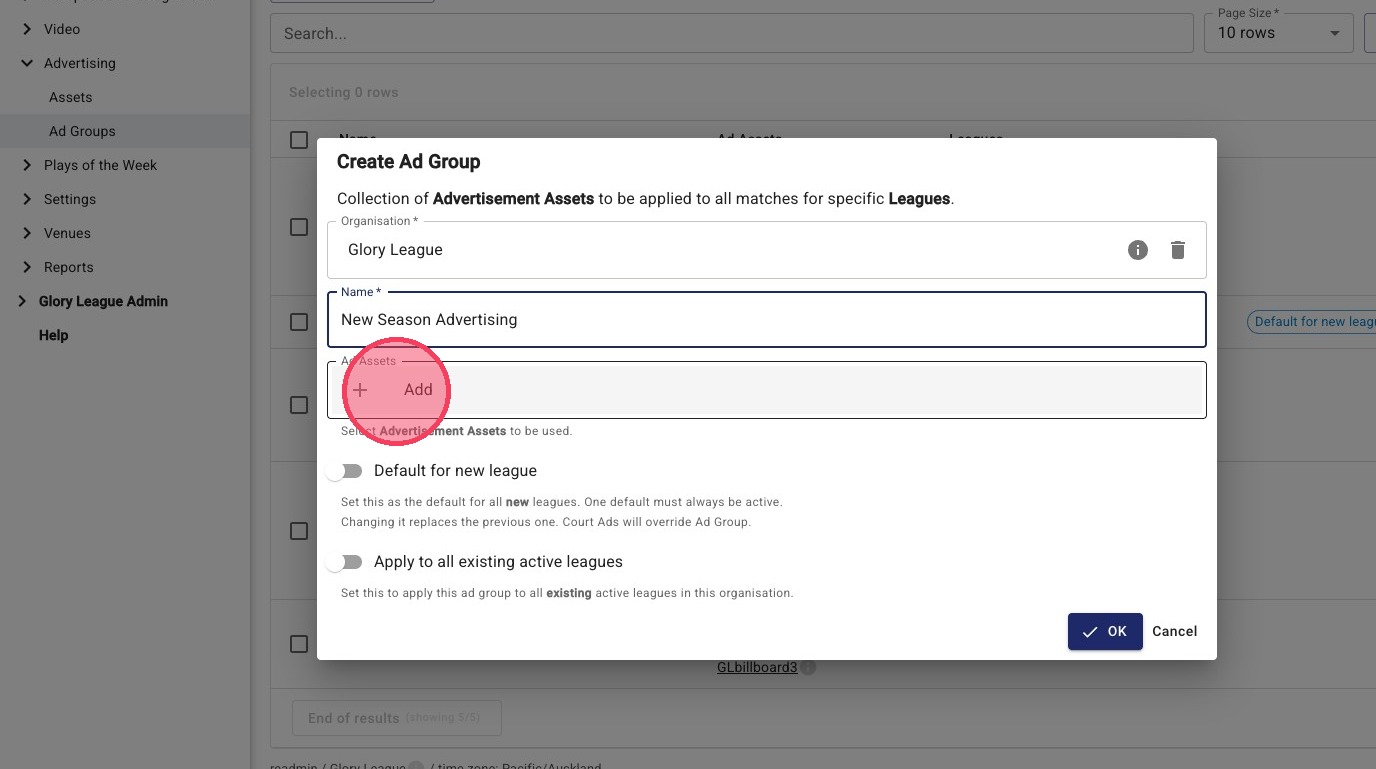
4. Click Select to add the Billboard asset
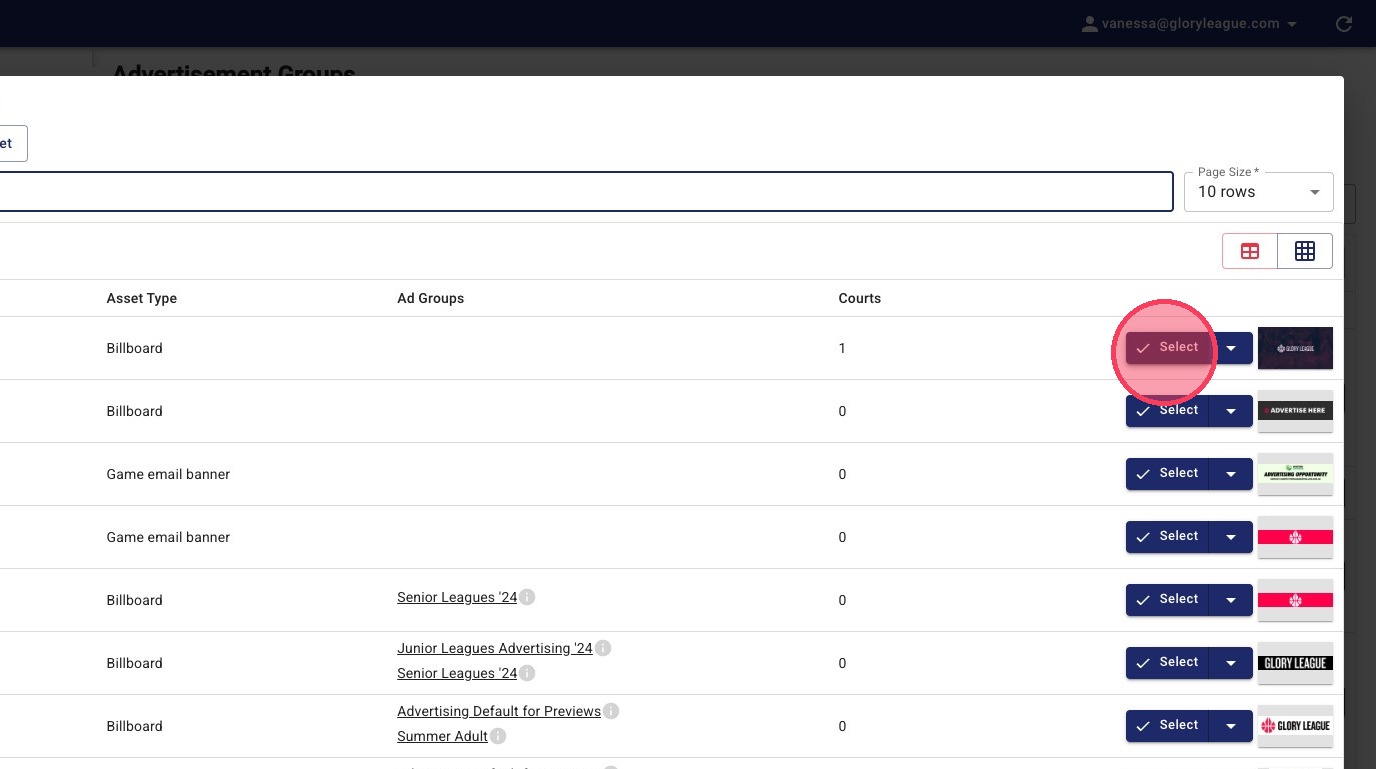
Tip: Repeat Steps 3-4 for each asset you want included in the ad group (Video Overlay, Billboard, Email).
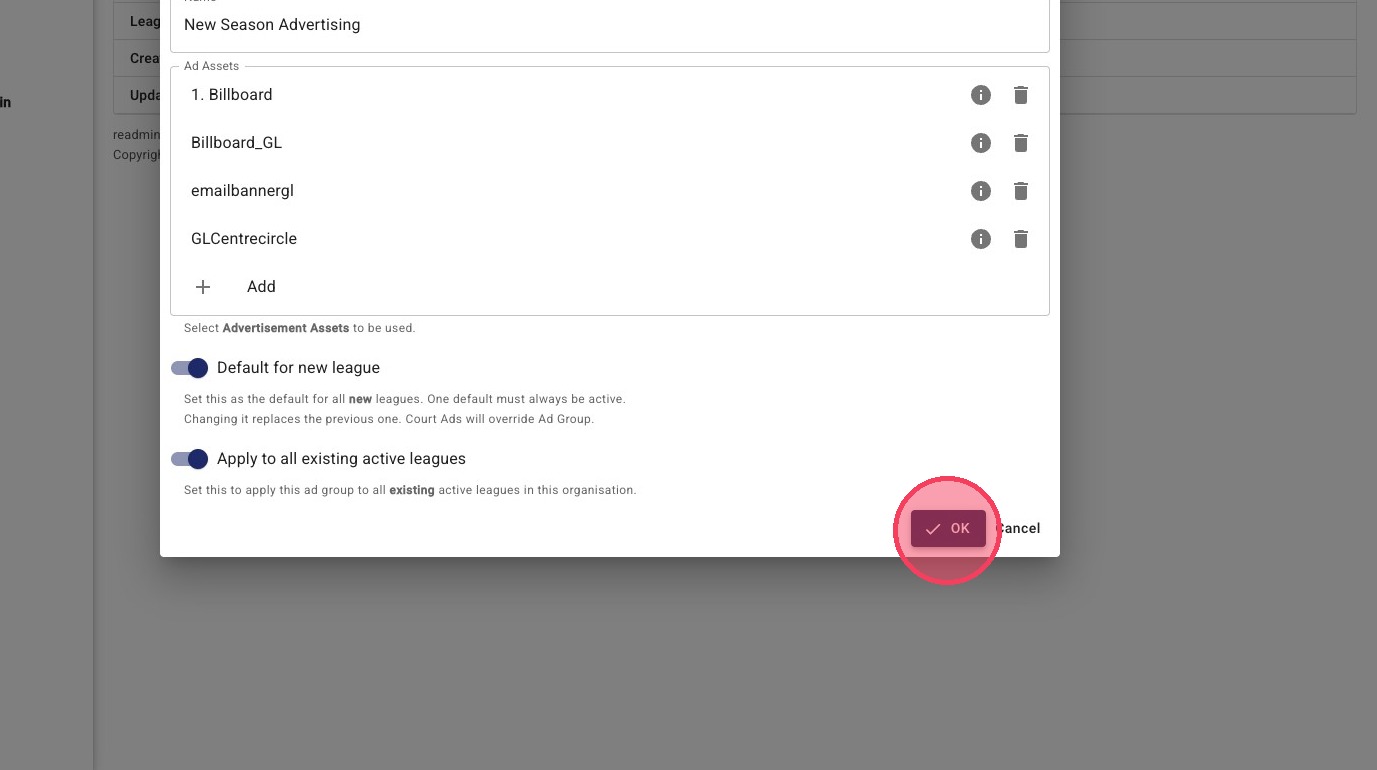
5. Once all assets are added, click Default for new leagues.
This ensures all newly created leagues will automatically use this Ad Group.
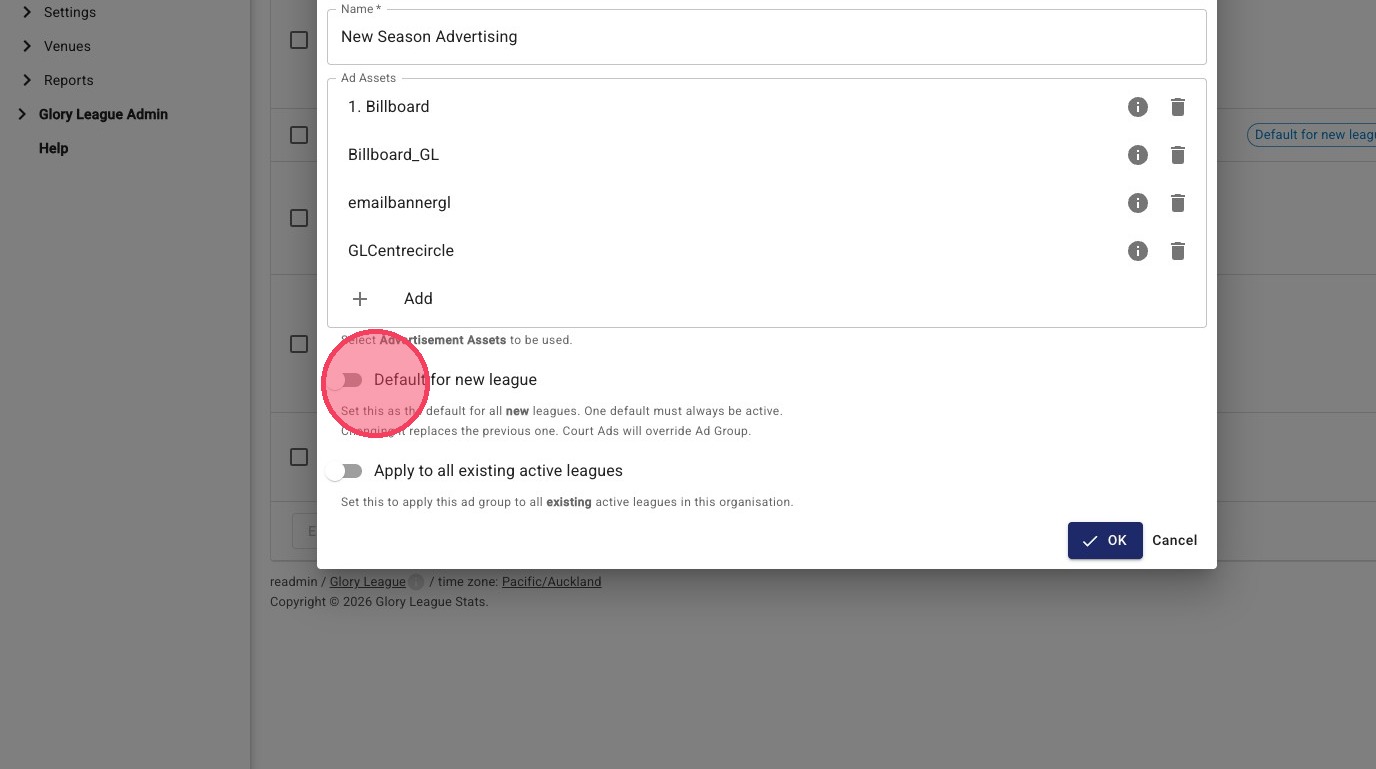
6. Click OK to apply
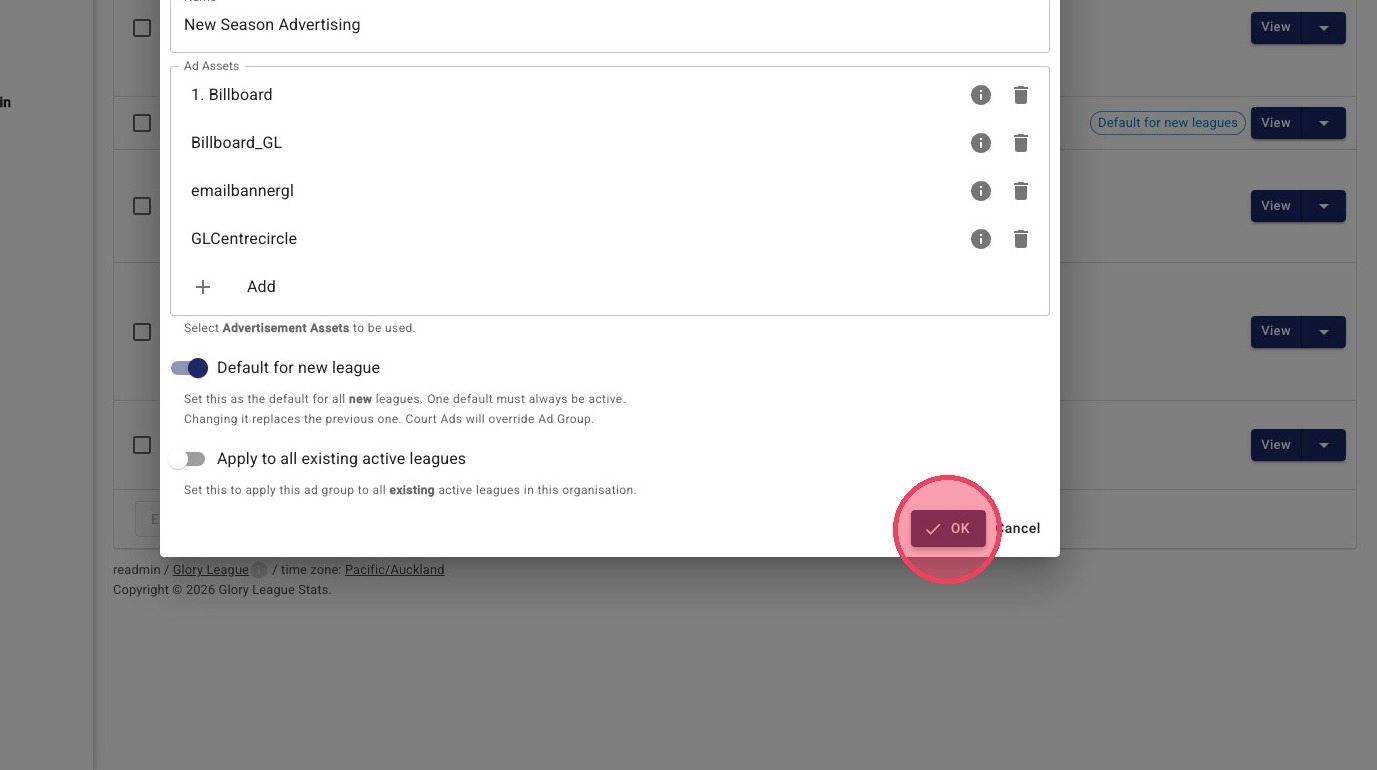
Tip: 💡 Optional: Apply to existing leagues
To apply this Ad Group to leagues that already exist follow the instructions below.
1. Click Leagues
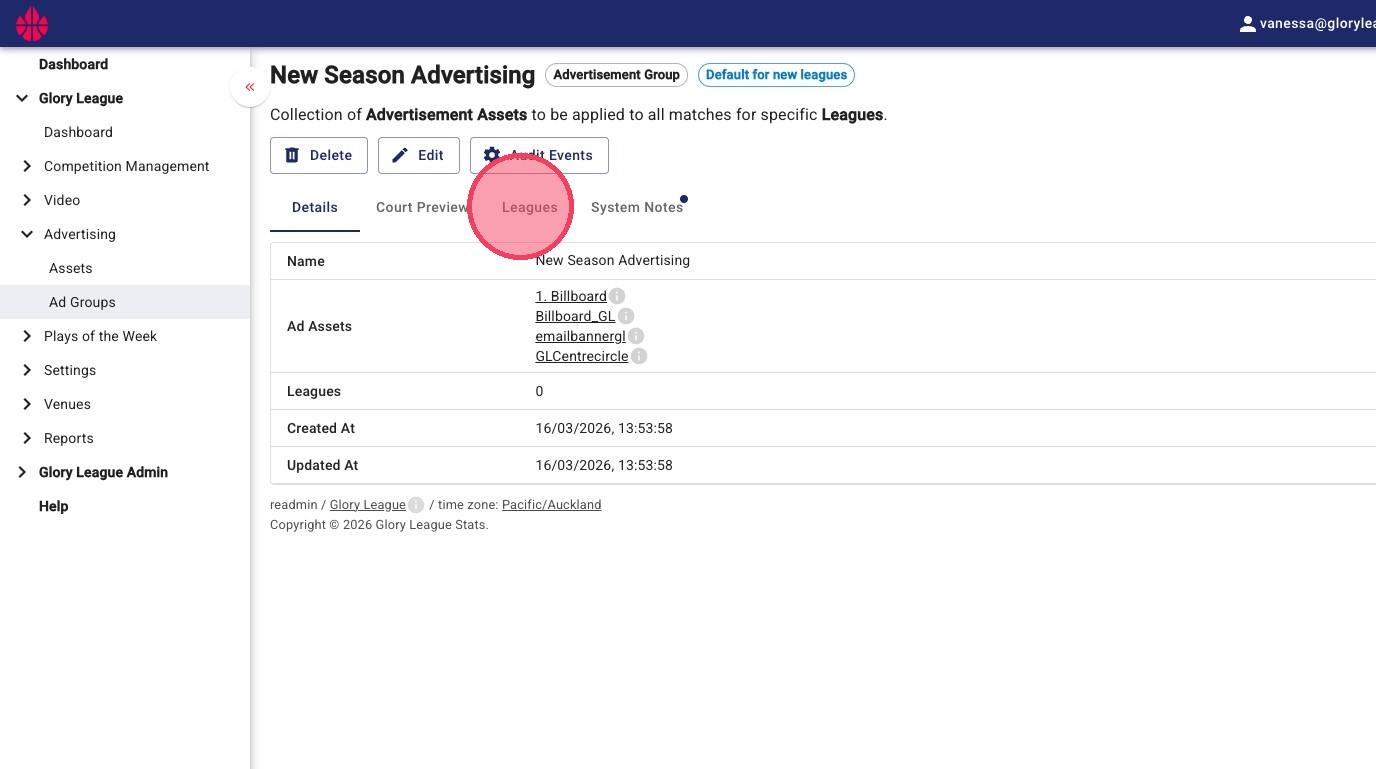
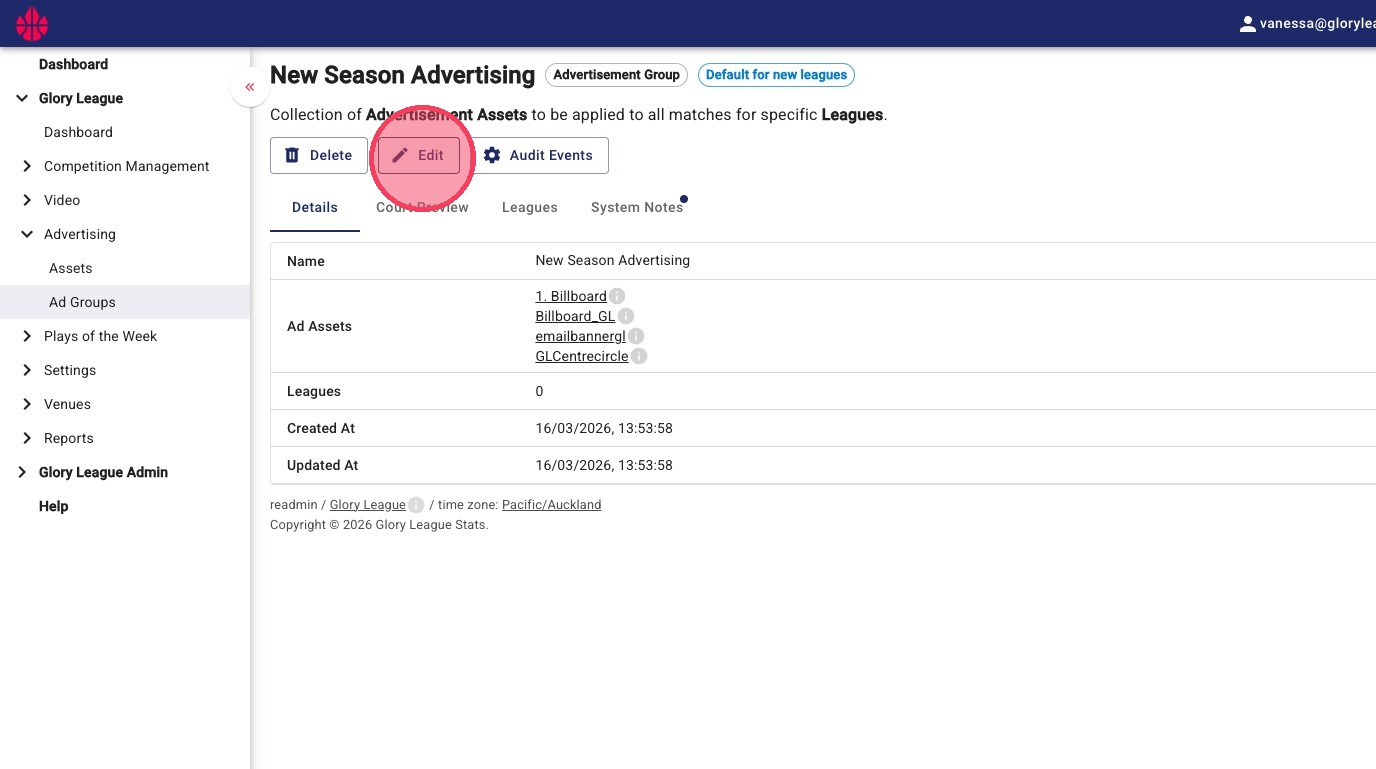
2. Click Edit
3. Click Apply to all existing active leagues. Set this to apply the Ad Group to all existing active leagues in the organisation.
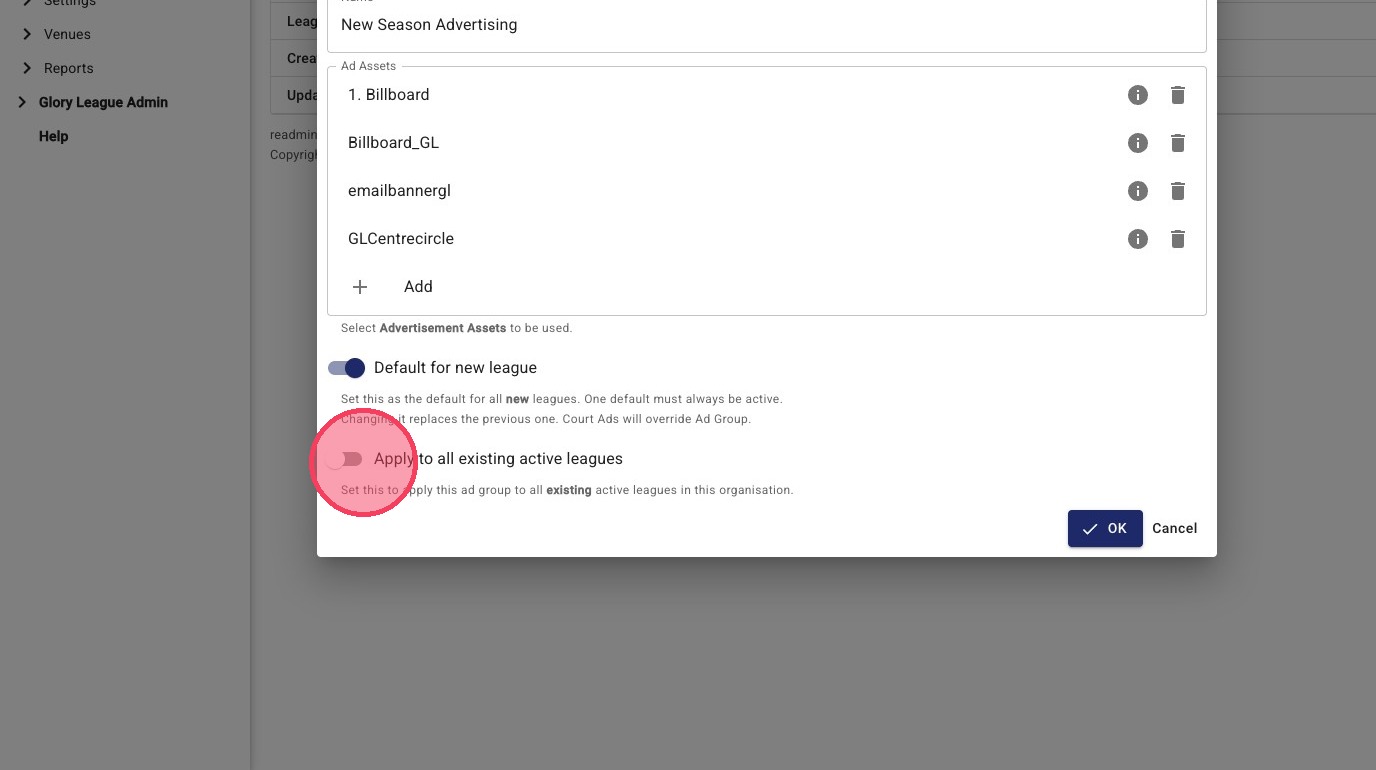
4. Click OK to apply