Add an Advertising Asset to an Existing Ad Group
Follow these steps to update an existing Ad Group with new advertising assets.
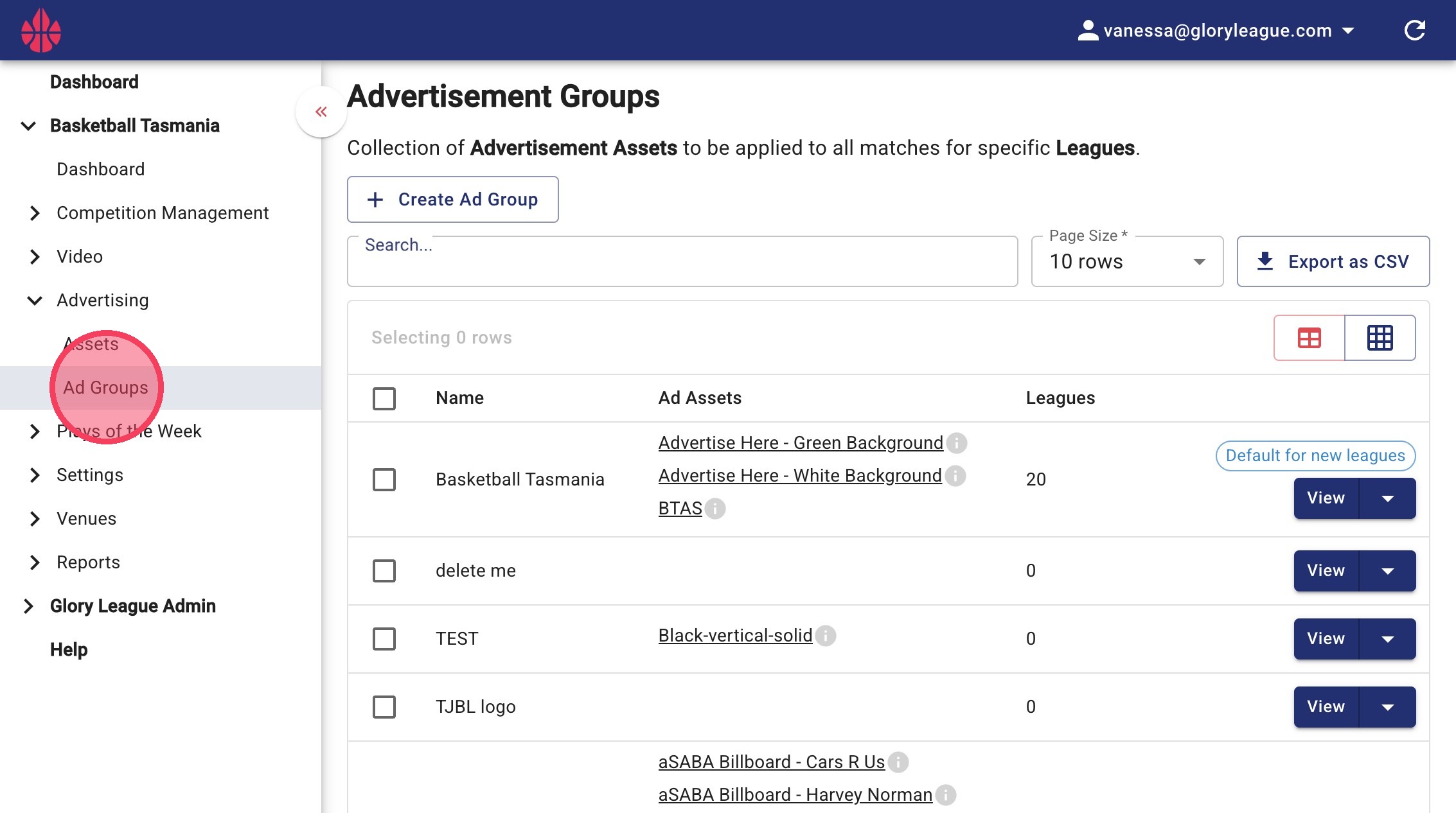
1. Go to Advertising and click Ad Groups
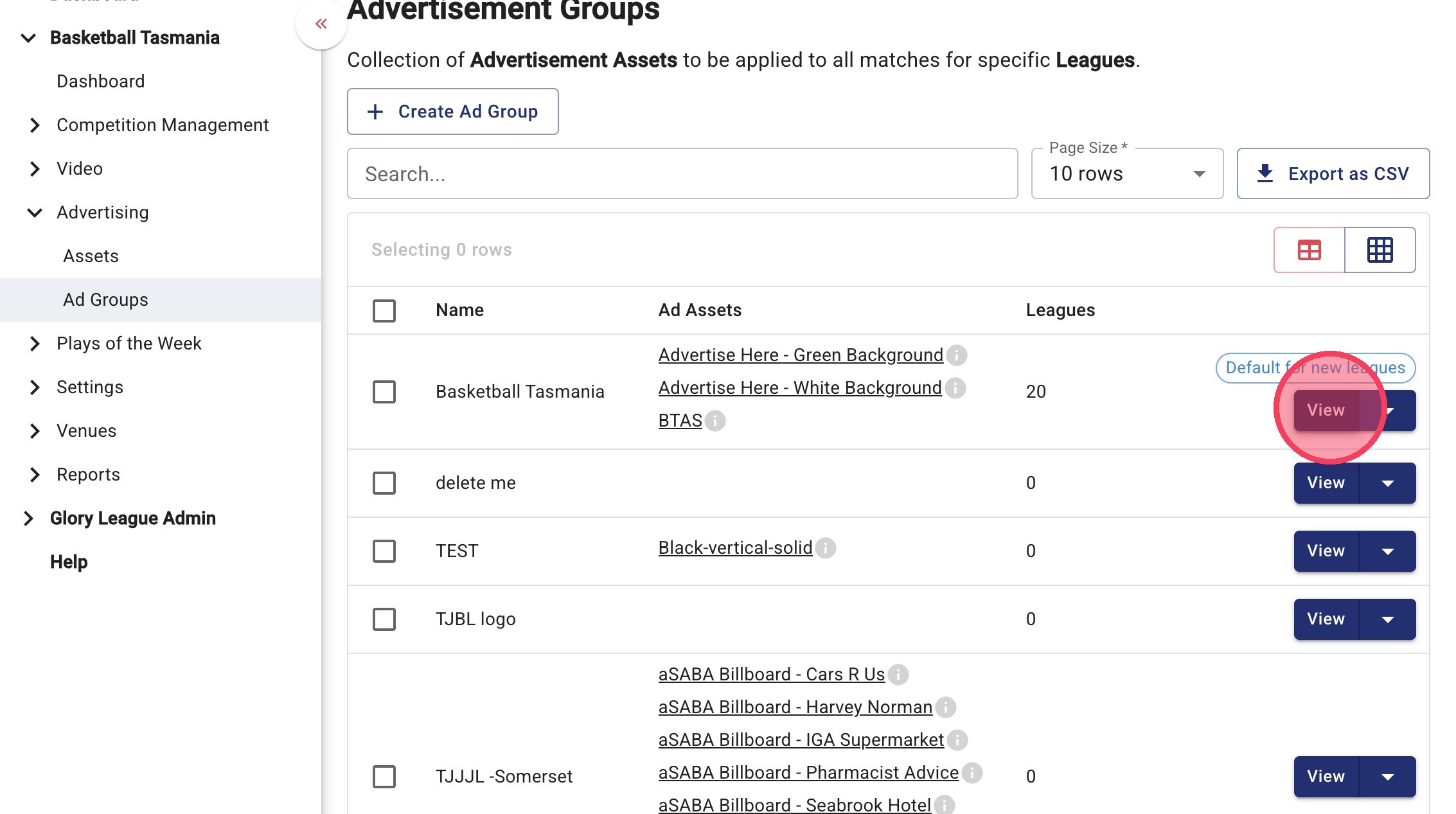
2. Find the Ad Group you want to update and click View
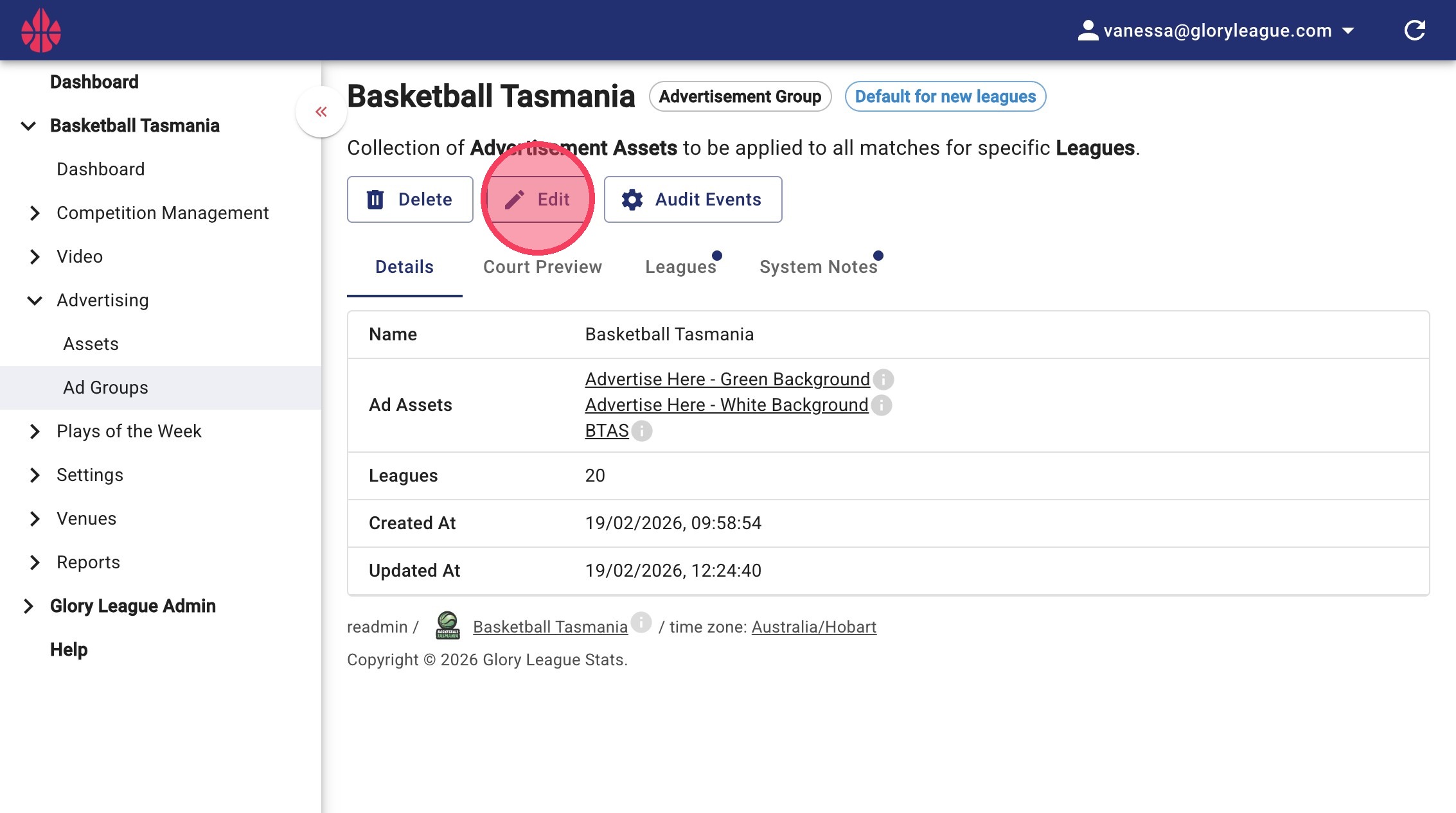
3. Click Edit
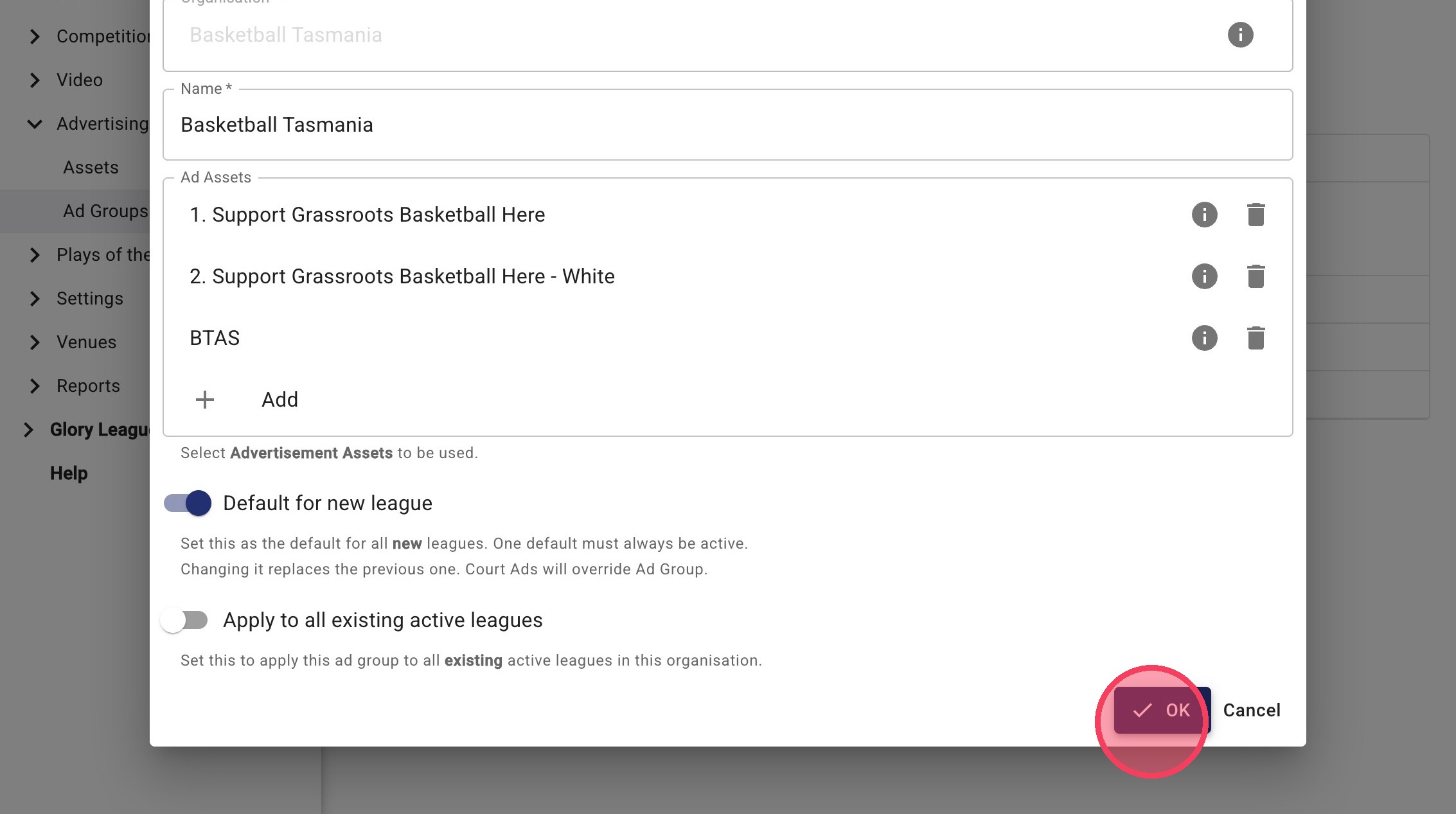
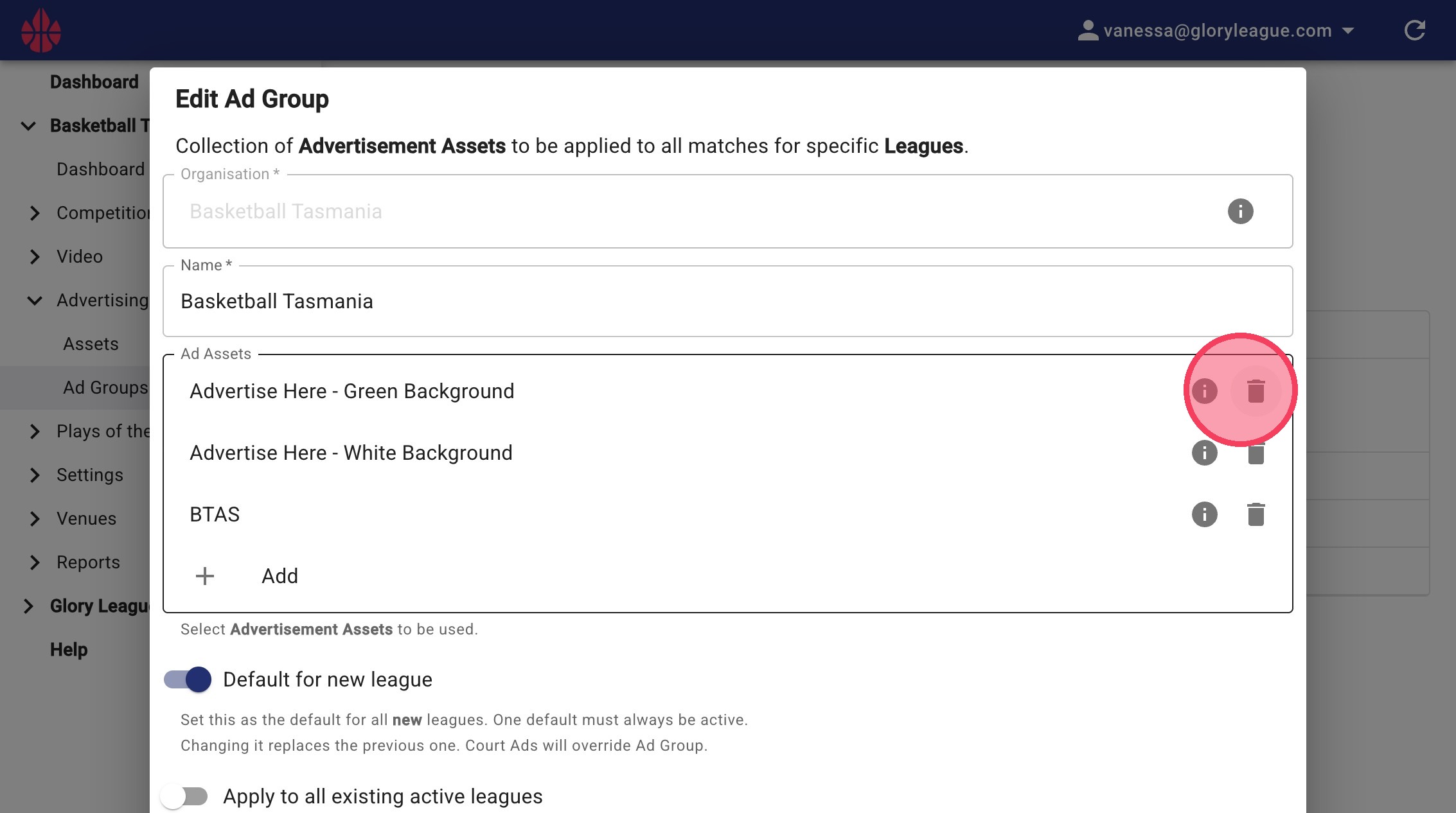
4. Remove any existing assets you want to replace
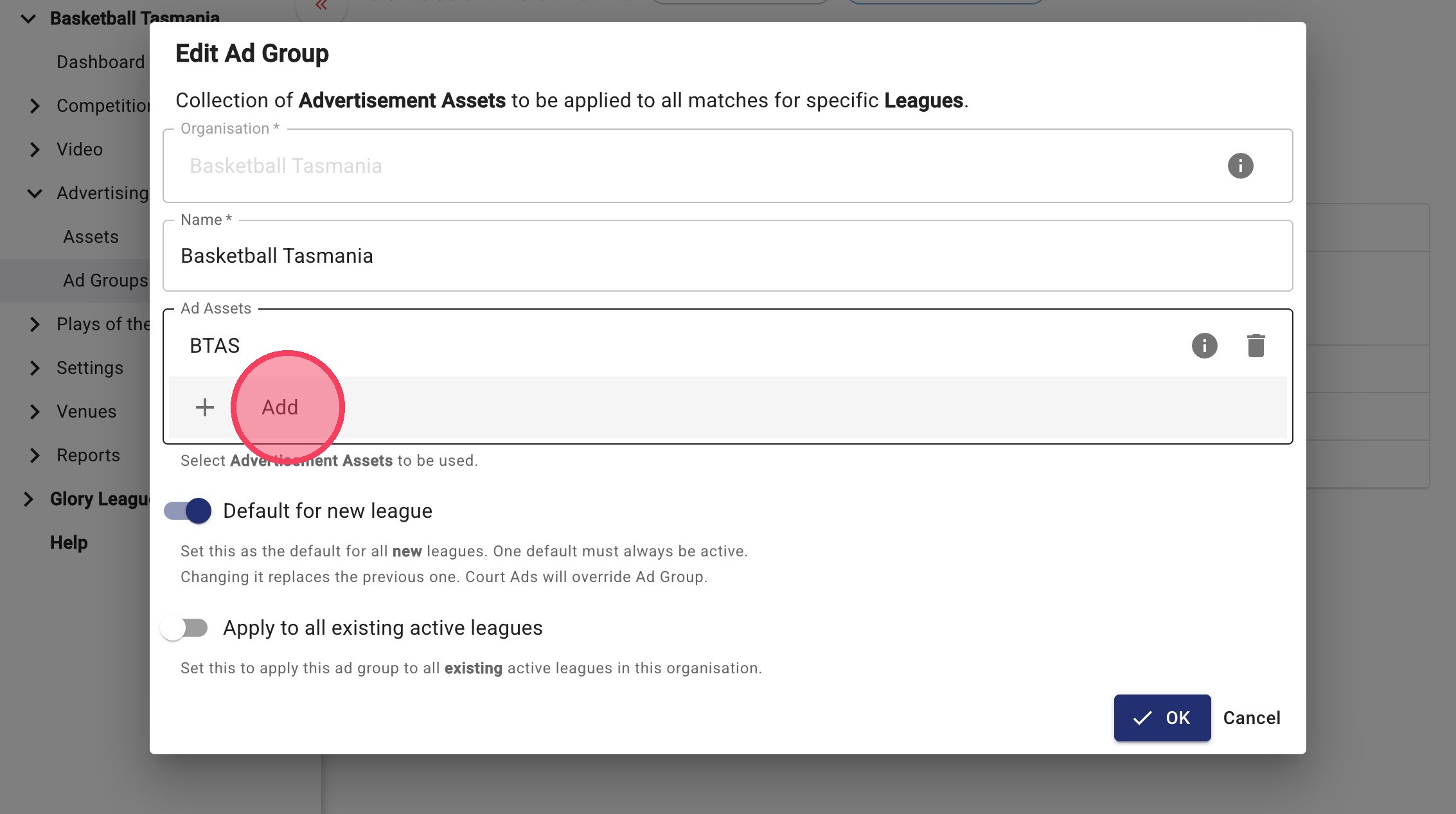
5. Click Add to upload a new asset
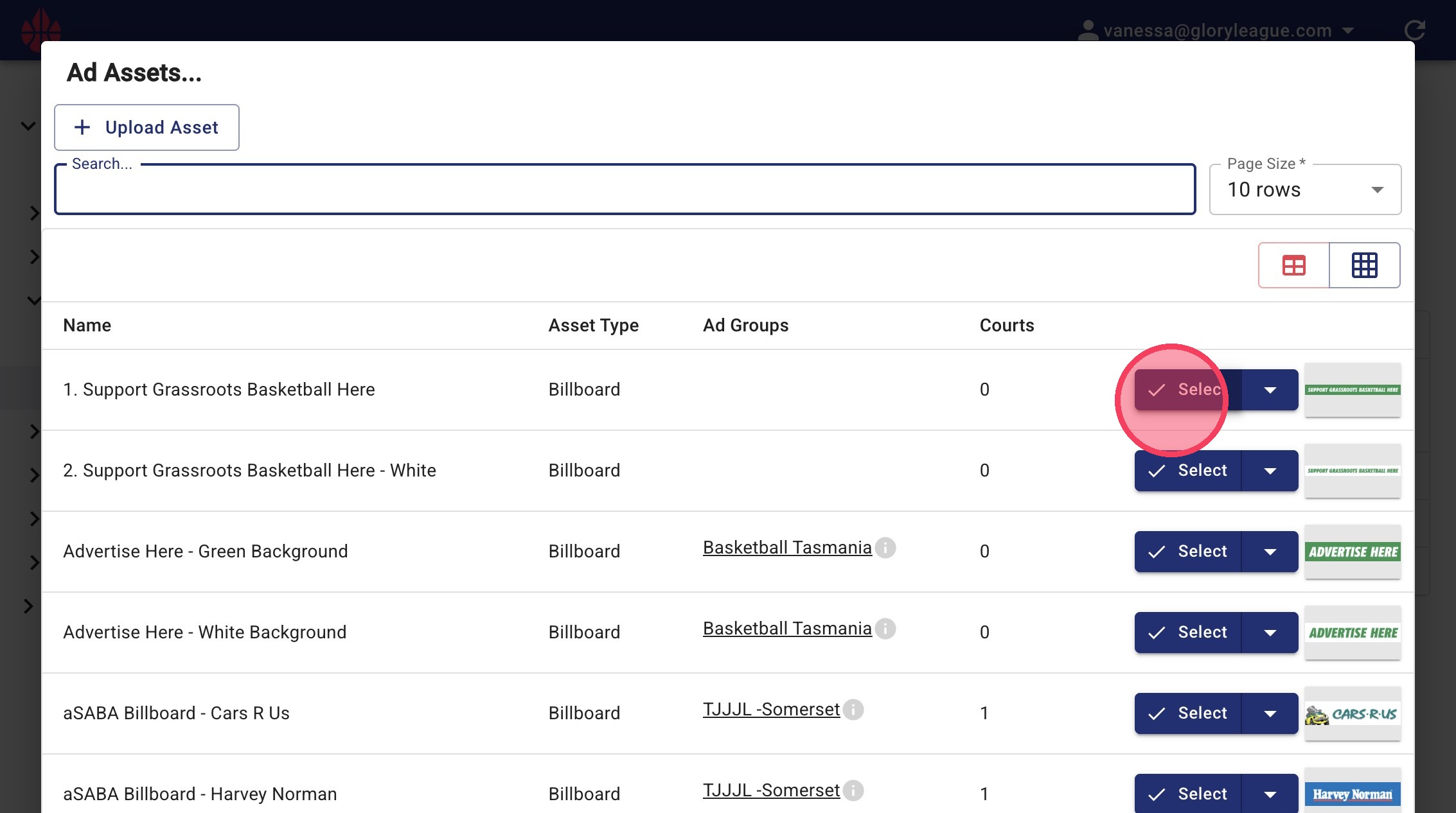
6. Click Select
7. Select the asset you’d like to add
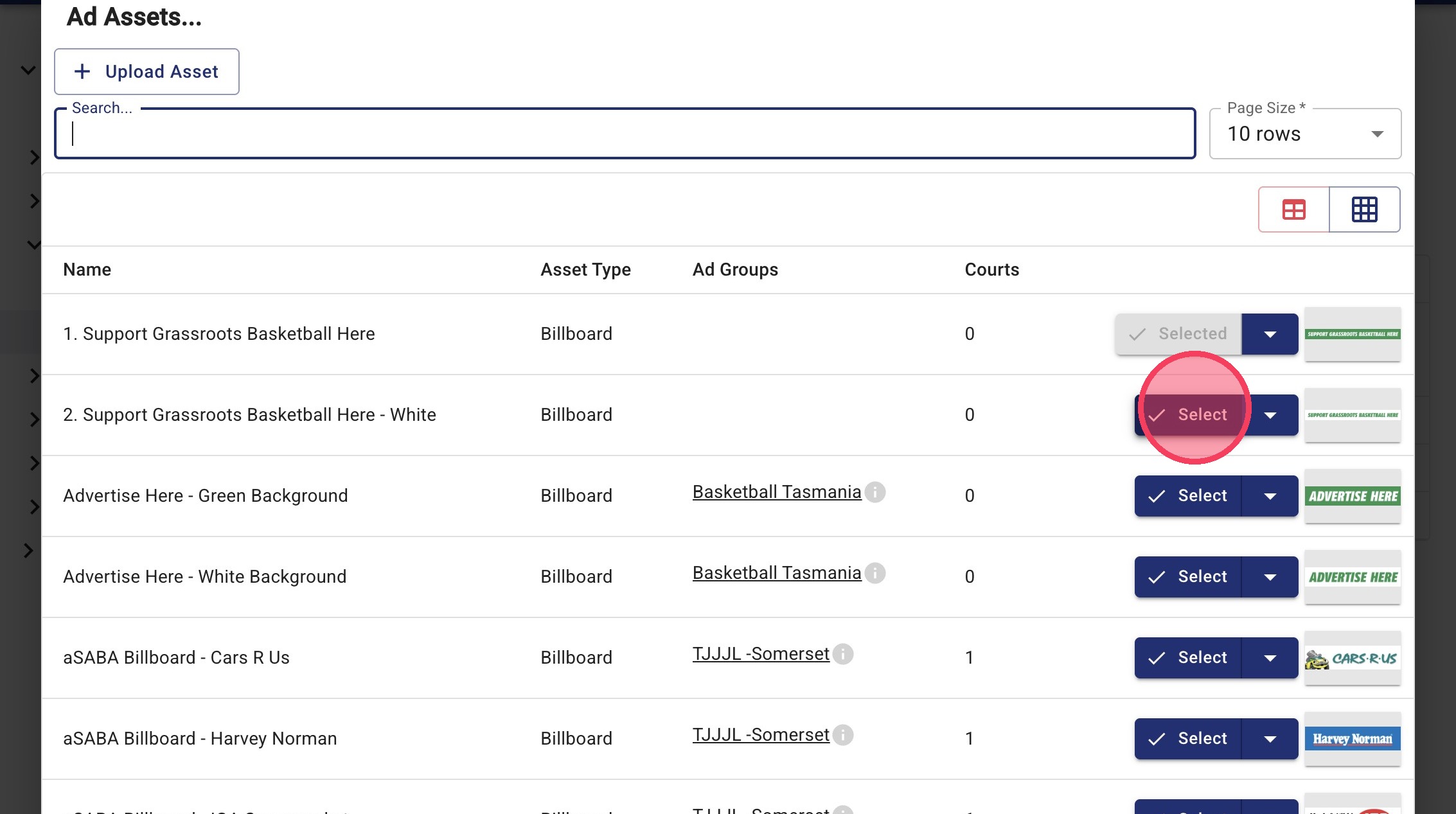
💡Tip! Repeat Steps 6–7 to add multiple assets.
8. Click OK to confirm