Upload a Game Email Advertising Banner Asset
When adding a new advertising banner for emails you can now upload it directly through your Admin Portal.
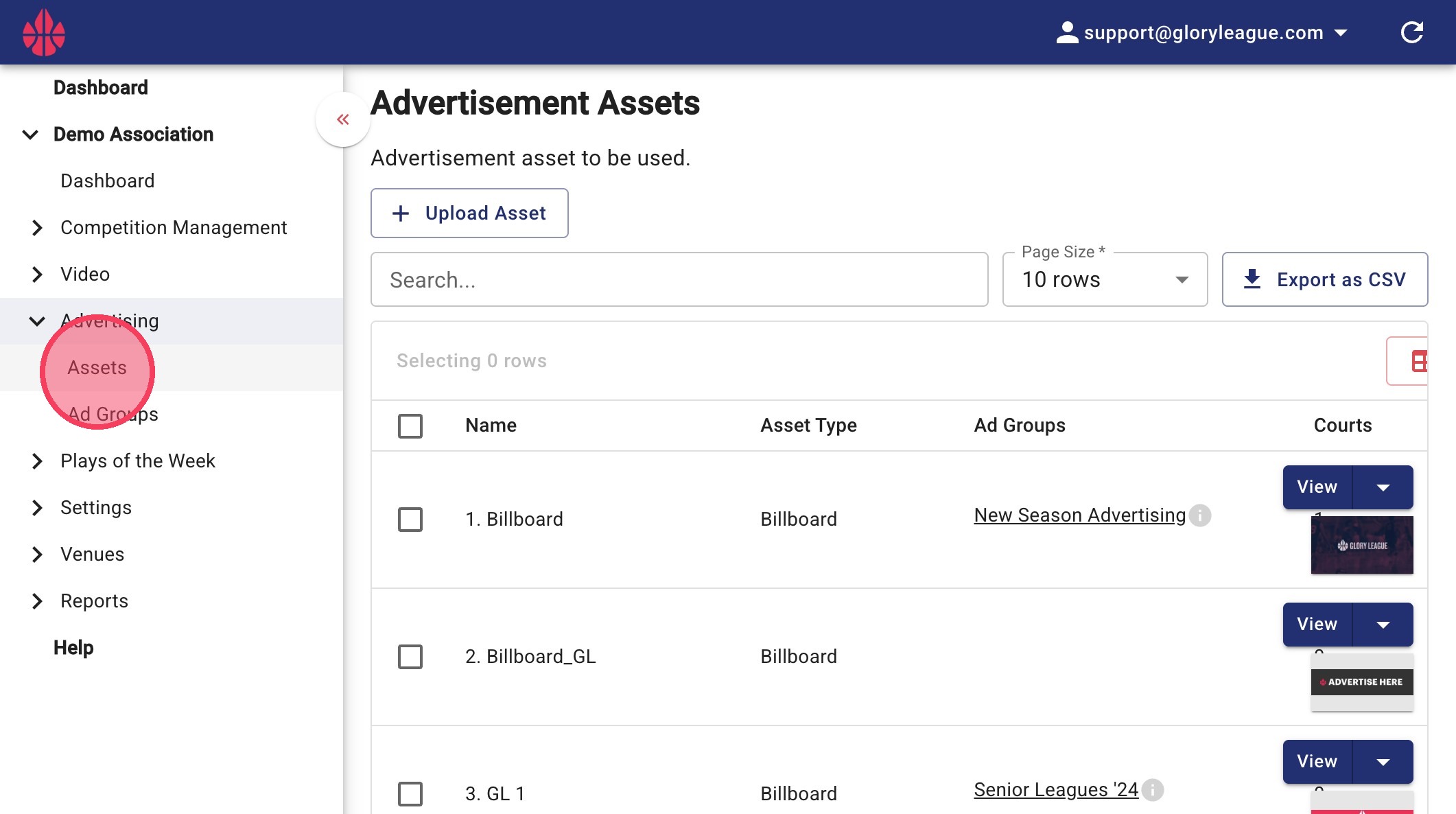
1. Click "Assets"
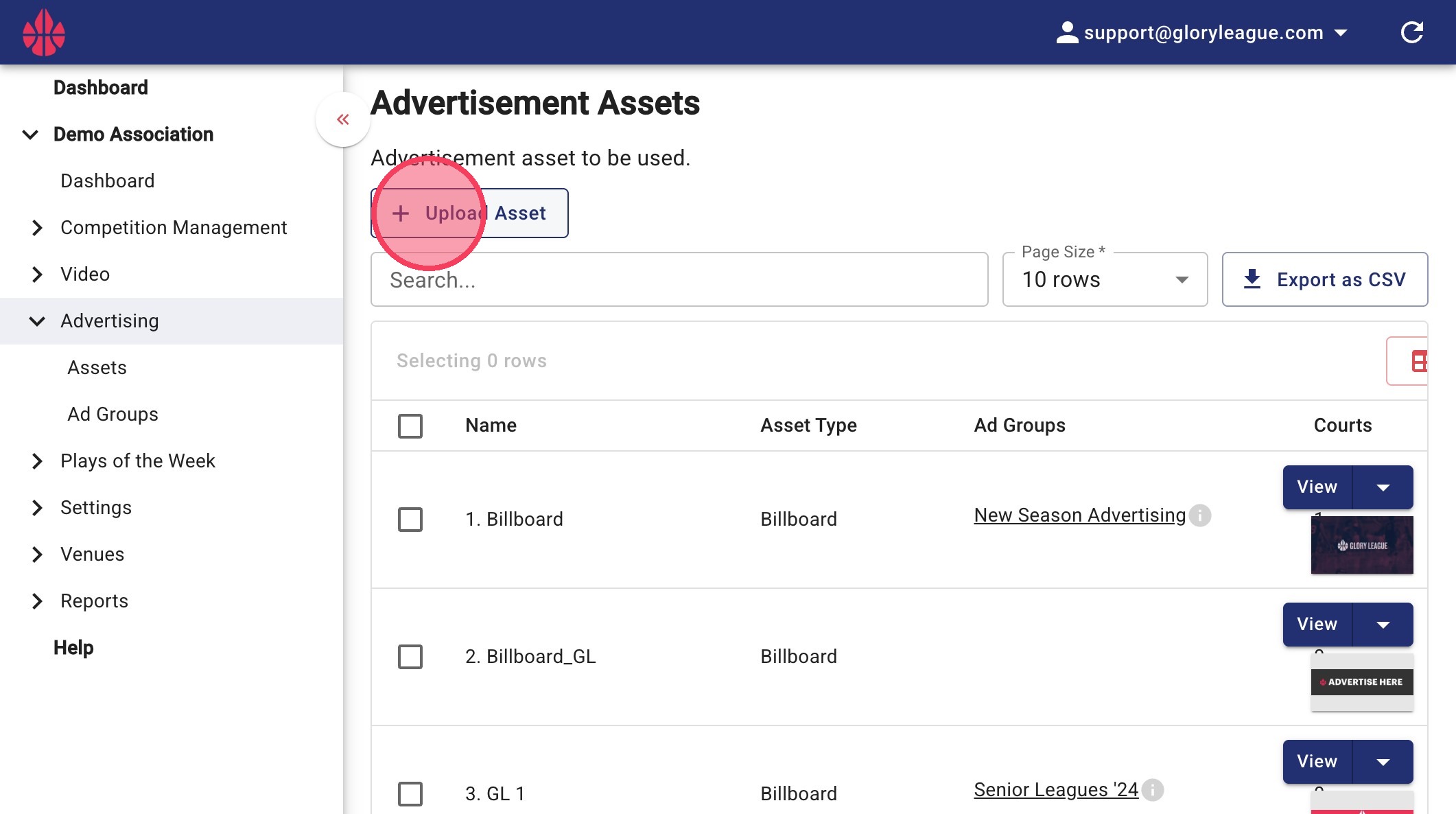
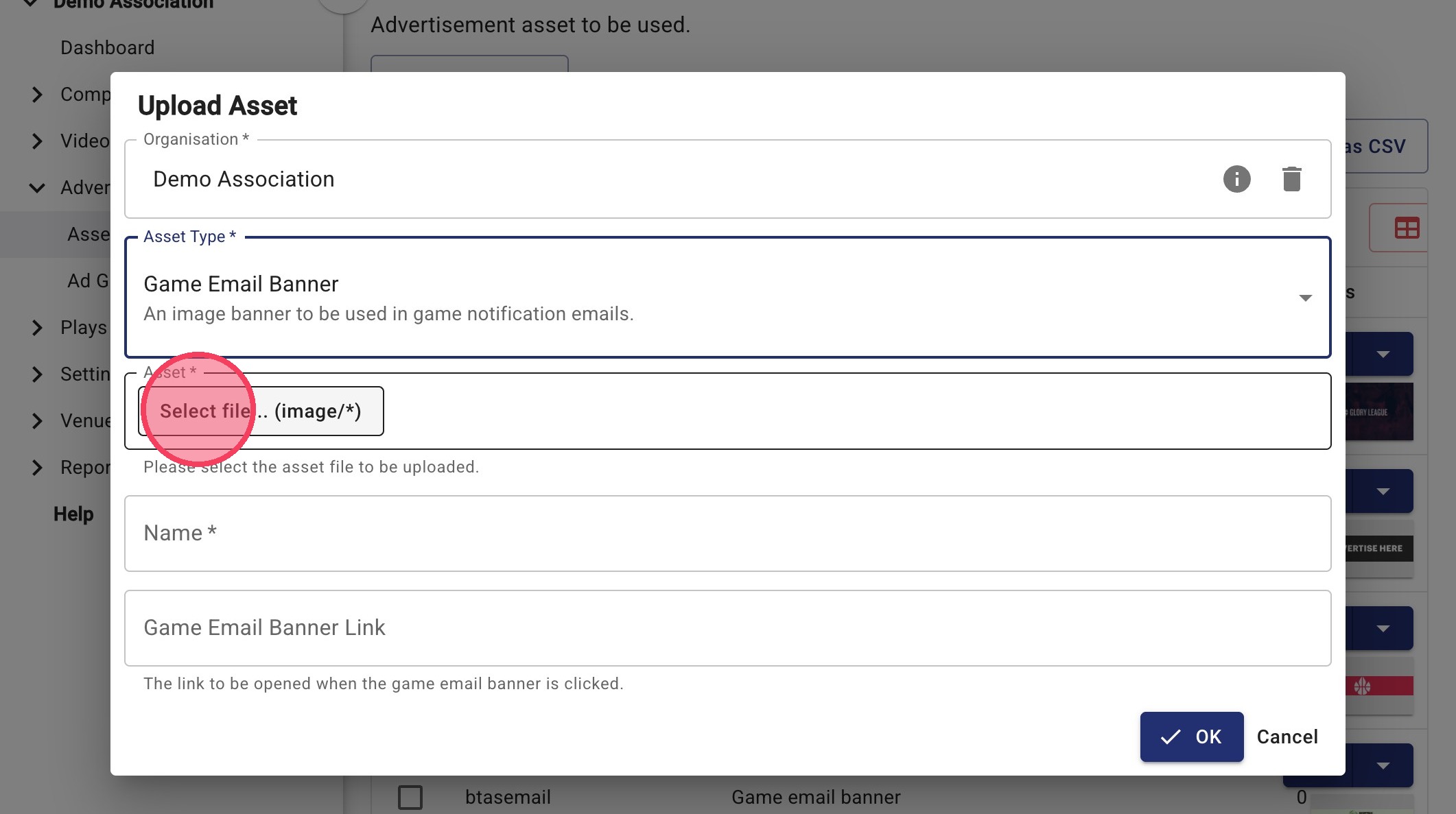
2. Click "Upload Asset"
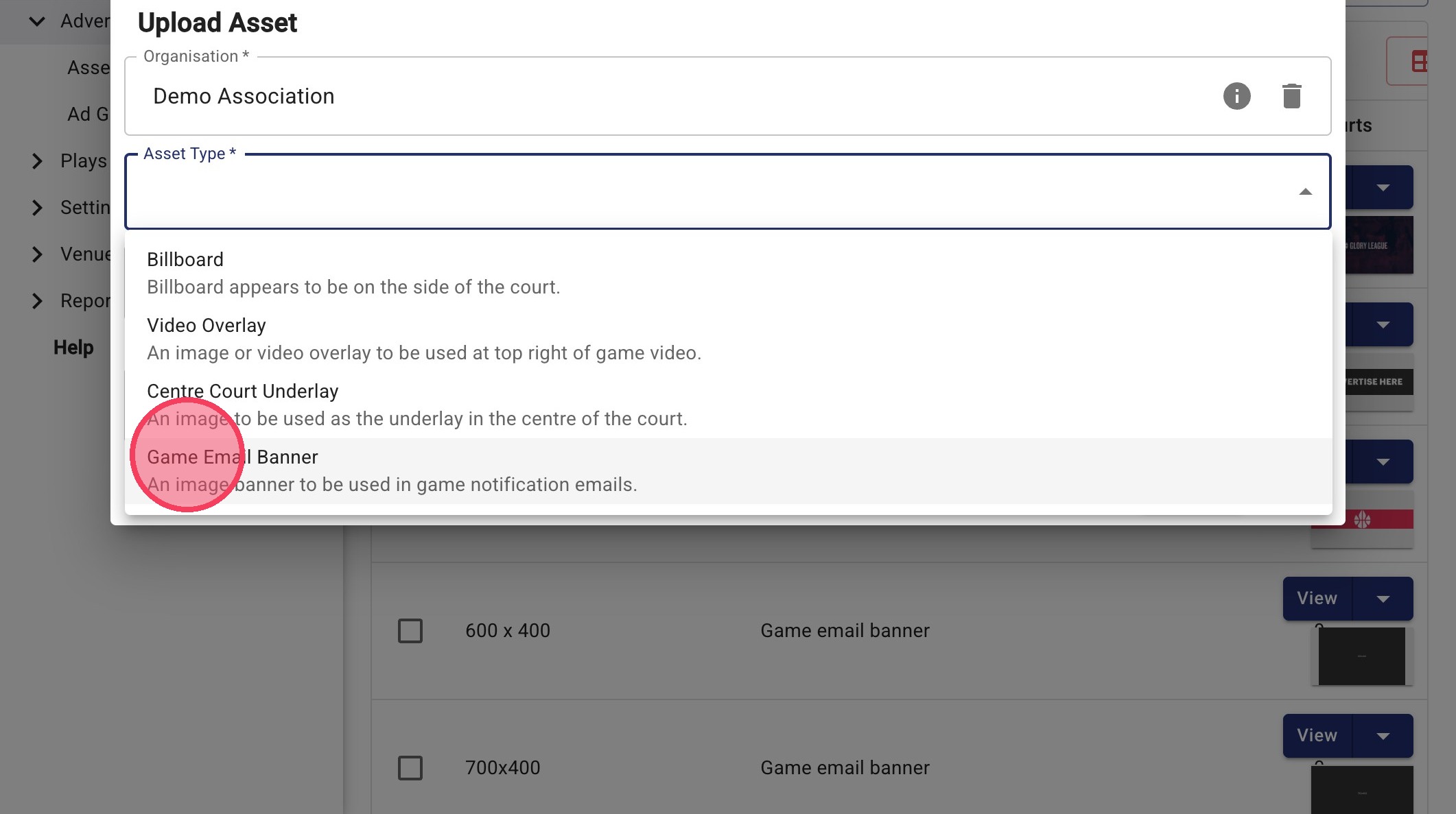
3. Select "Game Email Banner" from Asset Type drop down
4. Click "Select file... (image/\*)" to choose an image from your computer. Please ensure the banner is between 600-750 wide and 200- 400 high.
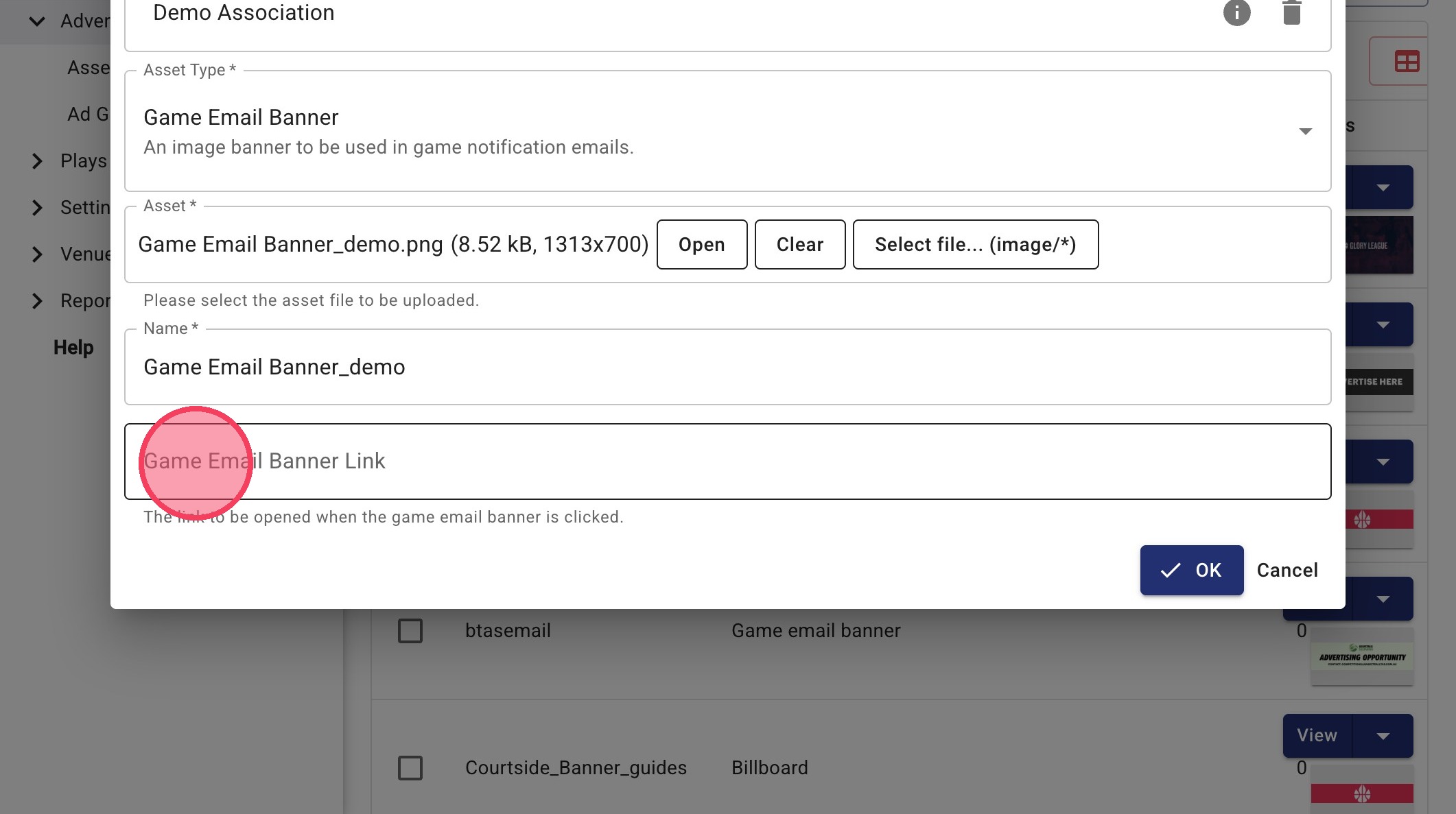
5. Click the "Game Email Banner Link" field and press ctrl + v to paste the link if you would like the email banner to be clickable.
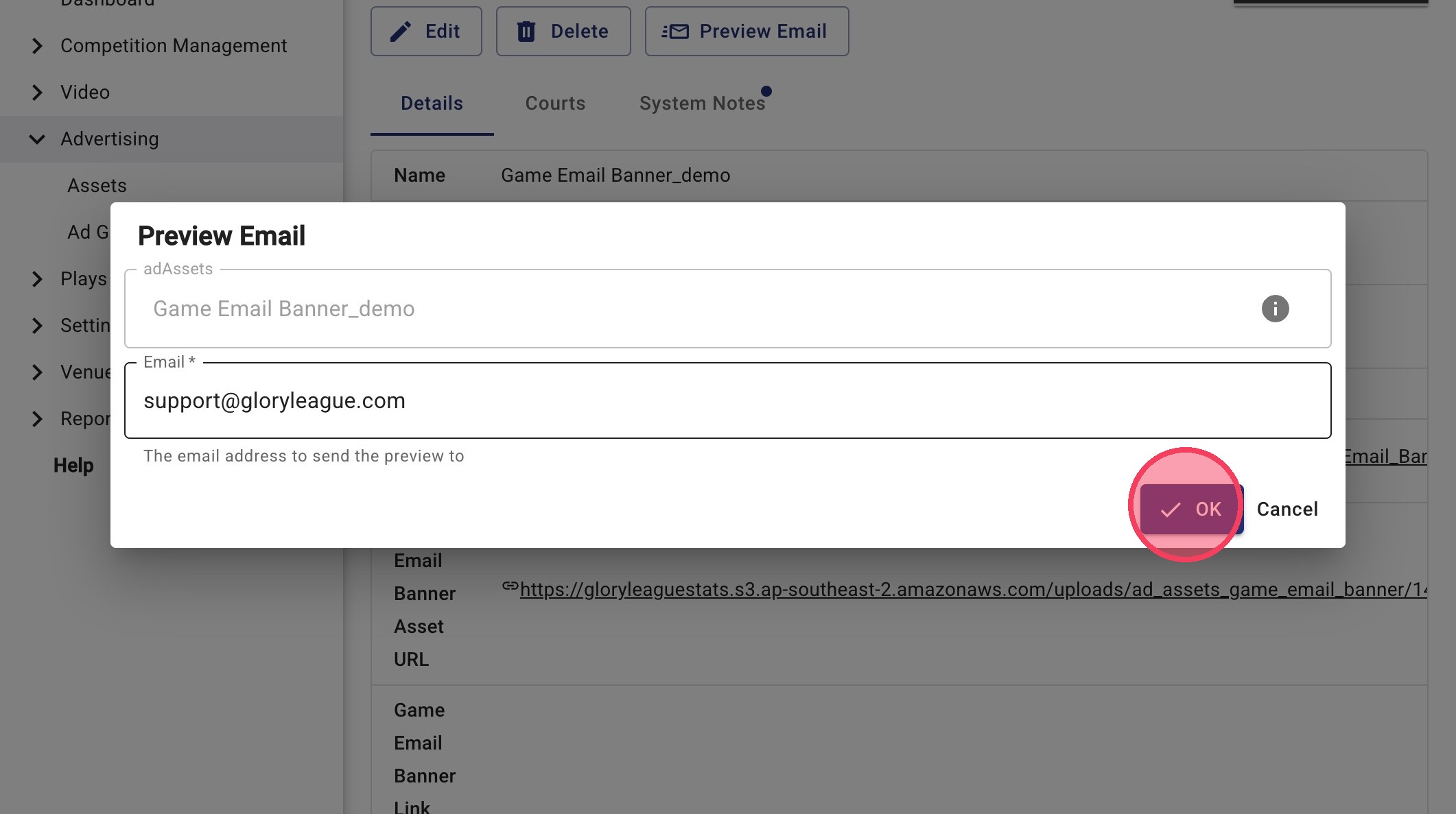
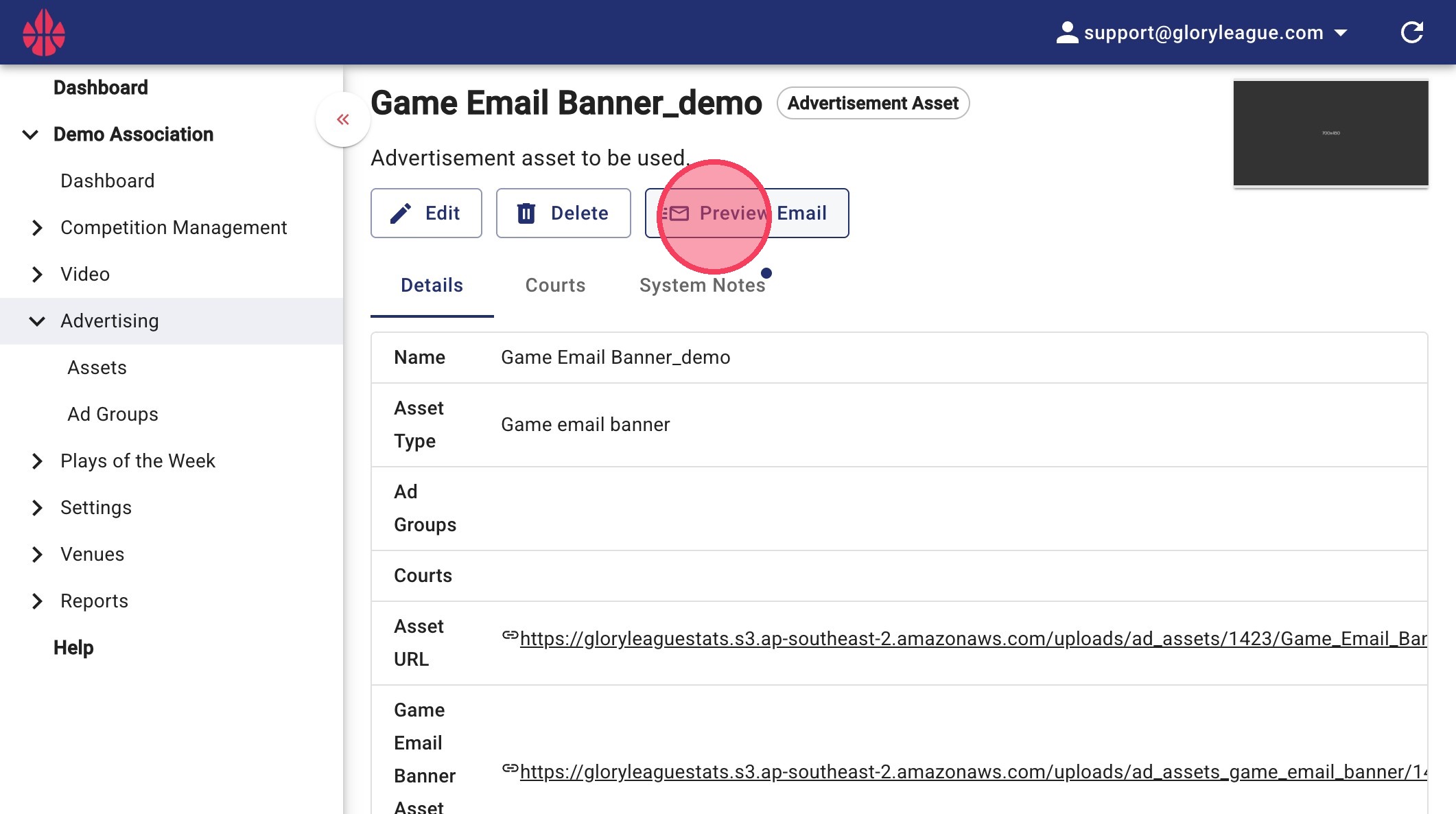
6.. Click "Preview Email" to see your banner in a mock-up email
7. Enter in the email address you would like to preview to go to and click OK. Check email to see test.