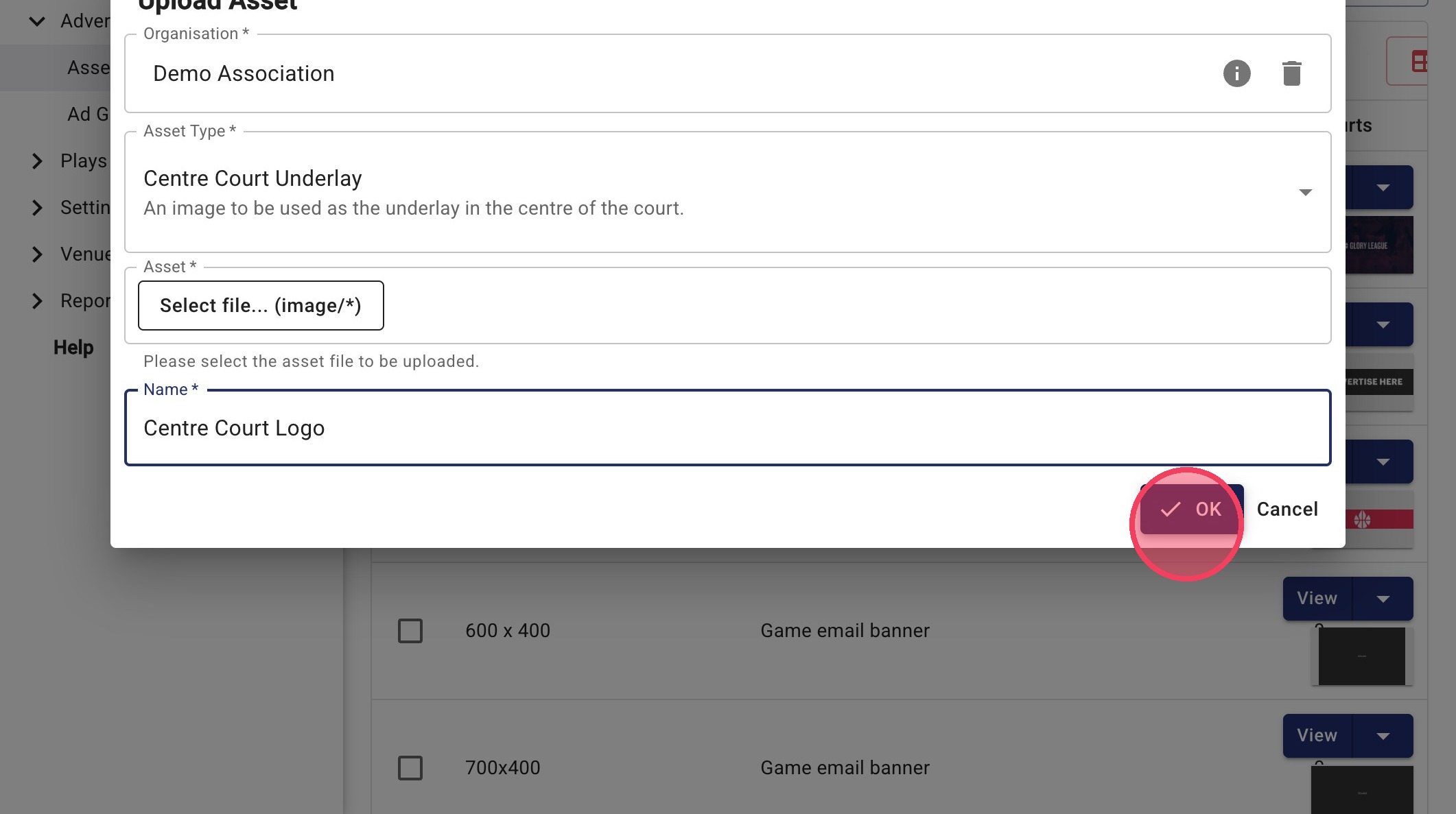
Upload a Centre Court Logo Advertising Asset
This guide shows you how to upload a Centre Court Underlay asset in the advertising portal. This asset appears on the centre court area in your game videos.
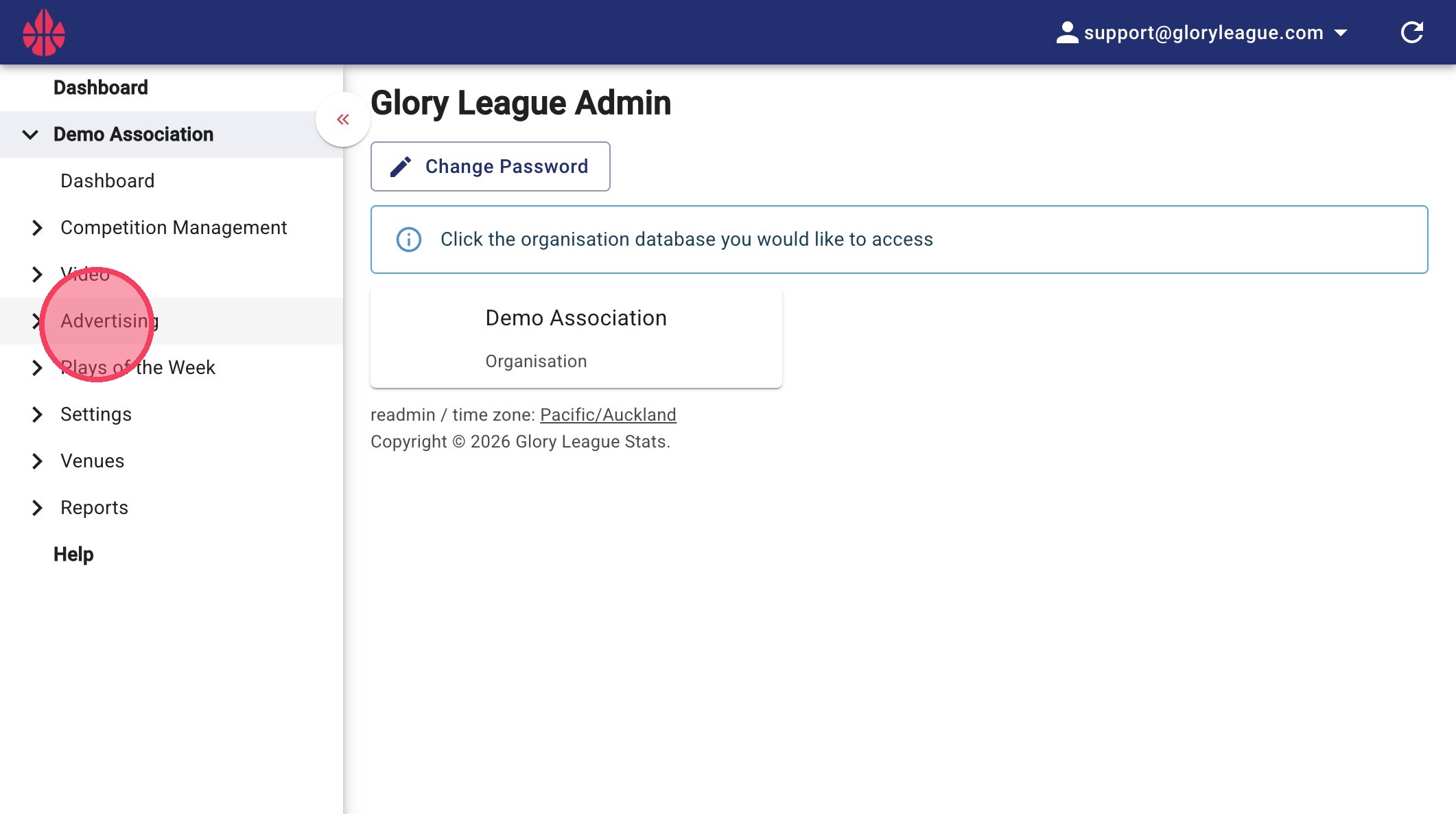
1. Go to Advertising - Click Advertising
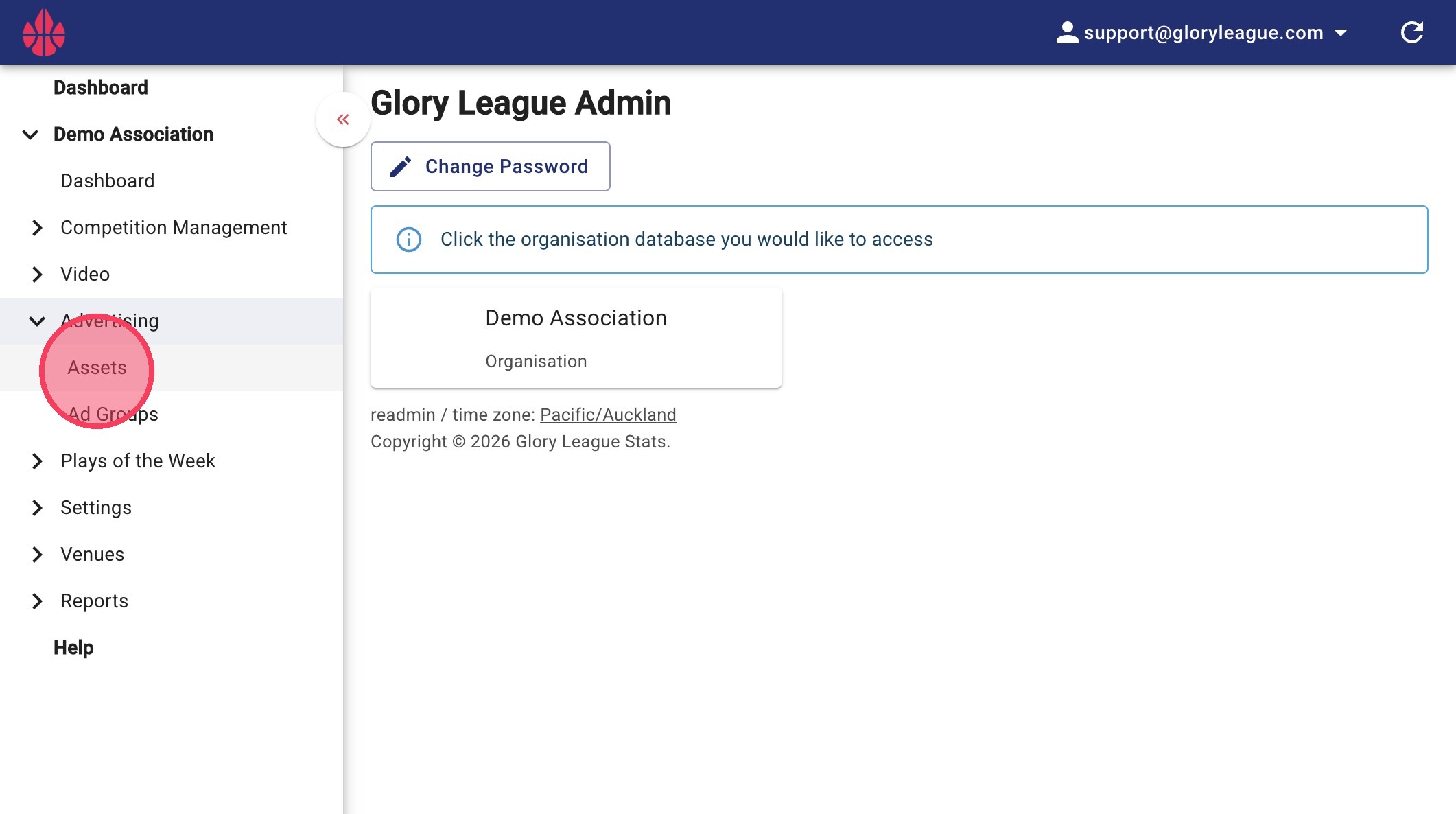
2. Click Assets
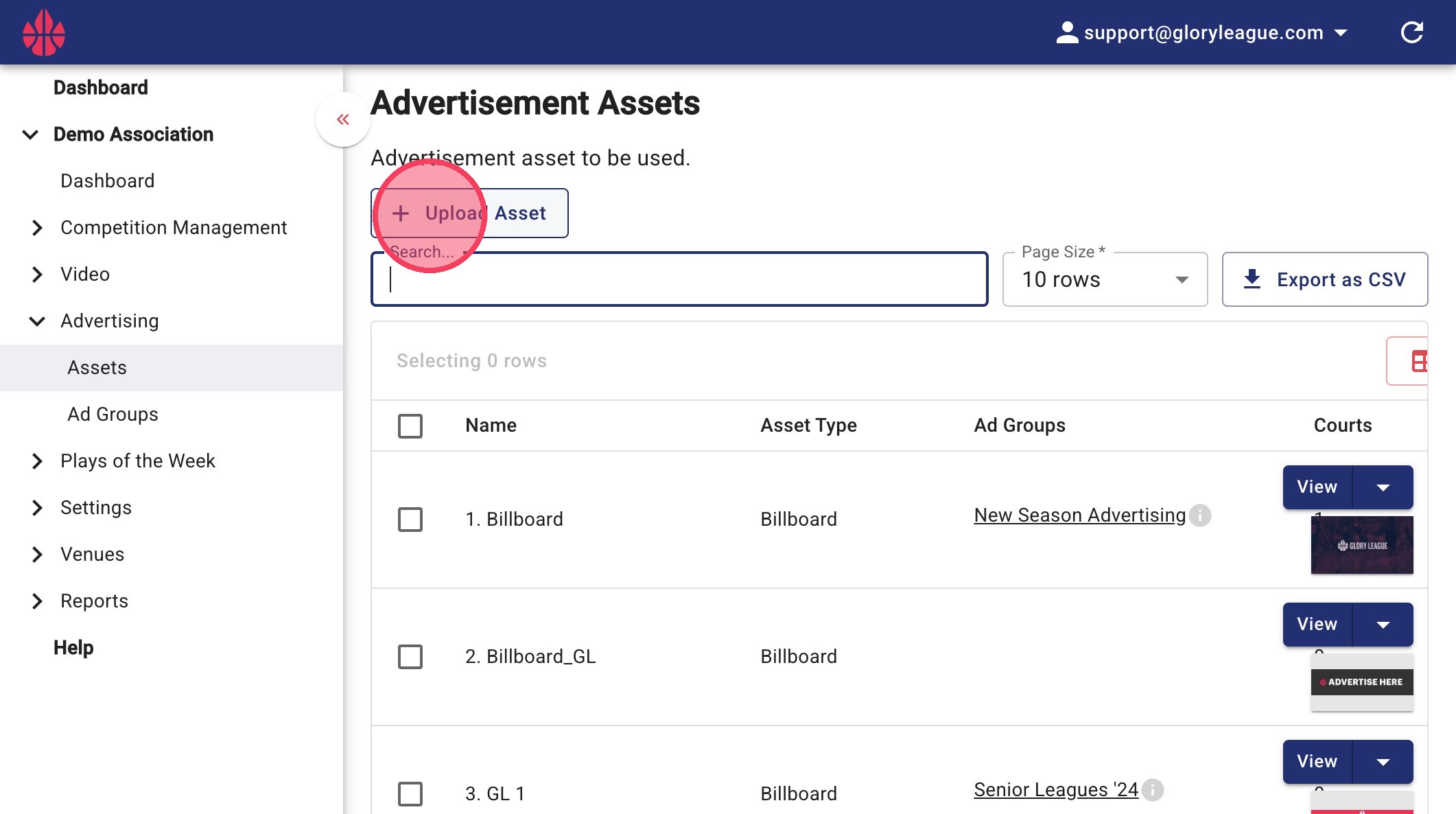
3. Click Upload Asset
4. Select Asset Type
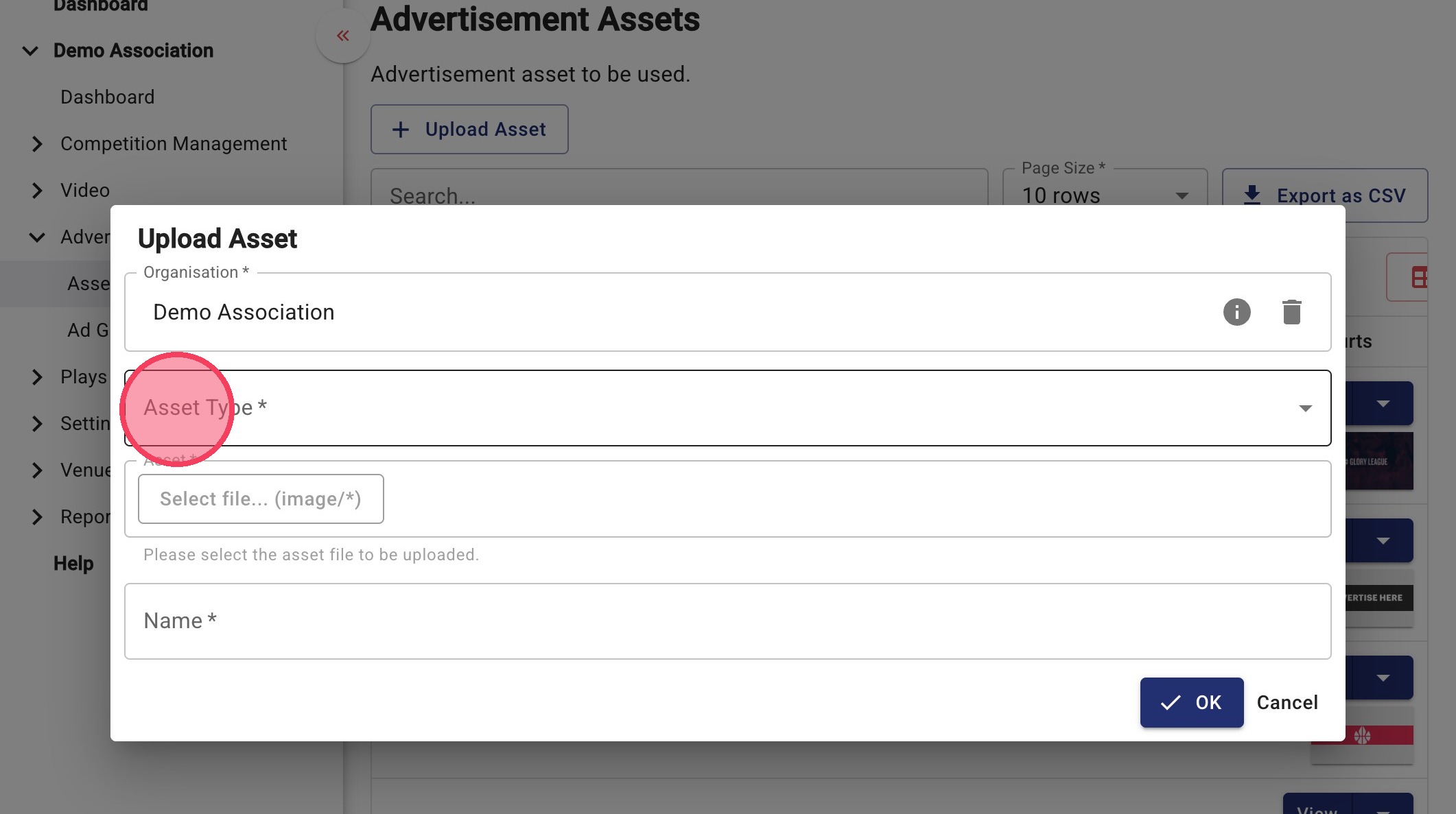
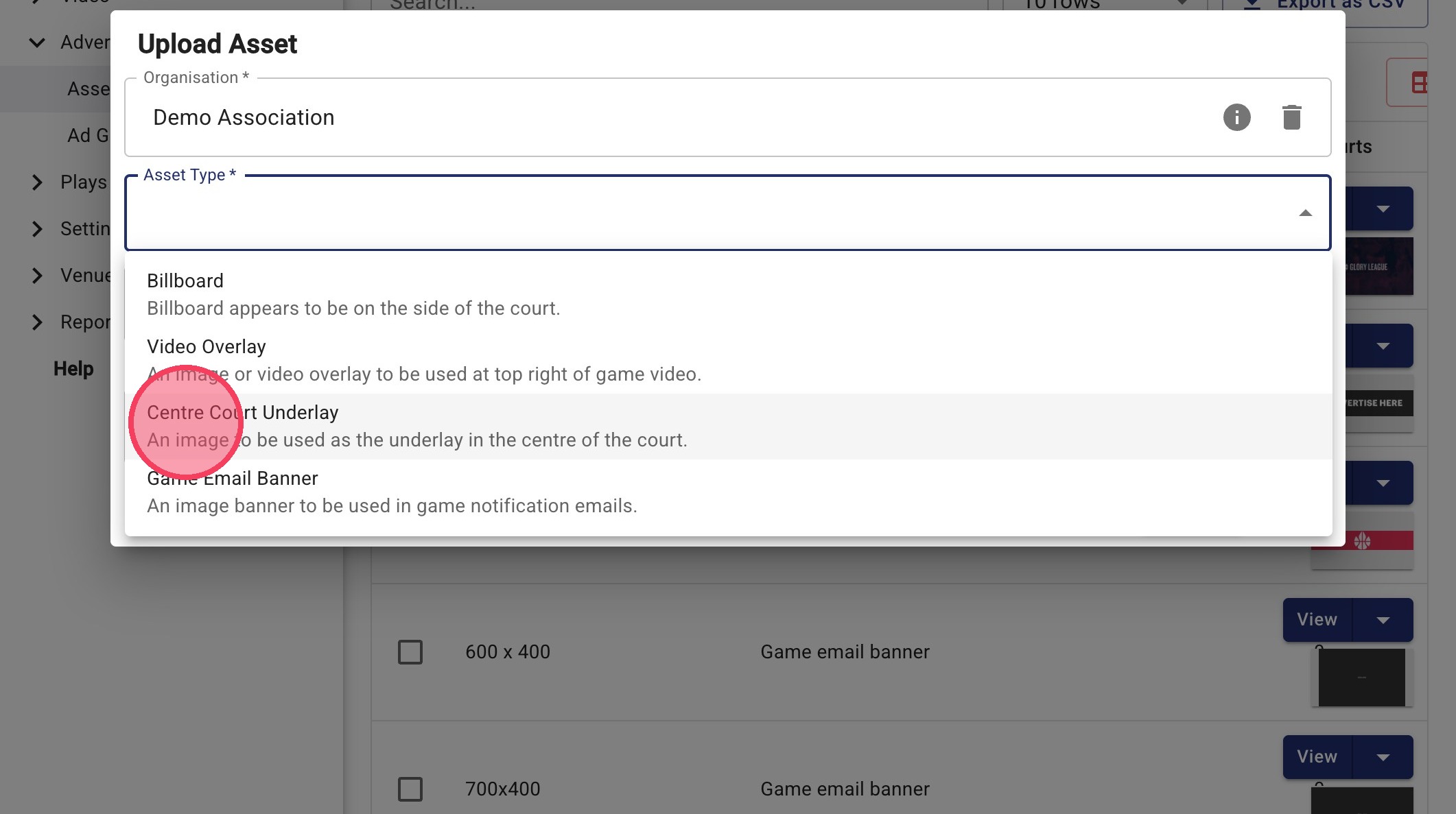
5. Click "Centre Court Underlay"
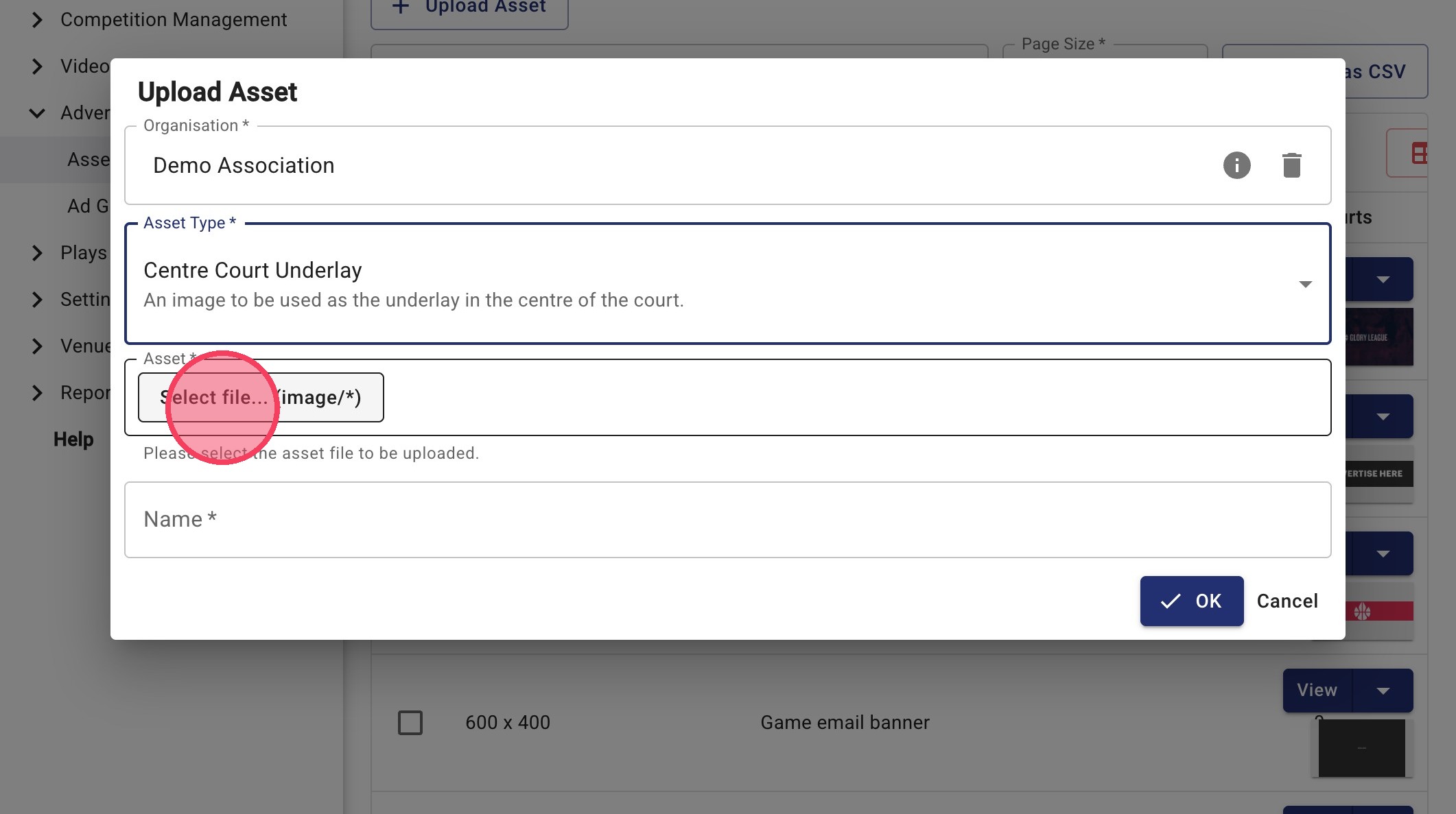
6. Click "Select file... (image/*)" to upload your file.
File requirements:
- PNG format
- Designed to fit within a 600 × 600 px circle
- Transparent background recommended
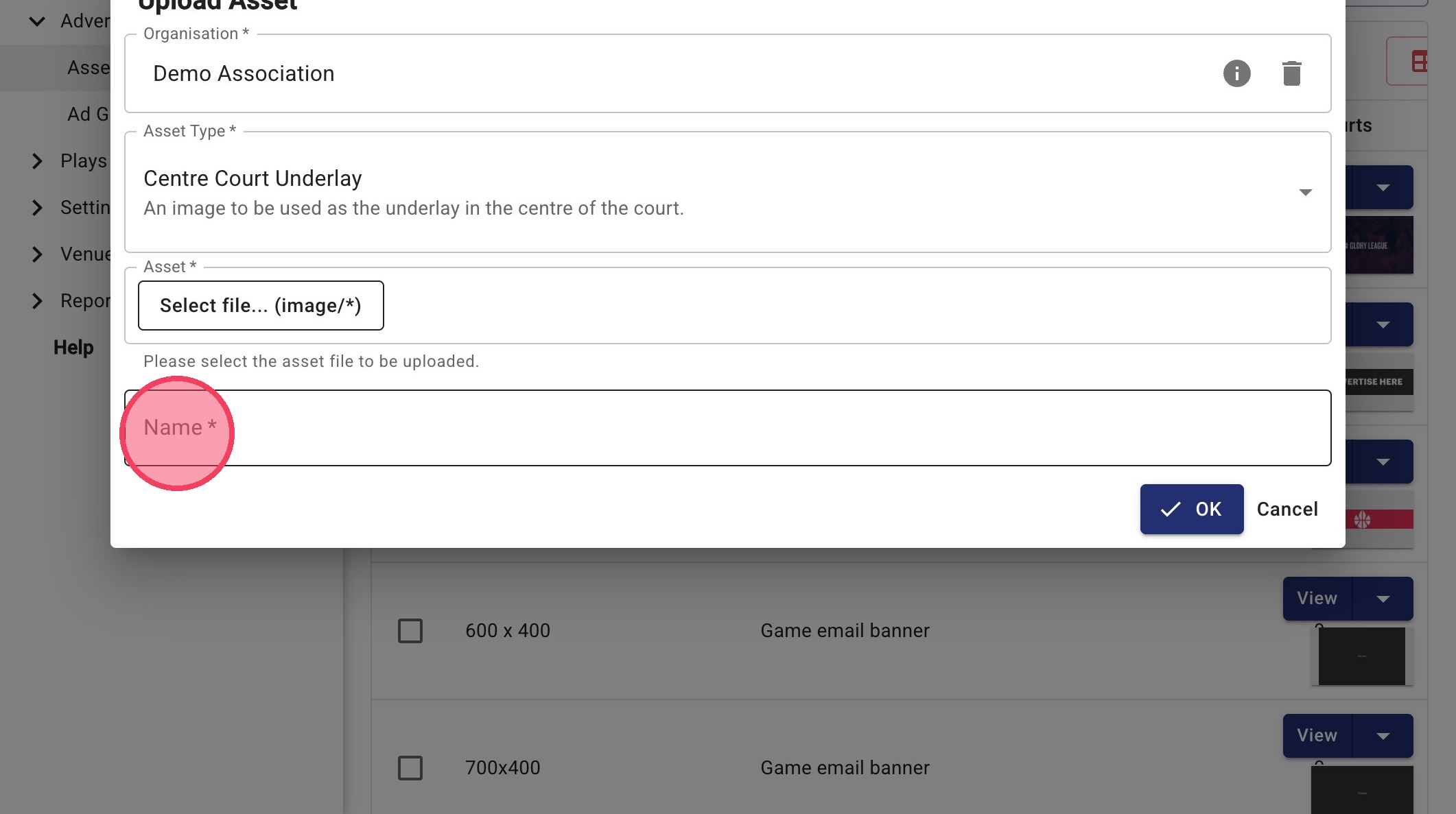
7. Click the "Name *" field to name your asset
8. Click "OK" to save