Upload a Video Overlay Advertising Asset
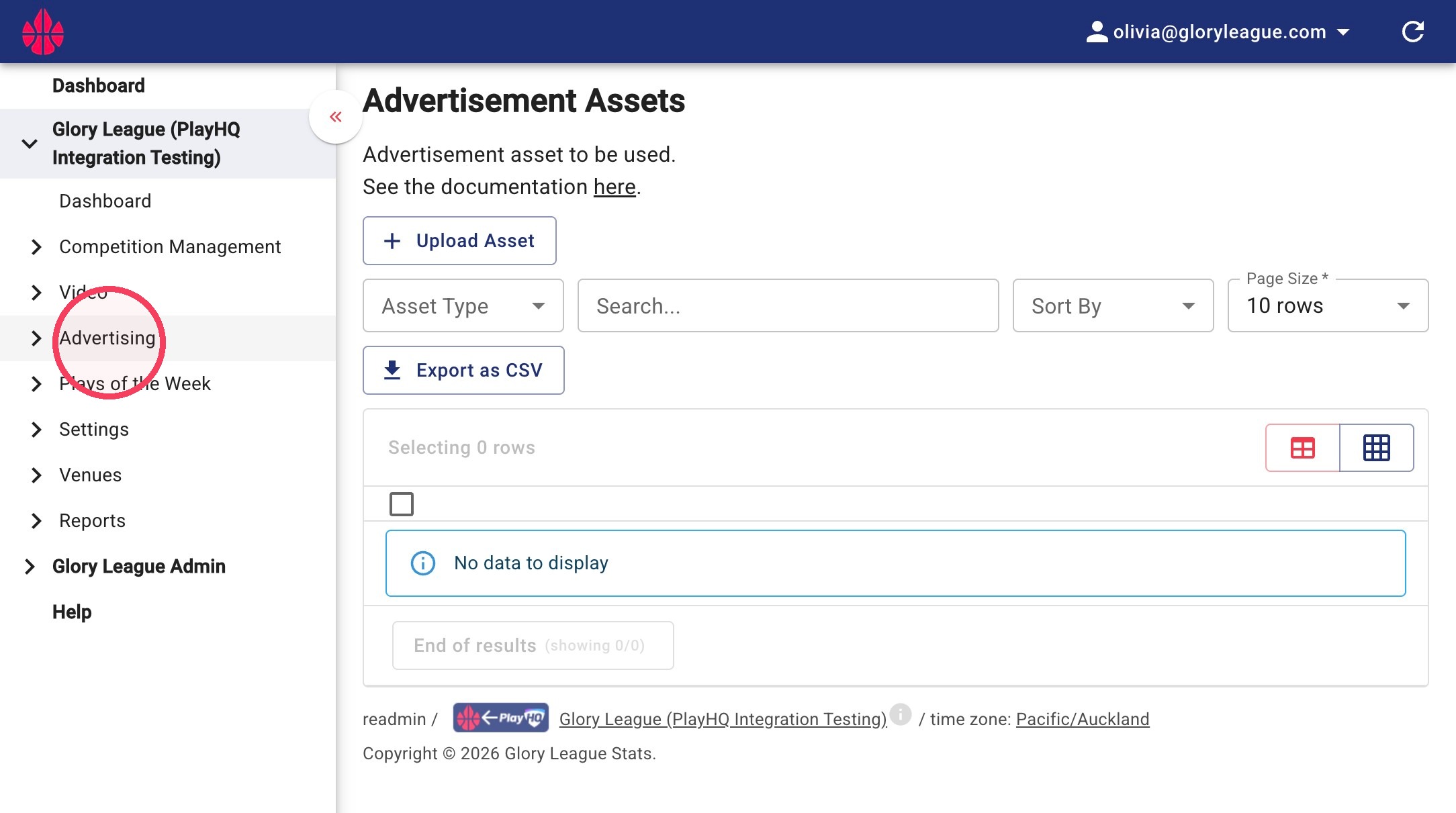
1. Click Advertising
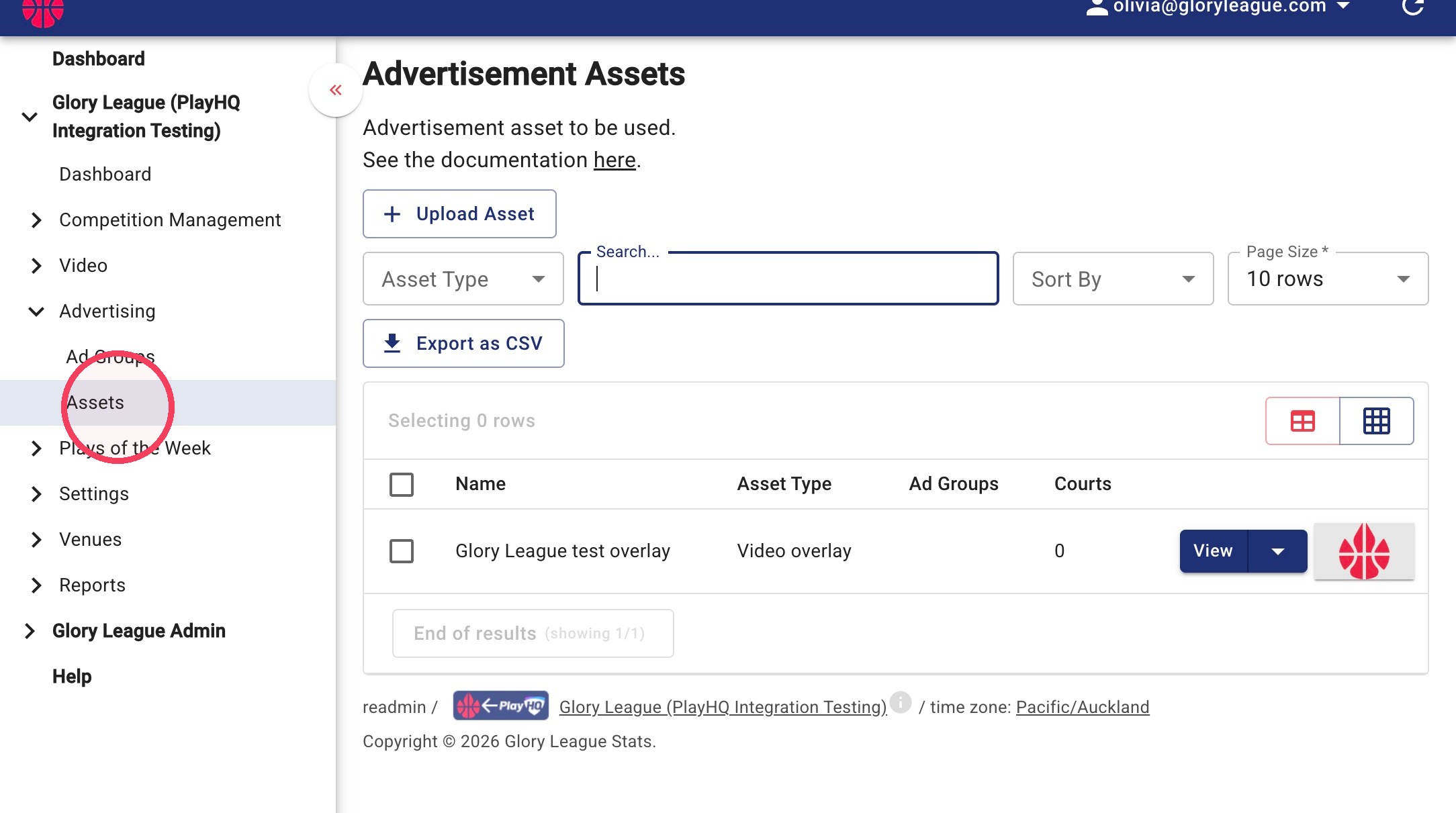
2. Click Assets
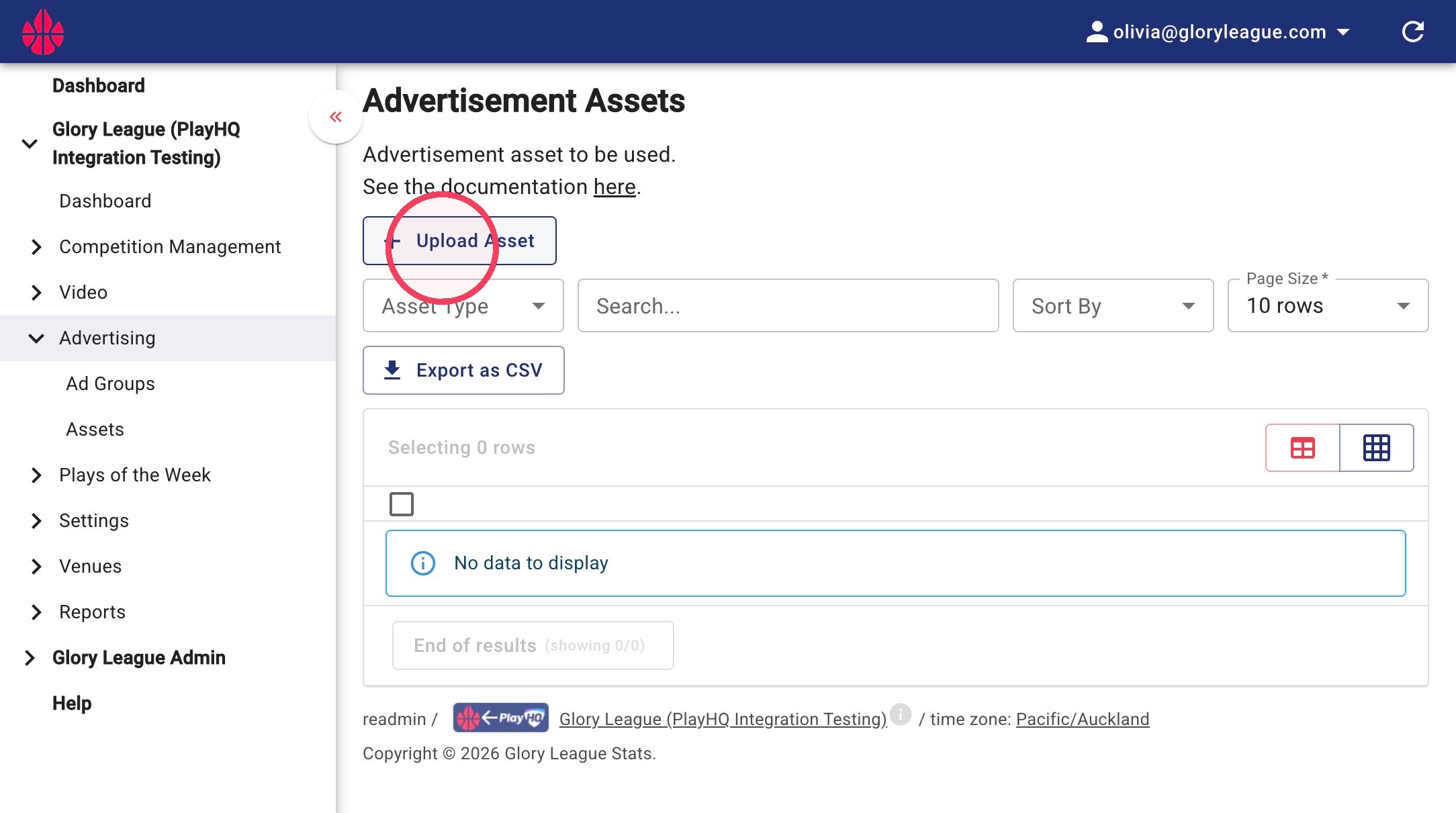
3. Click Upload Asset
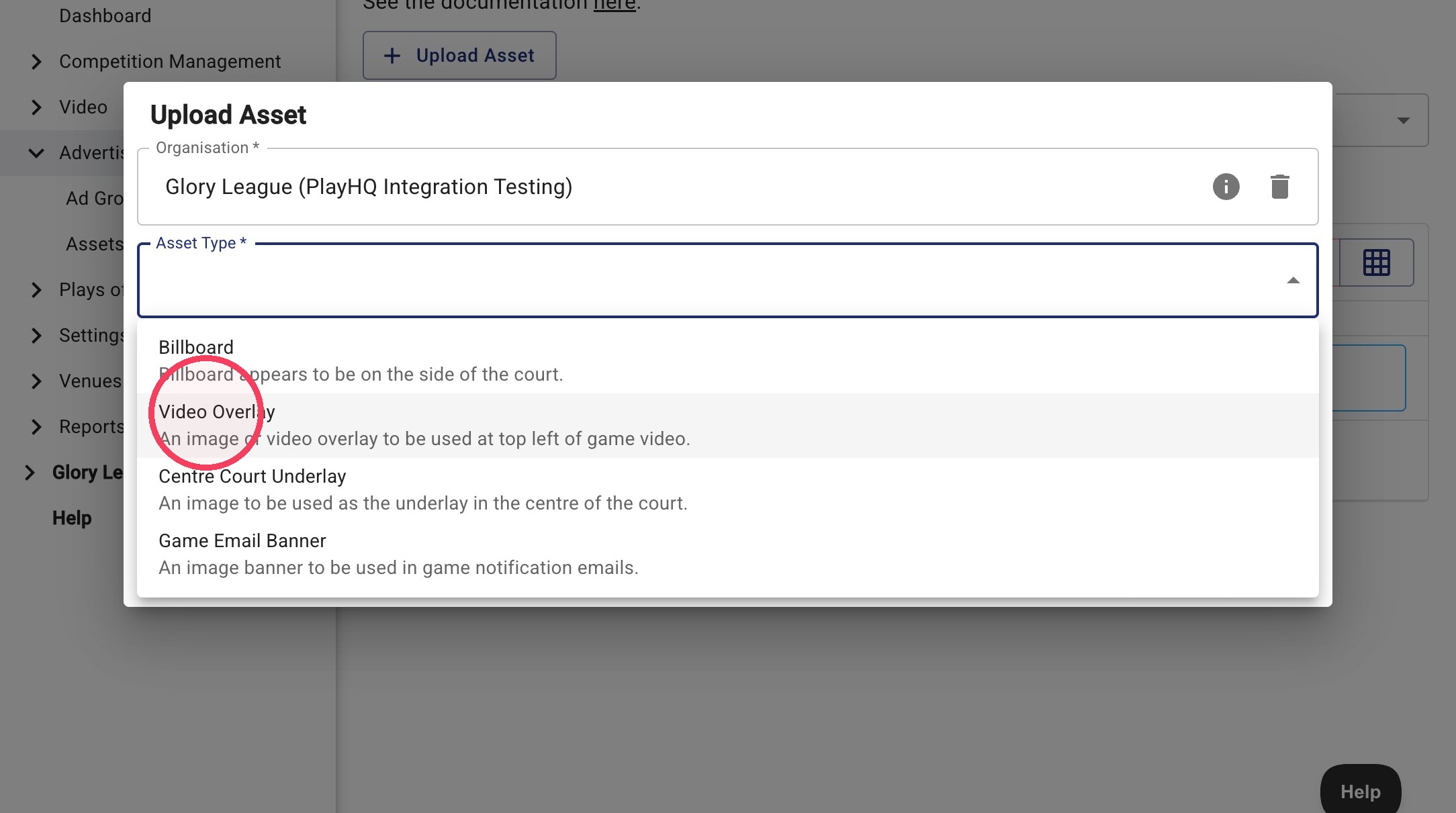
4. From the Asset Type dropdown, click Video Overlay
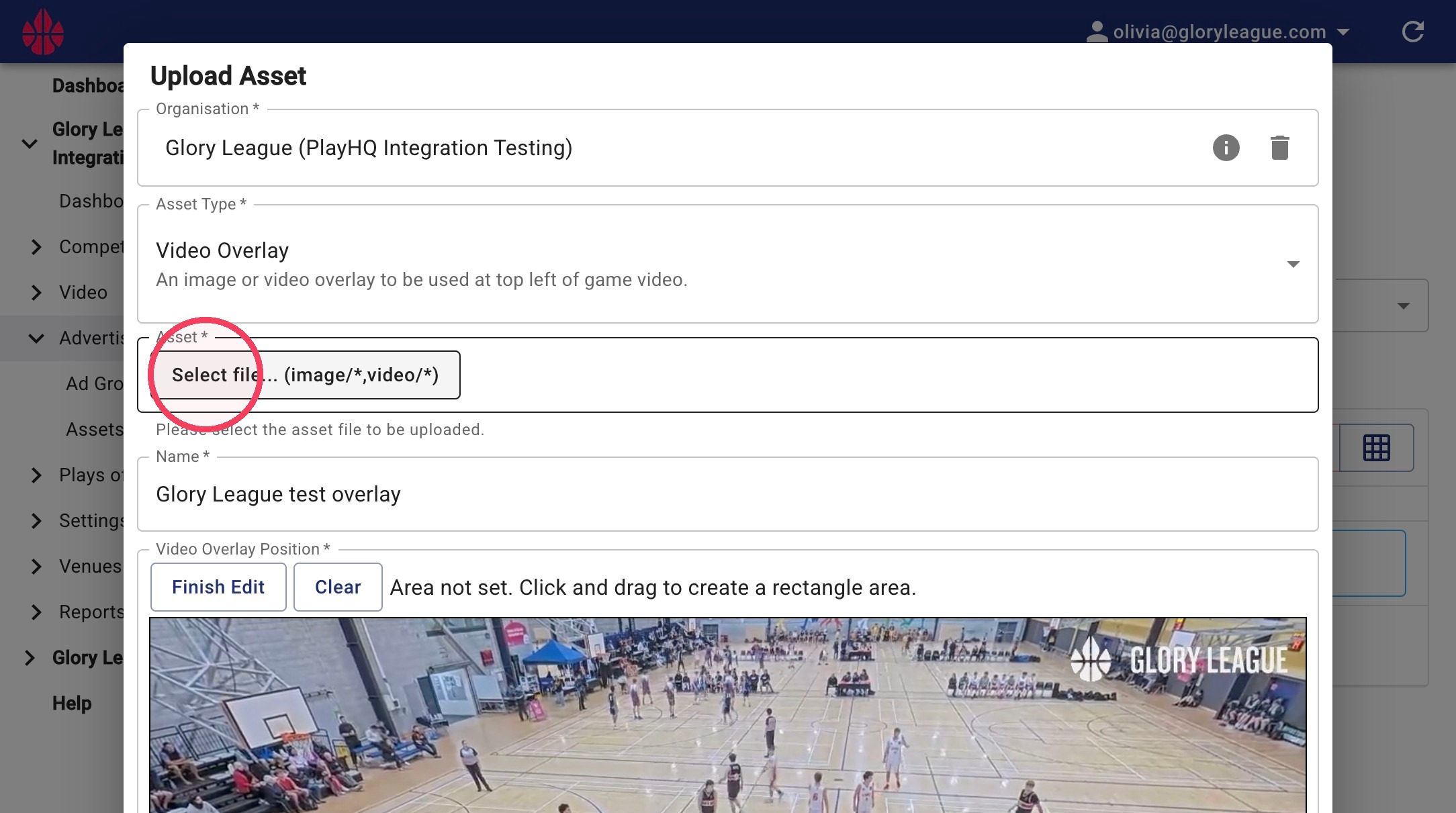
5. Click Select file... (image/,video/) to upload asset. Video Overlay assets have a maximum display size of 256px × 90px. Larger images can still be resized when positioning the overlay.
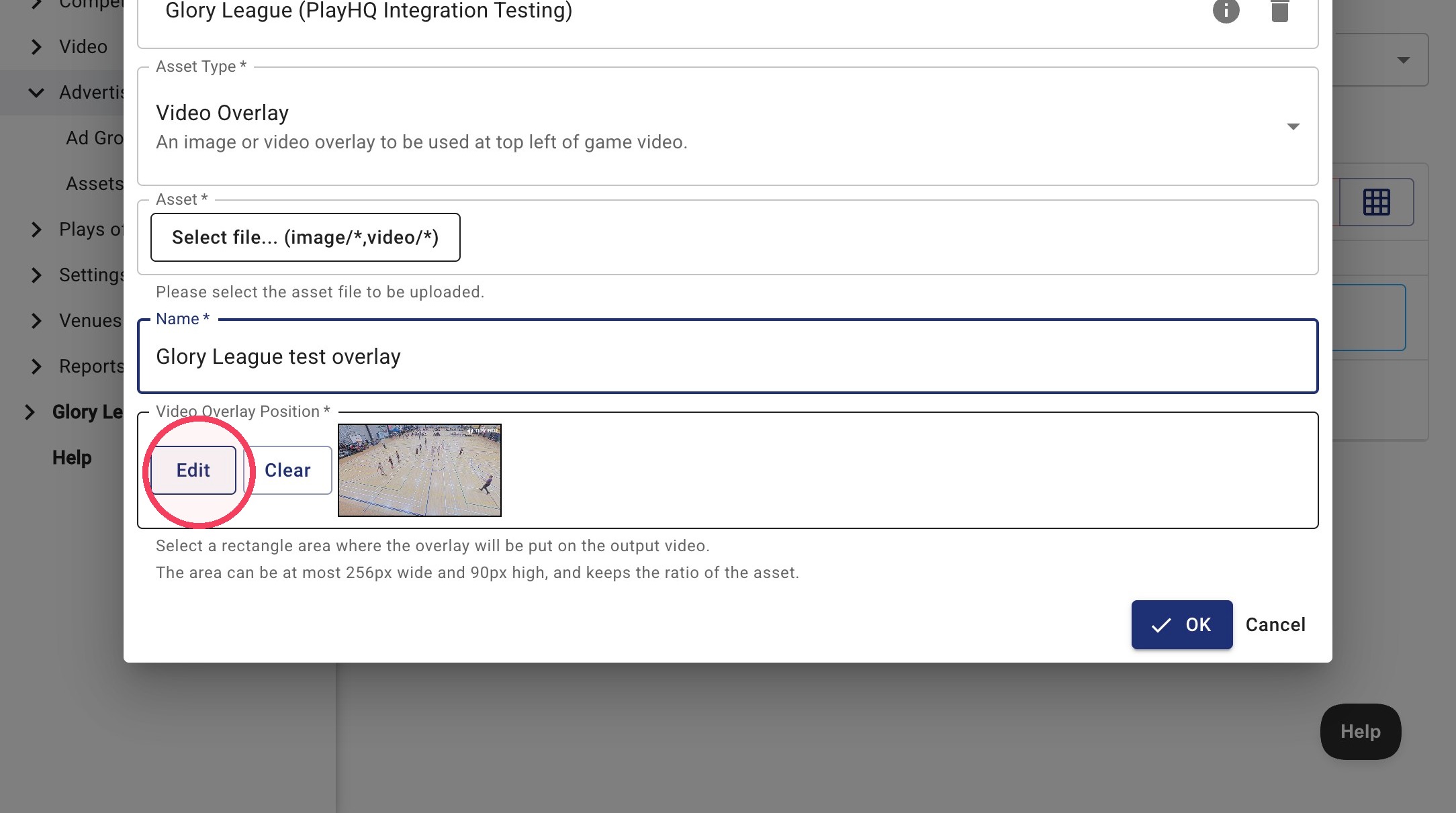
6. Click Edit under Video Overlay Position to place the overlay.
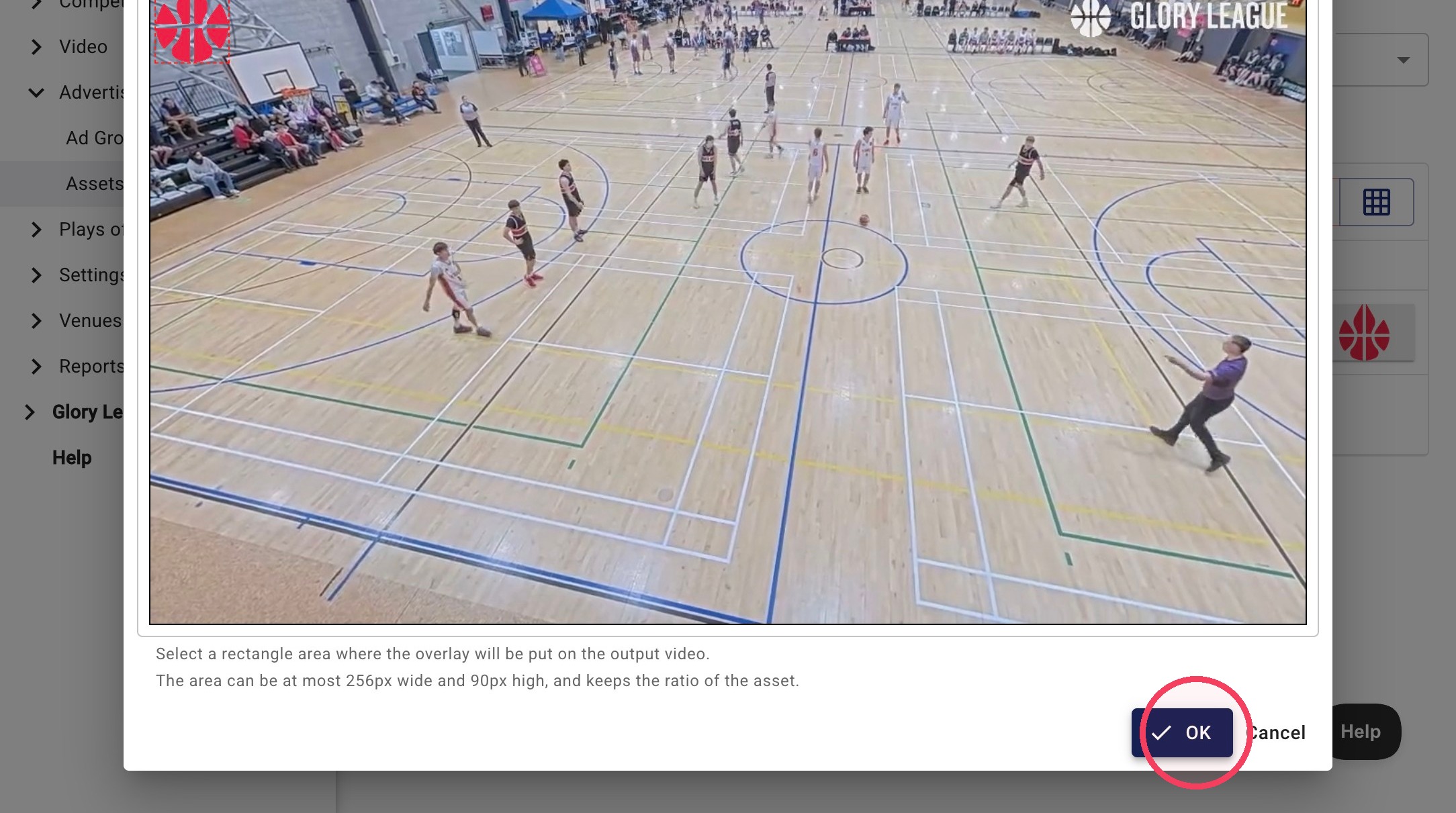
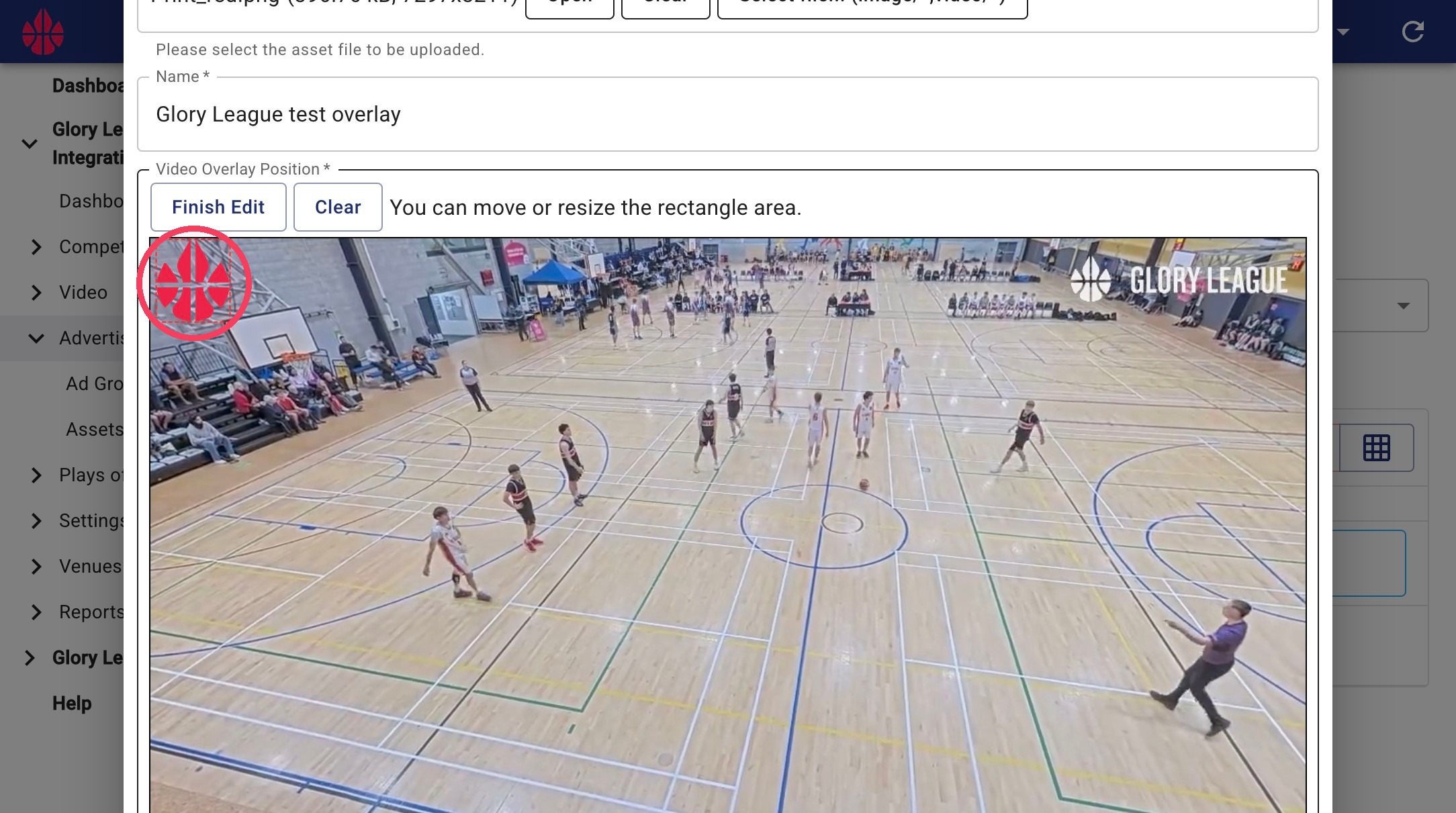
7. Click and drag your asset to position it where you would like it to appear. You can also drag the corner of the image to resize it. Video Overlay assets are limited to a maximum size of 256px × 90px, and the original image ratio will be maintained when resizing.
8. Once you are happy with the placement click OK. You can change this at any time.